
OfficePro MA421S
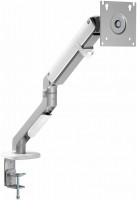 | Outdated Product Type: desktop mount; Installation: universal; Minimum size ("): 17; Max. size ("): 32; Max. weight (kg): 9; Adjustments: tilt; turn; depth adjustment; slide; rotation; height adjustment; VESA: 75x75mm; 100x100 mm; |


We recommend products in stockTV Mounts & Stands OfficePro →
desktop, diagonal: from 17 ", up to 32 ", load: up to 8 kg, rotation, cable management, portrait orientation

desktop, diagonal: from 17 ", up to 32 ", load: up to 10 kg, rotation, cable management, portrait orientation
desktop, diagonal: from 17 ", up to 35 ", load: up to 10 kg, rotation, cable management, portrait orientation

desktop, diagonal: from 17 ", up to 32 ", load: up to 10 kg, rotation, cable management, portrait orientation
desktop, diagonal: from 17 ", up to 32 ", load: up to 9 kg, rotation, cable management, portrait orientation

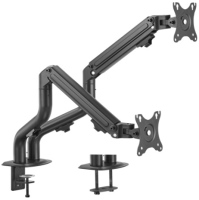
desktop, diagonal: from 17 ", up to 32 ", load: up to 8 kg, rotation, cable management, portrait orientation

desktop, diagonal: from 17 ", up to 32 ", load: up to 9 kg, rotation, cable management, portrait orientation

desktop, diagonal: from 13 ", up to 32 ", load: up to 16 kg, rotation, cable management, portrait orientation

desktop, diagonal: from 17 ", up to 32 ", load: up to 9 kg, rotation, cable management, portrait orientation
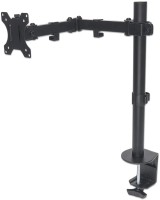
desktop, diagonal: from 13 ", up to 32 ", load: up to 8 kg, rotation, cable management, portrait orientation

desktop, diagonal: from 13 ", up to 32 ", load: up to 10 kg, rotation, cable management, portrait orientation

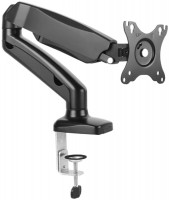
desktop, diagonal: from 12 ", up to 32 ", load: up to 8 kg, rotation, cable management, portrait orientation

desktop, diagonal: from 17 ", up to 32 ", load: up to 9 kg, rotation, cable management, portrait orientation
OfficePro MA421S | |||||||||||||||||||||||||||||||||||||||||||||
|
| ||||||||||||||||||||||||||||||||||||||||||||


E-Catalog UK editor, TV Mounts & Stands
Anastasiia Husieva, edited 17.10.2025
The information in the model description is for reference purposes.
Always clarify the specifications and configuration of the product with the online store manager before purchasing.
Catalog OfficePro 2026 - new arrivals, bestsellers, and the most relevant models OfficePro.
Always clarify the specifications and configuration of the product with the online store manager before purchasing.
Catalog OfficePro 2026 - new arrivals, bestsellers, and the most relevant models OfficePro.

Best Desktop Monitor Arms with Maximum AdjustabilityUnlimited comfort and functionality of the workspace thanks to brackets adjustable in all directions
How to choose a bracket for TV and monitorCriteria for choosing a functional and reliable bracket for TVs and monitors with a certain screen diagonal
Model overview based on user reviews
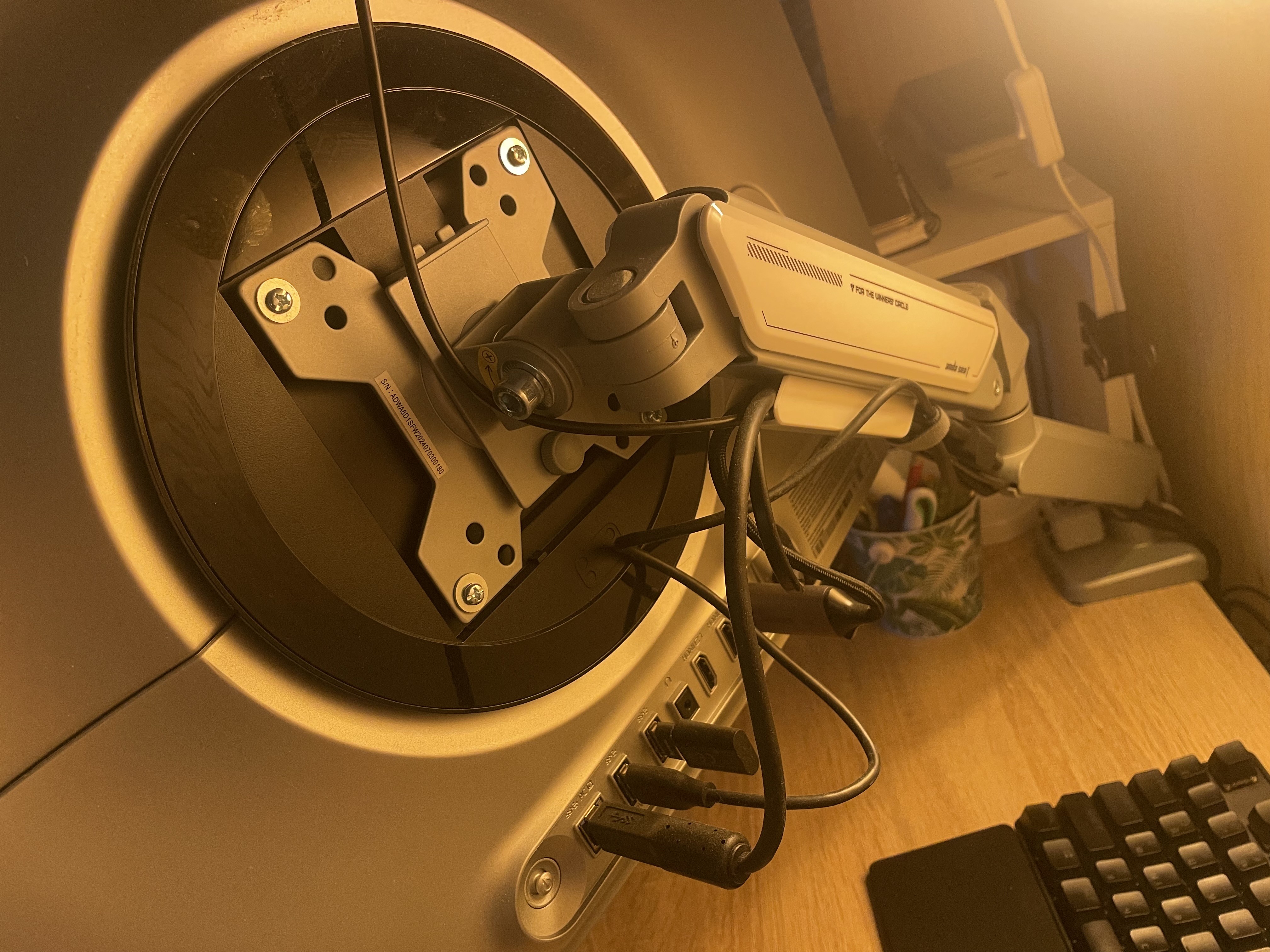
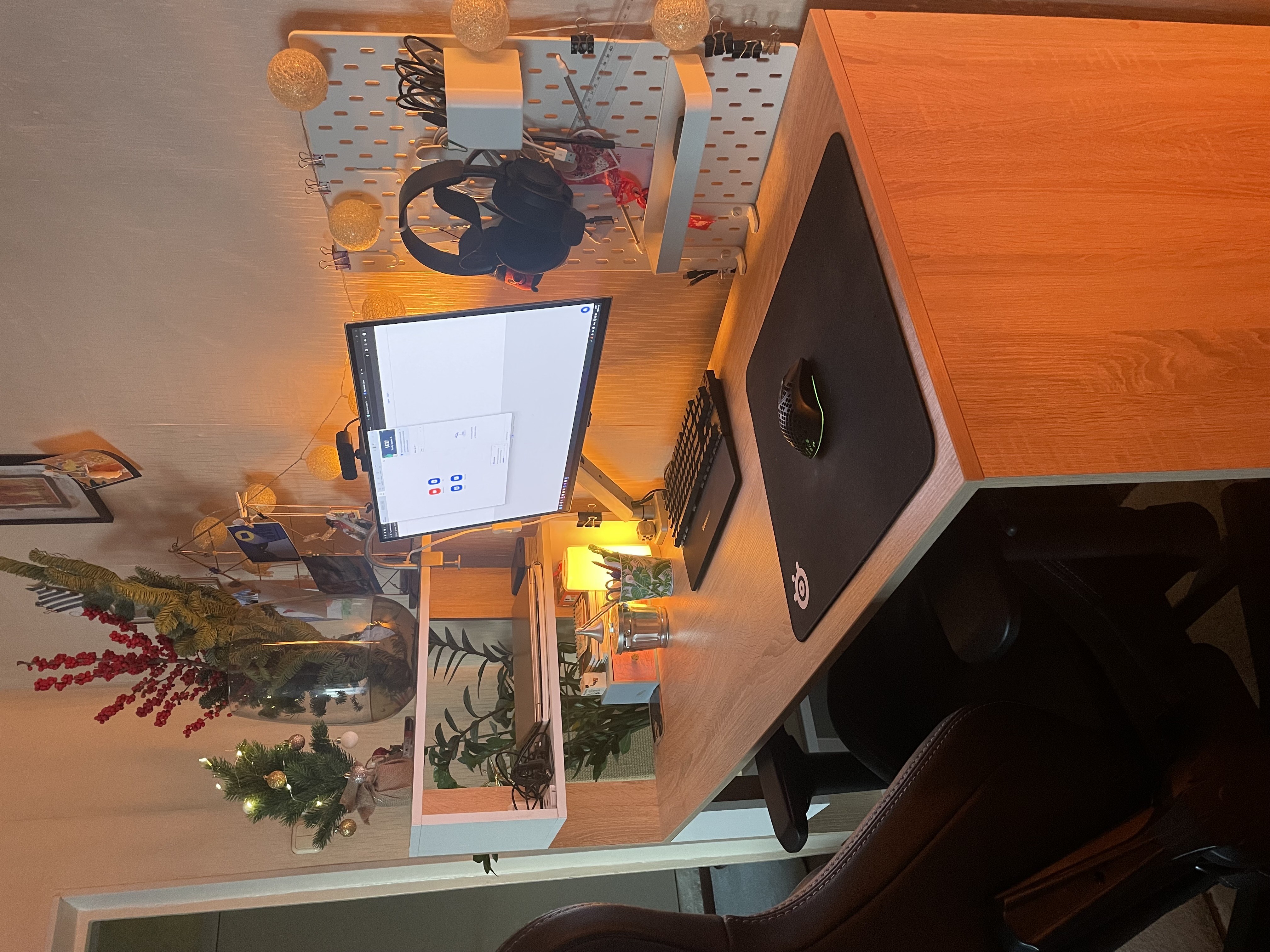
OfficePro MA421S is praised for its solid construction, easy assembly and smooth monitor adjustment. Integrated cable management keeps the desk tidy, while the broad adjustment range makes repositioning convenient. However, one user had to fully tighten the fasteners to secure a nearly 6 kg 27-inch monitor, raising doubts about stability with heavier 30–32-inch displays.
Pros
Cons
Finally, I have a clean desk at home without stands and a bunch of cables. A cable channel allows you to neatly hide all the wires so they're not visible. The quality of the construction is top-notch, and it's very easy to assemble. The bracket is very easy to turn and rotate, which is very important if you need to do this several times throughout the workday. I have a 27-inch monitor that weighs almost 6 kg. To keep it securely on the bracket, I had to tighten all the nuts to the maximum. So I'm not very confident it can hold heavier monitors of 30-32 inches very well. Quality materials Easy to assemble Easy to rotate Cable channel keeps your desk tidy -  Oleg Okhrimenko: use OfficePro MA421S few months Oleg Okhrimenko: use OfficePro MA421S few months |
A wonderful bracket in white and gray colors, a look at the installation as ordered: Price, collection, design, cable channel Without revealing it, it’s good) |

Add Review
Ask Question