
Sector T11
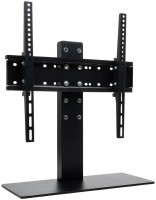 | Outdated Product Type: desktop mount; Minimum size ("): 32; Max. size ("): 55; Max. weight (kg): 35; Adjustments: tilt; VESA: 100x100 mm; 100x200mm; 200x100mm; 200x200mm; 200x300 mm; 200x400mm; 300x200mm; 300x300mm; 300x400mm; 400x200mm; 400x300mm; 400x400mm; |


We recommend products in stockTV Mounts & Stands Sector →
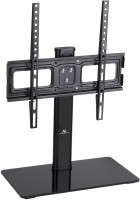
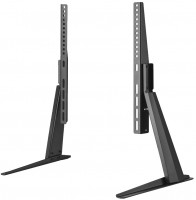
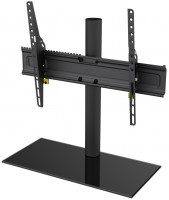
Sector T11 | |||||||||||||||||
| |||||||||||||||||
The information in the model description is for reference purposes.
Always clarify the specifications and configuration of the product with the online store manager before purchasing.
Catalog Sector 2026 - new arrivals, bestsellers, and the most relevant models Sector.
Always clarify the specifications and configuration of the product with the online store manager before purchasing.
Catalog Sector 2026 - new arrivals, bestsellers, and the most relevant models Sector.

Best Desktop Monitor Arms with Maximum AdjustabilityUnlimited comfort and functionality of the workspace thanks to brackets adjustable in all directions
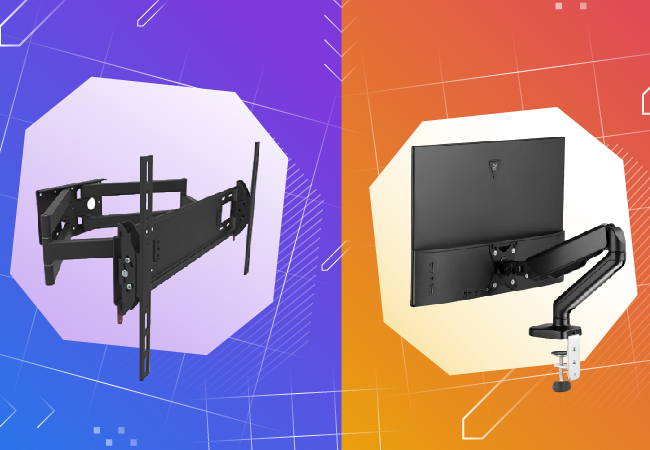
How to choose a bracket for TV and monitorCriteria for choosing a functional and reliable bracket for TVs and monitors with a certain screen diagonal
Overall, not a bad model. All parts are metal, and the structure itself is quite heavy. You won't move it much. Everything assembles into a solid structure. It's obviously intended for televisions, but you can use it for a monitor too, though you might need to fiddle a bit with bolts and washers since the set includes only ones for heavy devices with large screens. You can adjust the height and a small tilt angle of +-12 degrees. Stability of structure. I got it to stop the monitor from wobbling like a pendulum when typing on the keyboard. This stand solves that issue. By the way, the monitor is now much higher than on the original stand. Now I realize how low my monitors used to sit. It's solid. You set the height and tilt angle, then you can only move the stand forward/backward or rotate it. So there are some disadvantages too.  Oleksandr Rozumenko: use Sector T11 less than month Oleksandr Rozumenko: use Sector T11 less than month |
Add Review
Ask Question