
UFT MM2
 | Outdated Product Type: desktop mount; Installation: universal; Minimum size ("): 13; Max. size ("): 37; Max. weight (kg): 7; Adjustments: tilt; turn; depth adjustment; slide; rotation; height adjustment; VESA: 75x75mm; 100x100 mm; |


We recommend products in stockTV Mounts & Stands UFT →
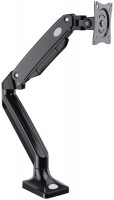
desktop, diagonal: from 17 ", up to 35 ", load: up to 10 kg, rotation, cable management, portrait orientation


UFT MM2 | |||||||||||||||||||||||||||||||||||||||||||||||
|
| ||||||||||||||||||||||||||||||||||||||||||||||


The information in the model description is for reference purposes.
Always clarify the specifications and configuration of the product with the online store manager before purchasing.
Catalog UFT 2026 - new arrivals, bestsellers, and the most relevant models UFT.
Always clarify the specifications and configuration of the product with the online store manager before purchasing.
Catalog UFT 2026 - new arrivals, bestsellers, and the most relevant models UFT.

Best Desktop Monitor Arms with Maximum AdjustabilityUnlimited comfort and functionality of the workspace thanks to brackets adjustable in all directions
How to choose a bracket for TV and monitorCriteria for choosing a functional and reliable bracket for TVs and monitors with a certain screen diagonal
This is really a very useful item. You can easily adjust the height, angle, and distance to the monitor. There is a cable management channel so that they don't hang behind the monitor but are hidden from view. There are several options for mounting the monitor to the desk, either with a clamp or by drilling a hole in the desk. The clamp is very thick and can withstand anything. The rubber feet of the stand constantly want to slip out from under your feet. No matter how hard you try, you will still damage the table, whether from the top or the bottom.  Reverse_rain: use UFT MM2 more than year Reverse_rain: use UFT MM2 more than year |
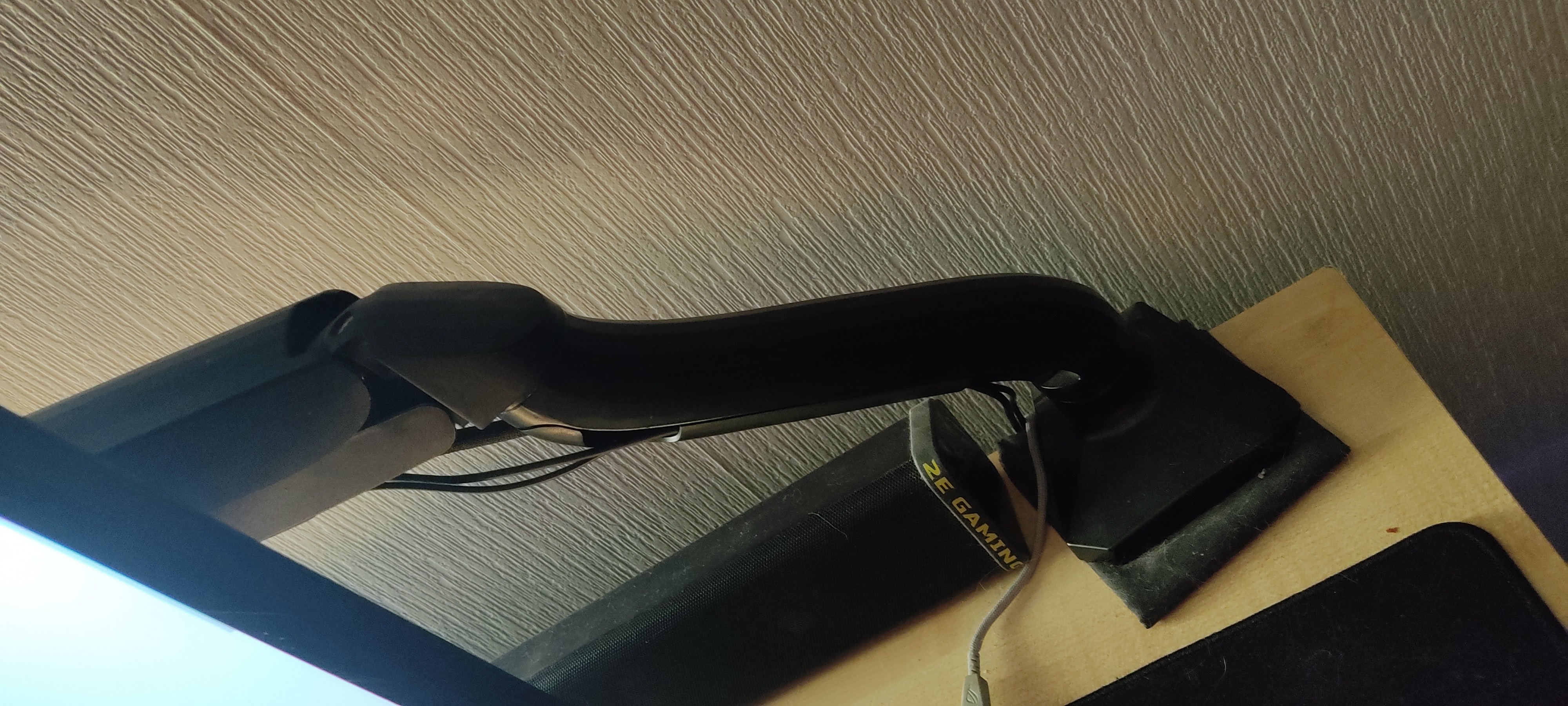
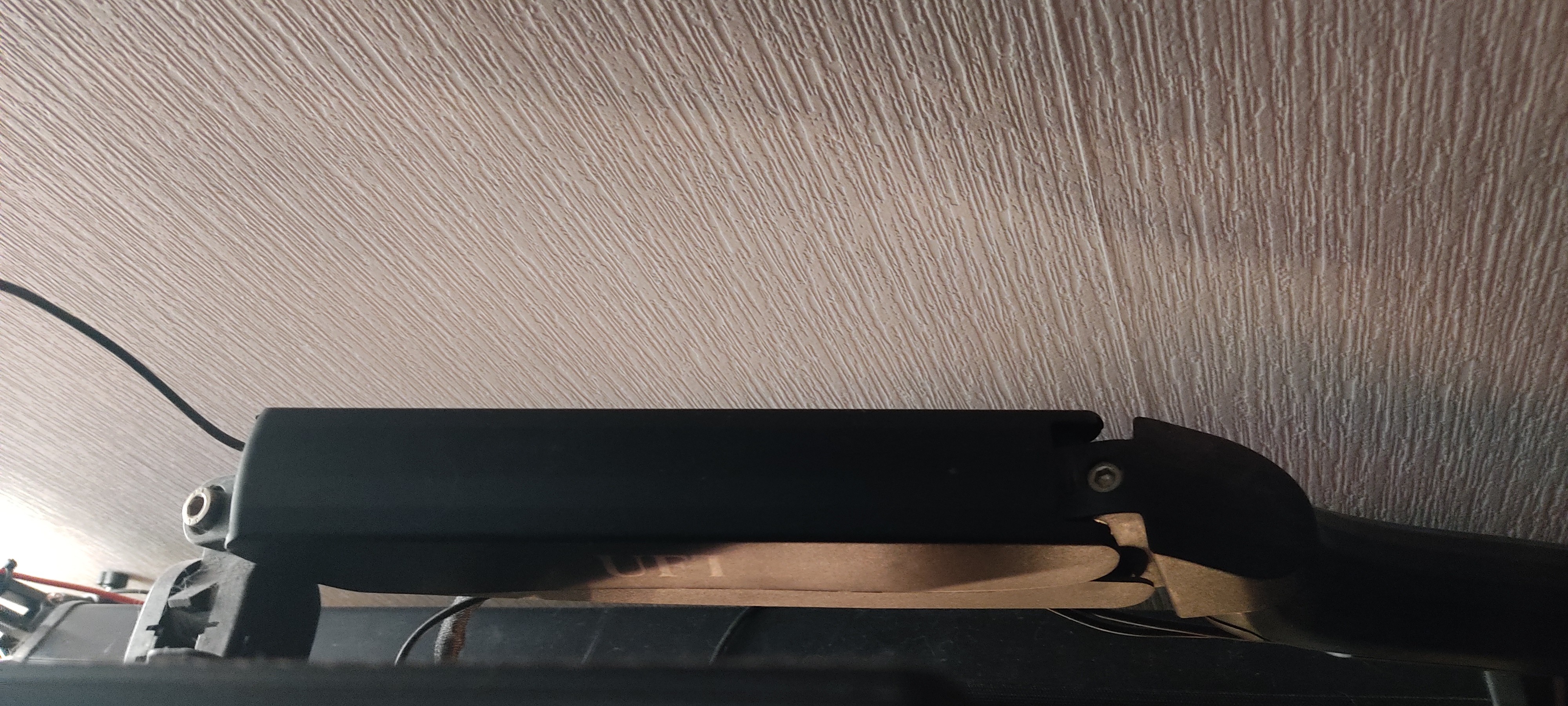
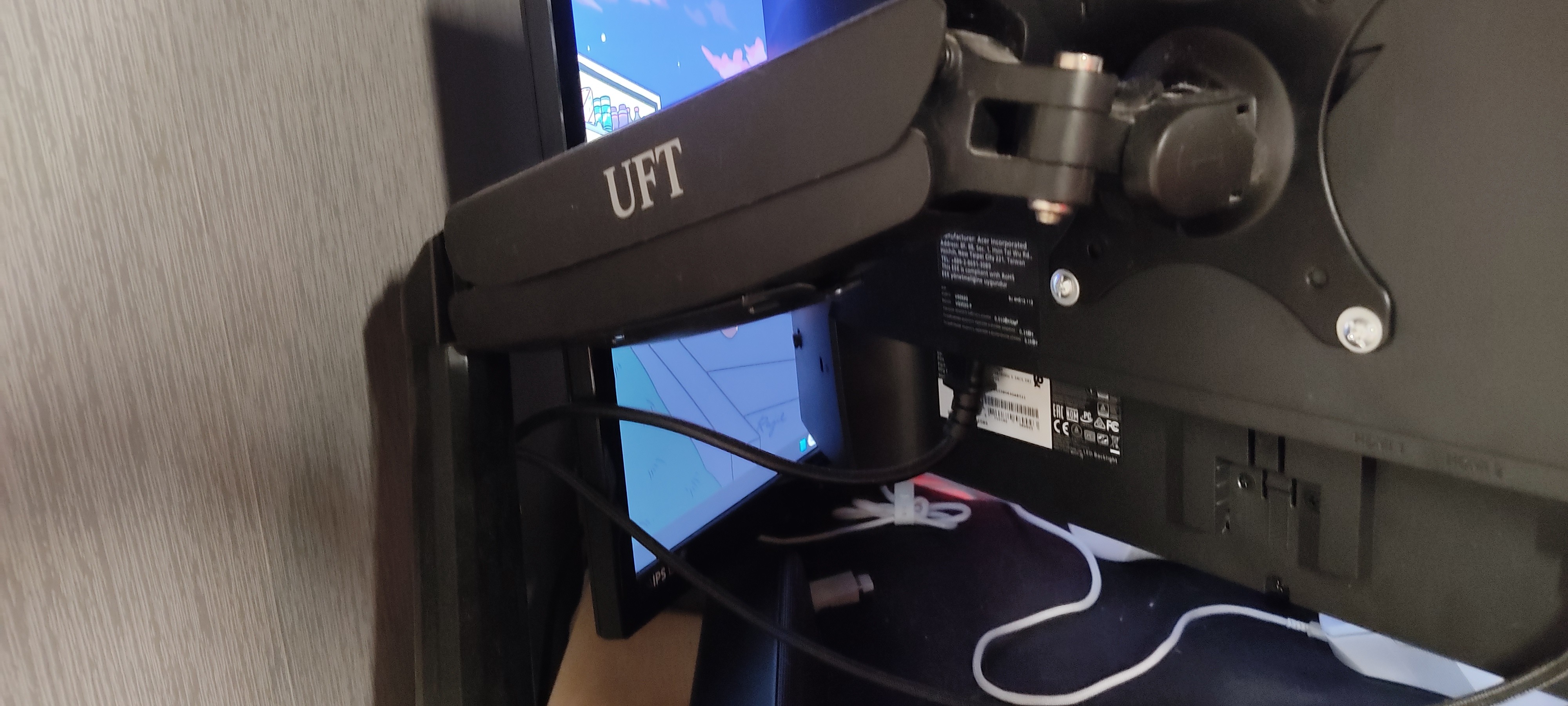
The UFT MM2 desktop mount is not the best option, although it holds the monitor more or less okay. The main issue lies with the attachment to the desk. The clamp is poorly designed: it constantly spins, the bottom screw is awkward, weak, and even bends when tightened. A particular pain point is the elongated support on the screw. The idea looks strange even on paper, and in reality, it's even worse. The bar, which should act as a spacer between the screw and the desk, is held by nuts that easily turn. As a result, the screw goes up, the bar goes down, and the thread ends up directly against the desktop surface. Thanks for ruining the desk surface. For comparison, a microphone boom arm has a much more reliable and well-thought-out clamp. The installation process is also extremely inconvenient. There is no separate mounting plate for the monitor with a quick connect. Either you first attach the monitor and then try to hold the entire structure, securing it to the desk, or you first attach the arm to the desk and then squeeze the spring with one hand and try to align it with the VESA holes with the other. If the holes are recessed and require spacers, I feel for you. On the plus side, there's decent cable management and, after all the hassle, the monitor does stay in place. But the ease of installation is practically zero. My next mount will definitely have a top clamp with quick monitor mounting, like some models from OfficePro. This mount does its job, but it drains too much patience. Well, she's holding the monitor. Ruins the desk, the mount is terrible and inconvenient, the lower section rotates only 180 instead of 360, which limits adjustments in some scenarios.  Oleksandra K: use UFT MM2 more than year Oleksandra K: use UFT MM2 more than year |
Add Review
Ask Question
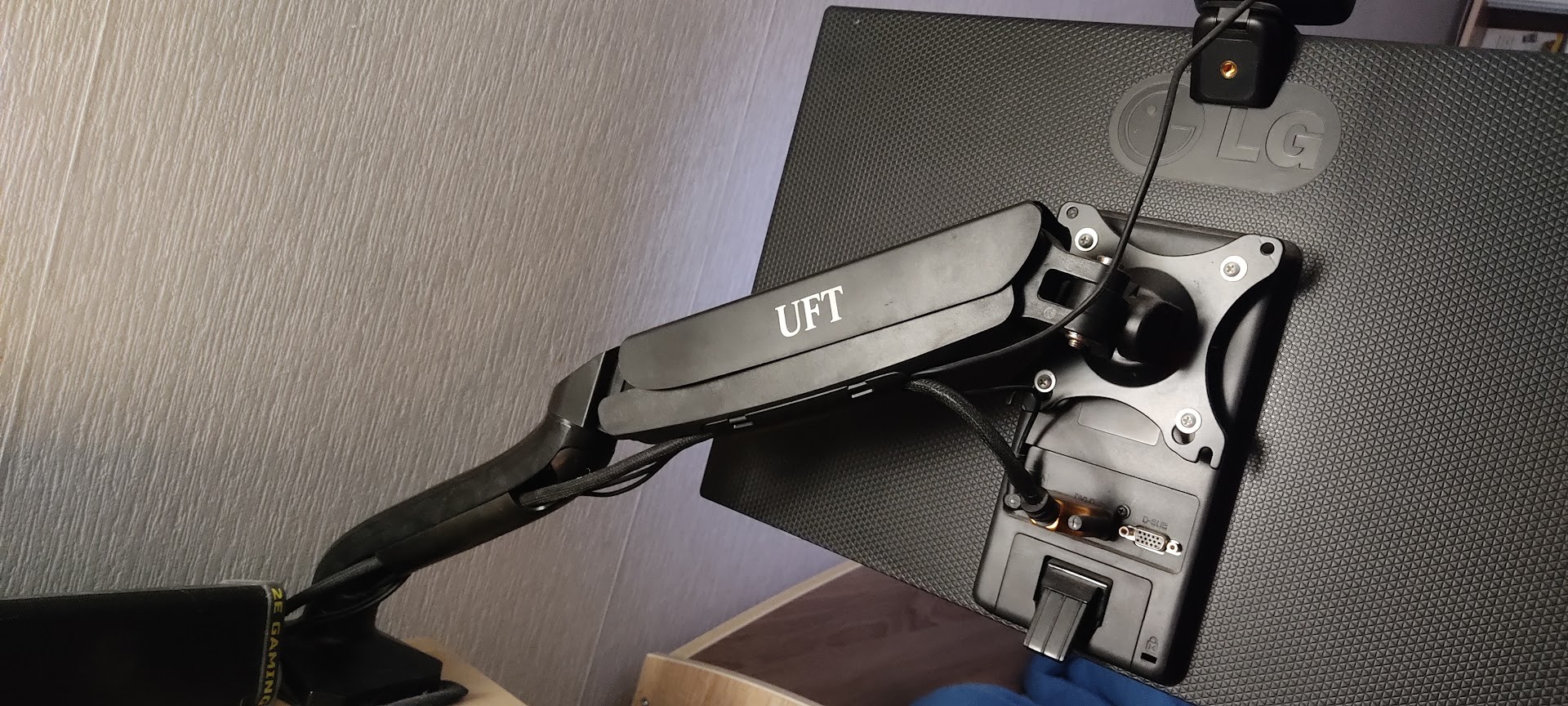
The leg is quite easy to adjust: we adjust the spring screw that compensates for the weight of the monitor so it doesn't fall, tighten the screw of the Vesa mount so the screen doesn't tilt forward, and that's it. Inside, there are channels for cable management, enough to run a video signal cable, monitor power cable, webcam, and a few more.
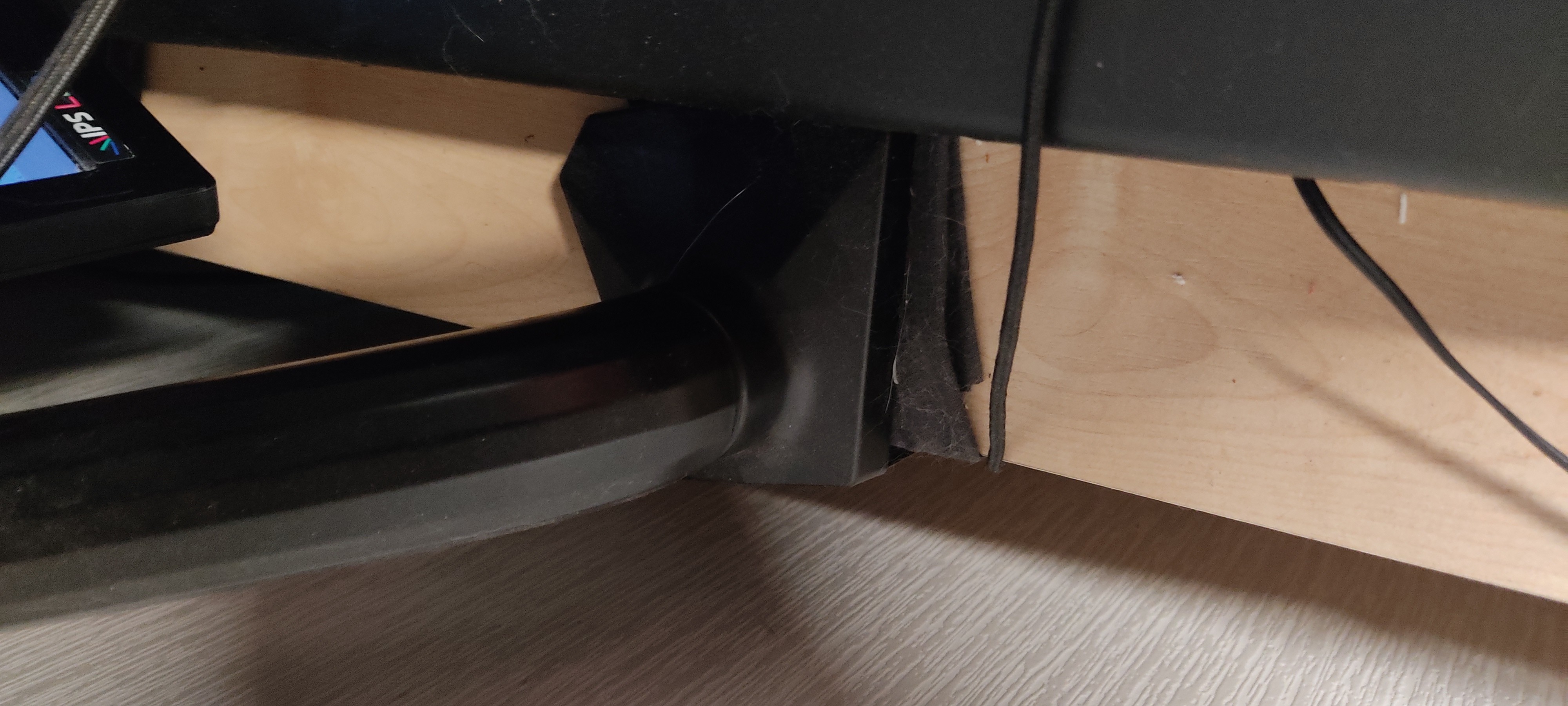
What I didn't like was the clamp. No, it's quite massive, made of thick steel. But it's too big; it feels like they designed it to hold a brick. Because of this, if you have a thin tabletop like mine, you have to screw the clamp almost all the way in, and it will have a lot of freedom, always trying to bend somewhere. Also, the rubber supports are just terrible; after a few rearrangements, I threw them away and placed a piece of fabric under the support to avoid damaging the tabletop.