NZXT Source 530 black
 | Outdated Product Features: gaming; Form factor: Full Tower; Mount: vertical; Motherboard support: E-ATX; PSU form factor: ATX (regular); Dimensions (mm): 507x235x511; Weight (kg): 9.2; Material: steel; 5.25" bays: 3; 3.5" bays: 6; internal 2.5" compartments: 13; Expansion slots: 8; Screwless; Installed fans: Fans total: 2 |


NZXT Source 530 black
Chassis Form Factor:Full Tower
Motherboard size:E-ATX
PSU power:no PSU
5.25" slots:3
Internal bays 3.5":6
Internal bays 2.5":13
All specifications
Specifications Source 530
|
| ||||||||||||||||||||||||||||||||||||||||||||||||||||||||||||||||||||||||||||||||||||||||||||||||||


The information in the model description is for reference purposes.
Always clarify the specifications and configuration of the product with the online store manager before purchasing.
Catalog NZXT 2026 - new arrivals, bestsellers, and the most relevant models NZXT.
Always clarify the specifications and configuration of the product with the online store manager before purchasing.
Catalog NZXT 2026 - new arrivals, bestsellers, and the most relevant models NZXT.
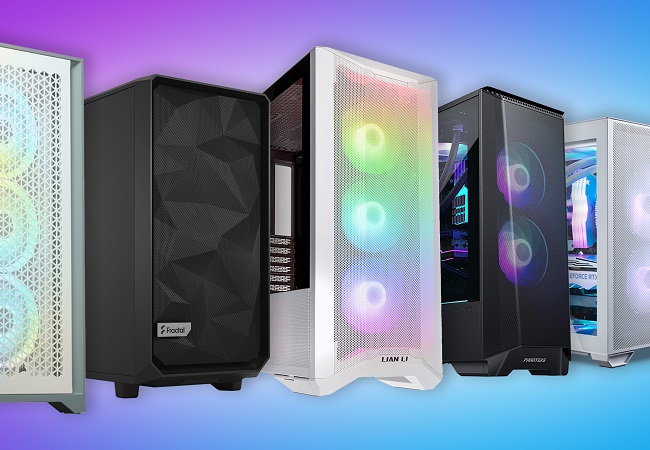
How to choose a PC case?Basic factors for choosing a stylish computer case with good functionality and efficiency
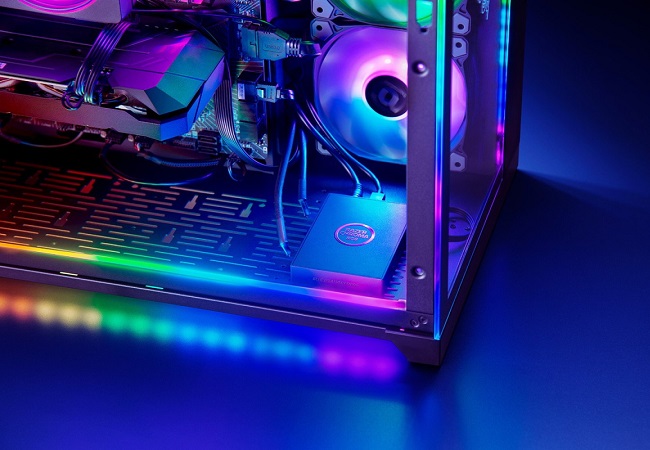
Shine Bright: Everything You Ever Wanted to Know About PC RGB LightingWe understand how the backlight appeared in the PC, how it is useful, and what synchronization systems are on the market
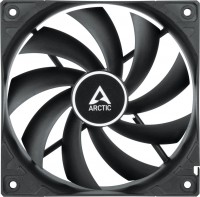
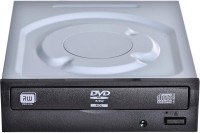
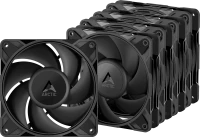
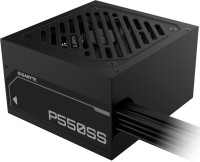
AccessoriesAll accessories for NZXT Source 530 →


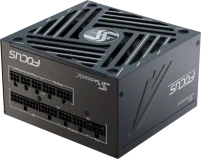

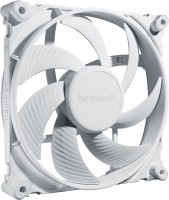
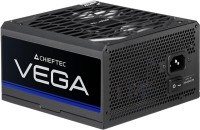
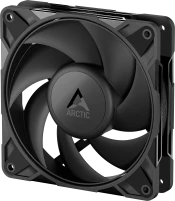





NZXT Source 530 has a striking drawback. Specifically, the hard drive indicator is not visible. It turns out that the manufacturer has integrated it into the elongated LED responsible for the PC's power. To make it clearly visible, when connecting to the motherboard's front panel, the Power Led and HDD Led connectors need to be swapped. In general, with that manufacturer, indicators are not visible on other cases either. May all the largest processor coolers in the new one fit. With the correct connection, the hard drive indicator is not visible.  Yaroslav Bilonizhko: use NZXT Source 530 more than year Yaroslav Bilonizhko: use NZXT Source 530 more than year |
Add Review
We recommendCompare using chart →
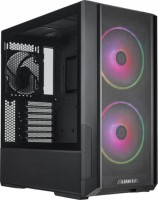
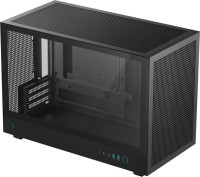
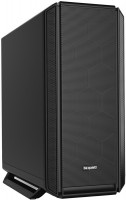
gaming, Mini Tower, micro-ATX, no PSU, front panel: USB A 1 pcs, USB C 1 pcs, display, fan backlight
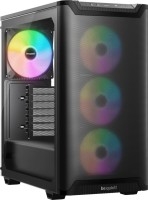
gaming, Midi Tower, ATX, no PSU, front panel: USB A 2 pcs, USB C 1 pcs, fan backlight, 4 fans
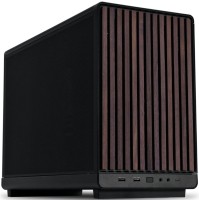
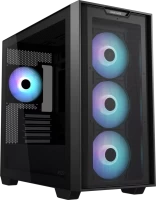
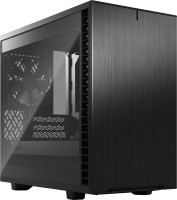
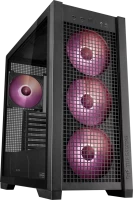
gaming, Midi Tower, E-ATX, no PSU, front panel: USB A 2 pcs, USB C 1 pcs, fan backlight, 4 fans
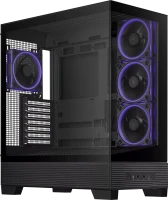
gaming, Midi Tower, ATX, no PSU, front panel: USB A 2 pcs, USB C 1 pcs, fan backlight, 4 fans