
RAWM MH01 1K
 | Outdated Product Product type: mouse; Connection: radio / Bluetooth / wired; Multi-Device; Sensor: optical; Type: for game; Sensor: PixArt 3395; Sensor Resolution (DPI): 50 – 26000; Max. acceleration (G): 50; Max. polling rate: 1000 Hz (1 ms); Buttons: 5; Side buttons; DPI-button; Switches: Huano; Switch resource: 100 million clicks |


We recommend products in stockMice RAWM →

gaming mouse, radio / Bluetooth / wired, USB-A, Multi-Device, buttons: 5, programmable, + wheel, Huano, RGB backlight, sensor 14400 DPI, battery, 500 mAh, up to 100 h

gaming mouse, radio / Bluetooth / wired, USB-A, BT v 5, Multi-Device, with memory, buttons: 5, programmable, + wheel, mechanical, RGB backlight, sensor 26000 DPI, battery, up to 200 h
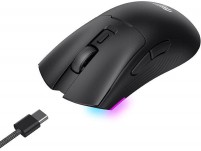
gaming mouse, radio / Bluetooth / wired, USB-A, BT v 5, Multi-Device, buttons: 5, programmable, + wheel, RGB backlight, sensor 10000 DPI, battery, 500 mAh

gaming mouse, radio / Bluetooth / wired, USB-A, Multi-Device, buttons: 4, programmable, + wheel, Huano, RGB backlight, sensor 25000 DPI, battery

gaming mouse, radio / Bluetooth / wired, USB-A, Multi-Device, buttons: 4, programmable, + wheel, RGB backlight, sensor 12000 DPI, battery, 300 mAh

gaming mouse, radio / Bluetooth / wired, USB-A, Multi-Device, buttons: 5, programmable, + wheel, Huano, sensor 12000 DPI, battery, 500 mAh, up to 44 h
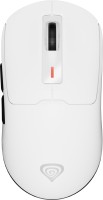
gaming mouse, radio / Bluetooth / wired, USB-A, Multi-Device, with memory, buttons: 5, programmable, + wheel, Huano, sensor 12000 DPI, battery

gaming mouse, radio / Bluetooth / wired, USB-A, Multi-Device, buttons: 4, programmable, + wheel, sensor 12000 DPI, battery, 500 mAh

gaming mouse, radio / Bluetooth / wired, USB-A, Multi-Device, buttons: 4, programmable, + wheel, Huano, sensor 18000 DPI, battery, 520 mAh, up to 70 h

gaming mouse, radio / Bluetooth / wired, USB-A, Multi-Device, buttons: 4, programmable, + wheel, RGB backlight, sensor 12000 DPI, battery, up to 82 h

gaming mouse, radio / Bluetooth / wired, USB-A, Multi-Device, buttons: 4, programmable, + wheel, Huano, sensor 18000 DPI, battery, 500 mAh, up to 70 h

gaming mouse, radio / Bluetooth / wired, USB-A, Multi-Device, buttons: 5, programmable, + wheel, sensor 26000 DPI, battery

gaming mouse, radio / Bluetooth / wired, USB-A, Multi-Device, buttons: 4, programmable, + wheel, Huano, sensor 26000 DPI, battery, 250 mAh, up to 40 h
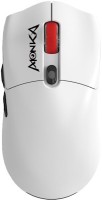
gaming mouse, radio / Bluetooth / wired, USB-A, BT v 5, Multi-Device, buttons: 5, programmable, + wheel, sensor 26000 DPI, battery, 300 mAh
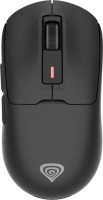
gaming mouse, radio / Bluetooth / wired, USB-A, BT v 5, Multi-Device, with memory, buttons: 5, programmable, + wheel, Huano, sensor 26000 DPI, battery, up to 80 h
RAWM MH01 1K | ||||||||||||||||||||||||||||||||||||||||||||||||||||||||||||||||||||||||||||||
|
| |||||||||||||||||||||||||||||||||||||||||||||||||||||||||||||||||||||||||||||


The information in the model description is for reference purposes.
Always clarify the specifications and configuration of the product with the online store manager before purchasing.
Catalog RAWM 2026 - new arrivals, bestsellers, and the most relevant models RAWM.
Always clarify the specifications and configuration of the product with the online store manager before purchasing.
Catalog RAWM 2026 - new arrivals, bestsellers, and the most relevant models RAWM.

How to choose a gaming mouseWe'll look at grip types, sensor sensitivity, pushbutton switches, and other important nuances
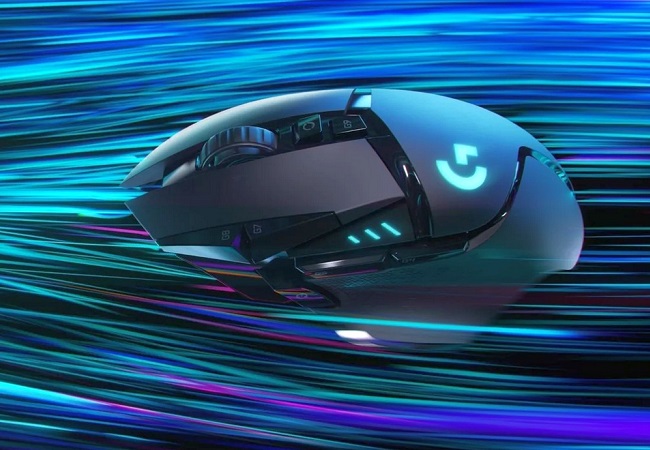
Branded technologies in computer mice worldWhat technologies are in mice and what benefits they give in particular tasks
AccessoriesAll accessories for RAWM MH01 1K →




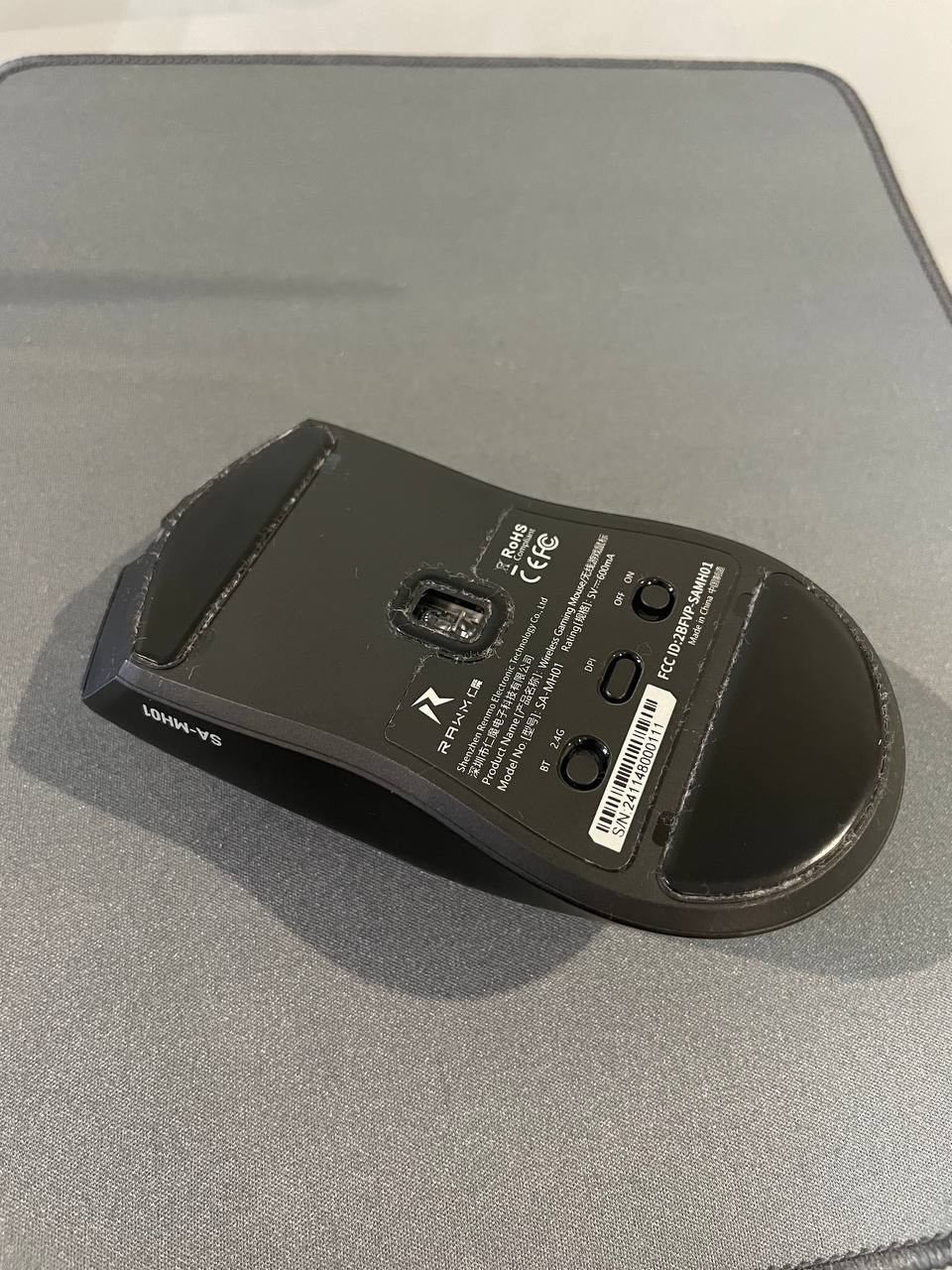
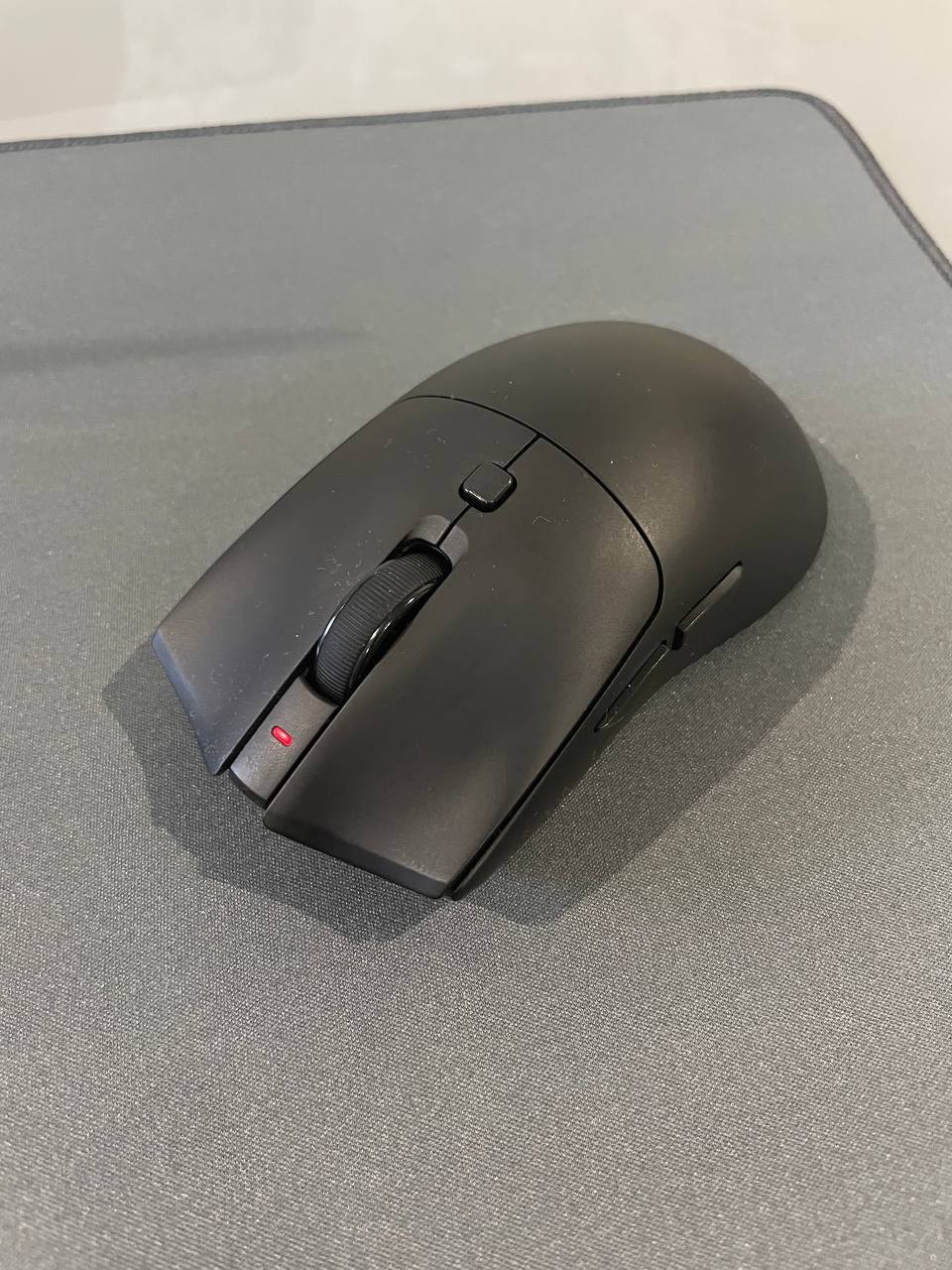
The initial impression was quite unusual — the mouse is very light. After using the Logitech Signature M650 L, the difference is noticeable right away. But within just a couple of days, you get used to it, and then everything is fine. The shape is comfortable, the hand rests comfortably, with no discomfort even during prolonged use. The build quality is top-notch: the plastic feels nice, it looks like a soft-touch finish but doesn't collect marks or become "greasy" (at least not yet). Over time, something might appear, but initially, everything is great. The clicks are pleasant, precise, with moderate volume — not quiet, but not irritating either. The scroll is crisp and satisfying. It glides very swiftly on the mousepad, plus there are spare Teflon feet included. A distinct advantage is the charge indicator. When the battery is low, it lights up red. I can't say anything specific about battery life: I use the mouse 24/7, and when it runs out of charge, I just connect the included USB-C - USB-A cable and continue working wired until it's fully charged. I didn't measure specifically (but they claim 165 hours). Cons — it doesn't include a USB-C - USB-C cable. Polling rate up to 8000 Hz, which is unusual for mice in this price category. Three connection modes: wired, 2.4 GHz wireless, and Bluetooth. No slack. In my case, a USB-C to USB-C cable would be better in the package instead of a USB-C to USB-A. There's no place to store the USB dongle (it's just lying around in the drawer and could get lost, but for now, I'm using Bluetooth connectivity).  Dmitriy P: use RAWM MH01 1K few months Dmitriy P: use RAWM MH01 1K few months |
Add Review