
Xiaomi Mi Router 4C
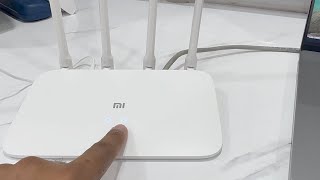
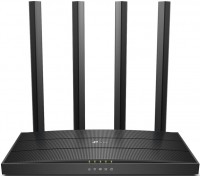
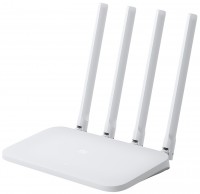 | Expecting restock Stylish and compact stationary wireless router of the N300 class with a Wi-Fi module of the Wi-Fi 4 standard (802.11b/g/n) and three cable network ports of the Fast Ethernet class (one WAN and two LANs, up to 100 Mbps). It has an affordable cost and a decent area of created wireless coverage. It is positioned as an affordable basic price product designed to work with incoming cable connection at speeds up to 100 Mbps. First of all, this model is aimed at home users who do not need a significant amount of cable connections. Also, the Xiaomi Mi Router 4C router will cope with the needs of a small office (up to two stationary PCs and up to 64 wireless connections with laptops, smartphones, tablets and other compatible smart devices). The basis of the router was a performant 2-core processor MediaTek MT7621A..., operating at a frequency of 880 MHz. It works in conjunction with 4 external antennas with a gain of 5 dBi and supports MU-MIMO 2x2 multi-stream data transmission technology. The maximum Wi-Fi connection speed claimed by the manufacturer can reach 300 Mbps. This is quite enough for watching high-quality streaming high-definition video, comfortable surfing and online gaming, cloud services and other tasks. The stylish white case will fit into any modern interior. |


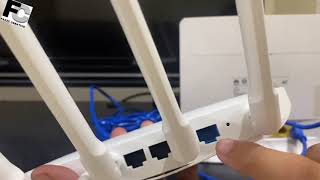
Stylish and compact stationary wireless router of the N300 class with a Wi-Fi module of the Wi-Fi 4 standard (802.11b/g/n) and three cable network ports of the Fast Ethernet class (one WAN and two LANs, up to 100 Mbps). It has an affordable cost and a decent area of created wireless coverage. It is positioned as an affordable basic price product designed to work with incoming cable connection at speeds up to 100 Mbps.
First of all, this model is aimed at home users who do not need a significant amount of cable connections. Also, the Xiaomi Mi Router 4C router will cope with the needs of a small office (up to two stationary PCs and up to 64 wireless connections with laptops, smartphones, tablets and other compatible smart devices). The basis of the router was a performant 2-core processor MediaTek MT7621A, operating at a frequency of 880 MHz.
It works in conjunction with 4 external antennas with a gain of 5 dBi and supports MU-MIMO 2x2 multi-stream data transmission technology. The maximum Wi-Fi connection speed claimed by the manufacturer can reach 300 Mbps. This is quite enough for watching high-quality streaming high-definition video, comfortable surfing and online gaming, cloud services and other tasks. The stylish white case will fit into any modern interior.
|
| ||||||||||||||||||||||||||||||||||||||||||||||||||||||||||||||||||||||


Always clarify the specifications and configuration of the product with the online store manager before purchasing.
Catalog Xiaomi 2026 - new arrivals, bestsellers, and the most relevant models Xiaomi.

5 4 0 3 |
Minimalist design. Will fit perfectly into the interior; Quick setup. The employee who installed the internet managed to set everything up through the phone without using a computer; Reasonably low price for the device; Euro plug. Standard Russian plug. No wall mounting. This can be overlooked if you're not scrutinizing the photos; Distributes internet terribly (more details on this below); Pointless mobile app; No LAN cable included. I had a cable, but most people might not have one, so take care of this in advance; L2TP is missing. There are some settings on YouTube, but they are extremely dubious, and besides, everyone buys a router to use it, not to spend hours setting it up; Weak protection, or rather the lack of it.  Dima Karandeev: use Xiaomi Mi Router 4C few months Dima Karandeev: use Xiaomi Mi Router 4C few months |

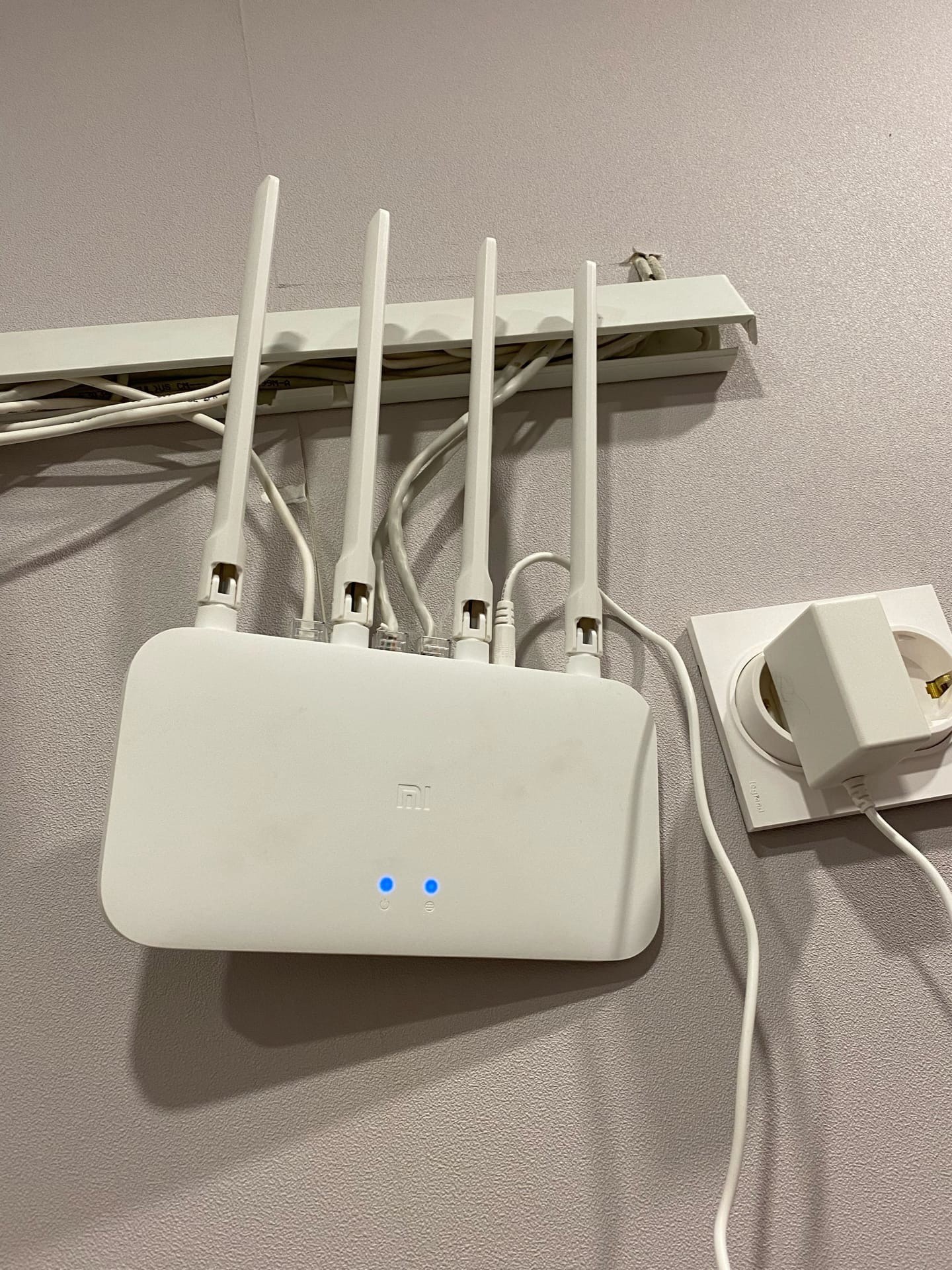
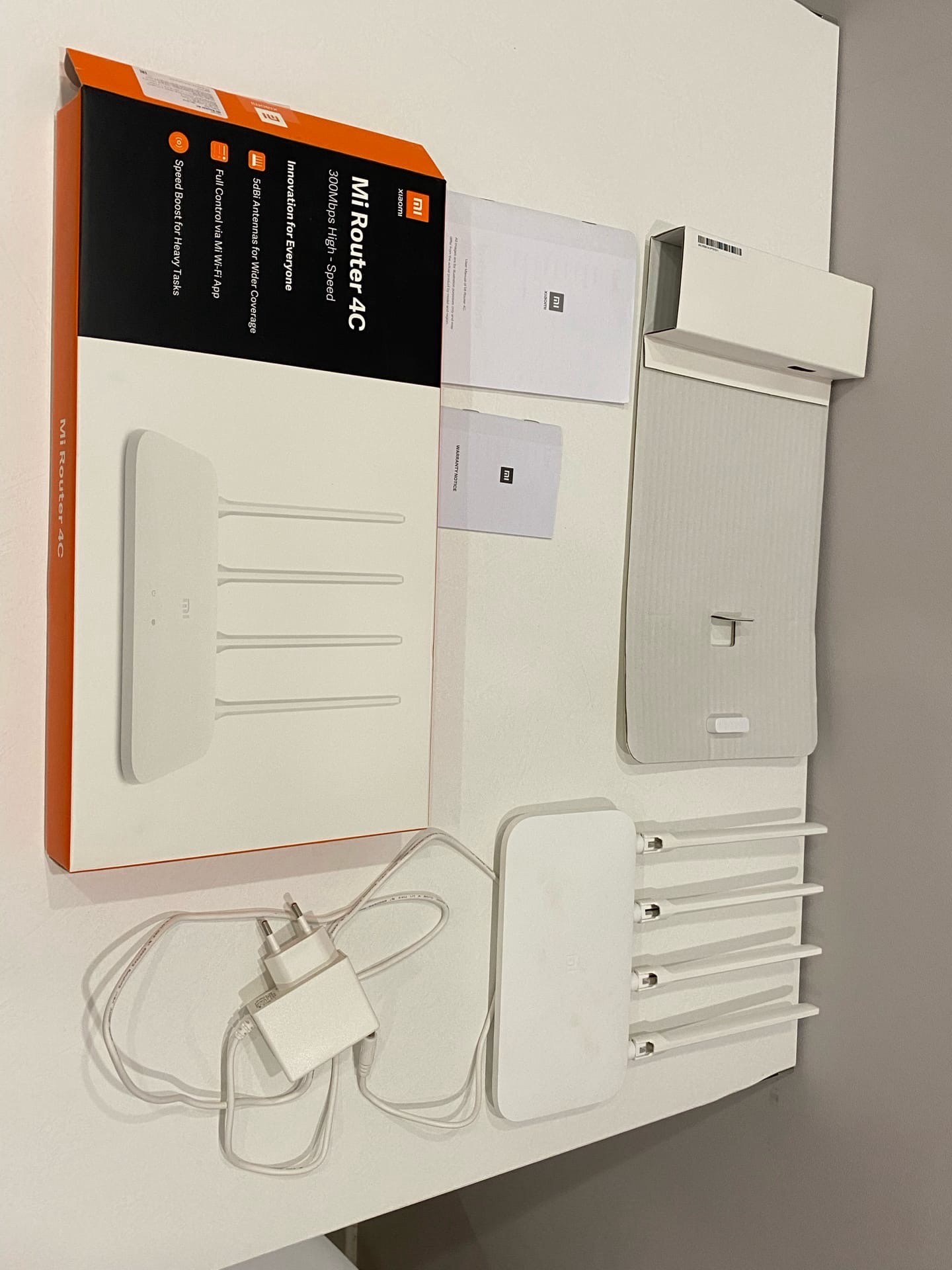
In no case do not take this muck in your hands, wifi is unstable when you connect more than 4 devices (they start to fall off one by one), after updating the firmware, it only gets worse, as the 300 Mbps ceiling stops working 150. located in one and a half meters packet loss starts from the machine on which streaming is enabled, it works stably only at 802.11g tested on 3 routers of this model and on 4 wi-fi cards tp-link wn951, tp-link 822, tp-link 722, asus usb wi- fi 54mb. stylish design no NORMAL language support, no wall mounts, no alternative stable firmware Vitaliy: use Xiaomi Mi Router 4C few months |
Deshmansky but high-quality router, which I actually needed. I didn’t want to take some kind of noun, I took xiaomi. Before that, there was tp link 941 in the third revision. Became very stupid, lose signal, and so on. Tired and decided to take a new one. The quality of the materials is good, the antennas are large - the signal is excellent (better than a tplink). I don’t need a gigibit Internet, and I don’t have one, so I actually took the usual 2.4 GHz bgn. According to the speedtest for downloading 79 mb, for sending 44 mb. Catches even on the street, despite the fact that I live on the 5th floor. Charging here at 5v, not 12v as it should be. He doesn't need to see anymore. Set up easily and quickly. A box made of the same cardboard that eggs are laid in the store)) In general, I am very pleased with the router, especially since it costs a penny. Quality signal. Breaks through walls. Everything is simple and casual. 4 antennas. But at this price, they shouldn't be.  Anton Chijik: use Xiaomi Mi Router 4C few months Anton Chijik: use Xiaomi Mi Router 4C few months |







I left the router running for a month while I was away from the apartment, periodically checking through the app to see if it was working or not. At first, it went into power-saving mode, and then it completely stopped appearing, as if it didn't exist. When I returned to the apartment, it turned out it had frozen, and I had to reboot it. So, the device wasn't used for a month and ended up freezing.
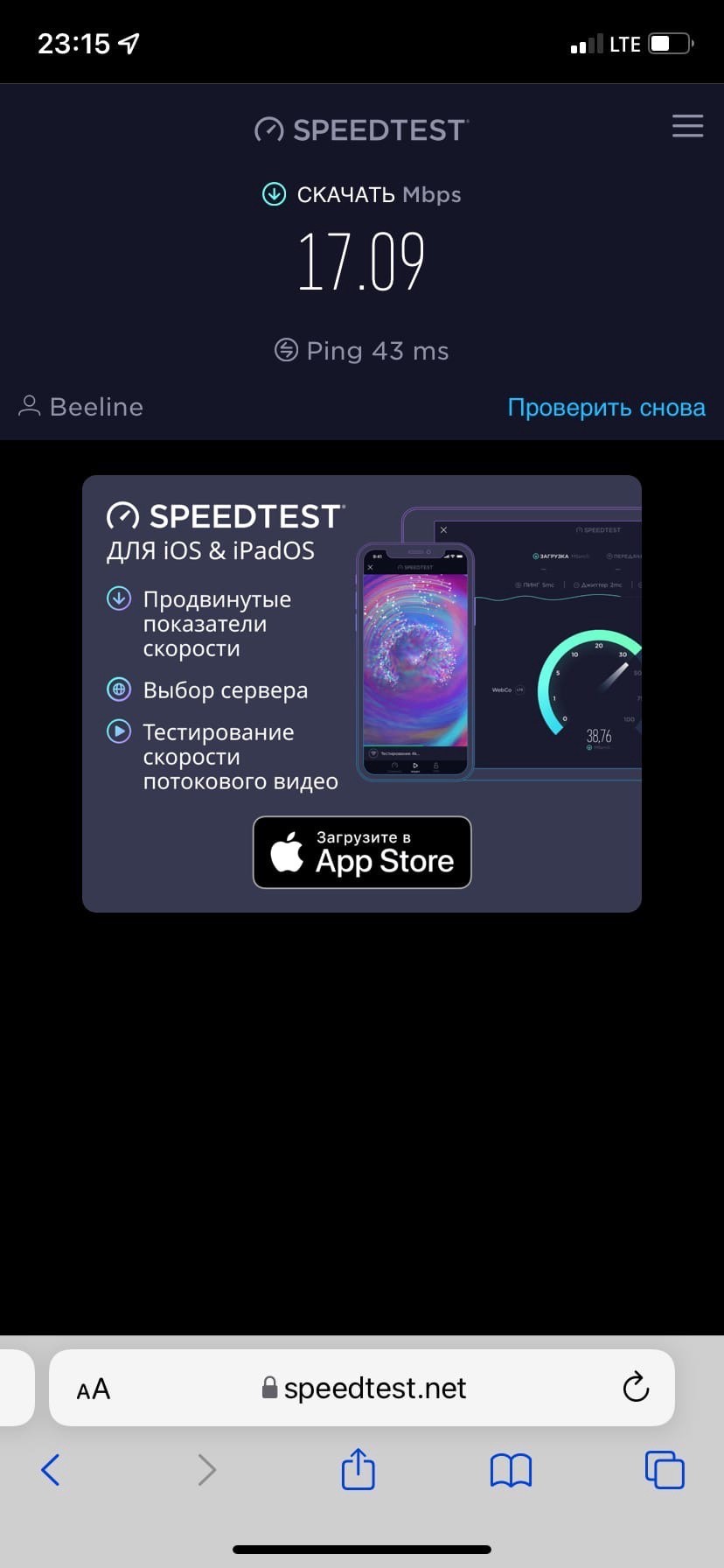
After 4 months of use, I can confidently say that the device throttles speed, and quite significantly. I started noticing this during calls on Telegram and other messengers, which my girlfriend also noticed later. Moreover, the internet connection directly through the router's cable is fine; the problem is with WiFi. Beeline staff found no issues on their end and also confirmed that Xiaomi doesn't provide support, recommending a router from Keenetic, TP-Link, or Asus instead. I had a Keenetic router in another apartment that worked perfectly and even had a signal strong enough to reach the floor above.
P.S. Of course, they'll say I needed to configure it, look for guides on the internet, I tried, but nothing changed. Beeline's internet speed is 100 Mbps, but through WiFi, it's 20-40 Mbps. I'm sorry, but I'm just a regular user who wants to buy a product, turn it on, and use it, rather than spending hours reconfiguring it and making a million different settings.