
TP-LINK TL-WR841N
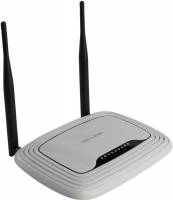 |

TP-LINK TL-WR841N
Type:router
WAN:Ethernet
Connection:LAN 4 ports, 100 Mbps
Wi-Fi:Wi-Fi 4 (N)
2.4 GHz:300 Mbps
Antennas and signal:20 dBm, 2 antenna(s), non-removable
It differs from the TL-WR841ND model in the type of antenna mounting. In this modification, they are removable, and in the TL-WR841N model they are fixed.
An entry-level router equipped with two non-removable external antennas, which primarily differs from the TL-WR841ND modification. The presence of two antennas allows for a more stable signal and a maximum data transfer rate of 300 Mbps. This is enough for online games, HD video streaming and video calls without any delay. Also on board there is a switch for 4 LAN ports. WPA/WPA2 encryption technology is supported, the QSS button provides the ability to instantly secure the connection.
All specifications
Specifications TL-WR841N
|
| ||||||||||||||||||||||||||||||||||||||||||||||||||||||||||||||||||||||||


E-Catalog UK editor, Wi-Fi Equipment
Valerii Lenko, edited 12.06.2026
The information in the model description is for reference purposes.
Always clarify the specifications and configuration of the product with the online store manager before purchasing.
Catalog TP-LINK 2026 - new arrivals, bestsellers, and the most relevant models TP-LINK.
Always clarify the specifications and configuration of the product with the online store manager before purchasing.
Catalog TP-LINK 2026 - new arrivals, bestsellers, and the most relevant models TP-LINK.
Buy TP-LINK TL-WR841N
All prices 17 →When you make a purchase through links on our site, we may receive a affiliate commission.
TP-Link TL-WR841N N300 Wi-Fi Router TL-WR841N | £13.92 |  | |||
Tp-link TL-WR841N | £15.99 |  | |||
Tp-link TL-WR841NPL | £18.49 | | |||
| £18.49 | | ||||
TP-Link TL-WR841N 300Mbps Wireless N Router with Non-Detachable | £20.99 |  | |||
12 more offer(s)
Model overview based on user reviews
The TP-LINK TL-WR841N router is praised for its affordable price and simple setup, making it a popular choice for home use. Users appreciate its reliable performance and good Wi-Fi coverage across small to medium-sized apartments, with many noting that it maintains a stable connection even through multiple walls. The router supports Wi-Fi standards up to 802.11n, offering a maximum wireless speed of 300 Mbps. While some users report occasional issues with speed reduction over Wi-Fi and the need for periodic reboots, the overall feedback is positive, highlighting its value for money. However, there are concerns about its longevity, with some units failing after a few months to a year. Despite these drawbacks, the TL-WR841N is recommended for those seeking a cost-effective and functional router for basic internet needs.
Pros
Cons
5 9 15 48 |
There are already a lot of rocks, so that no one will know about this one, without glitches and malfunctions. A couple of smartphones and a TV are permanently connected via Wi-Fi, and two computers are connected with a patch cord. The pressure is on the average sized apartment. Inexpensive, works reliably, requires minimal adjustment. As there was a charge when connecting the electrics, for work you get a 5 volt voltage from the main power bank without triggers or converters. Very energy efficient, which is important when working with a power bank. Wi-Fi speed is twice as low as cable speed. use TP-LINK TL-WR841N more than year |
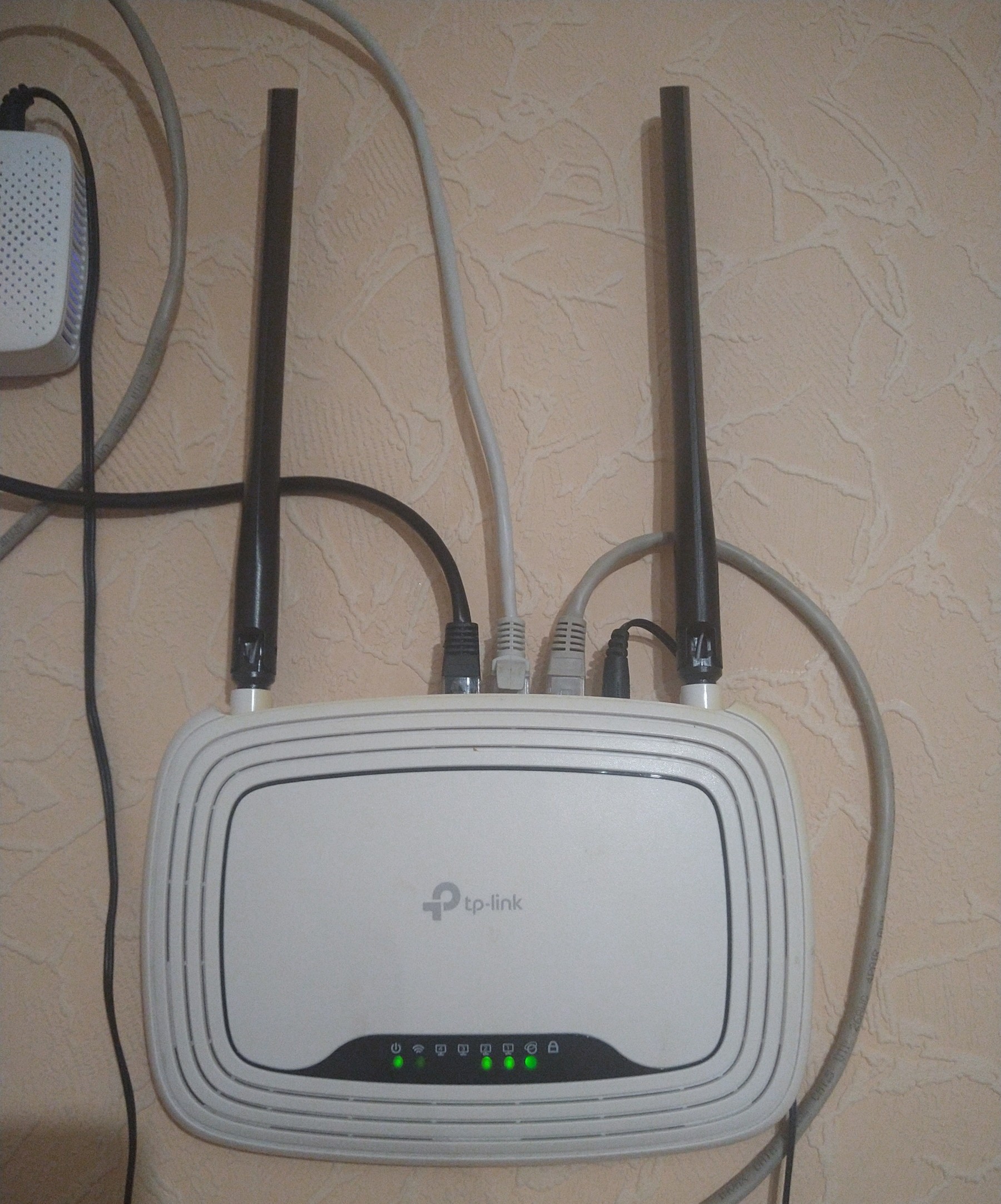
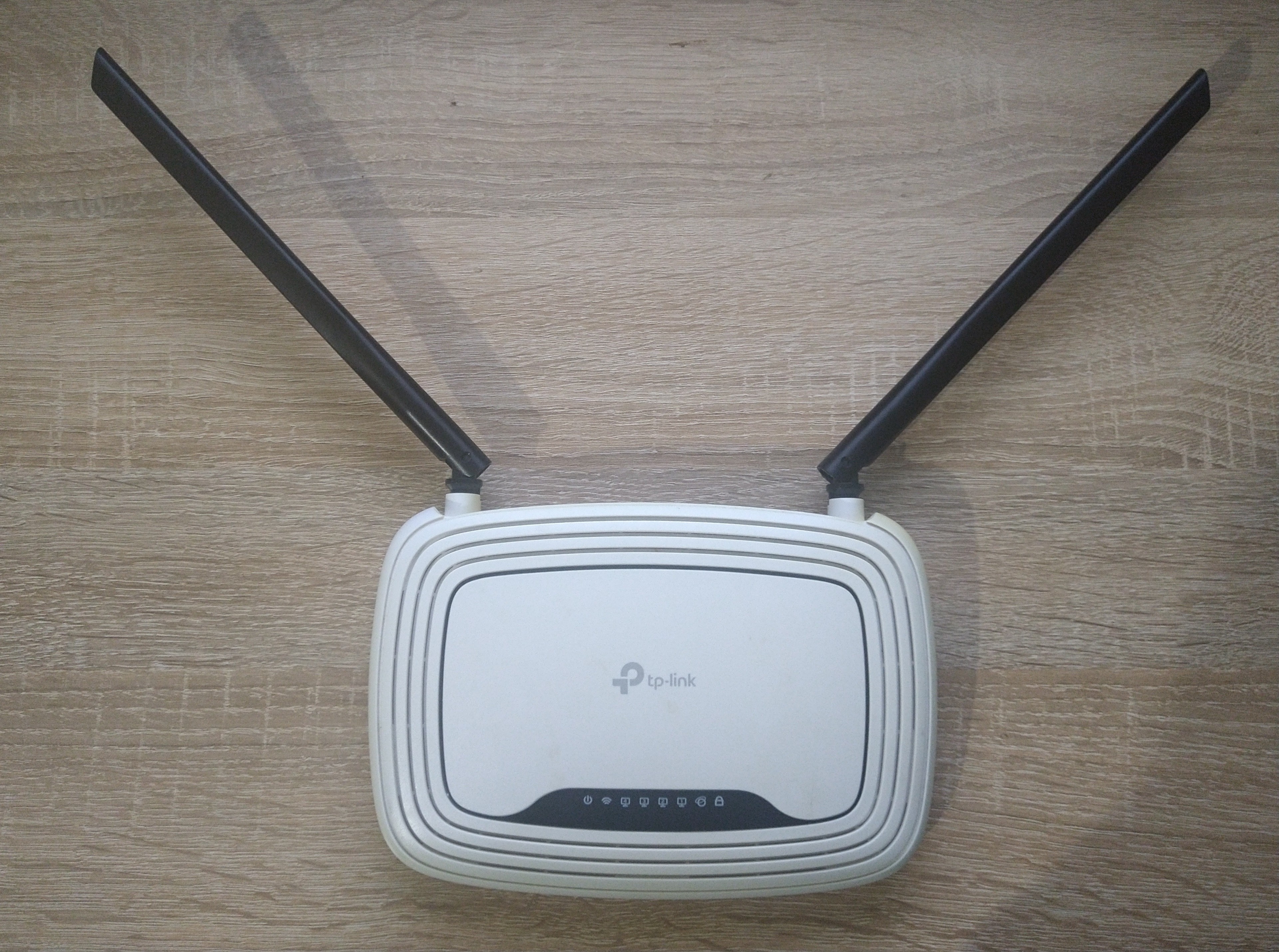
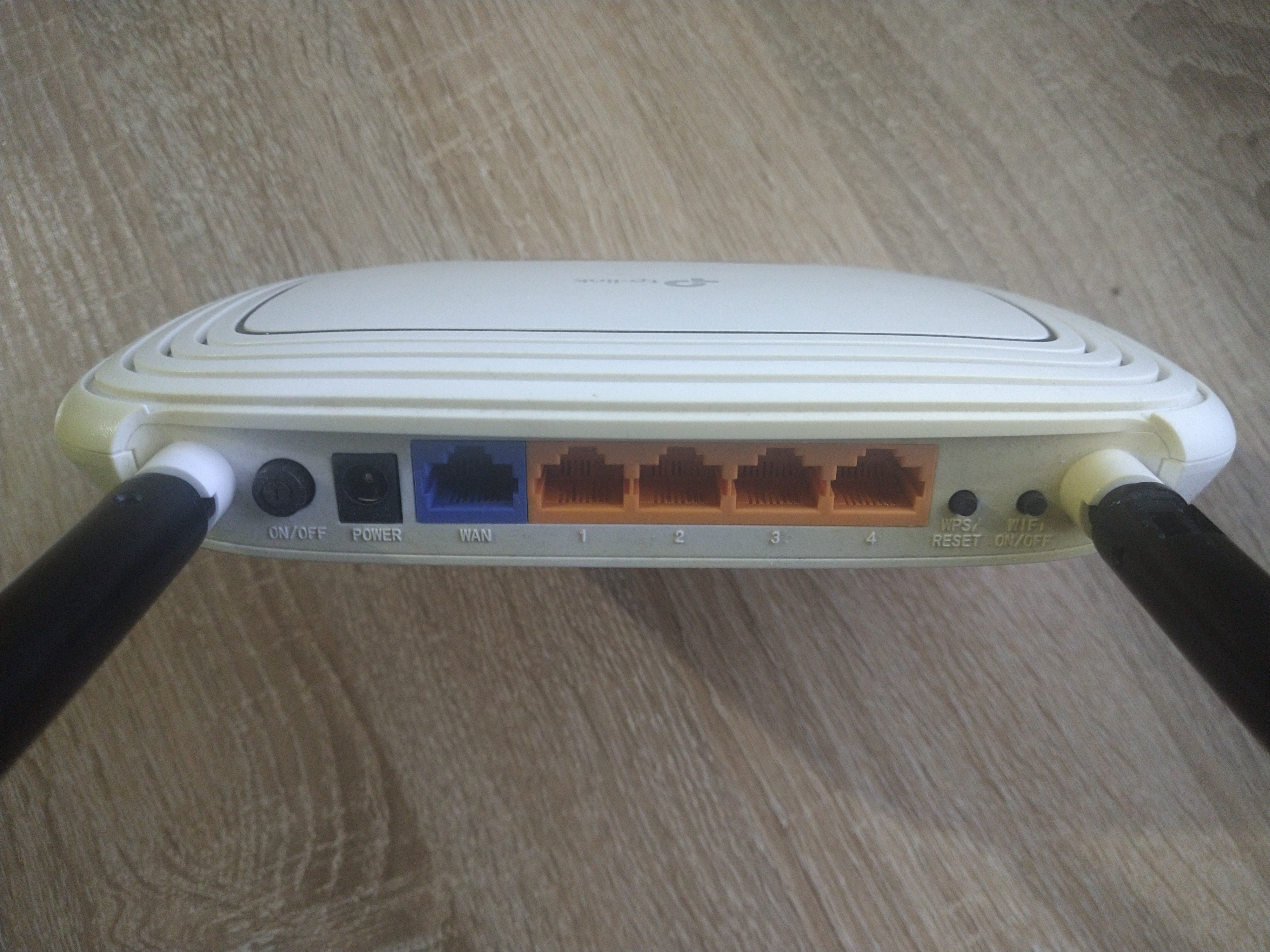
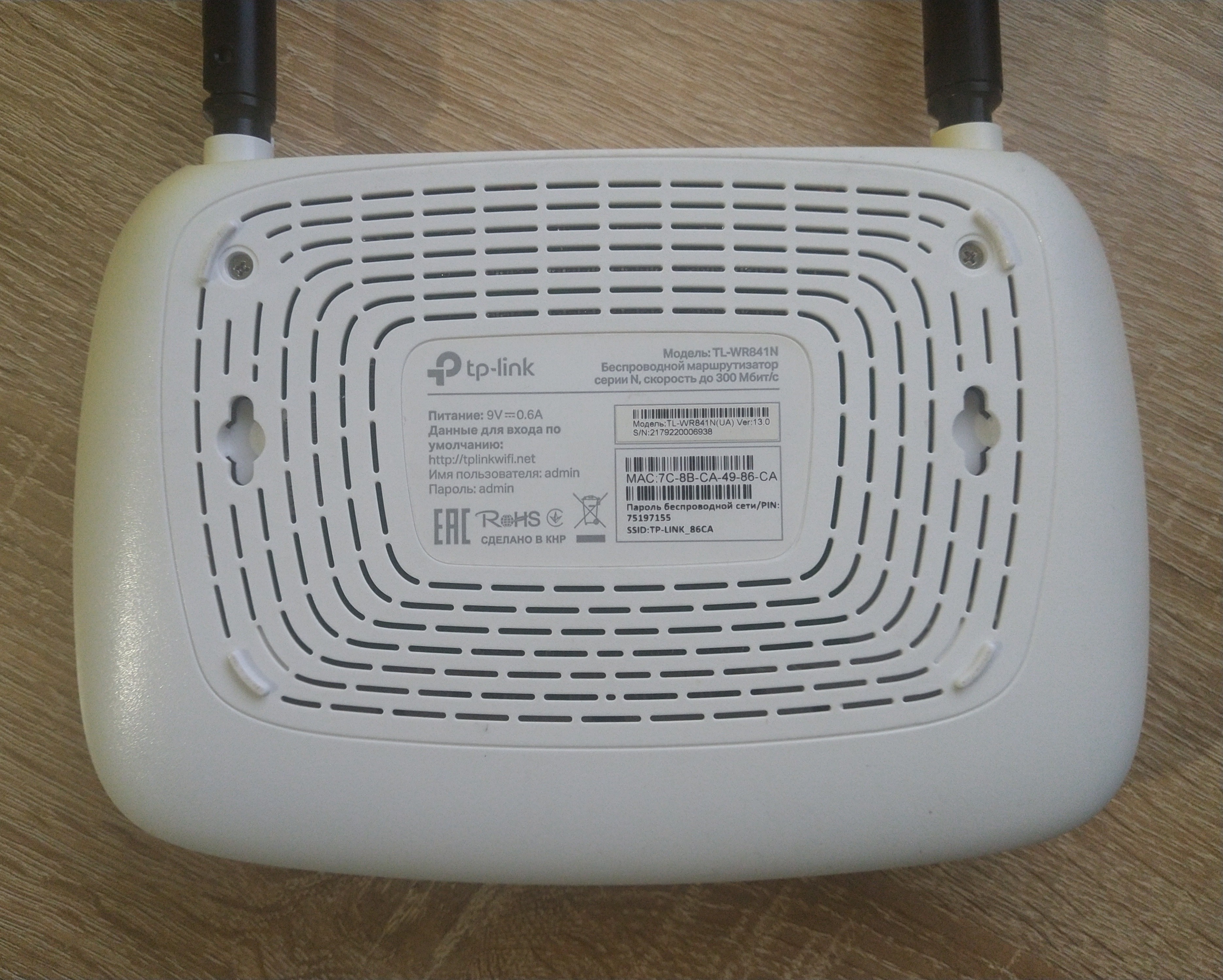
Average model It doesn’t cause any particular problems, but it still sometimes freezes (2-3 times a month for sure) - you have to reboot. The signal is sufficient for a small apartment. They took it into the house - there was enough stable signal for 2/3 of the house, in some corners it was weak.  Valeriy: use TP-LINK TL-WR841N more than year Valeriy: use TP-LINK TL-WR841N more than year |
Overall, I think the test was an excellent result. Would recommend for purchase. ethernet cable directly to the computer. 92 megabits/s download, 69 megabits/s upload. Torrent on RuTracker on the most popular distribution 10.6 MB/s. Through the router via ethernet to the computer. 91 megabits/s download, 63 megabits/s upload. Torrent on RuTracker on the most popular distribution 10.6 MB/s. There wasn’t a special opportunity to test Wi-FI on the reader; pages were loading quickly anyway (couldn't run a speed test there :) ). Installing the PCI-adapter D-Link DWA-520 802.11g in the second computer, a Celeron 800 MHz with 384 MB RAM, didn’t bring much benefit since I didn’t see an internet speed over 1 Mbps there, and even Chrome version 16 struggled to work. I didn’t want to troubleshoot whether it was due to drivers or some other unknown issue, so I blame it on the PC's obsolescence. The reception signal in the next room behind a concrete wall was "Very Good" and I walked around the apartment with the reader, and the signal level was good everywhere.  maza11: use TP-LINK TL-WR841N week i recommend it should buy maza11: use TP-LINK TL-WR841N week i recommend it should buy |
3 out of 80 user review(s) shown
10 more user review(s)
Ask Question
Video reviews
TP-Link TL-WR841N Setup and Full Configuration
16 March 2022117 259 view

How To Change WiFi Password TP-Link Router TL-WR841N
17 March 202237 842 view

Reset TP-Link TL-WR841N Router to Factory Defaults Settings
13 May 202233 688 view

How To Block WiFi Users in TP-Link Router (TL-WR841N)
4 June 202226 625 view

Cara Setting Wireless Router TP Link TL WR841N
2 March 202215 113 view

Tplink WR841N Router Unboxing & Review || Best Wi-Fi Routers in Bangladesh
9 January 20241 588 view

connect wireless router to router TP-Link N300 Wireless (TL-WR841N)
2 December 20211 249 view

Unboxing TP-Link WR841N Router
7 March 20191 155 view

TP-LINK TL-WR841N Router Unboxing | Best TP-Link Wifi Router Review
4 October 20221 037 view

TP Link TL WR841N (UNBOXING)
23 December 2018717 view

Tp-Link TL-Wr841N Router Unboxing & Review | Specifications & Features | Best Budget Router |
14 June 2020656 view

Tp-Link TL-WR841N Router unboxing
10 January 2016652 view

TP-LINK TL-WR841N 300Mbps Wireless N Router Unboxing
1 September 2014605 view

Unboxing TP-LINK TL-WR841N Wireless Router
28 November 2012477 view

TP LINK TL WR841N Unboxing & Hands On
14 June 2013398 view

TP Link TL-WR841N Router from Snapdeal - Quick Unboxing | CreatorShed
4 May 2016361 view

TP-LINK Wifi router Unboxing & review model no. TL-WR841N
27 December 2015322 view

TP-Link TL-WR841N WIFI Router Unboxing//Honest Review and 300MBPS Best bed Router #exclusive_hriday
3 July 2022257 view

TP-Link TL-WR841N 300Mbps Wireless Router Unboxing Review|টিপি-লিংক TL-WR841N রাউটার আনবক্সিং রিবিউ
5 August 2017236 view
TP-Link N300 TL-WR841N Cheap Budget WiFi Router Unboxing
1 June 2018205 view

TP Link TL WR841N Wireless N Router Hard Reset and setup again
9 April 2022183 view

TP-LINK (TL-WR841N 300 Mbps) Router configuration
15 November 2017167 view

TP-Link TL-WR841N Budget WiFi Router Unboxing | देखिये Unboxing अब हिंदी में
10 September 2017128 view

TP-Link TL-WR841N Budget WiFi Router Unboxing
2 September 2021123 view

tp link wr841n quick unboxing
23 June 2016121 view
We recommendCompare using chart →

router, WAN: Ethernet, connection: LAN 4 ports, 100 Mbps, Wi-Fi: Wi-Fi 4 (N), 2.4 GHz — 300 Mbps
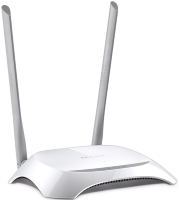
router, WAN: Ethernet, connection: LAN 4 ports, 100 Mbps, Wi-Fi: Wi-Fi 4 (N), 2.4 GHz — 300 Mbps
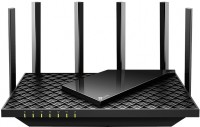
router, WAN: Ethernet, connection: LAN 4 ports, 1 Gbps, Wi-Fi: Wi-Fi 6 (AX), 2.4 GHz — 574 Mbps, 5 GHz — 4804 Mbps, 160 MHz, Dual-band, MU-MIMO, Beamforming
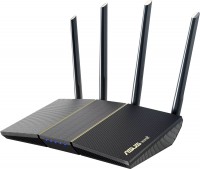
router, balancing (Dual WAN), WAN: Ethernet, connection: LAN 4 ports, 1 Gbps, Wi-Fi: Wi-Fi 6 (AX), 2.4 GHz — 574 Mbps, 5 GHz — 2402 Mbps, 160 MHz, Dual-band, MU-MIMO, Beamforming
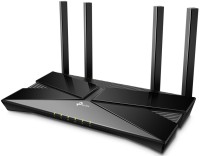
router, WAN: Ethernet, connection: LAN 4 ports, 1 Gbps, Wi-Fi: Wi-Fi 6 (AX), 2.4 GHz — 574 Mbps, 5 GHz — 2402 Mbps, 160 MHz, Dual-band, MU-MIMO, Beamforming
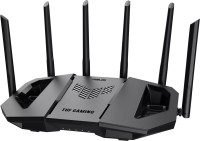
gaming router, balancing (Dual WAN), WAN: Ethernet, 3G via USB, 4G LTE over USB, connection: LAN 3 ports, 2.5 Gbps, 2.5 Gbit/s port, Wi-Fi: Wi-Fi 7 (BE), 2.4 GHz — 688 Mbps, 5 GHz — 2882 Mbps, 6 GHz — 5764 Mbps, 240 / 320 MHz, MU-MIMO, Beamforming

gaming router, balancing (Dual WAN), WAN: Ethernet, 3G via USB, 4G LTE over USB, connection: LAN 7 ports, 1 Gbps, 2.5 Gbps, 10 Gbps, 2.5 Gbit/s port, WAN/LAN, Wi-Fi: Wi-Fi 7 (BE), 2.4 GHz — 1376 Mbps, 5 GHz — 5764 Mbps, 6 GHz — 11529 Mbps, 240 / 320 MHz, MU-MIMO, Beamforming
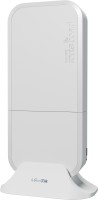
access point, street, PoE power, WAN: Ethernet, connection: LAN 2 ports, 1 Gbps, Wi-Fi: Wi-Fi 6 (AX), 2.4 GHz — 574 Mbps, 5 GHz — 2400 Mbps, 160 MHz, Dual-band, MU-MIMO
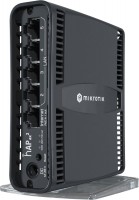
router, PoE power, PoE output, WAN: Ethernet, connection: LAN 5 ports, 1 Gbps, WAN/LAN, Wi-Fi: Wi-Fi 6 (AX), 2.4 GHz — 574 Mbps, 5 GHz — 1200 Mbps, Dual-band, MU-MIMO, powerful transmitter, Beamforming

gaming router, WAN: Ethernet, connection: LAN 4 ports, 2.5 Gbps, 2.5 Gbit/s port, Wi-Fi: Wi-Fi 7 (BE), 2.4 GHz — 1376 Mbps, 5 GHz — 5764 Mbps, 160 MHz, Dual-band, MU-MIMO, Beamforming

router, WAN: Ethernet, 3G via USB, 4G LTE over USB, connection: LAN 3 ports, 2.5 Gbps, 2.5 Gbit/s port, Wi-Fi: Wi-Fi 7 (BE), 2.4 GHz — 688 Mbps, 5 GHz — 2882 Mbps, 6 GHz — 5764 Mbps, 240 / 320 MHz, MU-MIMO, Beamforming
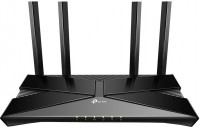
router, WAN: Ethernet, connection: LAN 4 ports, 1 Gbps, Wi-Fi: Wi-Fi 6 (AX), 2.4 GHz — 574 Mbps, 5 GHz — 2402 Mbps, 160 MHz, Dual-band, MU-MIMO, Beamforming