
Acer Swift Go 14 SFG14-63 [SFG14-63-R88C] (NX.KTSEU.002)
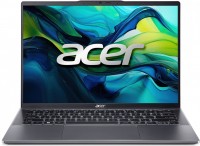 | Outdated Product 2024Swiftultrabookextreme battery lifeOLED90 HzSSD M.2Wi-Fi 6Ebacklightfingerprint scannergood DCI-P3DDR5 Display:14 ", 2880x1800 (16:10) CPU:Ryzen 5, 8645HS, 4.3 GHz Graphics card:Radeon 760M RAM:16 GB Storage:SSD M.2 NVMe, 512 GB Laptop weight:1.25 kg |


Configurations Acer Swift Go 14 SFG14-63 1
Specifications
Acer Swift Go 14 SFG14-63 [SFG14-63-R88C] | |||||||||||||||||||||||||||||||||||||||||||||||||||||||||||||||||||||||||||||||||||||||||||||||||||||||||||||||||||||||||||||||||||||||||||||||||||||||||||||||||||||||||||||||||||||
|
| ||||||||||||||||||||||||||||||||||||||||||||||||||||||||||||||||||||||||||||||||||||||||||||||||||||||||||||||||||||||||||||||||||||||||||||||||||||||||||||||||||||||||||||||||||||


The information in the model description is for reference purposes.
Always clarify the specifications and configuration of the product with the online store manager before purchasing.
Catalog Acer 2026 - new arrivals, bestsellers, and the most relevant models Acer.
Always clarify the specifications and configuration of the product with the online store manager before purchasing.
Catalog Acer 2026 - new arrivals, bestsellers, and the most relevant models Acer.
Prices Acer Swift Go 14 SFG14-63 [SFG14-63-R88C]
This model is currently not available for sale.
Follow us for updates.
Follow us for updates.
Series Acer Swift (stylish)

ultrabook, 14 ", 1920x1200 (16:10), OLED, Ryzen AI, 7 350, 2 GHz, RAM 16 GB, LPDDR5X, Radeon 860M, SSD M.2 NVMe, 1 TB, Win 11 Home, USB-A 5Gbps, Wi-Fi 7, fast charge, fingerprint scanner, 3D face scanner, extreme battery life, 1.3 kg
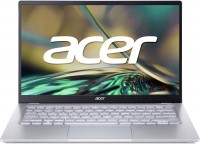
ultrabook, 14 ", matte, 1920x1080 (16:9), IPS, Ryzen 5, 5625U, 2.3 GHz, RAM 8 GB, LPDDR4X, Vega 7, SSD M.2 NVMe, 512 GB, Win 11 Home, USB-A 5Gbps, USB-C 10Gbps, Wi-Fi 6E, fast charge, fingerprint scanner, extreme battery life, 1.25 kg
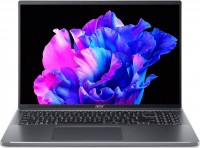
Intel Evo, 16 ", 3200x2000 (16:10), OLED, 120 Hz, Core i5, 1335U, 0.9 GHz, RAM 16 GB, LPDDR5, Iris Xe Graphics G7 80EUs, SSD M.2 NVMe, 512 GB, Win 11 Home, USB-A 5Gbps, USB-C 40G (USB4), Thunderbolt, Wi-Fi 6, fingerprint scanner, extreme battery life, 1.65 kg
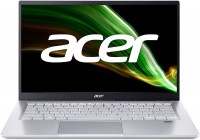
ultrabook, 14 ", 1920x1080 (16:9), IPS, Ryzen 7, 5700U, 1.8 GHz, RAM 16 GB, DDR4, Vega 8, SSD M.2 NVMe, 1 TB, Win 11 Home, USB-A 5Gbps, USB-C 10Gbps, Wi-Fi 6, fast charge, fingerprint scanner, extreme battery life, 1.2 kg
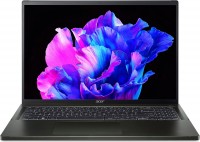
16 ", 3200x2000 (16:10), OLED, 120 Hz, Ryzen 7, 7840U, 3.3 GHz, RAM 16 GB, LPDDR5, Radeon 780M, SSD M.2 NVMe, 1 TB, Win 11 Home, USB-A 5Gbps, USB-C 10Gbps, Wi-Fi 6, fingerprint scanner, long life, 1.23 kg
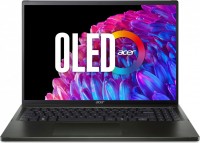
16 ", 3200x2000 (16:10), OLED, 120 Hz, Ryzen 7, 8840U, 3.3 GHz, RAM 16 GB, LPDDR5, Radeon 780M, SSD M.2 NVMe, 1 TB, Win 11 Home, USB-A 5Gbps, Wi-Fi 6E, fast charge, fingerprint scanner, long life, 1.23 kg
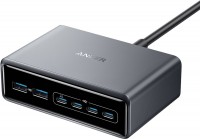
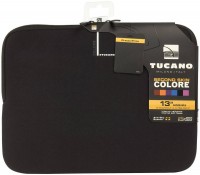
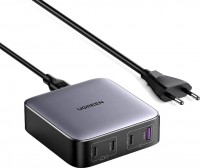
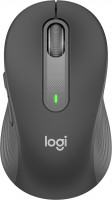
AccessoriesAll accessories for Acer SFG14-63-R88C →

Model overview based on user reviews
The Acer Swift Go 14 SFG14-63 is praised for its high-quality 2880x1800 OLED display with a 90 Hz refresh rate, offering vibrant colors and excellent image quality. The well-built aluminum body adds to its premium feel, and the convenience of charging via USB Type-C is appreciated. However, the absence of an Ethernet port and certain keyboard design choices, such as the lack of a Print Screen key and small arrow keys, are noted drawbacks. Some users experienced issues with the UEFI firmware, leading to service center visits, which raises concerns about reliability. Despite these issues, the laptop is considered a good balance between quality, design, and portability, though potential buyers are advised to be cautious with firmware updates.
Pros
Cons
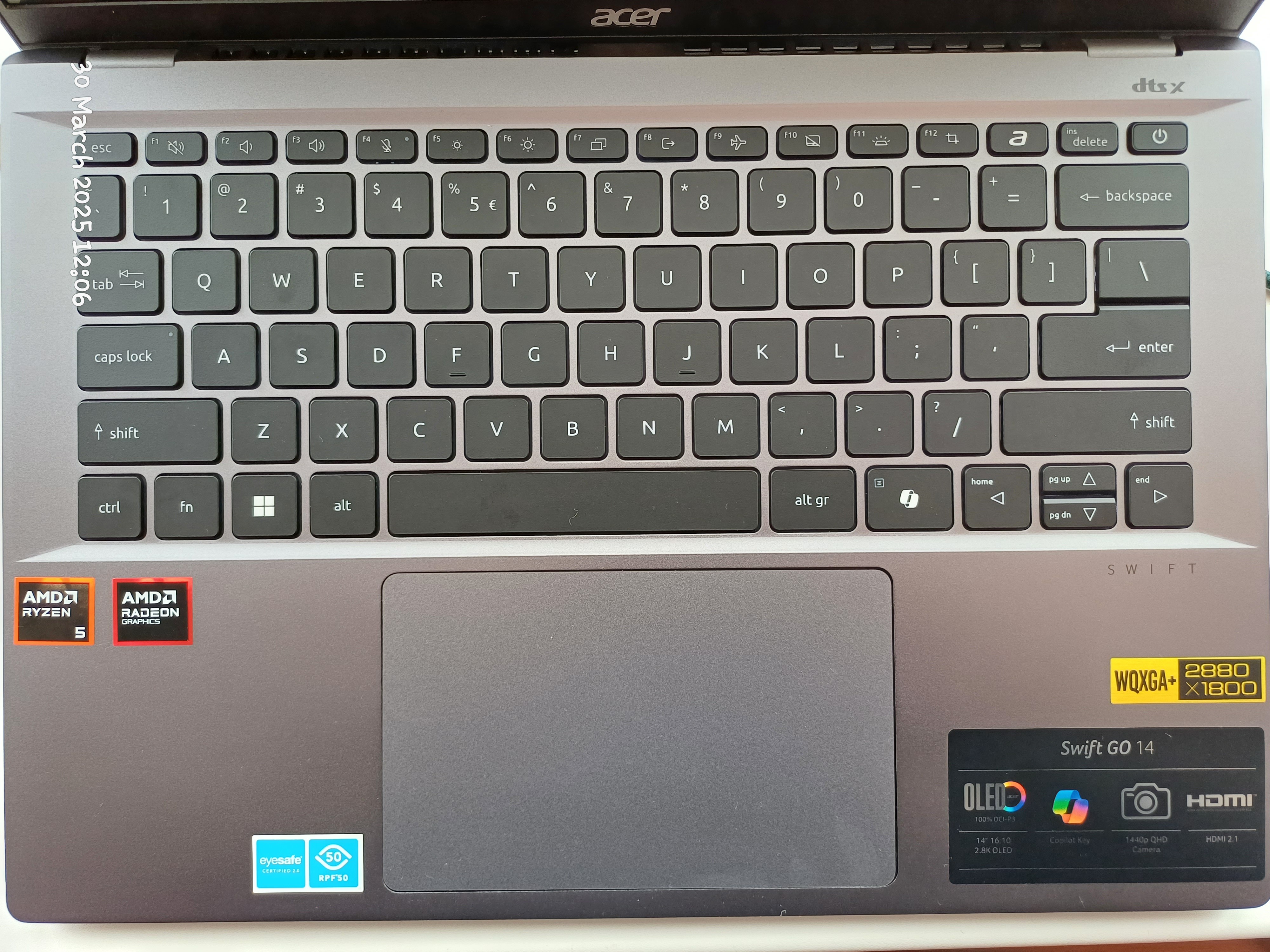
- High-quality display with vibrant colors. 2880x1800 OLED screen with a 90 Hz refresh rate is simply pleasing to the eyes. The image quality is better than in reality :) - Well-built. The aluminum body doesn't flex, creak, or have any play - it's satisfying - Charging port - USB Type-C - convenient - Has a pleasant keyboard backlight - Lack of Ethernet port. This isn't the first laptop where I've noticed this "economy." I had to buy a USB-C to Ethernet adapter. Good thing there was a free Type-C. - Keyboard. It's compact and convenient, but there are a few "buts": No Print Screen key; They've added a Copilot button — a very "necessary" button (not); Page Up / Page Down and other keys are placed on the arrows, requiring Fn to access them; The arrow keys themselves are very small — personally inconvenient for me.  Artem: use Acer SFG14-63-R19Q less than month Artem: use Acer SFG14-63-R19Q less than month |
I want to say a few words about the charging port - it's USB Type C here. I generally believe that it's time to completely abandon DC in favor of USB Type C in laptops, thus standardizing the charging port. I will update the review later. 1. Nicely crafted (at first glance) metal body, visually making the laptop look expensive. 2. Charging via USB Type C. Absence of a DC port. 3. UEFI is tastefully designed and is comprehensible, but there is a significant DRAWBACK - see the relevant section. 4. Sufficient number of USB ports - 4. 5. Convenient, large touchpad. 1. Very few settings in UEFI/BIOS. You can't disable devices/peripherals. You can't take screenshots. No UEFI update in UEFI, meaning updating can only be done through Windows. Virtualization settings are absent. 2. Stickers for the CPU and graphics card are poorly placed on the case. Yes, it's a minor issue, but I believe that in a product costing 32,000 UAH this shouldn't happen. This isn't some AliExpress. Right? 3. Separate "Microsoft Copilot" button on the keyboard. It's unclear why a whole key was dedicated to this Microsoft feature. It would have been better as a Print Screen or something else.  Yaroslav Oleksandrovich Litvinov: use Acer Swift Go 14 SFG14-63 less than month Yaroslav Oleksandrovich Litvinov: use Acer Swift Go 14 SFG14-63 less than month |
Not even two weeks in, the UEFI firmware malfunctioned. Just a black screen when turning on the laptop and that's it. Nothing else - just darkness. Learn from my mistakes: if you buy this model., then don't touch the UEFI. Just forget it exists, and maybe, possibly (not guaranteed), the laptop will last long. However, it's better not to buy this model at all. All advantages were nullified after the first visit to the service center, which happened a week after usage. The UEFI (BIOS) firmware failed during an update. How is this even possible on a laptop costing 32,000 UAH, Acer? Why couldn't a technology like Double BIOS, as used in Gigabyte, be implemented here?! Had to take it to the service center where the board was soldered on the laptop!!! Yaroslav Oleksandrovich Litvinov: use Acer Swift Go 14 SFG14-63 less than month |
Add Review
We recommend

display 16.2 ", 3456x2234, CPU, Apple M5 Max, GPU M5 Max 32-Core / M5 Max 40-Core, RAM 36 / 48 GB, storage 2 TB, weight 2.14 kg

display 16.2 ", 3456x2234, CPU, Apple M5 Pro, GPU M5 Pro 20-Core, RAM 24 / 48 GB, storage 1 TB, weight 2.14 kg

display 13.6 ", 2560x1664, CPU, Apple M5, GPU M5 10-core / M5 8-core, RAM 16 / 24 GB, storage 512 GB / 1 TB, weight 1.23 kg

display 15.3 ", 2880x1864, CPU, Apple M5, GPU M5 10-core, RAM 16 / 24 GB, storage 512 GB / 1 TB, weight 1.5 kg

display 16 ", 1920x1200 (16:10), CPU Intel, Core Ultra 5 / Core Ultra 7, GPU Arc 8-Cores - Graphics 4-Cores, RAM 16 / 32 GB, storage 256 GB - 1 TB, weight 1.7 kg
display 15.3 ", 2880x1864, CPU, Apple M3, GPU M3 10-Core, RAM 8 - 24 GB, storage 256 GB / 512 GB, weight 1.51 kg
display 13.6 ", 2560x1664, CPU, Apple M3, GPU M3 10-Core / M3 8-Core, RAM 8 / 16 GB, storage 256 GB / 512 GB, weight 1.24 kg
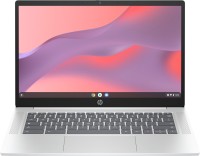
display 14 ", 1366x768 (16:9) / 1920x1080 (16:9), CPU Intel, Core i3 / Processor N-series, GPU UHD Graphics 24EUs / UHD Graphics Xe 32EUs, RAM 4 / 8 GB, storage 128 GB / 256 GB, weight 1.5 kg
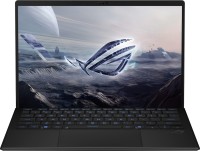
display 13.4 ", 2560x1600 (16:10), CPU AMD, Ryzen AI, GPU 8050S Graphics / 8060S Graphics, RAM 32 / 64 GB, storage 1 TB, weight 1.59 kg

display 13 ", 2408x1506 (16:10), CPU, Apple A18 Pro, GPU A18 Pro 5‑core, RAM 8 GB, storage 256 GB / 512 GB, weight 1.23 kg

display 16 ", 2560x1600 (16:10), CPU AMD, Ryzen AI, GPU RTX 5060, RAM 16 GB, storage 1 TB, weight 2 kg

display 15.3 ", 2560x1600 (16:10), CPU AMD, Ryzen AI, GPU RTX 5060 / RTX 5070, RAM 16 / 32 GB, storage 512 GB / 1 TB, weight 1.9 kg
It feels like a significant portion of the laptop's cost went into the chassis and the screen. Charging via Type-C is a plus, but the absence of an Ethernet port is not. There are some issues with the keyboard design, but it has backlighting, so I forgive it ;)
Overall, I liked the laptop. While you can buy more powerful ones for this price, this is a pleasant compromise between quality, design, and portability.