
Gembird MUS-106
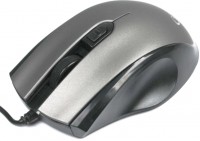 | Outdated Product Product type: mouse; Connection: wired; Sensor: optical; Sensor Resolution (DPI): 800 – 1600; Buttons: 3; DPI-button; Left handed; Cable: Interface: USB-A; |


We recommend products in stockMice Gembird →
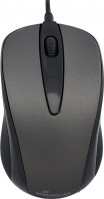
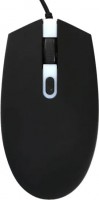
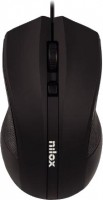
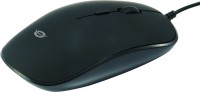
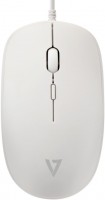
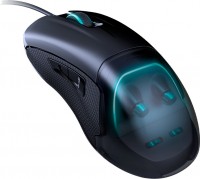
wired, USB-A, buttons: 4, + wheel, RGB backlight, sensor 5000 DPI, in box: replaceable top panels
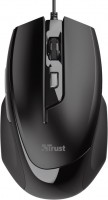
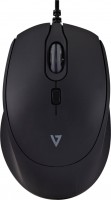
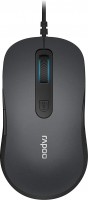
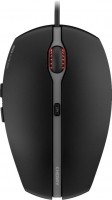
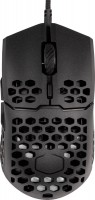
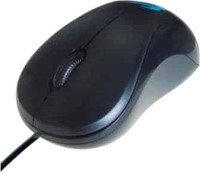
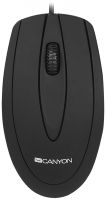
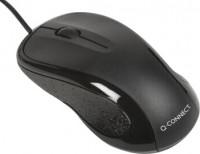
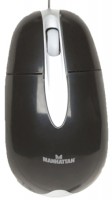
Gembird MUS-106 | |||||||||||||||||||||||||||||||||||||||||
|
| ||||||||||||||||||||||||||||||||||||||||


The information in the model description is for reference purposes.
Always clarify the specifications and configuration of the product with the online store manager before purchasing.
Catalog Gembird 2026 - new arrivals, bestsellers, and the most relevant models Gembird.
Always clarify the specifications and configuration of the product with the online store manager before purchasing.
Catalog Gembird 2026 - new arrivals, bestsellers, and the most relevant models Gembird.

How to choose a gaming mouseWe'll look at grip types, sensor sensitivity, pushbutton switches, and other important nuances
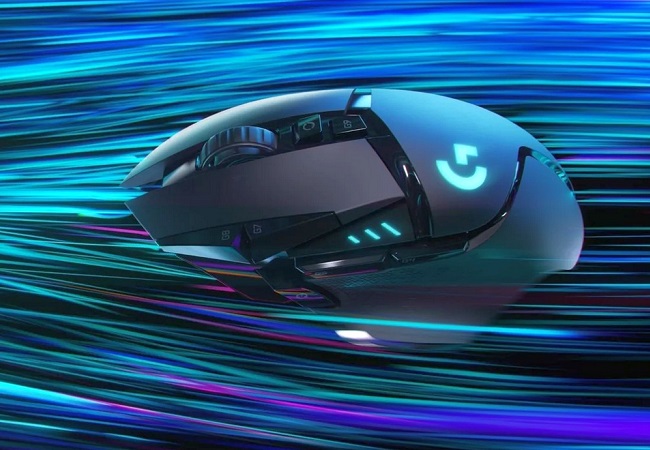
Branded technologies in computer mice worldWhat technologies are in mice and what benefits they give in particular tasks
Series Gembird MUS (regular)Compare using chart →
AccessoriesAll accessories for Gembird MUS-106 →














I took a mouse for household purposes. Not a gamer. As for the connection with the surface, there are no questions. Works good. But I still can’t understand what the button below the wheel is responsible for? Works well! On a bad surface there are no slips in tracking. Not a bad mouse. The middle button is below the wheel? For what? Poor site support. use Gembird MUS-106 less than month |
Add Review