
Kivi 40F720QB
 | Outdated Product Size ("): 40; Operating system: Google TV (Android TV); Screen coating: glossy; Resolution (px): 1920x1080; Frame rate (Hz): 50/60; HDR support: HDR10; Sound power (W): 16; Number of speakers: 2; Digital tuner: DVB-T2 (terrestrial); DVB-C (cable); Wi-Fi: Wi-Fi; Google Cast (Chromecast) |


We recommend products in stockTVs Kivi →

32 ", 50/60 Hz, QLED, HDR10, Google TV, Wi-Fi, Google Cast, LAN, voice control, assistant, T2 tuner

32 ", 50/60 Hz, QLED, Google TV, Wi-Fi, Google Cast, LAN, voice control, assistant, T2 tuner

32 ", Full HD, 50/60 Hz, QLED, HDR10, Google TV, Wi-Fi, Google Cast, LAN, voice control, assistant, T2 tuner
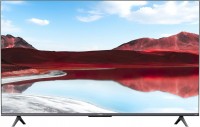
43 ", 4K, 50/60 Hz, QLED, HDR10, Google TV, Wi-Fi, Google Cast, LAN, voice control, assistant, T2 tuner

43 ", 4K, 50/60 Hz, QLED, HDR10+, Google TV, Wi-Fi, Google Cast, LAN, voice control, assistant, T2 tuner

43 ", 4K, 50/60 Hz, QLED, HDR10, Dolby Vision, 4K upscaling, Google TV, Wi-Fi, Google Cast, LAN, voice control, assistant, T2 tuner

55 ", 4K, 50/60 Hz, QLED, HDR10+, Google TV, Wi-Fi, Google Cast, LAN, voice control, assistant, T2 tuner

43 ", 4K, 50/60 Hz, QLED, Direct LED, HDR10+, Dolby Vision, 4K upscaling, Google TV, Wi-Fi, Google Cast, LAN, voice control, assistant, T2 tuner

50 ", 4K, 50/60 Hz, QLED, Direct LED, HDR10+, Dolby Vision, 4K upscaling, Google TV, Wi-Fi, Google Cast, LAN, voice control, assistant, T2 tuner
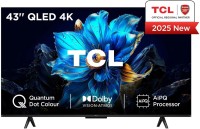
43 ", 4K, 50/60 Hz, QLED, HDR10+, Dolby Vision, 4K upscaling, Google TV, Wi-Fi, AirPlay 2, Google Cast, LAN, voice control, assistant, T2 tuner

43 ", 4K, 50/60 Hz, QLED, HDR10+, Dolby Vision, 4K upscaling, Google TV, Wi-Fi, Google Cast, LAN, voice control, assistant, T2 tuner

55 ", 4K, 50/60 Hz, QLED, HDR10, Dolby Vision, 4K upscaling, Google TV, Wi-Fi, Google Cast, LAN, voice control, assistant, T2 tuner

50 ", 4K, 50/60 Hz, QLED, HDR10+, Google TV, Wi-Fi, Google Cast, LAN, voice control, assistant, T2 tuner

43 ", 4K, 50/60 Hz, QLED, HDR10, Dolby Vision, 4K upscaling, Google TV, Wi-Fi, Google Cast, LAN, voice control, assistant, T2 tuner

43 ", 4K, 50/60 Hz, QLED, Direct LED, HDR10+, Dolby Vision, 4K upscaling, Google TV, Wi-Fi, AirPlay 2, Google Cast, LAN, voice control, assistant, T2 tuner
Kivi 40F720QB
Screen:40 ", 1920x1080 px, 50/60 Hz, Direct LED
Picture:HDR
Multimedia:T2 tuner, Google TV, Wi-Fi, LAN
Controls:voice, assistant
All specifications
Specifications 40F720QB
|
| ||||||||||||||||||||||||||||||||||||||||||||||||||||||||||||||||||||||||||||||||


E-Catalog UK editor, TVs
Dmytro Prokopenko, edited 10.11.2025
The information in the model description is for reference purposes.
Always clarify the specifications and configuration of the product with the online store manager before purchasing.
Catalog Kivi 2026 - new arrivals, bestsellers, and the most relevant models Kivi.
Always clarify the specifications and configuration of the product with the online store manager before purchasing.
Catalog Kivi 2026 - new arrivals, bestsellers, and the most relevant models Kivi.
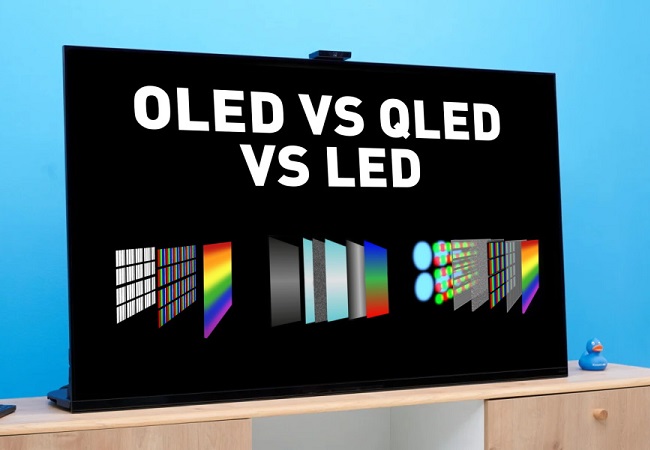
Which TV sensor is the best? And which one is optimal in terms of price and quality?We study the pros and cons of modern TV matrices
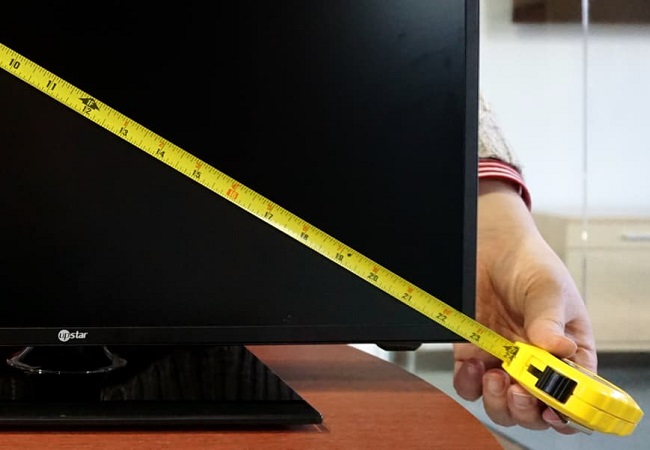
How to choose a TV diagonal and resolution for your room?Is it always worth taking a larger TV? Perhaps 55" will be too much for a small room, but 32" is a perfect option?
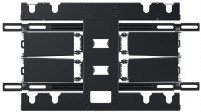
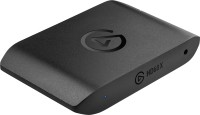
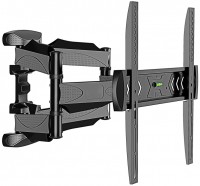
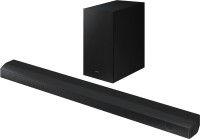
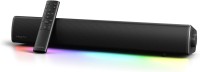
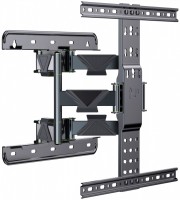
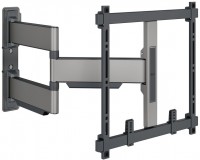
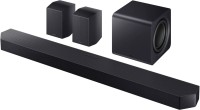
AccessoriesAll accessories for Kivi 40F720QB →







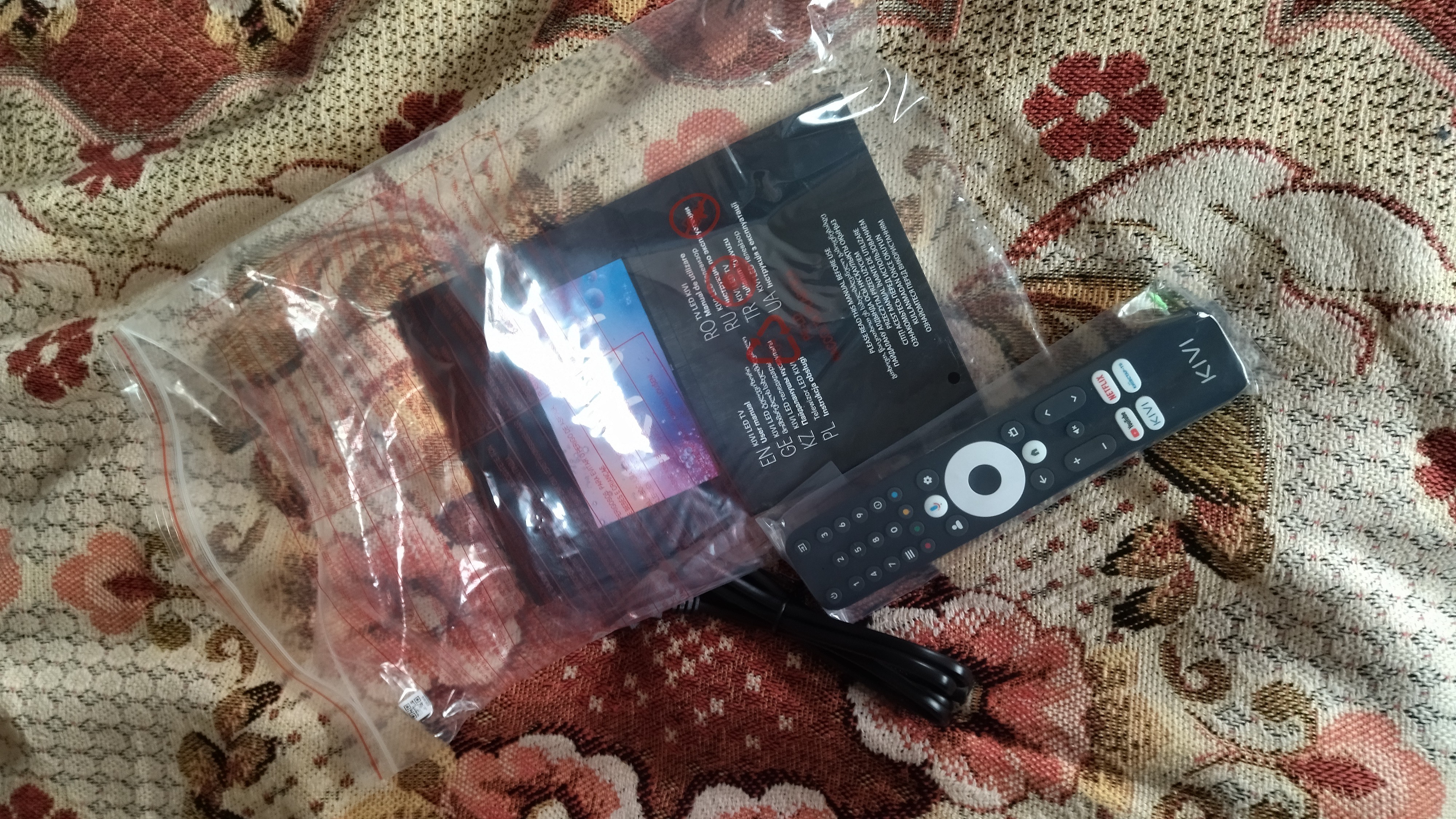
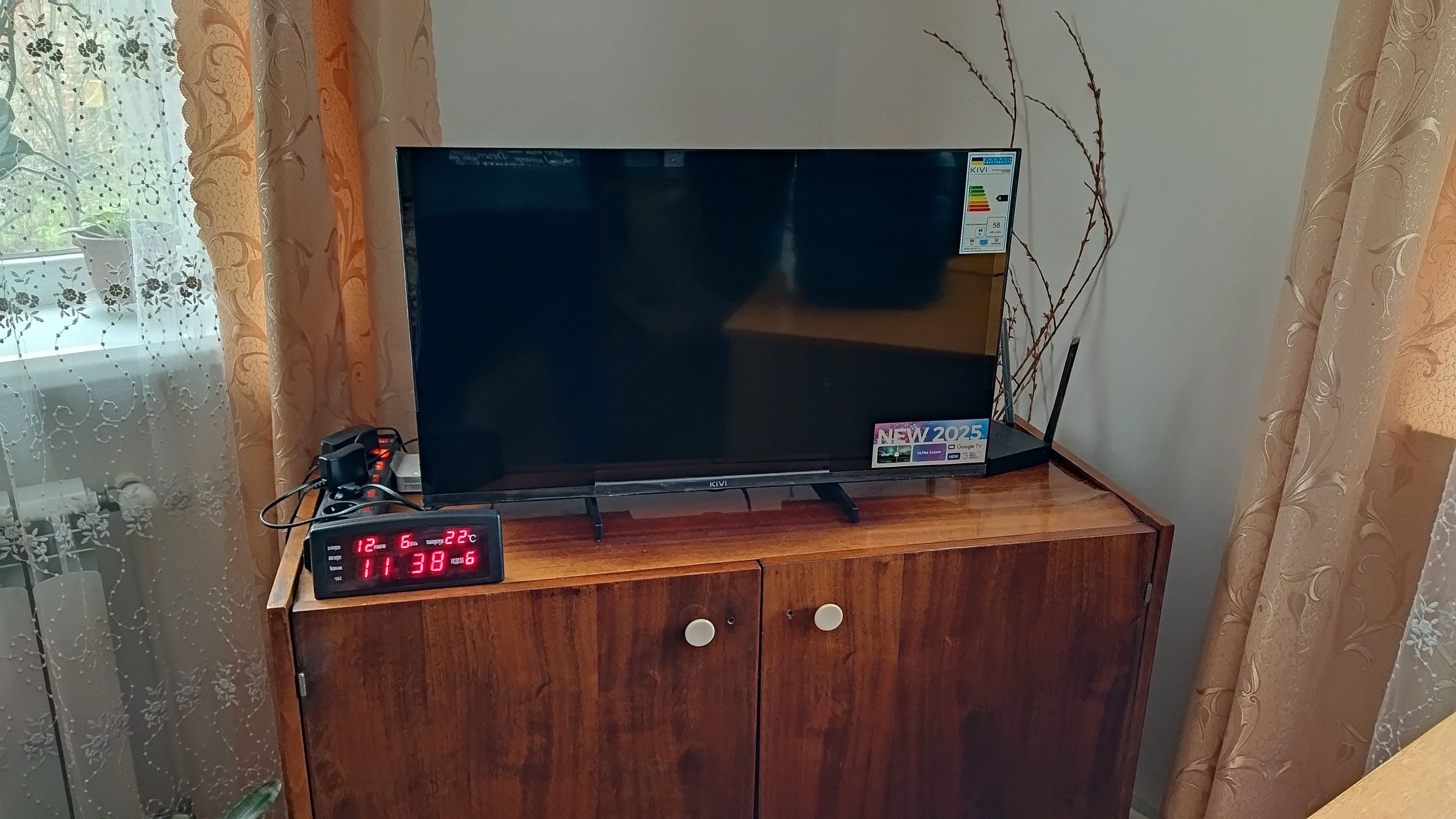
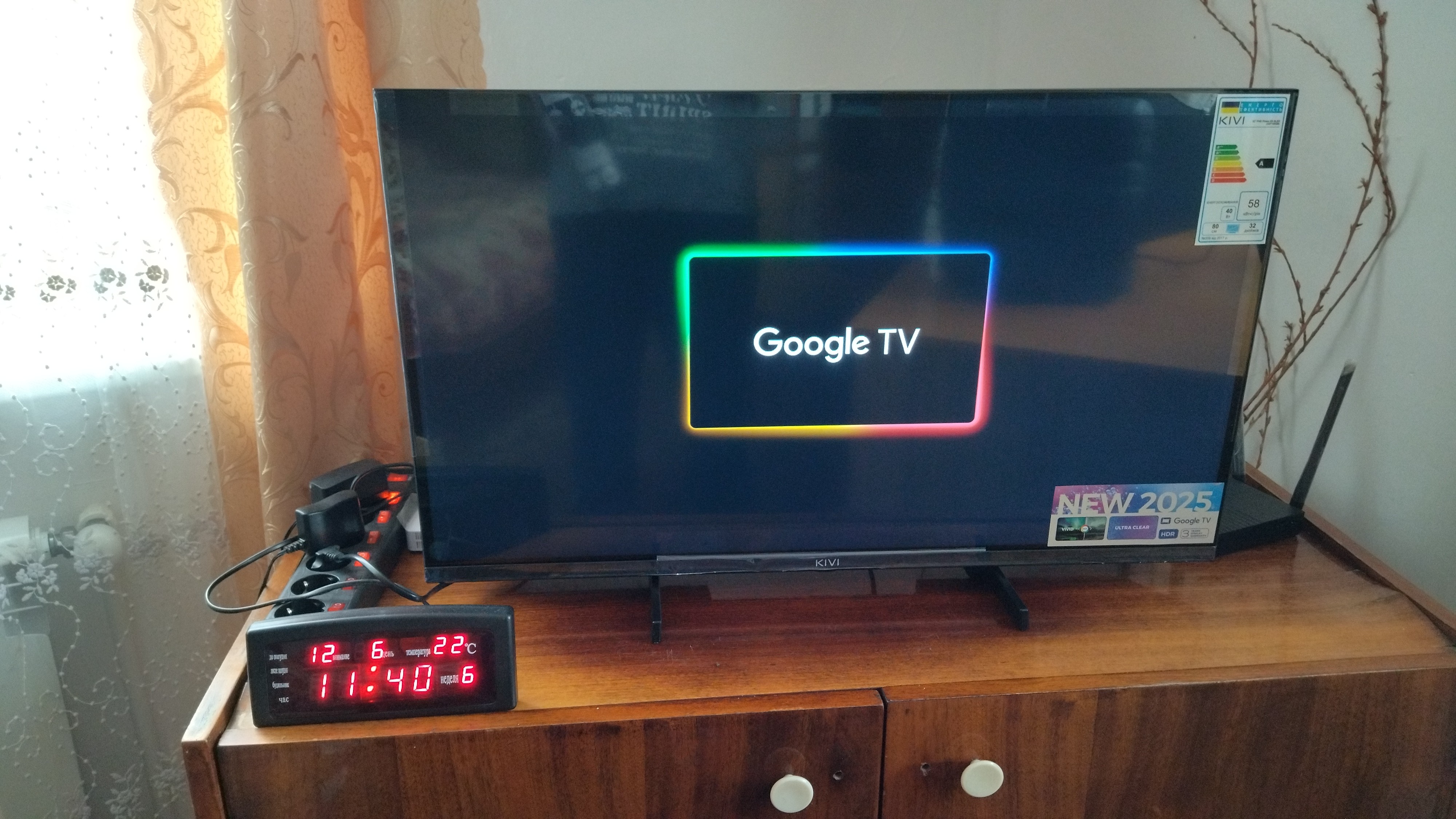
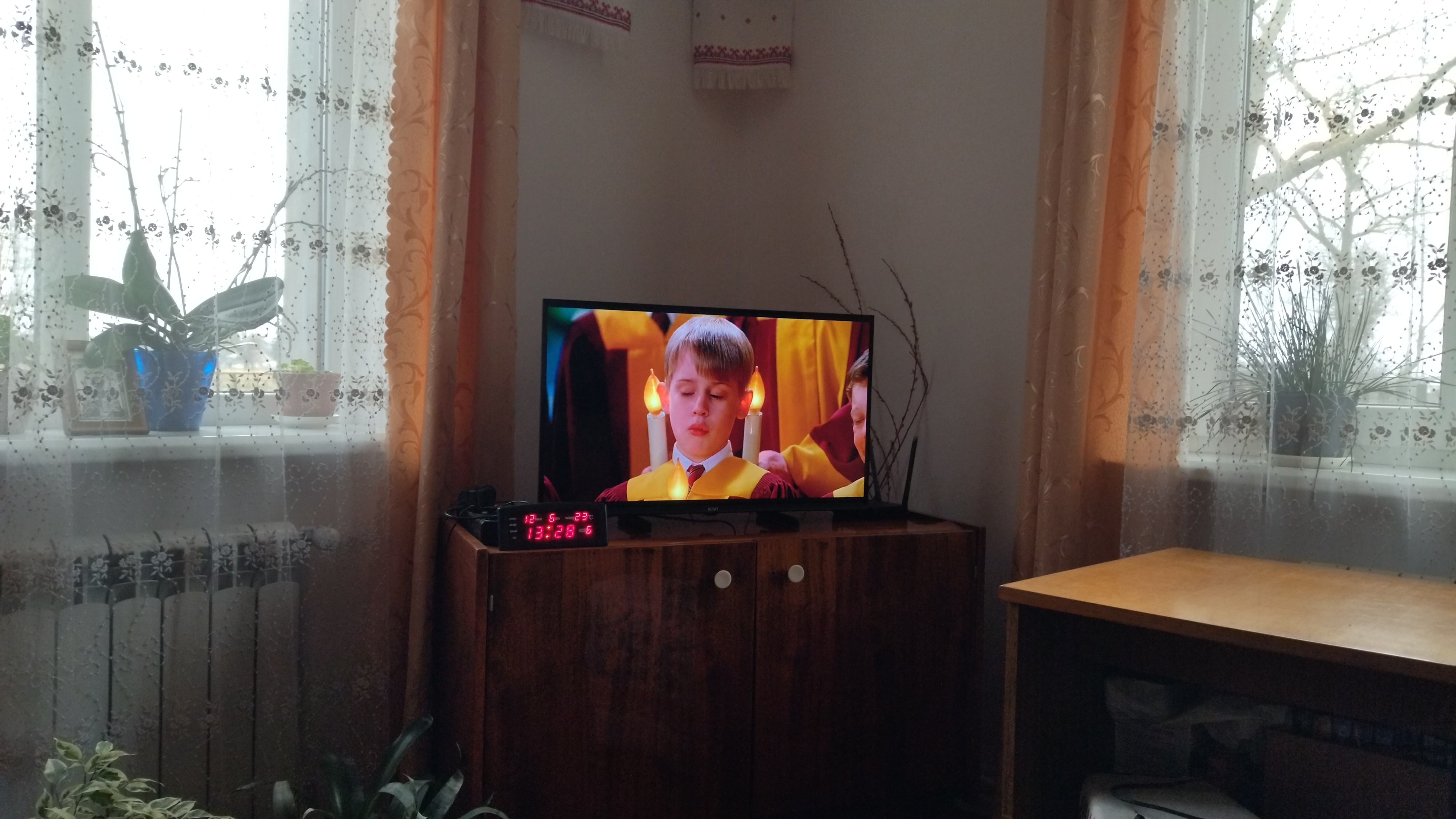
We installed the TV ourselves; the instructions included are quite accessible, though it doesn't specify what comes in the set. Why this matters - because we couldn't find the screws for attaching the stands, but they were there. The remote came with batteries, a nice little touch. Connected to the Internet via Wi-Fi, everything registered quickly. Pre-installed apps for Amazon Prime, HBO, Netflix, but without an account, they're of no use. Installed a browser via Google Play, and the provider's app. Haven't figured out how to set up IPTV yet; we'll talk to the provider. The voice dictation feature in the remote is also very useful, especially for older people. Sometimes, however, the TV picks up requests in English instead of Ukrainian.
Overall, the TV is intuitively easy to use, especially if you have experience with an Android smartphone. Set up access to sites with movies and live sports events. In fact, to control it, you need 7 buttons - power on, the central OK button, up-down, right-left, and the Back button. The sound is normal, and the volume change steps are quite well chosen. The picture is rich and bright, without acidic colors; we haven't messed with the settings yet, nothing has been changed. We've been using it for a month, and everything works fine so far.