
Maxxter KBW-01 (KBW-01G-UA)
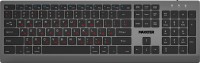 | Outdated Product Connection: radio; Form factor: 100% (full size); Layout: ANSI; Key profile: low; Switch technology: membrane; Fn key; CMD / OPT keys; Cyrillic colour: red; Volume control: fn; Cable: Power source: battery; Size (mm): 437x135; Weight (g): 566; |


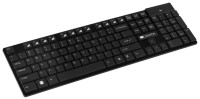



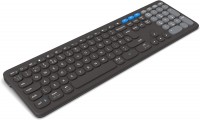
Maxxter KBW-01 | |||||||||||||||||||||||||||||||||||||||||||||||||||||||||||||||
|
| ||||||||||||||||||||||||||||||||||||||||||||||||||||||||||||||


Always clarify the specifications and configuration of the product with the online store manager before purchasing.
Catalog Maxxter 2026 - new arrivals, bestsellers, and the most relevant models Maxxter.






Complete Independence
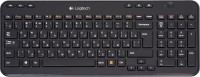
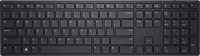
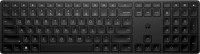
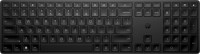
The Maxxter KBW-01 Keyboard (KBW-01G-UA) operates fully independently thanks to a built-in 400 mAh battery, which is sufficient for approximately 70 hours of active use. Full charging via the USB-C port takes about 2 hours. A standard 2.4 GHz radio frequency is used for wireless connectivity, and the signal is received through a compact USB dongle. The device supports Windows and macOS operating systems, and universal Alt / Opt and Win / Cmd keys are provided for convenient management.
Low-Profile Comfort
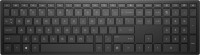
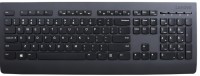
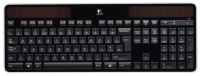
The full-size design of the keyboard offers convenience for both text and numerical data tasks. Typing is accompanied by pleasant tactile sensations and minimal noise due to low-profile keys with an ergonomic shape and membrane switches. Similar solutions are widely used in laptops. Additional functions are activated using the Fn key in combination with the F row. The neat and stylish design deserves special attention, harmoniously integrating into both office environments and home interiors.