
Logitech MX Master 3S
 |

Logitech MX Master 3S | |||||||||||||||||||||||||||||||||||||||||||||||||||||||||||||||||||
|
| ||||||||||||||||||||||||||||||||||||||||||||||||||||||||||||||||||


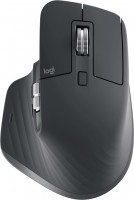
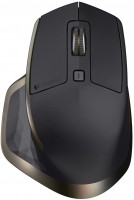
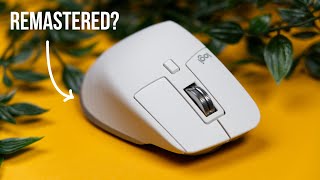
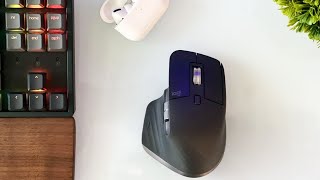
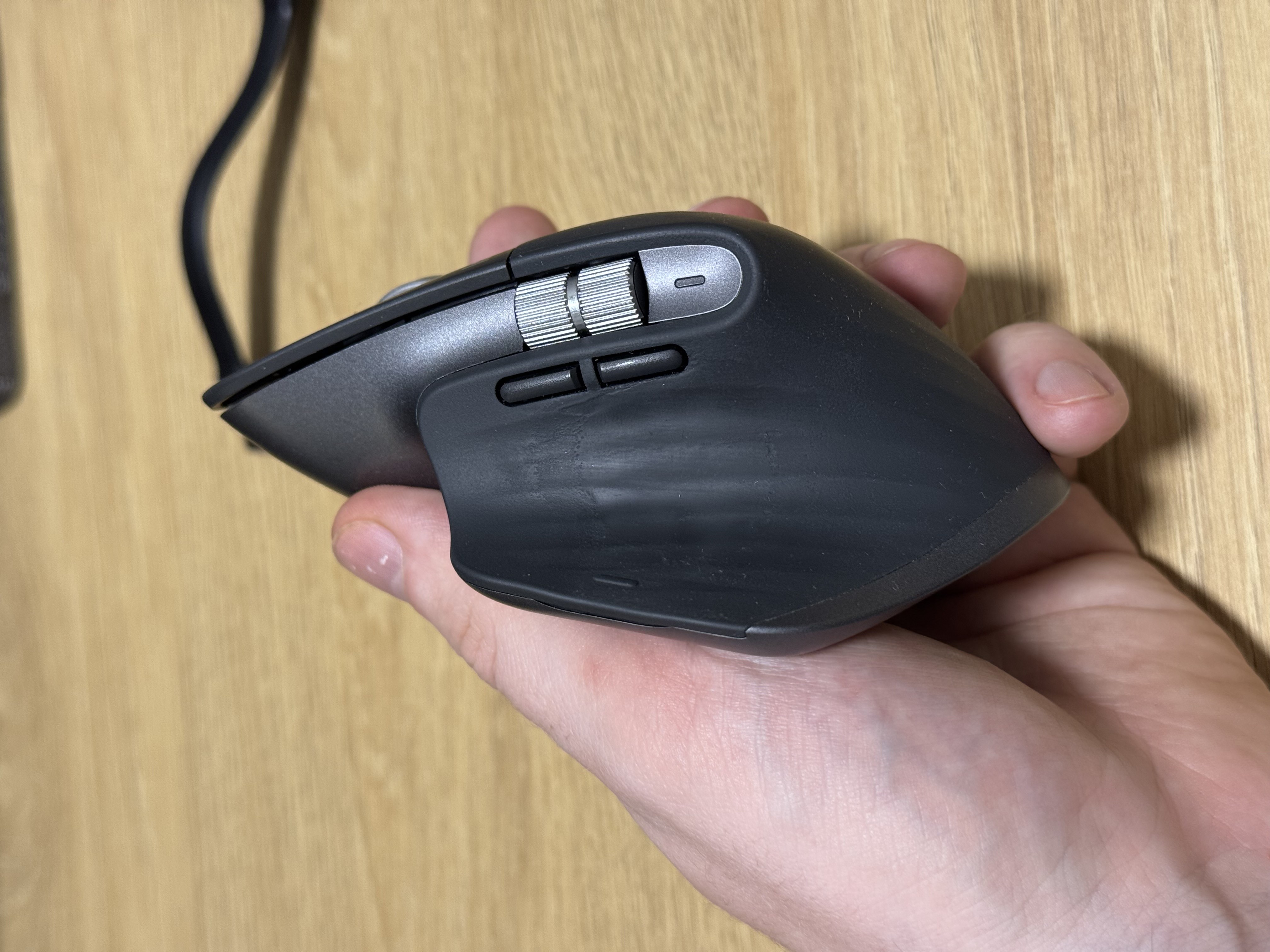
The advanced universal mouse by Logitech supports connection to multiple devices, gesture control, and features an increased number of control buttons. Introduced to the market in 2022, the model is positioned by the manufacturer in the premium price segment. The device boasts an asymmetrical body fully optimized for right-handed use. On the left side, there is a wide thumb rest, additional buttons, and another scroll wheel.
The Logitech MX Master 3S computer mouse is primarily geared toward use in a work environment, especially for handling large spreadsheets, data arrays, design, and more. At its core is a high-quality optical sensor with a resolution adjustable between 200 – 8000 DPI (in increments of 50 DPI). Users have access to 6 buttons and 2 scroll wheels (vertical and horizontal), with some buttons programmable to suit individual needs.
The wheels themselves are made of metal with special mechanical engraving, which provides excellent tactility and sufficient weight to ensure dynamic inertia. The MagSpeed electromagnetic scrolling system is fast enough to scroll 1000 lines per second. Thanks to the ultra-silent switches, the mouse won't distract others with loud clicks. The manufacturer has also implemented the capability of connecting to multiple devices with completely seamless switching between them (when moving the cursor to the edge of one device's screen, the mouse switches to another).

Always clarify the specifications and configuration of the product with the online store manager before purchasing.
Catalog Logitech 2026 - new arrivals, bestsellers, and the most relevant models Logitech.


Buy Logitech MX Master 3S
All prices 27 →| £68.99 |  | ||||
| £68.99 | | ||||
Mouse Logitech MX Master 3s Grey grey | £78.00 |  | |||
Logitech MX Master 3S Mouse Black MX Master 3S refurbished 5099206129382 | £79.00 |  | |||
Logitech MX Master 3S Mouse Wireless Black MX Master 3S refurbished 6782224936300 | £79.00 | | |||























4 1 3 2 |
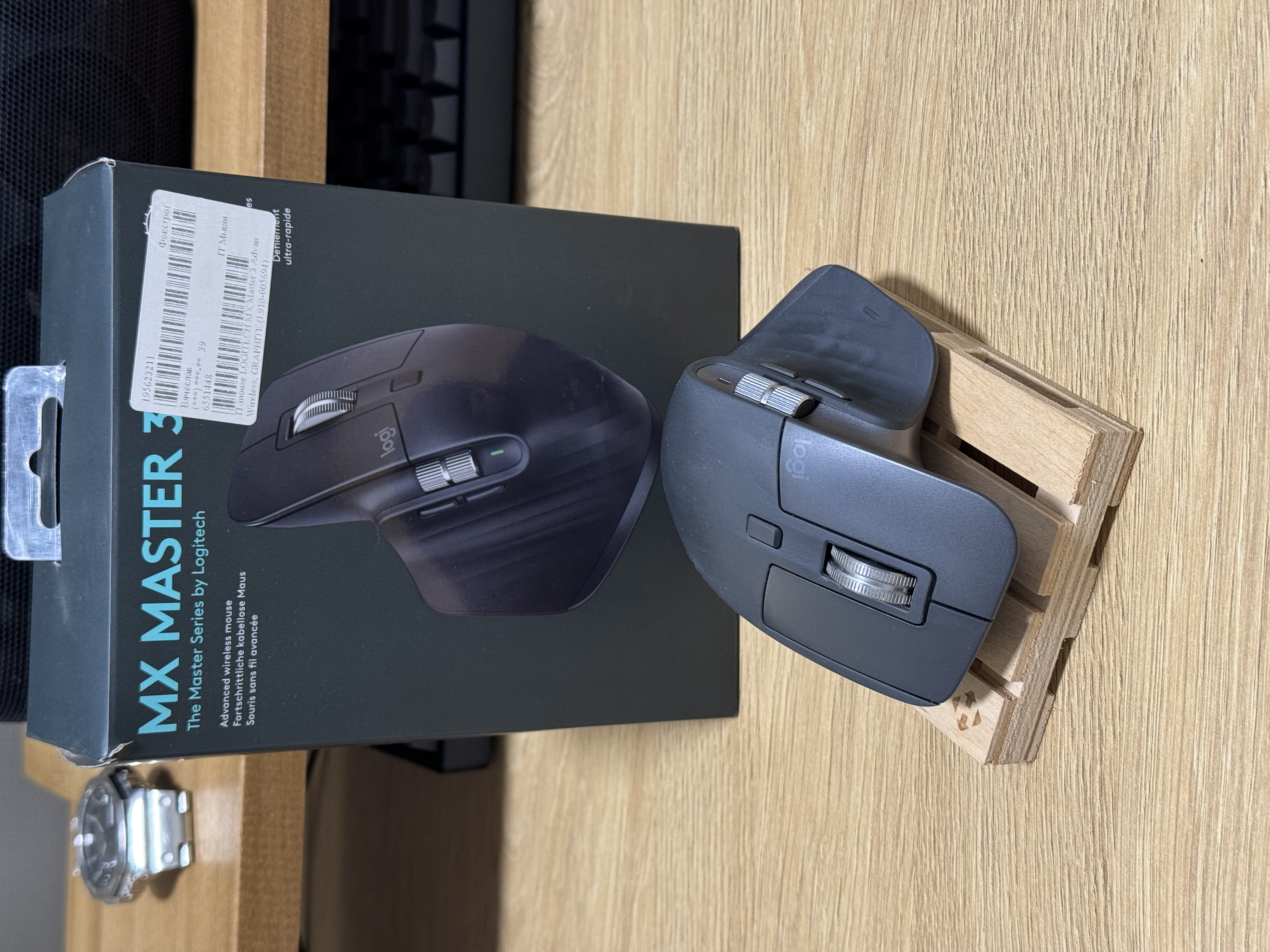
Sits in the hand perfectly; most buttons are super quiet; a large number of buttons, I don't even use them all)) the ability to customize each button and even for each application separately; autonomy; connectivity to multiple devices and quick switching between them I'd like the weight to be less)) The stock glides were not too smooth, I replaced them with custom Teflon ones and it got better)  Davay Zacinimo: use Logitech MX Master 3S few months Davay Zacinimo: use Logitech MX Master 3S few months |
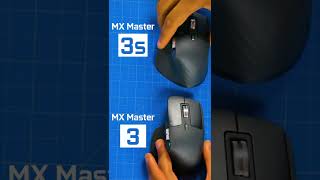
I've been wanting to switch from my Logitech Performance MX to something that charges via Type-C for a while now. I had my eye on the Master 3 for a long time, as unfortunately, the Performance line hasn't been developed further. I'll be comparing this mouse primarily from the perspective of what's worse, what's better, and what hasn't changed. Worse: 1. Harder to lift up due to a more slippery surface. 2. Vertical scrolling (in "ratchet" mode). 3. Height. It's slightly taller than my previous one, so after extended use, my hand hurt a bit. 4. Polling rate. Yes, in the Master 3 and 3S, it's even lower than in the Performance. This means that combined with its significant weight, this characteristic makes the mouse not the best choice for gaming. 5. Color (black isn't quite black, and white gets too dirty easily). 6. No space for the adapter in the body. Same: 1. Vertical scrolling (in Infinite Scroll mode). 2. Side buttons. 3. Stable performance on complex surfaces. With the Master 3S, this is even better. Better: 1. Click noise (significantly quieter). 2. Presence of a side scroll wheel. 3. Charging via Type-C. 4. Support for Logitech Flow. I also didn't know where to categorize the switch from the Logitech adapter [censored] to Bolt. It's worth noting that some modifications of the Master 3 already supported Bolt. On one hand, Bolt is better (at least from a security perspective), but on the other hand, the lack of backward compatibility is disappointing. Div. parity with Performance MX is higher. 1. It's more challenging to lift upwards due to a more slippery surface. If you use a high DPI (at least 1000), you can avoid lifting the mouse off the table altogether as the cursor reaches all corners of the screen. However, this sensitivity/speed is usually too high for precise positioning, so lower levels are used. With a lower sensitivity, the cursor no longer reaches everywhere, necessitating lifting the mouse. However, the surface has become more slippery, making it harder to grip the "rodent" with fingers, especially on the right side. 2. Vertical scrolling (in "ratchet" mode). When comparing this mouse with the Performance in terms of how the Infinite Scroll works, the main difference is that the Master can enter this mode automatically (without pressing a mode-switch button) if you attempt a quick scroll with one motion (down or up). The sensitivity of this transition can be adjusted in the settings (using the Logi Options+ app), and by default, it is set to 83%. This means any stronger scroll activates Infinite Scroll, which is generally cool, but there's one caveat—the effect this feature has on regular scrolling, known as "ratchet." The issue is that if you scroll not too strongly but frequently, you can even find a frequency at which scrolling will almost come to a standstill. More often, it scrolls slowly and unevenly. This works both downwards and upwards. Disabling the automatic transition doesn't help. It might just be a defect. Let us know if you experience the same. Halfist: use Logitech MX Master 3S less than month |
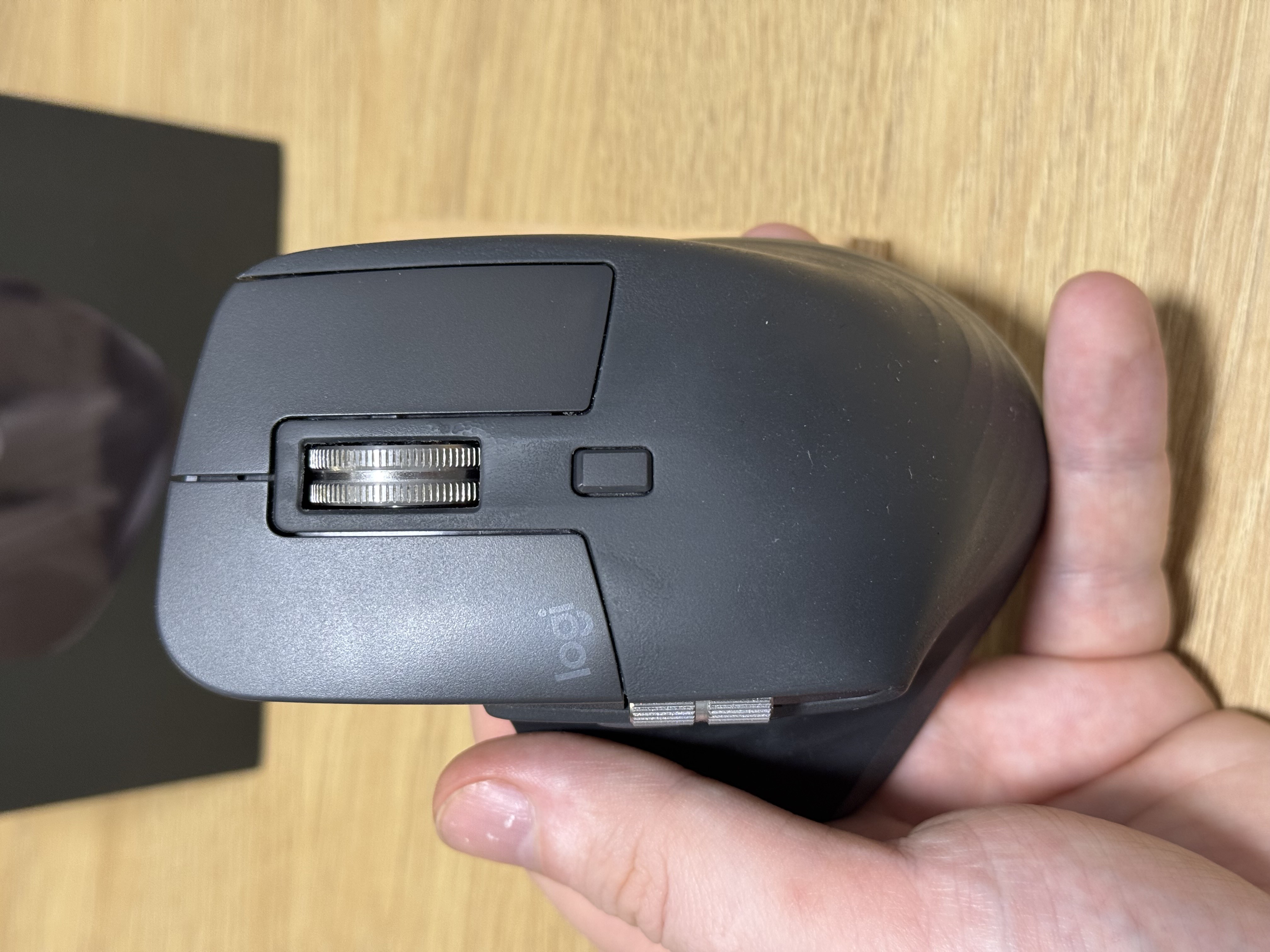
Great working tool, I liked the ergonomics and the number of additional buttons you can program for yourself, I've been using it for the 2nd year now. - ergonomics - additional buttons - the ability to program for yourself - long battery life - The soft-touch coating deteriorates over time, although the mouse still works great. However, the coating tarnishes the overall appearance.  Slava Botsenko: use Logitech MX Master 3S more than year Slava Botsenko: use Logitech MX Master 3S more than year |















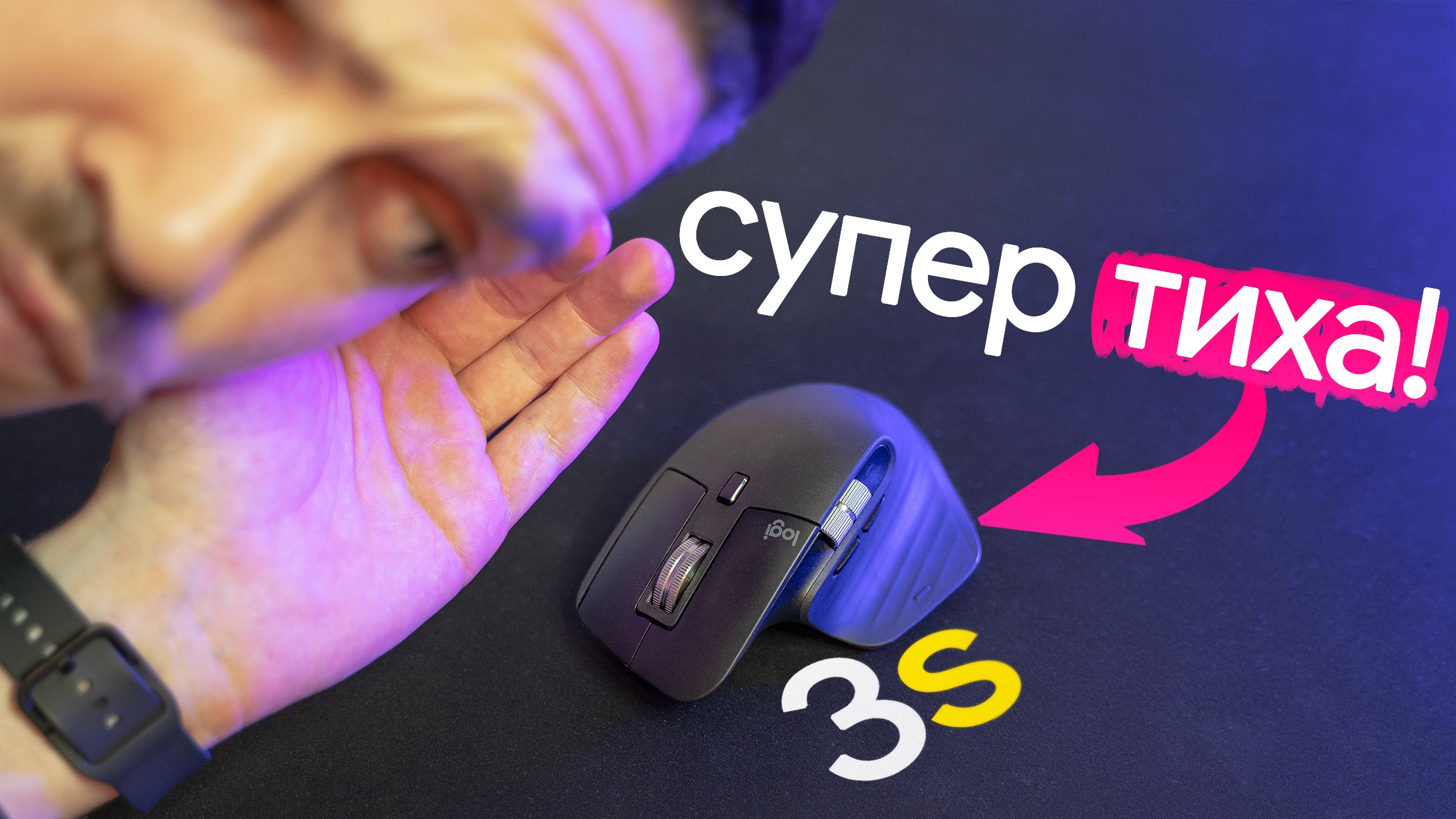
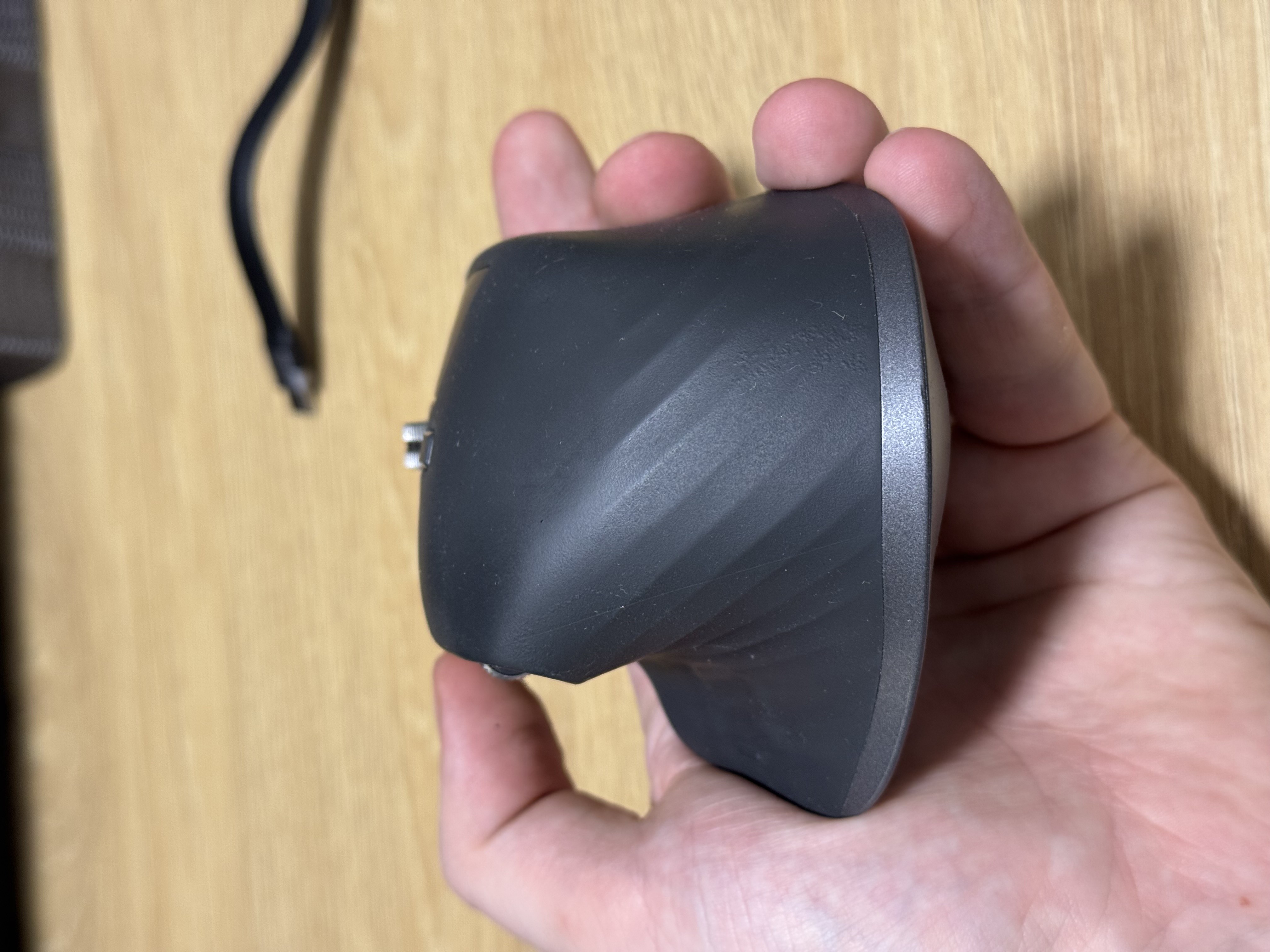

More details in the video - https://youtu.
be/-TTtK-dS_HQ