
Samsung S32A800NM 32 "
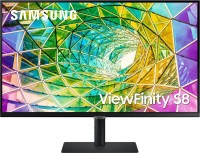 | Outdated Product Product type: monitor; Size ("): 32; Panel type: *VA; Treatment: anti-glare; Resolution: 3840x2160 (16:9); Response time GtG (ms): 5; Viewing angle vert.: 178; Horizontal viewing angle: 178; Brightness (cd/m²): 300; Static contrast: 2 500:1; HDR; Video transmission: DisplayPort: DisplayPort v1.2 |


We recommend products in stockMonitors Samsung →
32 ", 4K, 3840x2160 (16:9), *VA, response 4 ms, 60 Hz, sRGB 119 %, HDMI, DisplayPort, HUB: USB-A 4x5Gbps, speakers, AMD FreeSync
31.5 ", 4K, 3840x2160 (16:9), *VA, response 5 ms, 60 Hz, sRGB 100 %, HDMI, DisplayPort, USB-C (Thunderbolt v3), Power Delivery, LAN, HUB: USB-A 2x5Gbps, HDR
32 ", 4K, 3840x2160 (16:9), *VA, response 4 ms, 60 Hz, DCI-P3 90 %, HDMI, DisplayPort, speakers, AMD FreeSync, HDR
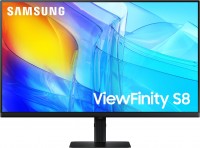
31.5 ", 4K, 3840x2160 (16:9), *VA, response 5 ms, 60 Hz, 1.07B Colors, sRGB 99 %, HDMI, DisplayPort, HUB: USB-A 3x5Gbps, HDR, TÜV Rheinland
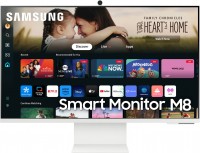
smart, 31.5 ", 4K, 3840x2160 (16:9), *VA, response 4 ms, 60 Hz, 1.07B Colors, sRGB 99 %, HDMI, USB-C (DP Alt Mode), Power Delivery, Bluetooth, Wi-Fi, HUB: USB-A 2x2.0, speakers, webcam, HDR

smart, 31.5 ", 4K, 3840x2160 (16:9), *VA, response 4 ms, 60 Hz, 1.07B Colors, sRGB 99 %, HDMI, USB-C (DP Alt Mode), Power Delivery, Bluetooth, Wi-Fi, HUB: USB-A 2x2.0, speakers, webcam, HDR
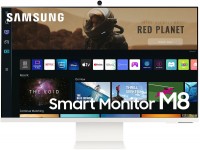
smart, 32 ", 4K, 3840x2160 (16:9), *VA, response 4 ms, 60 Hz, 8-bit (16.7M Colors), HDMI, USB-C (DP Alt Mode), Power Delivery, Bluetooth, Wi-Fi, HUB: USB-A 5Gbps, speakers, HDR
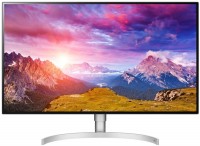
32 ", 4K, 3840x2160 (16:9), *VA, response 4 ms, 60 Hz, DCI-P3 95 %, HDMI, DisplayPort, USB-C (DP Alt Mode), HUB: USB-A 2x5Gbps, speakers, AMD FreeSync, HDR
Samsung S32A800NM 32 "
27 "
32 "
Screen size:32 "
Resolution:3840x2160 (16:9)
Panel:*VA, response 5 ms
Frequency:60 Hz
Contrast:2 500:1
Brightness:300 cd/m²
Functions:HDR, PBP, Flicker-Free
Connectors:DisplayPort v1.2 • HDMI v2.0
All specifications
Specifications S32A800NM
|
| ||||||||||||||||||||||||||||||||||||||||||||||||||||||||||||||||||||||||||||||||||||


The information in the model description is for reference purposes.
Always clarify the specifications and configuration of the product with the online store manager before purchasing.
Catalog Samsung 2026 - new arrivals, bestsellers, and the most relevant models Samsung.
Always clarify the specifications and configuration of the product with the online store manager before purchasing.
Catalog Samsung 2026 - new arrivals, bestsellers, and the most relevant models Samsung.

AccessoriesAll accessories for Samsung S32A800NM →
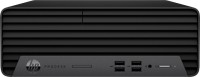
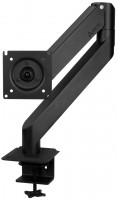
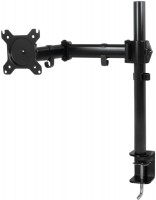
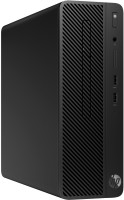




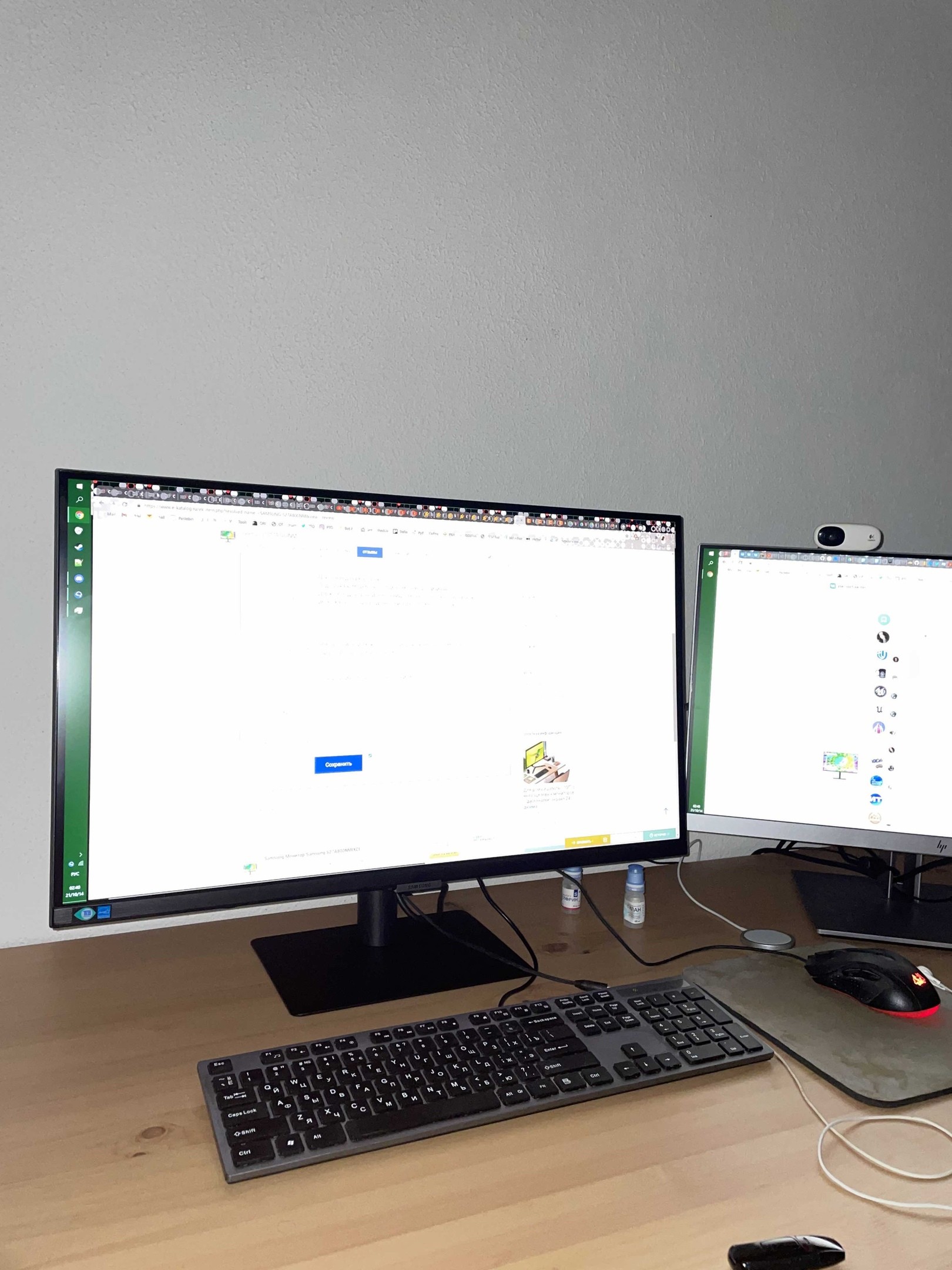
If it suddenly seems that the screen is too dim, don't forget to check if the ambient light sensor is on. The feature may generally be useful, but it was quite annoying that now my second HP monitor was much brighter than this one, even though it supposedly surpasses it by specs. After disabling the sensor, everything fell into place. The set does not include a Display Port cable, only HDMI. In terms of picture quality and other metrics, it is in no way inferior to the HP E423 monitor, although that one is comparable in price at a 1080p resolution. I was worried that 27 inches might be too small for such a resolution, but in practice, I don't want anything bigger. It's more than enough for gaming and work. In the photo, it's right next to the 24-inch HP E243. Color reproduction is good. The stand is compact, yet very stable. The cable holder is not in the form of a regular slot, but rather a clip. In practice, it turned out to be super convenient when rearranging on the desk. HDR is incomprehensible, maybe it’s a Windows issue, but I couldn’t get it to work properly  Vladislav Markelov: use Samsung S27A800NM few months Vladislav Markelov: use Samsung S27A800NM few months |
Add Review
Video reviews