
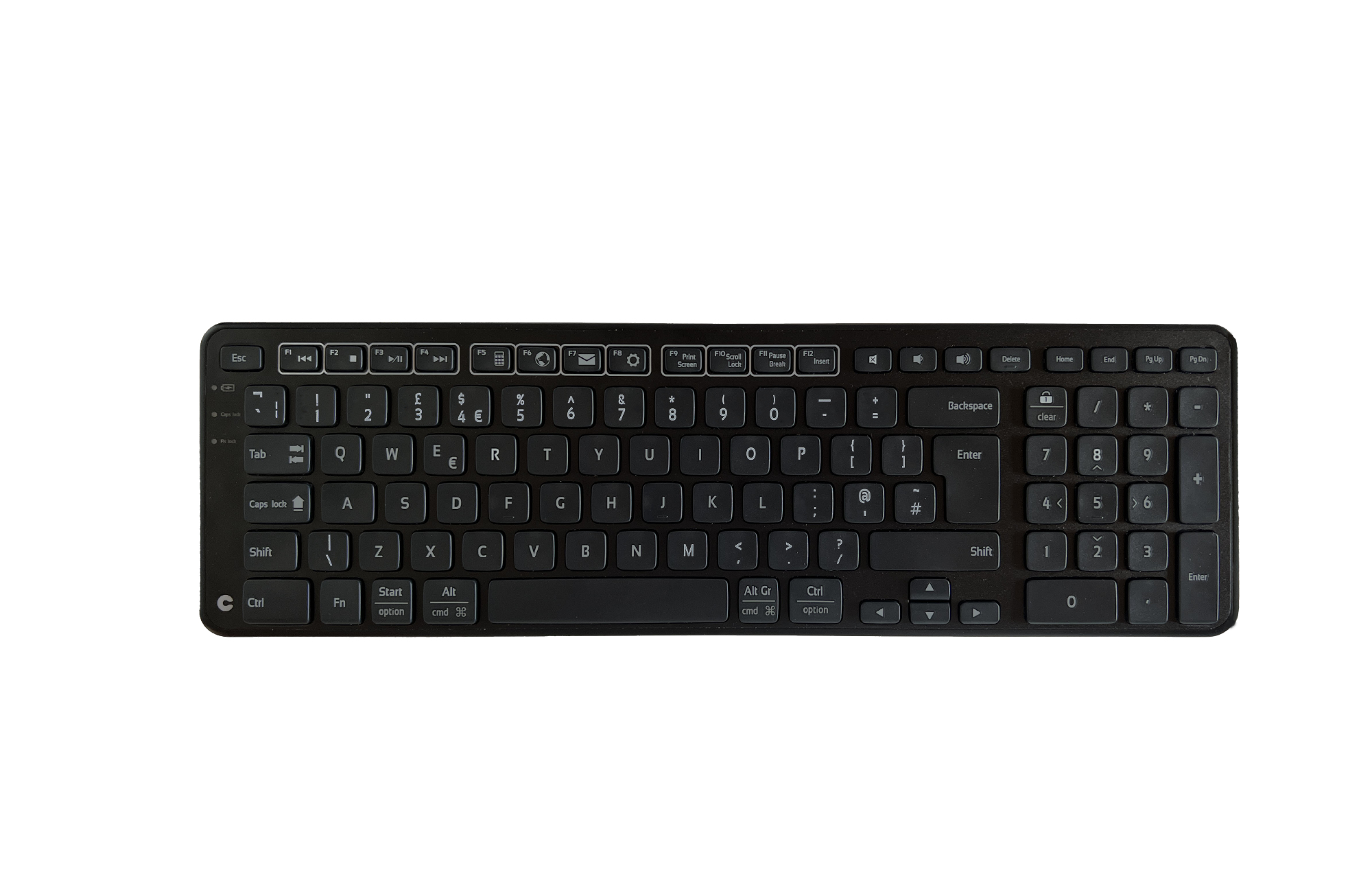
Contour Design Balance BK Wireless-UK Version
 | Compare prices 2 → When you make a purchase through links on our site, we may receive a affiliate commission.
|
Buy Contour Design Balance BK Wireless-UK Version
When you make a purchase through links on our site, we may receive a affiliate commission.
Contour Design Balance Keyboard BK Wireless-UK Version | £118.99 |  | |||
Contour Design Balance Keyboard BK Wireless-UK Version 102103 | £118.99 |  | |||
Contour Design Balance Keyboard BK Wireless-UK Version Possibly the most ideal keyboard for youBalance Keyboard helps you keep a good position with your arms in front of your body when working with a centered mouse. Despite its compact design. the keyboard has all the functionality of a full-size keyboard. It comes with shortcuts. media keys. and a numeric keypad. Furthermore. the keyboard is ergonomically designed with adjustable tilt. so you can choose the inclination that fits you best. Balance Keyboard BK is all black and perfectly matches the latest minimalist RollerMouse Pro and SliderMouse Pro designs. If you are not working with a centered mouse but want to optimize your ergonomics. you can get a wrist rest separately for a more comfortable posture.The perfect ergonomic partner for RollerMouse Pro and SliderMouse ProBalance Keyboard BK minimises the edge under the space bar and reduces your fingers’ stretching. Reducing the distance to the keyboard has a massive ergonomic impact. so bringing the keyboard and RollerMouse or SliderMouse Pro closer together gives you the optimal distance between the keyboard and mouse. The all-black design with white print complements the RollerMouse Pro and SliderMouse Pro perfectly. Ergonomic keyboard designed with an adjustable tilt to match your needsThe adjustable legs and tilt functions make it easy to set the keyboard in three different positions: negative. neutral. and positive tilt. When you place the keyboard in a negative tilt. your hands automatically angle to the optimal position for typing. Ultimately. it leaves your fingers much more relaxed when typing.Get more desk space without compromising functionalityAlthough the Balance Keyboard BK is compact. it has all the features of a full-size keyboard. including a separate numeric keypad. function buttons. and media control. Balance Keyboard is compatible with both PC and Mac.
The product description is generated based on data from online stores. Before purchasing be sure to verify all information directly with the seller.
Best Keyboards with Optical SwitchesOptical gaming keyboards with maximum comfort and efficiency.
Best Keyboards with Adjustable Magnetic SwitchesMagnetic keyboards with extensive control customization options and advanced gaming modes.
How to place an order?How to add store?
Remember that the online store is responsible for the accuracy of information regarding price, warranty, and delivery!
We recommendCompare using chart →


play (for kids), mechanical, свитчи GL Tactile, format 80% (TKL, without Numpad), Bluetooth / radio / wired, additional keys: 3, backlight, RGB backlight, battery, up to 36 h

play (for kids), membrane, format 100% (full size), wired, additional keys: 9, backlight, water resistance, RGB backlight
play (for kids), mechanical, свитчи ROG NX Snow (Linear), format 1800 (compact full-size), Bluetooth / radio / wired, BT v 5, additional keys: 1, backlight, RGB backlight, battery, up to 1500 h
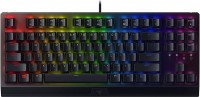
play (for kids), mechanical, свитчи Razer Green (Clicky), format 80% (TKL, without Numpad), wired, backlight, RGB backlight

play (for kids), magnetic, свитчи Logitech Low Profile Magnetic, format 80% (TKL, without Numpad), wired, additional keys: 1, backlight, RGB backlight
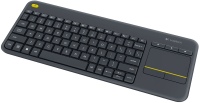
membrane, format 75% (compact TKL, without Num-block), radio, additional keys: 4, touchpad, 2xAA
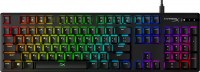
play (for kids), mechanical, свитчи Red (signature, Linear), format 100% (full size), wired, backlight, RGB backlight
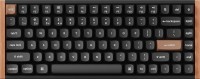
play (for kids), magnetic, свитчи Gateron Double-Rail Magnetic Nebula, format 75% (compact TKL, without Num-block), Bluetooth / radio / wired, BT v 5, additional keys: 2, backlight, RGB backlight, battery, 4000 mAh, up to 110 h
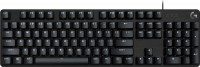
play (for kids), mechanical, свитчи Brown (Tactile), format 100% (full size), wired, backlight, USB hub