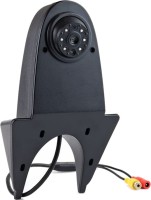
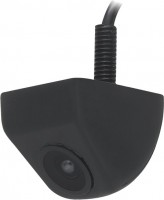
4 Way Car Video Switch 360 Degree Panoramic Rearview Camera Control Box System Universal
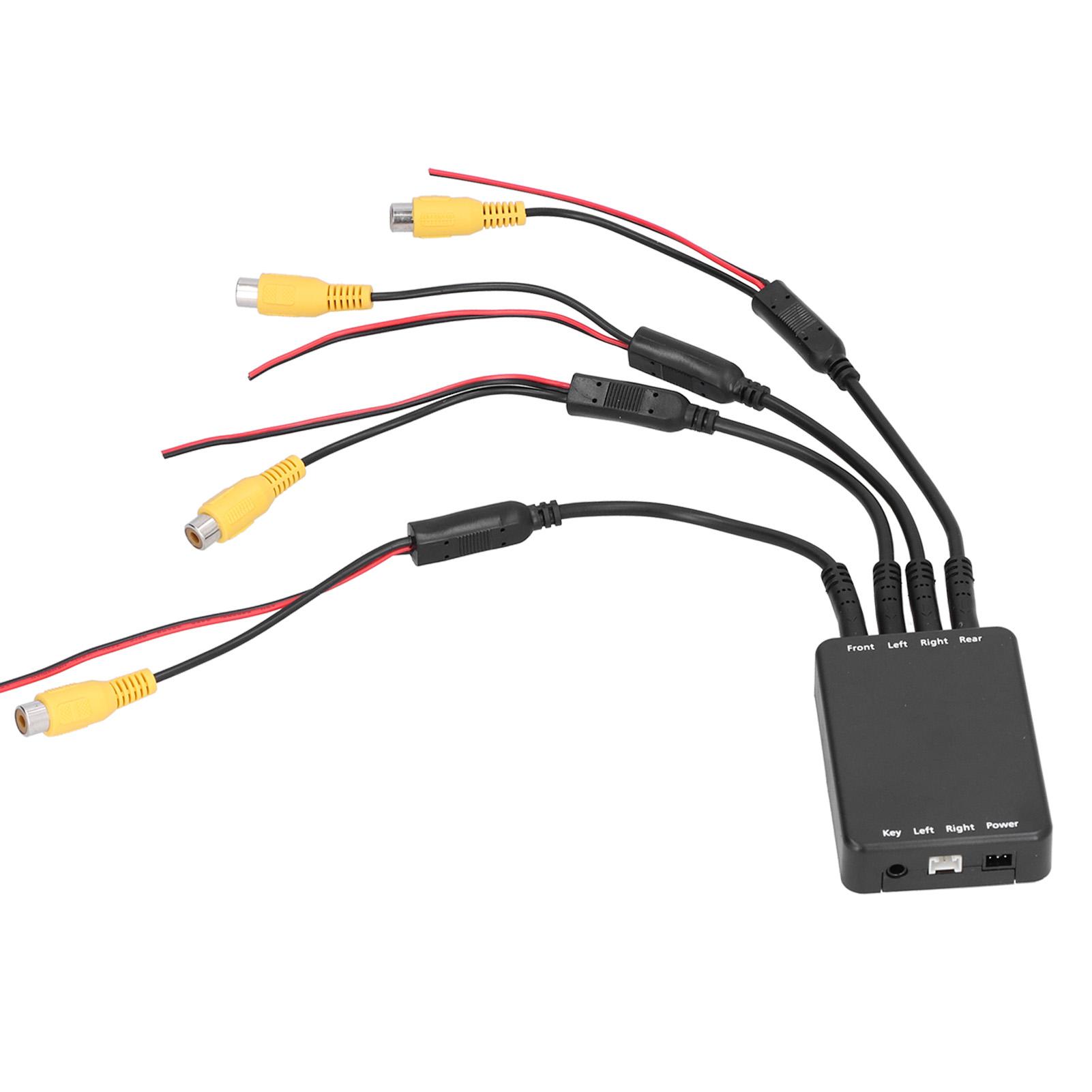 |
Buy 4 Way Car Video Switch 360 Degree Panoramic Rearview Camera Control Box System Universal
When you make a purchase through links on our site, we may receive a affiliate commission.
4 Way Car Video Switch 360 Degree Panoramic Rearview Camera Control Box System Universal | £21.13 |  | |||
Feature: 1. When car engine starts, the system will activate the car monitor and the all the camera around one by one to check the view around for 10 seconds, then turn off. 2. The system start with front view mode as default. Front view controlled by switch(included) and you can shut off the front view video by re?press the control switch for 2 seconds. 3. Press the control switch for 2 seconds, car monitor and car front view camera will be working all the time, if no other trigger working, more convenient to use. 4. Press the control switch less than 1 second to enter side view mode. When you turn on the turning switch, this system will activate monitor and side view camera (controlled by leftright steering lamp). 5. The monitor and camera will turn off after 1.5 seconds when steer turning is finished. Press the control switch less than 1 second again to enter front view mode. Specification: Item Type: Car Video Switch Material: ABS Power Supply Current: 50mA Power Supply Voltage: 915V Power: 1W Working Temperature: 20 to 80 celsius Color System: PALNTSC system (automatic search system) Fitment: Unicersal Wiring Instructions: Black wire ground wire Green wire ACC Red wire DVV trigger wire Blue wire Reversing trigger wire White wire right sight trigger wire Yellow wire Left sight trigger wire RCA head video output. Package List: 7 x Wire Harness1 x Controller1 x Instruction Note: The power supply of the panoramic auxiliary system must be connected to the ACC power supply on the car, not directly to the battery on the car.When car engine starts, the system will activate the car monitor and the all the camera around one by one to check the view around for 10 seconds, then turn off. The system start with front view mode as default. Front view controlled by switch(included) and you can shut off the front view video by re?press the control switch for 2 seconds. Press the control switch for 2 seconds, car monitor and car front view camera will be working all the time, if no other trigger working, more convenient to use. Press the control switch less than 1 second to enter side view mode. When you turn on the turning switch, this system will activate monitor and side view camera (controlled by leftright steering lamp). The monitor and camera will turn off after 1.5 seconds when steer turning is finished. Press the control switch less than 1 second again to enter front view mode.
The product description is generated based on data from online stores. Before purchasing be sure to verify all information directly with the seller.

What are homologated tyres?Homologated tyres are developed for a specific brand of car

Is it worth buying Chinese tires?An opportunity to save money or money down the drain? Pros and cons of Chinese tires.
How to place an order?How to add store?
Remember that the online store is responsible for the accuracy of information regarding price, warranty, and delivery!
We recommendCompare using chart →

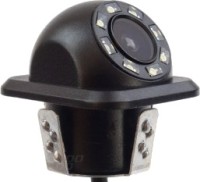
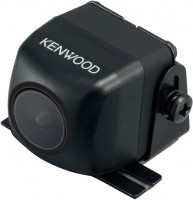
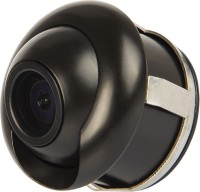
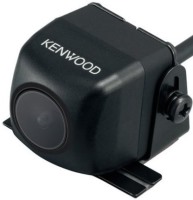
universal, on the Nextbase 322GW, 422GW, 522GW, CMOS panel, 720 TVL, 1080x720 px, overview 140 °
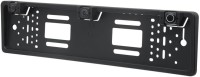
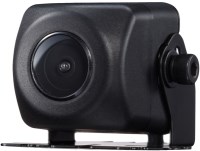
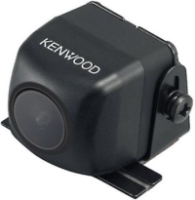
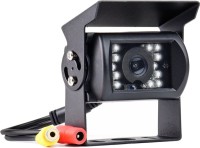
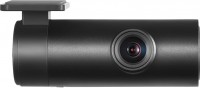
for dashcam, universal, on the 70mai A500S, A800S, A400, CCD panel, 1920x1080 px, overview 130 °