
Desktop PC case Switch Dual USB Ports Power Reset Button Audio Microphone Port white
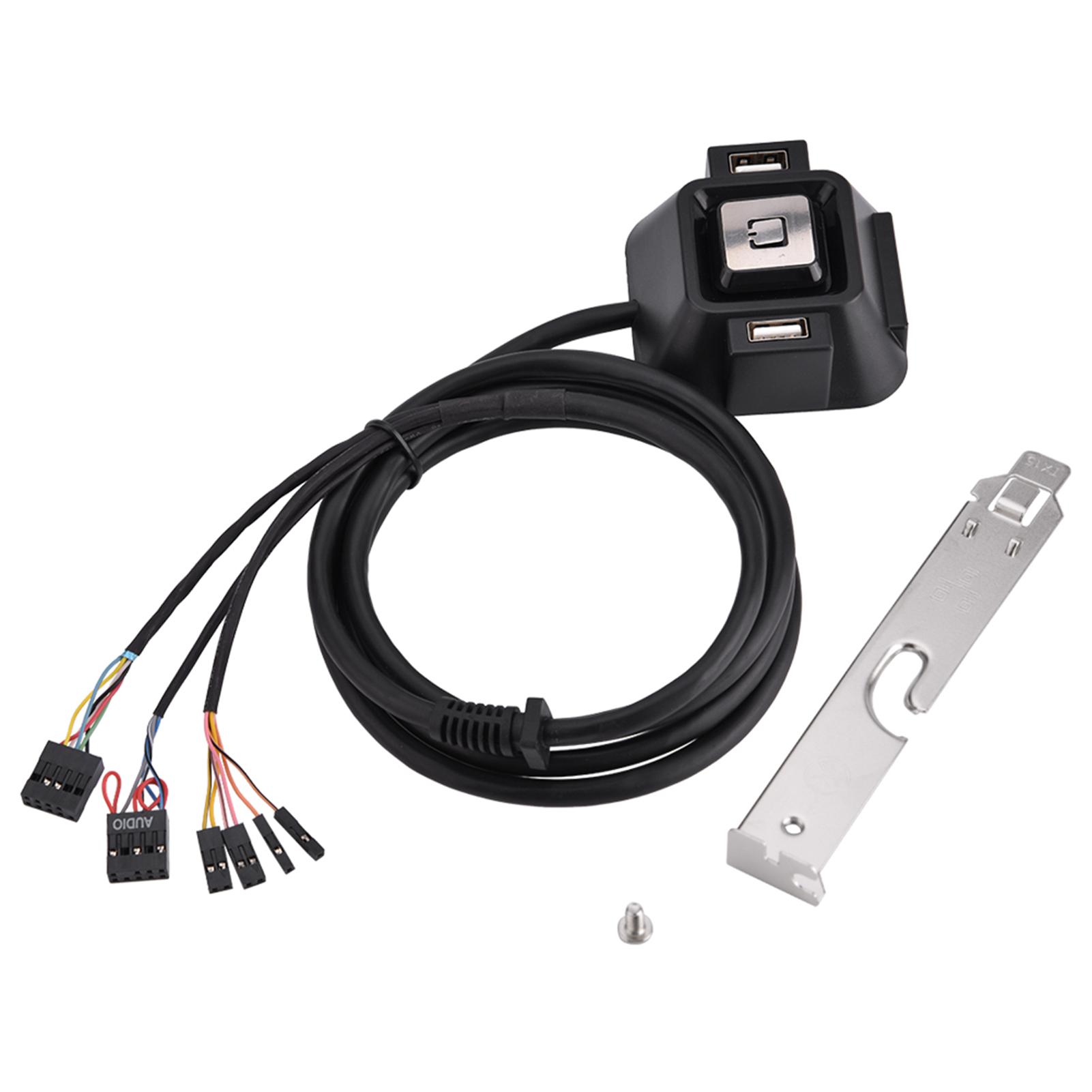 |
Buy Desktop PC case Switch Dual USB Ports Power Reset Button Audio Microphone Port white
When you make a purchase through links on our site, we may receive a affiliate commission.
Desktop PC case Switch Dual USB Ports Power Reset Button Audio Microphone Port white | £6.35 |  | |||
Features: You can extend the computer power switch to the Desktop. 1.55 meters length is enough for you to use. With two USB 2.0 interface, super convenient for you. With an audio interface and a microphone interface. Can be used in Internet cafes, families, company, etc. Specification: Audio Port: 1 Microphone Port: 1 USB Port: 2 Length: 1.55m 61.0inch Size: 6 x 6 x 3cm 2.36 x 2.36 x 1.18inch Package Weight: 170g Quantity: 1pc Package included: 1 x Desktop PC Switch Button Problem: 1.The audio port does not work. How should it be operated? 2. Why isn t there any input? Solution: 1.Check the plug and whether the cable of the port is inserted properly. 2. Because the pin was not inserted correctly. .
The product description is generated based on data from online stores. Before purchasing be sure to verify all information directly with the seller.
The Chi-Fi Phenomenon: How Chinese Companies Are Reshaping the World of Hi-Fi AudioFrom popular IEMs to serious DACs and speakers—we take a look at what Chinese Hi-Fi has to offer today.
Alternatives to Classic TWS EarbudsEarbuds, open-back headphones, and other alternatives to in-ear “plugs”.
How to place an order?How to add store?
Remember that the online store is responsible for the accuracy of information regarding price, warranty, and delivery!