
Universal Plugable Technologies USB C to HDMI Adapter. Video Graphics UGA-HDMI-S
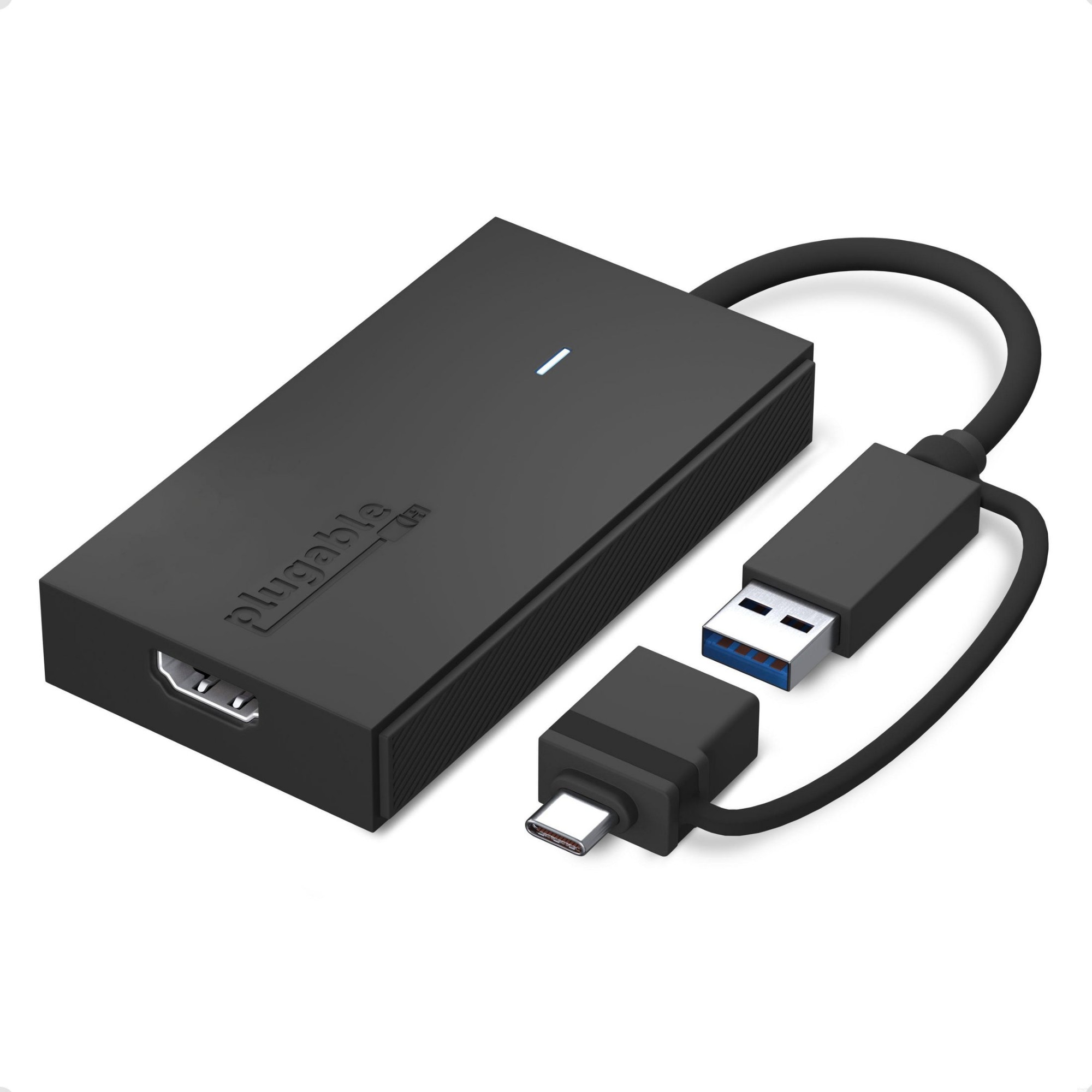 |


There’s no shortage of options when it comes to adding screens to your laptop. and that’s where things can get complicated (and expensive). The Plugable USB 3.0 and USB-C to HDMI monitor adapter (UGA-HDMI-S) keeps things simple. A one plug solution that adds one HDMI port to your computer. the UGA-HDMI-S leaves your other ports open for peripherals. And because this USB A to HDMI adapter has a single function. it’s a lot more affordable than a docking station.Extend or Mirror 4 ScreensWith the UGA-HDMI-S adding an extra display is just the start. Combining multiple USB to HDMI Adapters makes it possible to add up to 8 monitors on Windows computers and up to 4 monitors on macOS computers.Quad HDAdd a 2560x1440p @ 60hz Quad HD monitor through a USB 3.0 port. USB-C. or even a Thunderbolt port.Connection SimplicityA hybrid 2-in-1 cable means you don’t have to choose between a USB Type A and USB Type C to HDMI adapter picking an adapter that matches your computer. The UGA-HDMI-S works with the ports you have now. and the ports you’ll have on your next computer—USB 3.0. USB-C. USB4. even Thunderbolt to HDMI. It’s compact. too. so it’s as portable as your laptop. This USB A to HDMI adapter ensures you always have the right connection for your devices.For Best CompatibilitySilicon Motion is a versatile software that enables you to be more productive by adding additional displays through USB 3.0. USB-C. or Thunderbolt ports on your computer. SMI drivers on Windows will automatically install through Windows Updates. SMI macOS InstantView driver download and installation is required for MAC. This USB to HDMI converter is the perfect solution for extending your display setup with ease and affordability. Plugable Technologies USB C to HDMI Adapter. Universal Video Graphics Adapter for USB 3.0 and USB-C Macs and Windows. Extend an HDMI Monitor up to 1080p@60Hz
The product description is generated based on data from online stores. Before purchasing be sure to verify all information directly with the seller.

New USB Labels: How to Avoid Confusion in Speeds, Cables, and ConnectorsThe USB-IF organization has finally updated the USB port labels. Let's figure out what has changed.

How to Choose the Right Cable for Your Smartphone, Tablet, and LaptopConnectors, power, bandwidth and other criteria for choosing a cable for gadgets
You may be interested in