
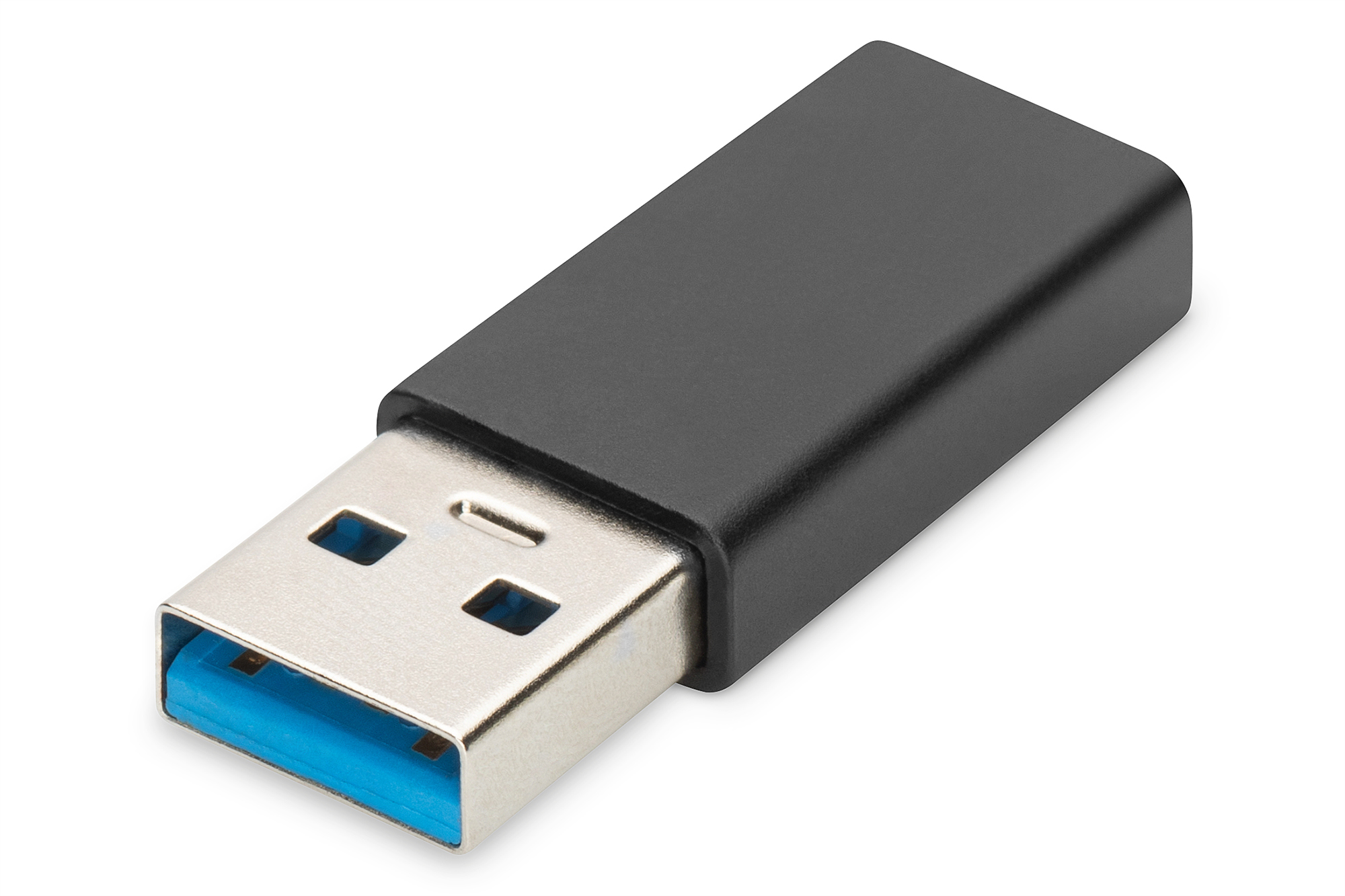
Digitus USB-C adapter. USB A - USB-C AK-300524-000-S
 | Compare prices 2 → When you make a purchase through links on our site, we may receive a affiliate commission.
|
Buy Digitus USB-C adapter. USB A - USB-C AK-300524-000-S
When you make a purchase through links on our site, we may receive a affiliate commission.
Digitus USB-C adapter. USB A - USB-C | £16.62 |  | |||
Digitus USB-C adapter. USB A - USB-C AK-300524-000-S | £16.62 |  | |||
Connect USB-C devices with a USB A port - Continue to use your devices with a USB A port- Supports USB 3.0 specification with SuperSpeed data transfer up to 5 Gbit/s - 10 times faster than USB 2.0- Supports up to 3A power supply for USB-C devices- USB-C socket is reverse polarity protected and can be used on both sides- Integrated 56k pull-up resistor to protect your source devices (notebook. PC. USB power supply unit)- Continue to use your devices with USB A port to connect the latest USB-C devices- Use USB A charging adapters to charge USB-C devices up to 15 W- Adapter housing made from robust aluminum alloy- Plug and play - no software installation necessary- Compact design in an elegant styleThe DIGITUS® USB Type A to USB-C adapter allows you to use your current USB Type-C devices on an older USB A port. The adapter supports the USB 3.0 specification with data transfers of up to 5Gbps and provides a maximum power of 15 W (3 A). By simply reversing the USB-C connector. you can switch between USB 3.0 and USB 2.0 speeds. provided they are supported by the USB A port. The integrated 56k pull-up resistor protects your devices from damage due to overloading and only supplies as much power as the connected USB-C device requires. Backwards compatible with the USB 2.0 / 1.1 standards. this adapter allows you to use the full bandwidth of previous USB versions. Digitus USB-C adapter. USB A - USB-C
The product description is generated based on data from online stores. Before purchasing be sure to verify all information directly with the seller.

New USB Labels: How to Avoid Confusion in Speeds, Cables, and ConnectorsThe USB-IF organization has finally updated the USB port labels. Let's figure out what has changed.

How to Choose the Right Cable for Your Smartphone, Tablet, and LaptopConnectors, power, bandwidth and other criteria for choosing a cable for gadgets
How to place an order?How to add store?
Remember that the online store is responsible for the accuracy of information regarding price, warranty, and delivery!
You may be interested in