
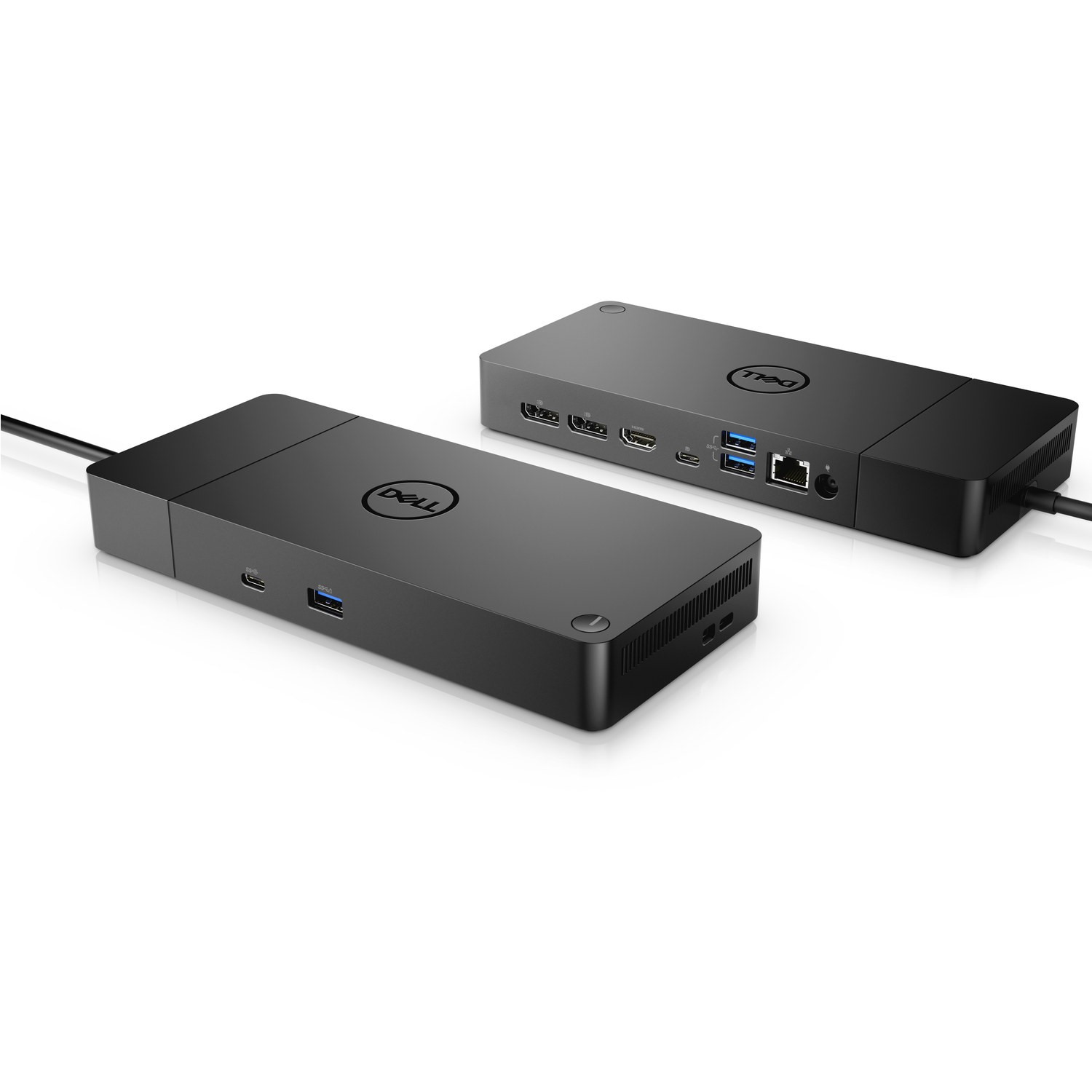
Dell WD19S USB-C to HDMI 130W Docking Station Black -WD19S130W
 |
Buy Dell WD19S USB-C to HDMI 130W Docking Station Black -WD19S130W
When you make a purchase through links on our site, we may receive a affiliate commission.
Dell WD19S - docking station - USB-C - HDMI, 2 x DP, USB-C - 1GbE Refurbished DELL-WD19S130W | £119.88 |  | |||
Dell WD19S - docking station - USB-C - HDMI, 2 x DP, USB-C - 1GbE New DELL-WD19S130W | £128.40 | | |||
Dell WD19S USB-C to HDMI 130W Docking Station Black DELL-WD19S130W | £157.97 |  | |||
Dell Docking Station WD19S - docking station - USB-C - HDMI, 2 x DP, USB-C - GigE New DELL-WD19S130W | £119.99 | | |||
DELL Dock WD19S 130W DELL-WD19S130W | £157.45 |  | |||
DELL WD19S-130W Wired USB 3.2 Gen 2 (3.1 Gen 2) Type-C DELL-WD19S130W | £183.38 |  | |||
DELL Dock – WD19S 130W DELL-WD19S130W | £195.98 |  | |||
DELL WD19S-130W Wired USB 3.2 Gen 2 (3.1 Gen 2) Type-C Black DELL-WD19S130W | £374.38 |  | |||
. Boost your PC's power on the first modular USB-C dock with a future-ready design. Ultimate connectivityUSB-C connectivity makes it easier than ever to deliver power data audio and video in one convenient cable no matter what system you use.Dell Commercial Docks offer the greatest compatibility across Dell Commercial laptops and also is compatible with notebooks from other manufacturers such as HP and Lenovo which support industry standards for USB-C docking.Dell ExpressCharge allows you to charge up to 80% in one hour making it the most efficient way to manage the work day. Power your dayDell ExpressCharge allows you to charge up to 80% in one hour making it the most efficient way to manage the workday. Energize your workloadGet more done even faster with Dell ExpressCharge Boost – a feature that provides up to a 35% charge in just 20 minutes. Unmatched chargingIncrease your power delivery and charge even faster with a dock that delivers up to 90 W of power with 130 W power adapter. Mix and matchEvolve as your needs change with Dell's most versatile dock. The future-ready design lets you swap out modules with ease if you need to do field replacements or upgrade your systems. Clean and clutter-freeStay productive by mounting your dock behind your monitor or under your desk with the optional secure VESA mount that offers complete flexibility with the built-in one-meter cable. Information in a flashWith data transfer speeds of up to 10 Gbps you can stay productive when connected to all your devices. Smooth and seamlessWork without disruptions utilizing a single firmware on Dell's most manageable docks ever. Plus with Dell Client Command Suite and Microsoft System Center Configuration Manager you can quickly and easily update your firmware without rebooting your dock. Secure manageabilityKeep your information safe with MAC Address pass-thru and remote port-disablement. Plus with features like PXE Boot Wake-on-LAN and more it’s easier than ever to stay productive while managing your dock.
The product description is generated based on data from online stores. Before purchasing be sure to verify all information directly with the seller.

New USB Labels: How to Avoid Confusion in Speeds, Cables, and ConnectorsThe USB-IF organization has finally updated the USB port labels. Let's figure out what has changed.

Useful gadgets for programmers that increase efficiencyUSB hub, widescreen monitor, comfortable chair and other useful gadgets for coders and IT industry workers
How to place an order?How to add store?
Remember that the online store is responsible for the accuracy of information regarding price, warranty, and delivery!
We recommendCompare using chart →
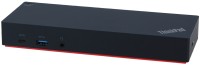
USB hub, connection USB-A and USB-C, 5Gbps, ports: USB-A 5 pcs, USB-C 2 pcs, HDMI, DisplayPort, LAN, functions: external power supply
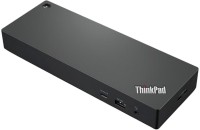
USB hub, connection USB-C, 10Gbps, ports: USB-A 4 pcs, USB-C 2 pcs, HDMI, DisplayPort, LAN, functions: external power supply, Power Delivery