
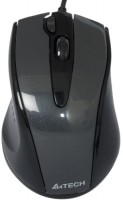
A4Tech N-500F
 |


A4Tech N-500F | |||||||||||||||||||||||||||||||||||||||||
|
| ||||||||||||||||||||||||||||||||||||||||


The information in the model description is for reference purposes.
Always clarify the specifications and configuration of the product with the online store manager before purchasing.
Catalog A4Tech 2026 - new arrivals, bestsellers, and the most relevant models A4Tech.
Always clarify the specifications and configuration of the product with the online store manager before purchasing.
Catalog A4Tech 2026 - new arrivals, bestsellers, and the most relevant models A4Tech.

How to choose a gaming mouseWe'll look at grip types, sensor sensitivity, pushbutton switches, and other important nuances

How to choose a mouse for games, office tasks and creative workLet's explore the nuances of the computer mouse market together and find the perfect options that match your requirements
AccessoriesAll accessories for A4Tech N-500F →









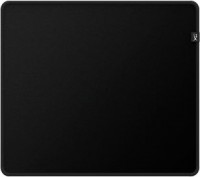

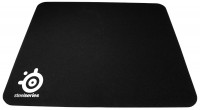
Model overview based on user reviews
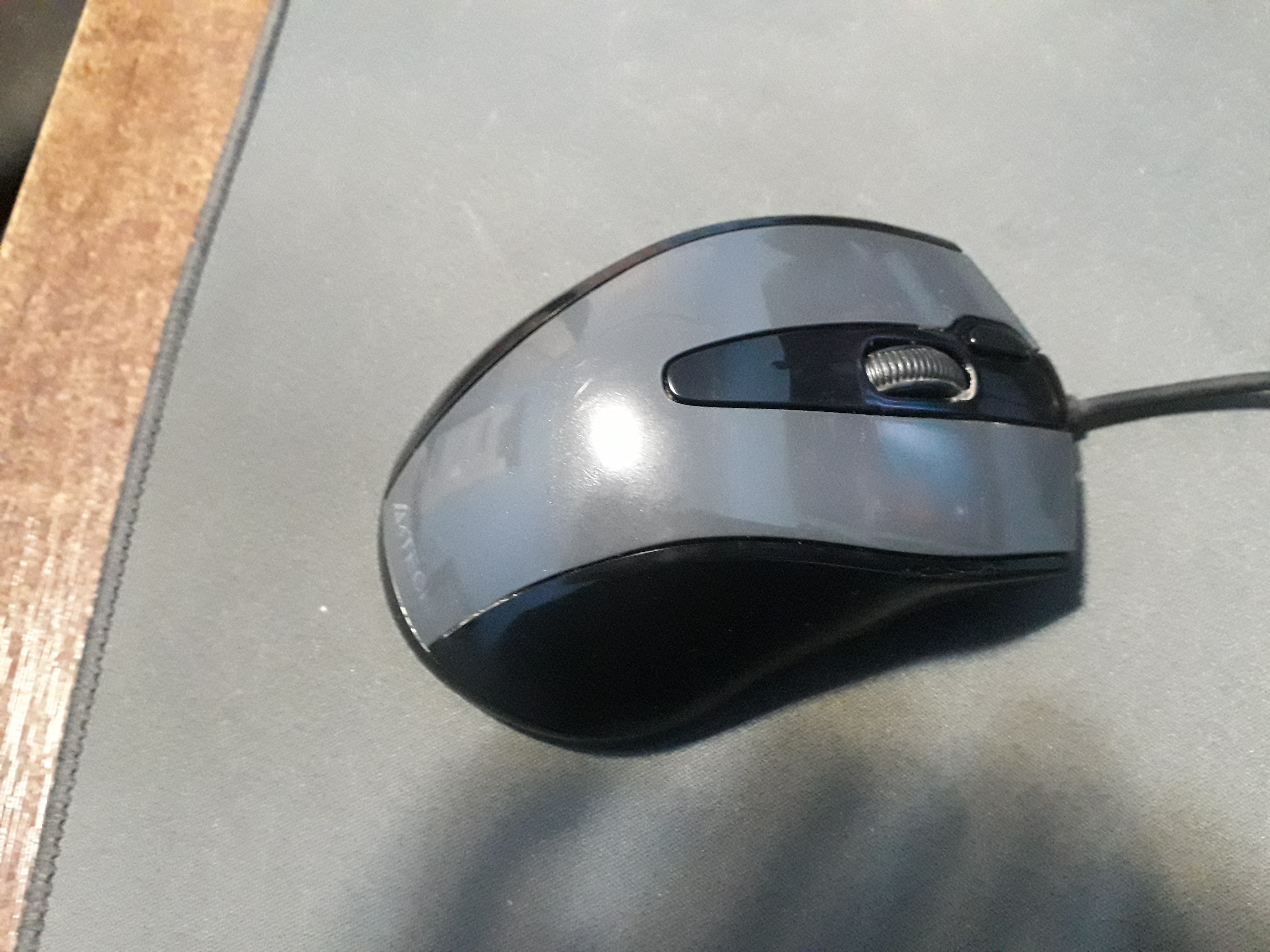
The A4Tech N-500F is a wired optical mouse with a 1000 DPI resolution, offering basic functionality suitable for simple tasks like painting. Users appreciate its comfortable ergonomics and reliable button performance, though some note that the buttons click loudly. The mouse is available in gray and black and features a 4D scroll wheel. However, it has a few drawbacks, such as getting dirty easily and having a short, non-braided cable that may require an extender for some setups. Despite these issues, it is considered a decent option for those seeking a straightforward and affordable mouse.
Pros
Cons
good Misha I admire it 3 times, all the buttons work well, everything is fine with the Misha wheel... the only downsides are that it gets dirty easily and the cable is not braided. with a stretch of three rocks everything works well gets dirty easily  Maryan : Maryan : |
I already have the Q4-500 model, and I understand that this N-500F model was introduced to replace it in the updated lineup. When comparing the mice, the Q4-500 seems more reliable. The cable for the N-500F is shorter, and I had to buy an extender because it was just a little too short to reach the system unit. The buttons click louder, which initially draws a lot of attention, but you get used to it, though the fact remains. The cable has become thinner and softer, which is more of a downside for me. Comfortable, good ergonomics. Buttons click loudly, short cable with soft insulation.  Artem A.: use A4Tech N-500F few months Artem A.: use A4Tech N-500F few months |
Add Review
Ask Question
Good to know:
16 active functions in 1 button
Assign all the functions you need to the right mouse button, such as "Zoom in/Zoom out", "Scroll left/Scroll right", "Copy/Paste", etc. This will allow you to do your job more easily and quickly just by moving the mouse in a given direction while holding down the right button.
16 active functions in 1 button
Assign all the functions you need to the right mouse button, such as "Zoom in/Zoom out", "Scroll left/Scroll right", "Copy/Paste", etc. This will allow you to do your job more easily and quickly just by moving the mouse in a given direction while holding down the right button.
We recommendCompare using chart →


gaming mouse, radio / Bluetooth / wired, Multi-Device, with memory, buttons: 6, programmable, + wheel, 4D, свитчи: optical, Razer Gen-3, up to 90 mln, RGB backlight, sensor 18000 DPI, battery, up to 180 h

Bluetooth/radio, BT v 5, Multi-Device, buttons: quiet, 7, programmable, + wheel, sensor 8000 DPI, battery, 650 mAh, up to 70 days
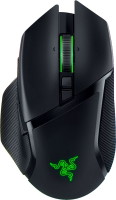
gaming mouse, radio / Bluetooth / wired, USB-A, with memory, buttons: 6, programmable, + wheel, 4D, свитчи: optical, Razer Gen-3, up to 90 mln, RGB backlight, sensor 30000 DPI, battery, up to 150 h
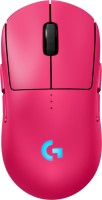
gaming mouse, radio / wired, USB-A, with memory, buttons: 6, programmable, + wheel, свитчи: optical, Logitech Lightforce, RGB backlight, sensor 32000 DPI, wireless charger, battery, up to 95 h

gaming mouse, Bluetooth/radio, Multi-Device, with memory, buttons: 5, programmable, + wheel, свитчи: mechanical, Razer Gen-2, sensor 18000 DPI, 1xAA
gaming mouse, Bluetooth/radio, Multi-Device, with memory, buttons: 6, programmable, + wheel, свитчи: mechanical, Razer Gen-2, up to 60 mln, RGB backlight, sensor 18000 DPI, 1xAA

gaming mouse, radio, with memory, buttons: 5, programmable, + wheel, sensor 30000 DPI, 1xAA

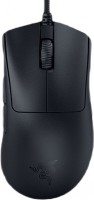
gaming mouse, wired, USB-A, with memory, buttons: 4, programmable, + wheel, свитчи: optical, Razer Gen-3, sensor 30000 DPI