
AOC GM500
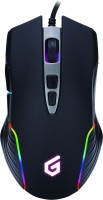
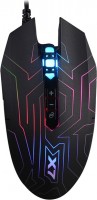
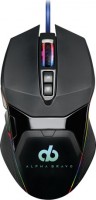
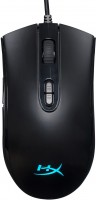
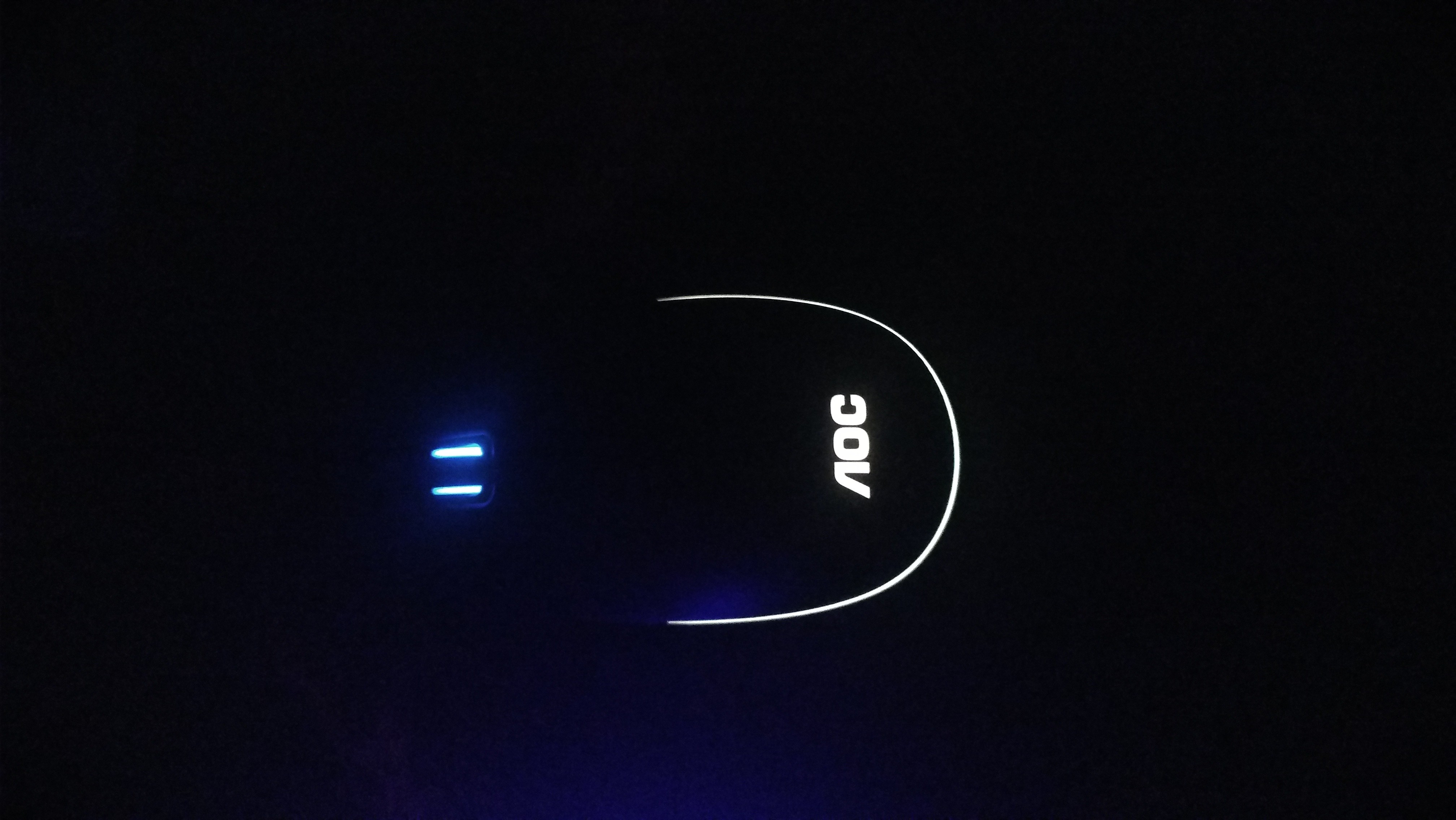
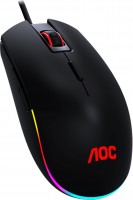 | Expecting restock Comparatively priced and elegant full size gaming mouse with a quality optical sensor, durable switches, controllable RGB lighting and USB cable connection. The model is dressed in a stylish black plastic case with a symmetrical design, which is equally optimized for use by the right and left hand (the side buttons are duplicated on both sides of the case). It is positioned as a model of the basic price category, suitable for gamers with a large / medium palm. The AOC GM500 mouse features a set of seven buttons and a traditional scroll wheel. The LMB and RMB buttons use durable Japanese Omron switches. The PixArt 3325 optical sensor provides excellent resolution (up to 5000 dpi), which can be changed "on the fly" with a separate button located under the scroll wheel. Such a device can serv...e as a good choice, including for active gaming. Suitable for work that requires accurate cursor positioning in applications for the creation and processing of vector or raster graphics, 3D models, multimedia content. |



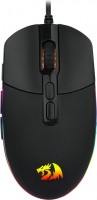
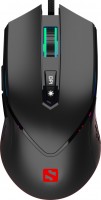
AOC GM500 | |||||||||||||||||||||||||||||||||||||||||||||||||||||||||||||||||||||||||||||||||||
|
| ||||||||||||||||||||||||||||||||||||||||||||||||||||||||||||||||||||||||||||||||||


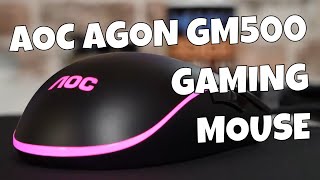
Comparatively priced and elegant full size gaming mouse with a quality optical sensor, durable switches, controllable RGB lighting and USB cable connection. The model is dressed in a stylish black plastic case with a symmetrical design, which is equally optimized for use by the right and left hand (the side buttons are duplicated on both sides of the case). It is positioned as a model of the basic price category, suitable for gamers with a large / medium palm.
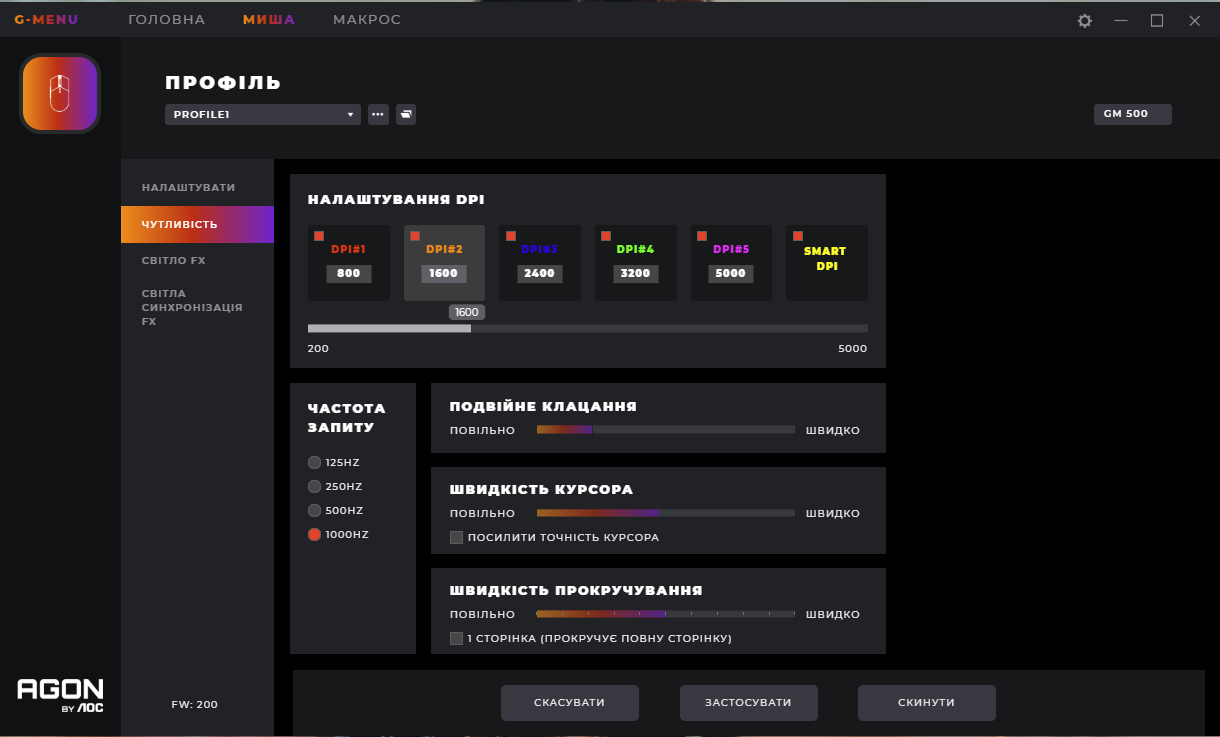
The AOC GM500 mouse features a set of seven buttons and a traditional scroll wheel. The LMB and RMB buttons use durable Japanese Omron switches. The PixArt 3325 optical sensor provides excellent resolution (up to 5000 dpi), which can be changed "on the fly" with a separate button located under the scroll wheel. Such a device can serve as a good choice, including for active gaming. Suitable for work that requires accurate cursor positioning in applications for the creation and processing of vector or raster graphics, 3D models, multimedia content.
Always clarify the specifications and configuration of the product with the online store manager before purchasing.
Catalog AOC 2026 - new arrivals, bestsellers, and the most relevant models AOC.












not expensive, good sensor, shape (quite big, for me it's a plus), backlight, material maybe it's a defect, but my side buttons on the left side rattle, they seem to be poorly attached. and a lot of dirt gets stuck in there. There are some scuffs on the mouse right out of the box (you can also chalk it up to a defect)  adow: use AOC GM500 few months adow: use AOC GM500 few months |
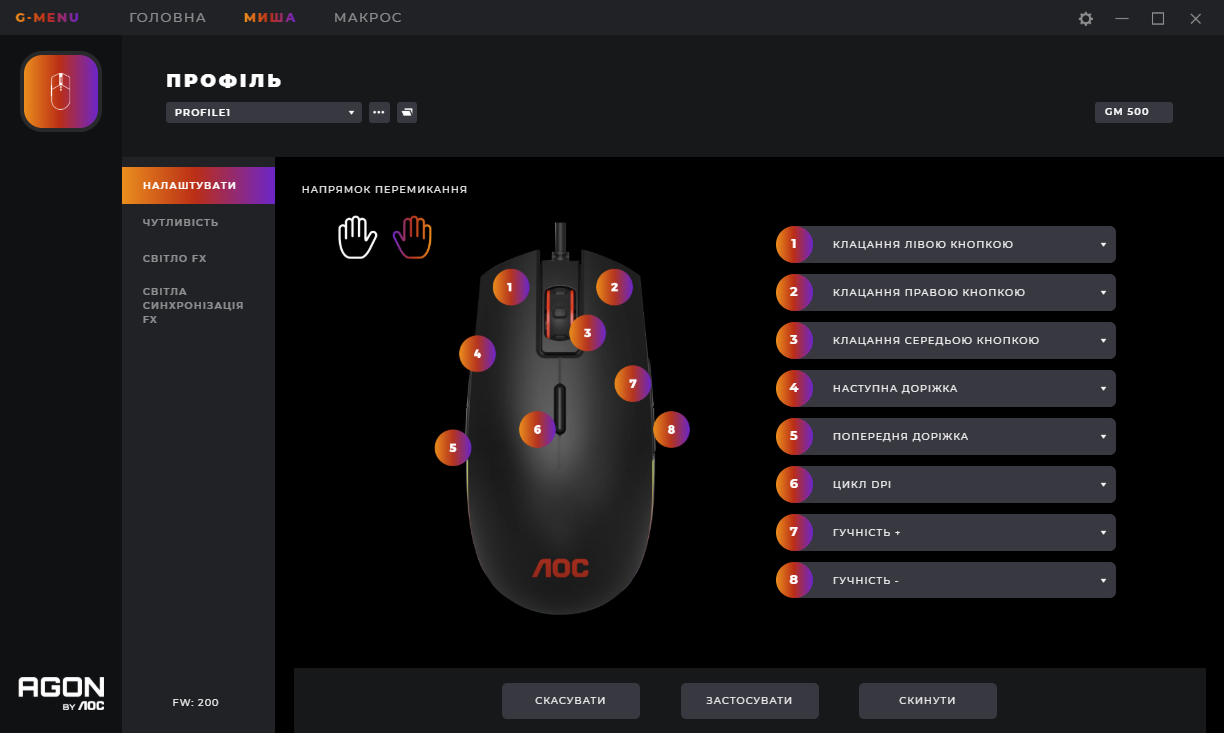
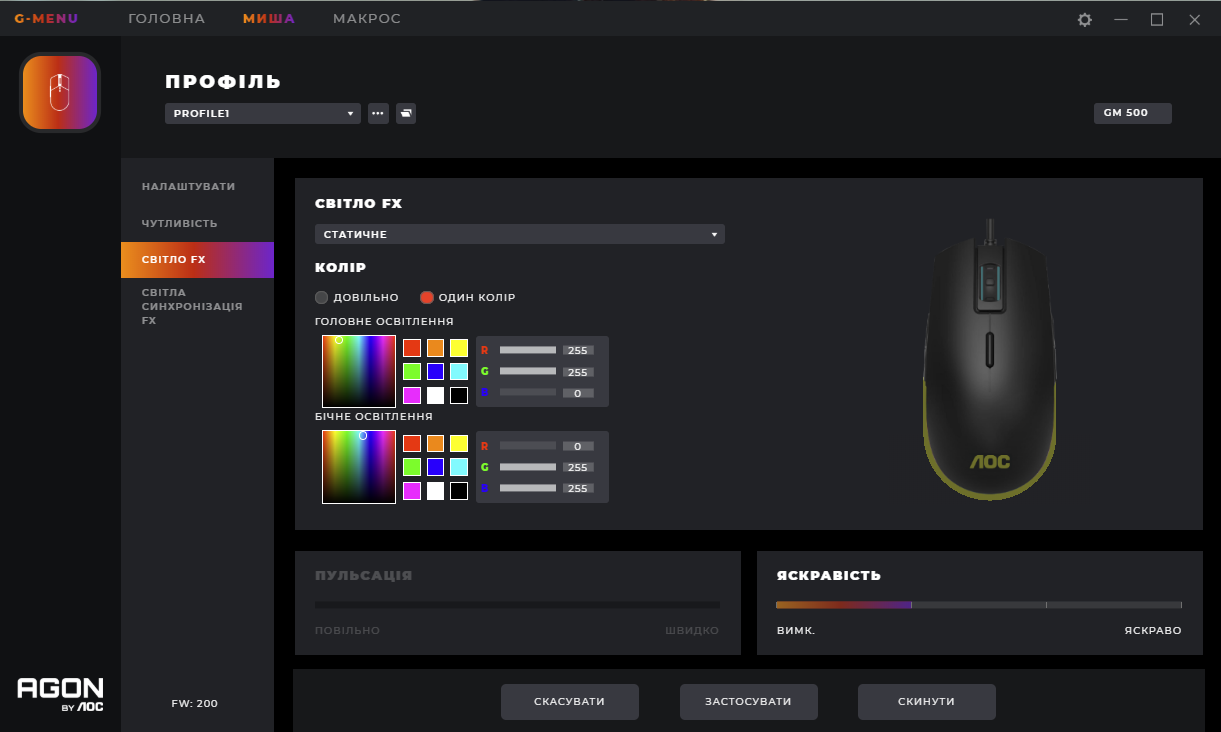
Large, comfortably fits in the hand, soft-touch coating, the sensor doesn't slip (played Apex Legends), there's a utility where you can change the settings of the keys, dpi, and lighting. I don't even know if you need anything else for a mouse. Omron switches, PixArt 3325 sensor, availability of a utility where you can set the dpi, customize the backlighting to your liking, and assign functions to additional buttons (such as track switching or volume adjustment), braided cord. Accidental pressing of additional keys is possible, especially on the right side. gefest : use AOC GM500 less than month |


Calm Gaming and Comfortable Work
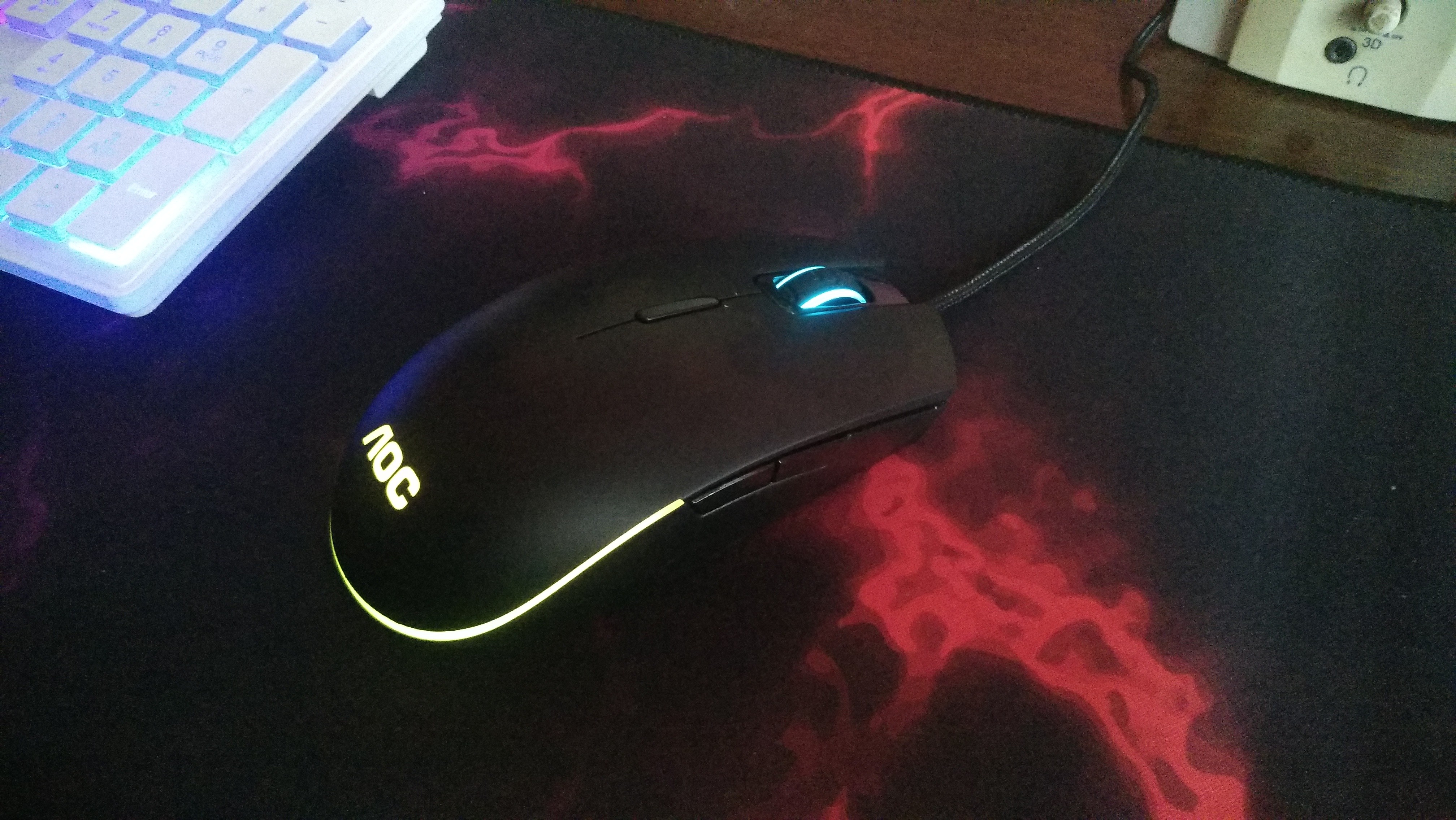
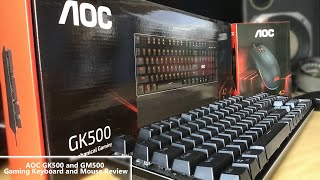
The AOC GM500 computer mouse falls into the category of versatile and affordable devices designed for comfortable work and calm gaming. The manufacturer has achieved an optimal balance of features by using reliable Omron switches with a lifetime of 50 million clicks and a Pixar sensor with a sensitivity of 5000 DPI. This combination ensures precise navigation on large screens, convenient work with documents and spreadsheets. The mouse is well-suited for games without sudden movements, as acceleration is limited to 20G, and the maximum speed is 100 IPS. The sensor resolution is adjustable with a separate button, allowing for quick adaptation of the device to different scenarios. The support of NVidia Reflex technology helps minimize signal delay during transmission and processing.
Design and Software Support
The mouse features a symmetrical body with side buttons on both sides, making it equally convenient for both right-handed and left-handed users. The ergonomic shape is suitable for palm grip or claw grip. The only drawback is the considerable weight of 145 g (with the cable), which cannot be adjusted. The control elements can be reconfigured through proprietary software, and created profiles are saved in internal memory for use on other computers. There are a total of 7 functional buttons and a scroll wheel. The double RGB backlight, whose zones can be synchronized with other PC components, provides impressive visuals.
Bought it for about 600~ hryvnias, it has performed very well from the start. Of course, it was hard to find the software for it, but eventually, I did, and I was pleased with the ability to change modes and the backlight color on it.