
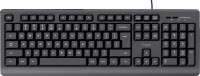
Defender OfficeMate HM-710
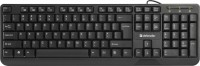 | Outdated Product Connection: wired; Form factor: 100% (full size); Layout: JIS; Key profile: high; Switch technology: membrane; Fn key; Cyrillic colour: orange; Volume control: fn; Cable: Interface: USB-A; Size (mm): 435x135x18; |


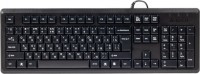

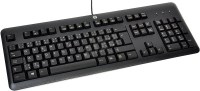
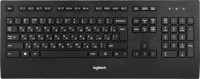
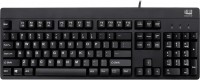

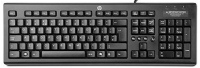
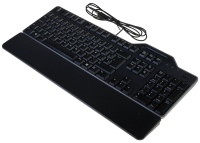
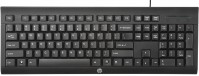
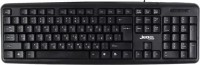

Defender OfficeMate HM-710 | |||||||||||||||||||||||||||||||||||||||||||||||||||||
|
| ||||||||||||||||||||||||||||||||||||||||||||||||||||


Always clarify the specifications and configuration of the product with the online store manager before purchasing.
Catalog Defender 2026 - new arrivals, bestsellers, and the most relevant models Defender.







Office assistant
This Defender model has the telling nickname “office buddy,” which directly reflects its purpose: to deliver the maximum number of typed characters over its lifetime at minimal cost.
OfficeMate HM-710 has a classic look and an equally classic design. A full-size model with a number pad — the standard USB device you won’t need to get used to. The keyboard connects to a computer via a USB cable and is a membrane type. This means it has no mechanical switches, and its base is a three-layer rubber or silicone sheet laid over electronic contacts.
Moisture protection
Among the keyboard’s advantages are the ability to be washed without worry (there are water drains), moderate key noise, and durable printing on the keys. In the budget segment, these are significant trump cards, so this “office buddy” rightly earns its spot in the ranking of the best inexpensive keyboards for typing.
Multimedia keys
Another plus is the Fn key, which expands the standard key row. Together with the function keys, it provides a basic set of media controls — volume up, track switching, search, and so on.
If you look for downsides, they’re tied to the external aesthetics. The keyboard is made of super-cheap-looking textured plastic that practically screams we’re dealing with an ultra-budget typing machine.