
GamePro MK230 Red Swich
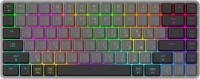 | Outdated Product Connection: Bluetooth / radio / wired; Multi-Device; Type: for game; Form factor: 75% (compact TKL, without Num-block); Layout: ANSI; Key profile: low; Switch technology: mechanical; Switches: Outemu Red (Linear); Anti-Ghosting; #KRO: N-KRO; Fn key; CMD / OPT keys; Cyrillic colour: transparent |


We recommend products in stockKeyboards GamePro →
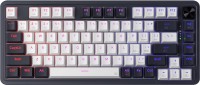
play (for kids), mechanical, 75% (compact TKL, without Num-block), Bluetooth / radio / wired, BT v 5, backlight, RGB backlight, battery, 3000 mAh

play (for kids), mechanical, 75% (compact TKL, without Num-block), Bluetooth / radio / wired, backlight, RGB backlight, battery, 4000 mAh, up to 200 h

play (for kids), mechanical, 75% (compact TKL, without Num-block), Bluetooth / radio / wired, backlight, RGB backlight, battery, 4000 mAh, up to 600 h

play (for kids), mechanical, 75% (compact TKL, without Num-block), Bluetooth / radio / wired, BT v 5, backlight, screen, RGB backlight
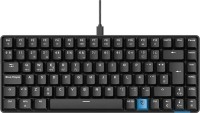
play (for kids), mechanical, 75% (compact TKL, without Num-block), Bluetooth / radio / wired, BT v 5, backlight, RGB backlight, battery, 2500 mAh, up to 30 days
play (for kids), mechanical, 75% (compact TKL, without Num-block), Bluetooth / radio / wired, BT v 5, backlight, RGB backlight, battery, 2500 mAh, up to 30 days
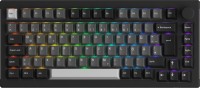
play (for kids), mechanical, 75% (compact TKL, without Num-block), Bluetooth / radio / wired, BT v 5, backlight, RGB backlight, battery

play (for kids), mechanical, 75% (compact TKL, without Num-block), Bluetooth / radio / wired, backlight, screen, RGB backlight, battery, 4000 mAh

play (for kids), mechanical, 75% (compact TKL, without Num-block), Bluetooth / radio / wired, BT v 5, backlight, RGB backlight, battery, up to 308 h
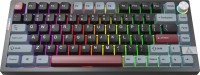
play (for kids), mechanical, 75% (compact TKL, without Num-block), Bluetooth / radio / wired, BT v 5, backlight, RGB backlight, battery, up to 308 h

play (for kids), mechanical, 75% (compact TKL, without Num-block), Bluetooth / radio / wired, backlight, screen, RGB backlight, battery, 4000 mAh
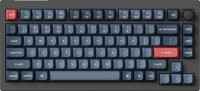
play (for kids), mechanical, 75% (compact TKL, without Num-block), Bluetooth / radio / wired, backlight, scroll wheel, RGB backlight, battery
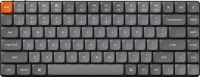
play (for kids), mechanical, 75% (compact TKL, without Num-block), Bluetooth / radio / wired, BT v 5, backlight, RGB backlight, battery, 1550 mAh, up to 73 h
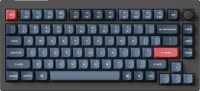
play (for kids), mechanical, 75% (compact TKL, without Num-block), Bluetooth / radio / wired, backlight, scroll wheel, RGB backlight, battery
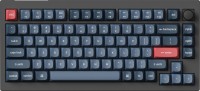
play (for kids), mechanical, 75% (compact TKL, without Num-block), Bluetooth / radio / wired, backlight, scroll wheel, RGB backlight, battery
GamePro MK230 Red Swich | ||||||||||||||||||||||||||||||||||||||||||||||||||||||||||||||||||||||||||||||
|
| |||||||||||||||||||||||||||||||||||||||||||||||||||||||||||||||||||||||||||||


The information in the model description is for reference purposes.
Always clarify the specifications and configuration of the product with the online store manager before purchasing.
Catalog GamePro 2026 - new arrivals, bestsellers, and the most relevant models GamePro.
Always clarify the specifications and configuration of the product with the online store manager before purchasing.
Catalog GamePro 2026 - new arrivals, bestsellers, and the most relevant models GamePro.

How to choose a gaming keyboardLet's look at the differences between the types of switches and additional equipment for gaming keyboards

Differences between different types of keyboards, their sizes and types of layoutsUnderstanding how a full-sized keyboard differs from TKL and what is the difference between layouts




Model overview based on user reviews
The GamePro MK230 Red Swich is a compact and thin gaming keyboard that offers wireless connectivity and RGB lighting, with a unique feature of Cyrillic backlight. Despite its appealing design and functionality, users have reported several issues with the product. Some keyboards have been found with defective switches, such as a crooked or wobbly spacebar and keys that get stuck. Additionally, the keyboard is more suited for MAC users, as it lacks a right CTRL key and instead features a WIN key that corresponds to OPT for MAC. The plastic on the keys tends to become glossy quickly, and the backlighting is described as standard with limited static modes. Overall, while the keyboard has potential, it suffers from quality control issues and design limitations that may not meet the expectations of all users.
Pros
Cons
very nice keyboard wireless, RGB, compact and thin, Cyrillic backlight i exchanged the keyboard today, and now I need to return the exchanged keyboard: the first one had a crooked space bar and it rang when pressed, and in this one not all the keys are freely pressed all the way - defective switches :( The FN key is still a little annoying, which I constantly stumble upon - but it's a matter of habit  Ihor Rusenko: use GamePro MK230 Red Swich less than month Ihor Rusenko: use GamePro MK230 Red Swich less than month |
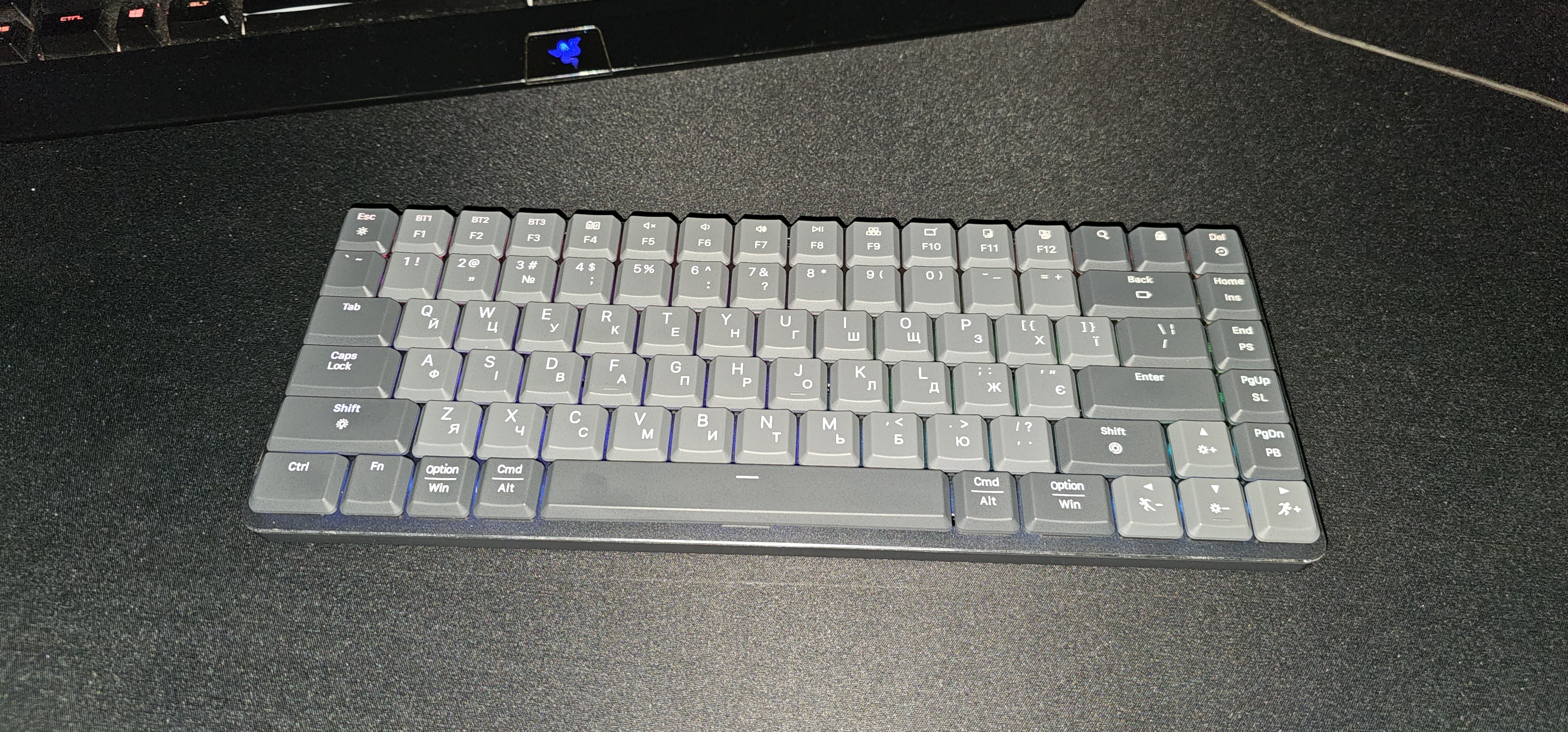
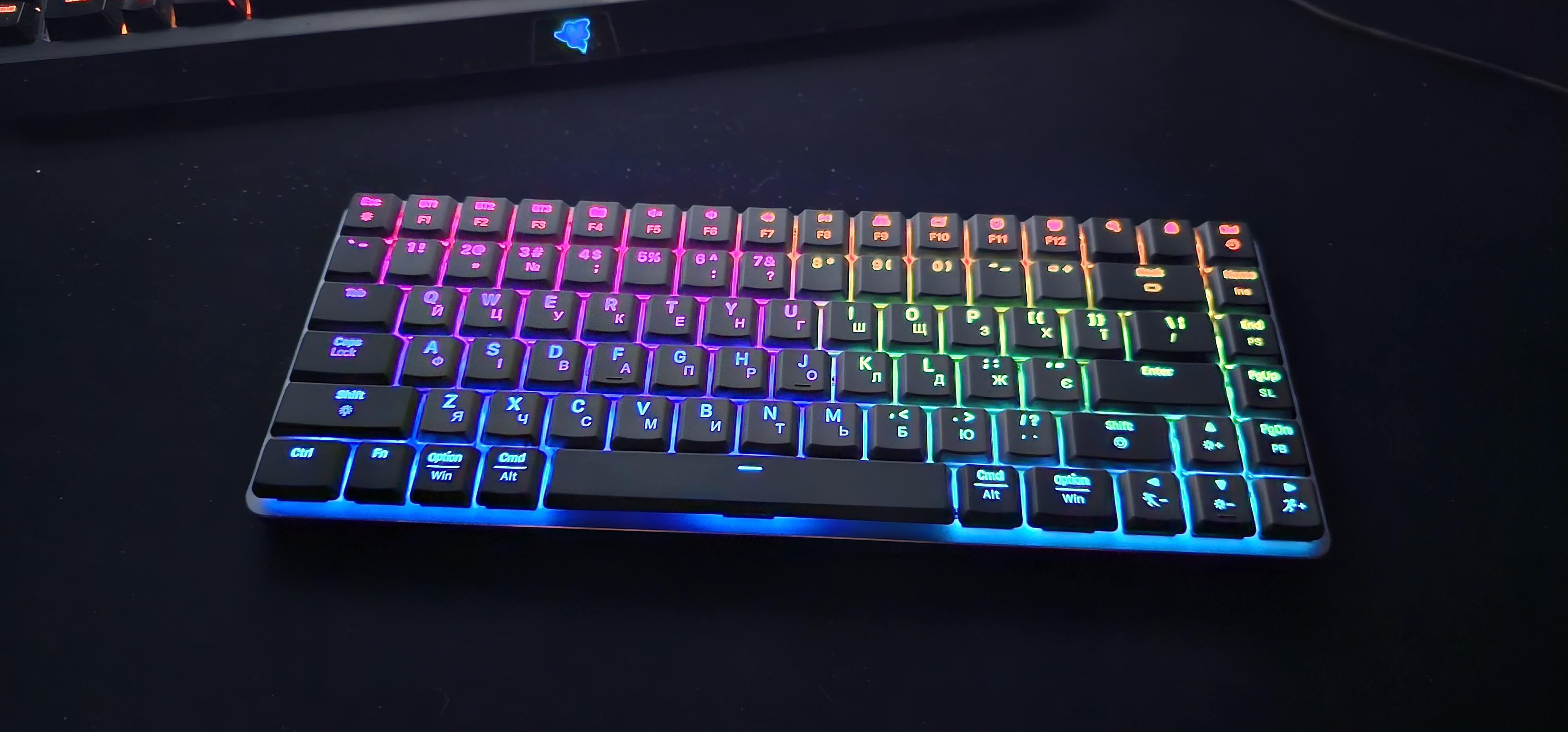
The keyboard is exclusively for MAC, but it's unlikely someone will take it for that purpose, as it doesn't match that quality level (somewhere around 10 years old). The backlighting is mostly standard Chinese flickering, but there are a few static modes. Compactness, design, wireless mode Keyboard for MAC, as there is no right CTRL, and instead there is another WIN key (which corresponds to OPT for MAC), and the labels for MAC are illuminated first. The spacebar wobbles on the stabilizers. Some keys get stuck. The plastic on the keys became glossy after 2 weeks. They didn’t think to include replaceable keys for WIN in the set, so I additionally purchased MK141 to remove keys from it. |
Add Review