
Gigabyte G5 MF [G5MF-E2KZ313SD]
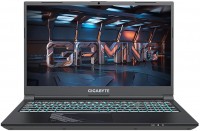 | Outdated Product Display:15.6 ", 1920x1080 (16:9) CPU:Core i5, 12500H, 1.8 GHz Graphics card:RTX 4050 RAM:16 GB Storage:SSD M.2 NVMe Laptop weight:1.9 kg |


Configurations Gigabyte G5 MF 1
Specifications
Gigabyte G5 MF [G5MF-E2KZ313SD] | |||||||||||||||||||||||||||||||||||||||||||||||||||||||||||||||||||||||||||||||||||||||||||||||||||||||||||||||||||||||||||||||||||||||||||||||||||||||||||||||||||||||||||||||||||||||||||||||
|
| ||||||||||||||||||||||||||||||||||||||||||||||||||||||||||||||||||||||||||||||||||||||||||||||||||||||||||||||||||||||||||||||||||||||||||||||||||||||||||||||||||||||||||||||||||||||||||||||


The information in the model description is for reference purposes.
Always clarify the specifications and configuration of the product with the online store manager before purchasing.
Catalog Gigabyte 2026 - new arrivals, bestsellers, and the most relevant models Gigabyte.
Always clarify the specifications and configuration of the product with the online store manager before purchasing.
Catalog Gigabyte 2026 - new arrivals, bestsellers, and the most relevant models Gigabyte.
Prices Gigabyte G5 MF [G5MF-E2KZ313SD]
This model is currently not available for sale.
Follow us for updates.
Follow us for updates.
Series Gigabyte Gaming (gaming)
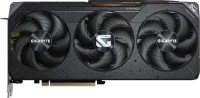
memory GDDR6, 16 GB, 20000 Mbps, Radeon RX 9070 XT, Navi 48 (RDNA 4), 3060 MHz, HDMI, DisplayPort, backlight, 8 + 8 + 8 pin, 330 W
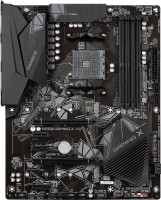
ATX, socket AM4, chipset AMD B550, 4 x DDR4, DIMM, 4733 MHz, USB-C, HDMI, M.2, no backlight

game, 16 ", matte, 1920x1200 (16:10), IPS, 165 Hz, Ryzen 7, 260, 3.8 GHz, RAM 16 GB, DDR5, RTX 5060, SSD M.2 NVMe, 512 GB, Win 11 Home, USB-A 5Gbps, Wi-Fi 6E, VR, 3D face scanner, 2.2 kg
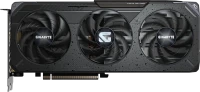
memory GDDR6, 16 GB, 20000 Mbps, Radeon RX 9060 XT, Navi 44 (RDNA 4), 3320 MHz, HDMI, DisplayPort, backlight, 8 pin, 182 W

micro-ATX, socket LGA 1700, chipset Intel B760, 4 x DDR4, DIMM, 5333 MHz, USB-C, HDMI, DisplayPort, M.2, LAN 2.5 Gbps, M.2 cooling, no backlight

game, 16 ", matte, 1920x1200 (16:10), IPS, 165 Hz, Core i7, 13620H, 1.8 GHz, RAM 16 GB, DDR5, RTX 5050, SSD M.2 NVMe, 512 GB, Win 11 Home, USB-A 5Gbps, USB-C 5Gbps, Wi-Fi 6E, VR, 3D face scanner, 2.2 kg
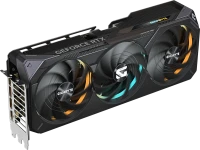
memory GDDR7, 16 GB, 28000 Mbps, GeForce RTX 5070 Ti, Blackwell, 2588 MHz, HDMI, DisplayPort, backlight, 16 pin, 300 W

ATX, socket LGA 1700, chipset Intel B760, 4 x DDR4, DIMM, 5333 MHz, USB-C, HDMI, DisplayPort, M.2, LAN 2.5 Gbps, M.2 cooling, no backlight

game, 16 ", matte, 1920x1200 (16:10), IPS, 165 Hz, Core i7, 13620H, 1.8 GHz, RAM 16 GB, DDR5, RTX 5070, SSD M.2 NVMe, 1 TB, Win 11 Home, USB-A 5Gbps, USB-C 5Gbps, Wi-Fi 6E, VR, 3D face scanner, 2.2 kg
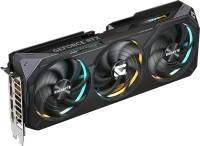
memory GDDR7, 12 GB, 28000 Mbps, GeForce RTX 5070, Blackwell, 2625 MHz, HDMI, DisplayPort, backlight, 16 pin
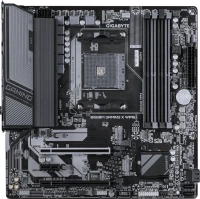
micro-ATX, socket AM4, chipset AMD B550, 4 x DDR4, DIMM, 3200 MHz, USB-C, HDMI, DisplayPort, M.2, Wi-Fi, no backlight
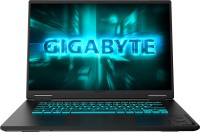
game, 16 ", matte, 1920x1200 (16:10), IPS, 165 Hz, Core i7, 13620H, 1.8 GHz, RAM 16 GB, DDR5, RTX 5060, SSD M.2 NVMe, 1 TB, Win 11 Home, USB-A 5Gbps, USB-C 5Gbps, Wi-Fi 6E, VR, 3D face scanner, 2.2 kg
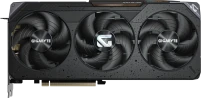
memory GDDR6, 16 GB, 20000 Mbps, Radeon RX 9070, Navi 48 (RDNA 4), 2700 MHz, HDMI, DisplayPort, backlight, 8 + 8 pin
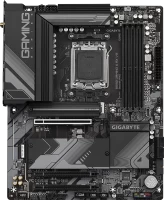
ATX, socket AM5, chipset AMD B650, 4 x DDR5, DIMM, 8000 MHz, USB-C, HDMI, DisplayPort, M.2, LAN 2.5 Gbps, Wi-Fi, M.2 cooling, no backlight
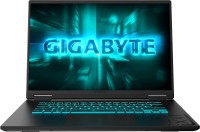
game, 16 ", matte, 1920x1200 (16:10), IPS, 165 Hz, Ryzen 7, 260, 3.8 GHz, RAM 16 GB, DDR5, RTX 5050, SSD M.2 NVMe, 1 TB, Win 11 Home, USB-A 5Gbps, Wi-Fi 6E, VR, 3D face scanner, 2.2 kg
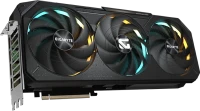
memory GDDR7, 16 GB, 32000 Mbps, GeForce RTX 5080, Blackwell, 2730 MHz, HDMI, DisplayPort, backlight, 16 pin, 360 W
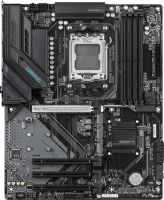
ATX, socket AM5, chipset AMD B850, 4 x DDR5, DIMM, 8200 MHz, USB-C, HDMI, DisplayPort, M.2, Wi-Fi, no backlight

game, 16 ", 2560x1600 (16:10), IPS, 165 Hz, Core 7, 240H, 1.8 GHz, RAM 32 GB, LPDDR5X, RTX 5070 Ti, SSD M.2 NVMe, 1 TB, Win 11 Home, USB-A 5Gbps, USB-C 5Gbps, Wi-Fi 6E, VR, 3D face scanner, extreme battery life, 2.3 kg

memory GDDR6, 16 GB, 16000 Mbps, Radeon RX 6800 XT, Big Navi (RDNA 2), 2285 MHz, HDMI, DisplayPort, backlight, 8 + 8 pin
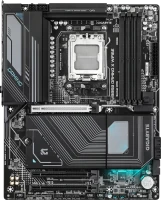
ATX, socket AM5, chipset AMD B850, 4 x DDR5, DIMM, 8200 MHz, USB-C, HDMI, DisplayPort, M.2, LAN 2.5 Gbps, Wi-Fi, M.2 cooling, no backlight



Model overview based on user reviews
The Gigabyte G5 MF laptop offers a budget-friendly option with decent performance for older games and everyday tasks, but it faces significant challenges with CPU overheating, which can lead to throttling and noise. Users have noted that replacing thermal paste and using programs like ThrottleStop can help manage these issues. The laptop's battery life is limited, and the plastic build easily collects fingerprints. Additionally, the screen brightness is somewhat limited, and there is a subjective lack of USB ports. The Gigabyte software, particularly the Control Center, has been criticized for causing system instability. Despite these drawbacks, with the right adjustments and technical know-how, the laptop can perform well, making it a viable choice for those on a limited budget who are willing to tweak settings to optimize performance.
Pros
Cons
Choose if you have a limited budget and can handle the issue of processor overheating For use outside of games or in older games - it's very cool. For new or Triple A games, you need to address the issue of significant CPU overheating Its biggest problem is the CPU overheating under load at nearly 100 degrees and subsequent CPU throttling. Replacing the thermal paste with a good one did not help. The only safe solution to this problem is to lower the CPU frequency or reduce the temperature to which the CPU can heat up using the Throttle Stop program. Due to the CPU overheating, the laptop is also quite noisy. The battery holds very little charge without being plugged in. The plastic easily collects fingerprints. The screen does not get brighter than 115 degrees (by eye). There is a subjective lack of one USB port. It has a "plastic" sound, but this can be resolved by using a headset. When the touchpad is turned off in games, if I accidentally touch it with my hand, the laptop lags for half a second.  Vitaliy: use Gigabyte G5 MF more than year Vitaliy: use Gigabyte G5 MF more than year |
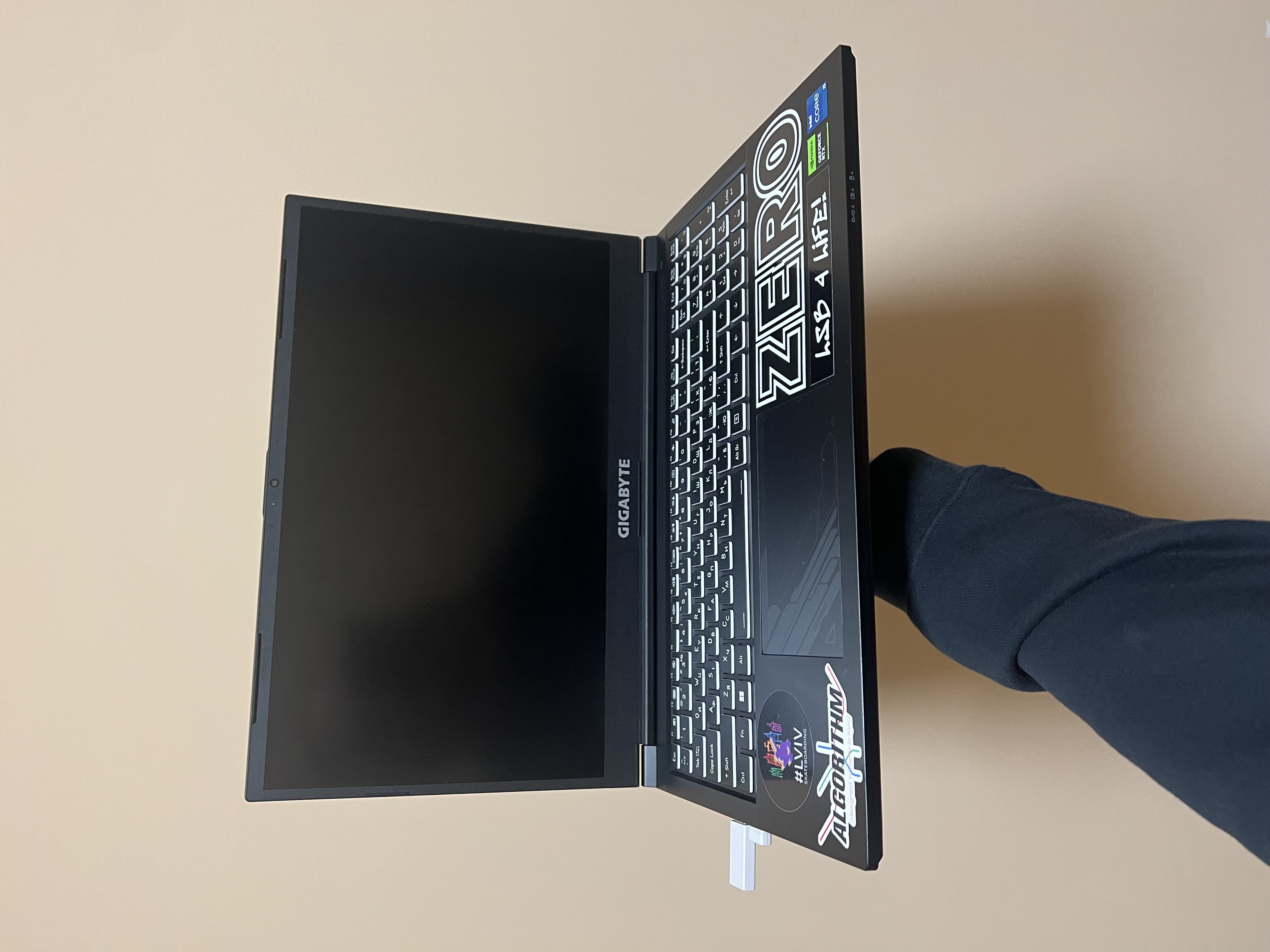
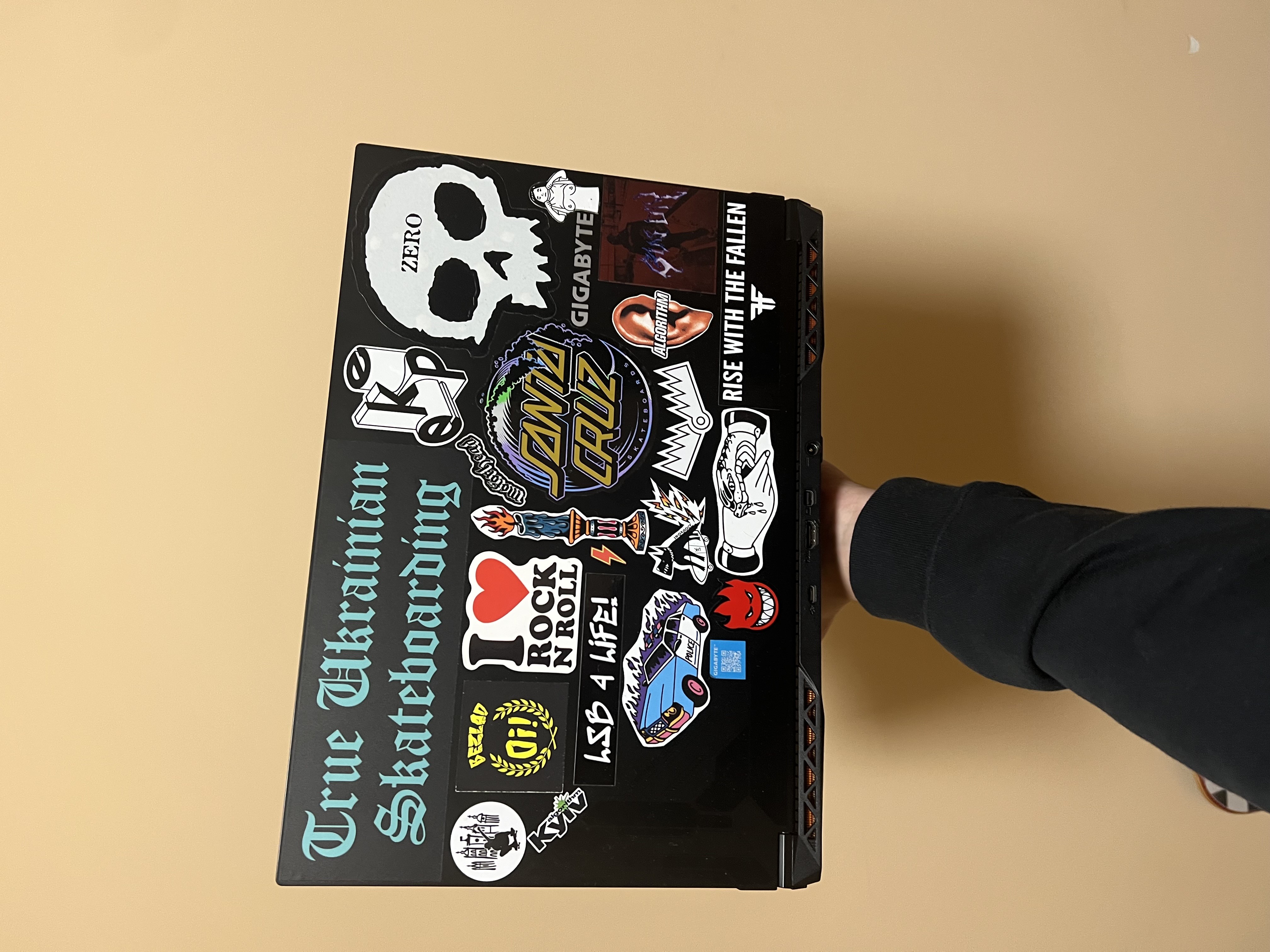
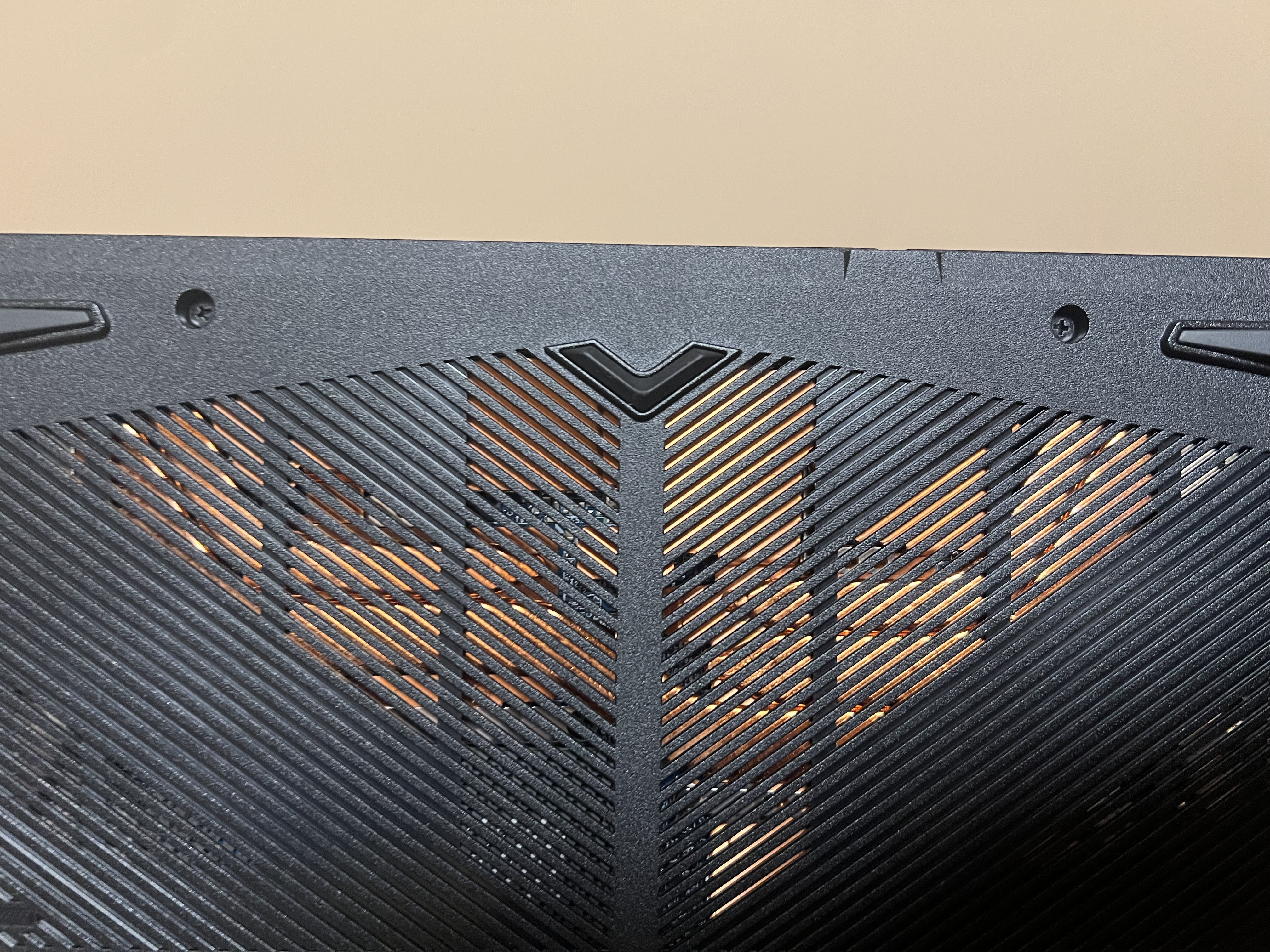
An affordable laptop for budget gaming, but not for audio work. Of all the audio interfaces I connected to it, only one worked stably (and that one’s ancient). In other cases, crackling audio is guaranteed, and this probably can’t be fixed, so I’m disappointed in that regard. The BIOS is locked down tight, and you won’t be able to set anything up without a programmer. As for heat, I didn’t notice anything critical, since I always play at 60 FPS, so the temps seem okay. Powerful iron Maximum limited BIOS. Poor work with external sound cards Bundle Boy: use Gigabyte G5MF-E2EE313SD more than year |
So, it's been in use for 3 months already. The laptop has been thoroughly tested in games and everyday tasks. I'll start with the downsides: with stock settings, it gets very hot. In games, overheating causes freezes, for example: The Last of Us on ultra (some settings just maxed out) causes the CPU temperature to hit 90+, and the GPU 80+. In such conditions, it naturally throttles and freezes occur in the game. Lowering the graphics settings doesn't help; FPS is higher at minimum settings, but freezes remain. I fixed the issue by using a stand made out of two matchboxes, undervolting the GPU, and limiting the CPU's TDP using the ThrottleStop program. FPS stabilized at 60+, and the temperatures dropped to 65-70 degrees. There's also an issue with Gigabyte's software (Control Center program) - it's crap, causing a blue screen during games after 2-3 minutes (requires removing a specific registry key to solve it). This software also includes a feature to disable the GPU in "power-saving" mode, but it works so poorly that it would've been better not to include it. The BIOS is one of the most flawed I've encountered, with no advanced settings (haven't found a way to access them without flashing the BIOS with a programmer in a month). Overall, for its price, this laptop is top-notch, but you need skilled hands and the ability to use the right programs. With all the adjustments, the laptop performs at its best and completely satisfies me in every aspect. Conclusion: the laptop is worth the money, it delivers on every penny, but you need to know how to use it. Price + the fact that the laptop does not have bits of a video card and processor Soft, heating limon11 __: use Gigabyte G5 MF few months |
Add Review
Video reviews

Best Budget Graphics Laptop|GIGABYTE G5 MF Core i5 12th Gen RTX 4050 6GB Graphics|Laptop 2024
24 January 2024139 view

Gigabyte G5 MF Unboxing | #laptop #gigabyte #unboxing #gaming #shorts #tech #n #review #bdlaptop
31 October 20231 018 view

Gigabyte G5 MF (2023) - League of Legends [ i5-12500H | RTX 4050 ]
15 April 2025645 view

Gigabyte G5 MF (2023) - War Thunder [ i5-12500H | RTX 4050 ]
15 April 2025640 view

Gigabyte G5 MF (2023) - Control [ i5-12500H | RTX 4050 ]
15 April 2025623 view

Gigabyte G5 MF (2023) - Total War: Warhammer II [ i5-12500H | RTX 4050 ]
15 April 2025518 view

Gigabyte G5 MF (2023) - Red Dead Redemption 2 [ i5-12500H | RTX 4050 ]
15 April 2025493 view

Gigabyte G5 MF (2023) - Guild Wars 2 [ i5-12500H | RTX 4050 ]
15 April 2025448 view

Gigabyte G5 MF (2023) - Euro Truck Simulator 2 [ i5-12500H | RTX 4050 ]
15 April 2025376 view

Gigabyte G5 MF (2023) - Rainbow Six Siege [ i5-12500H | RTX 4050 ]
15 April 2025315 view

Gigabyte G5 MF (2023) - PUBG [ i5-12500H | RTX 4050 ]
15 April 2025291 view
We recommend

display 16.2 ", 3456x2234, CPU, Apple M5 Max, GPU M5 Max 32-Core / M5 Max 40-Core, RAM 36 / 48 GB, storage 2 TB, weight 2.14 kg

display 16.2 ", 3456x2234, CPU, Apple M5 Pro, GPU M5 Pro 20-Core, RAM 24 / 48 GB, storage 1 TB, weight 2.14 kg

display 13.6 ", 2560x1664, CPU, Apple M5, GPU M5 10-core / M5 8-core, RAM 16 / 24 GB, storage 512 GB / 1 TB, weight 1.23 kg

display 15.3 ", 2880x1864, CPU, Apple M5, GPU M5 10-core, RAM 16 / 24 GB, storage 512 GB / 1 TB, weight 1.5 kg

display 16 ", 1920x1200 (16:10), CPU Intel, Core Ultra 5 / Core Ultra 7, GPU Arc 8-Cores - Graphics 4-Cores, RAM 16 / 32 GB, storage 256 GB - 1 TB, weight 1.7 kg
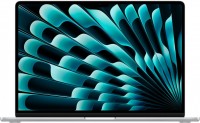
display 15.3 ", 2880x1864, CPU, Apple M3, GPU M3 10-Core, RAM 8 - 24 GB, storage 256 GB / 512 GB, weight 1.51 kg
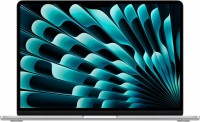
display 13.6 ", 2560x1664, CPU, Apple M3, GPU M3 10-Core / M3 8-Core, RAM 8 / 16 GB, storage 256 GB / 512 GB, weight 1.24 kg
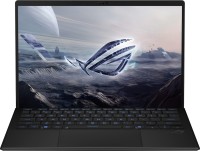
display 13.4 ", 2560x1600 (16:10), CPU AMD, Ryzen AI, GPU 8050S Graphics / 8060S Graphics, RAM 32 / 64 GB, storage 1 TB, weight 1.59 kg

display 13 ", 2408x1506 (16:10), CPU, Apple A18 Pro, GPU A18 Pro 5‑core, RAM 8 GB, storage 256 GB / 512 GB, weight 1.23 kg

display 16 ", 2560x1600 (16:10), CPU AMD, Ryzen AI, GPU RTX 5060, RAM 16 GB, storage 1 TB, weight 2 kg

display 15.3 ", 2560x1600 (16:10), CPU AMD, Ryzen AI, GPU RTX 5060 / RTX 5070, RAM 16 / 32 GB, storage 512 GB / 1 TB, weight 1.9 kg

display 16 ", 1920x1200 (16:10), CPU AMD, Ryzen 7, GPU RTX 5060, RAM 16 GB, storage 512 GB / 1 TB, weight 2.2 kg