
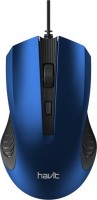
Havit MS752
 |


Havit MS752 | ||||||||||||||||||||||||||||||||||||||||||
|
| |||||||||||||||||||||||||||||||||||||||||


The information in the model description is for reference purposes.
Always clarify the specifications and configuration of the product with the online store manager before purchasing.
Catalog Havit 2026 - new arrivals, bestsellers, and the most relevant models Havit.
Always clarify the specifications and configuration of the product with the online store manager before purchasing.
Catalog Havit 2026 - new arrivals, bestsellers, and the most relevant models Havit.

How to choose a gaming mouseWe'll look at grip types, sensor sensitivity, pushbutton switches, and other important nuances

How to choose a mouse for games, office tasks and creative workLet's explore the nuances of the computer mouse market together and find the perfect options that match your requirements
AccessoriesAll accessories for Havit MS752 →








Model overview based on user reviews
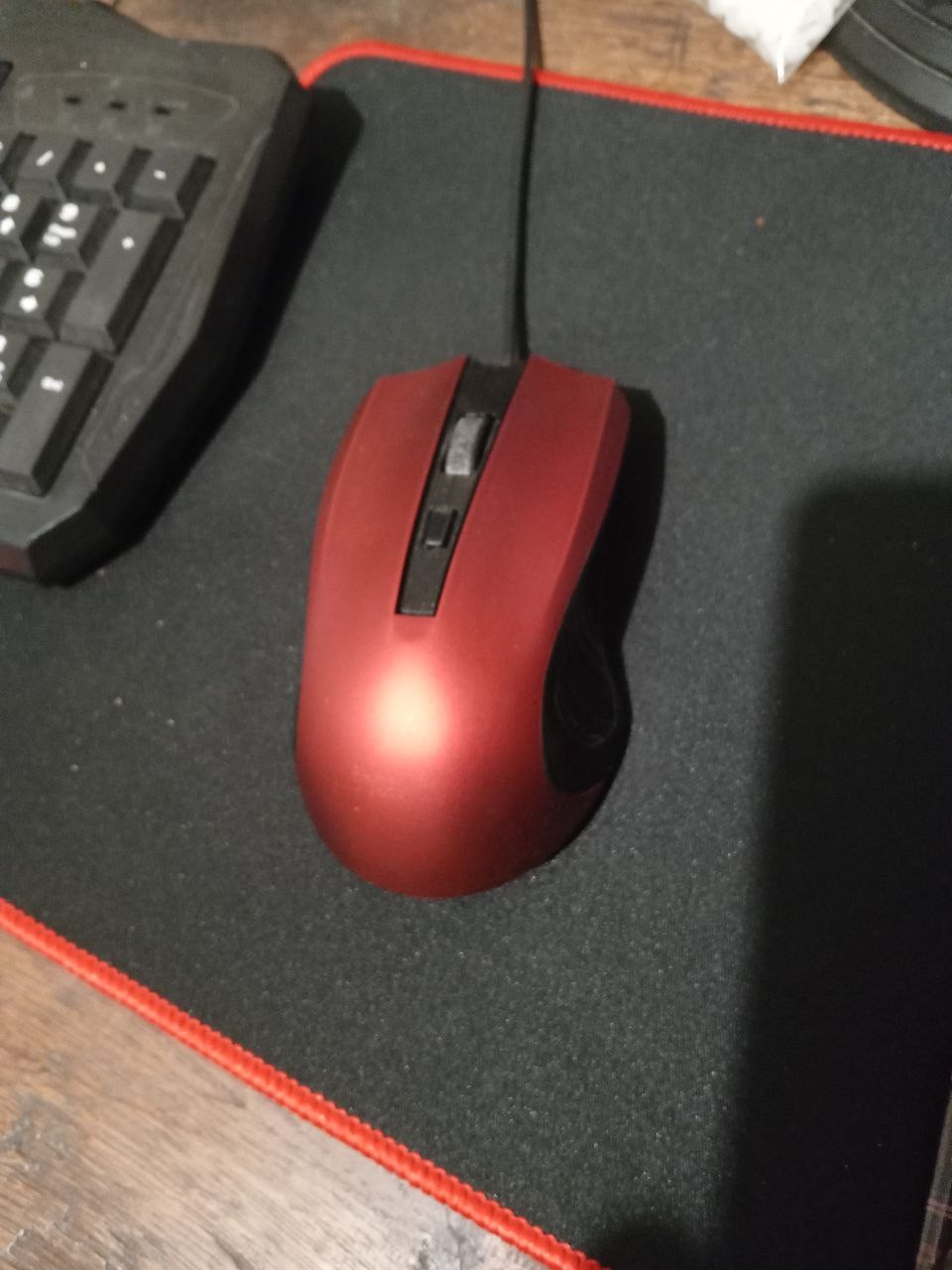
The Havit HV-MS752 is a budget-friendly wired mouse that offers a basic yet functional design. Users appreciate its affordable price, decent design, and matte finish, which prevents fingerprints and provides a comfortable grip. However, the mouse has some drawbacks, including build quality issues such as uneven gaps and potential button sticking. The short cable length may not be ideal for desktop setups, and some users have experienced a squeaky wheel and a broken button after extended use. Despite these issues, for its low price, it serves as a reasonable option for those in immediate need of a mouse, but it may not be the best choice for long-term use or for those willing to spend a bit more for higher quality.
Pros
Cons
Today, having taken the teddy bear, I’ve been able to do it well, I’m good, I don’t have anything to work with, the surface is matte, not mucus, the fingertips are not left out, it’s good to sit in my hands, it’s good to do it right, there are no zayvih shchiflin between the plastic elements. Design, matte finish I would like the buttons to be pressed a little quieter and maybe a three-way cable (with a laptop there is no discomfort, but it’s possible to take it for a PC, it might not be enough)  Bogdan Levchenko: use Havit MS752 less than month Bogdan Levchenko: use Havit MS752 less than month |
I've been using the mouse for a year, and the button on the wheel no longer works, the wheel itself squeaks terribly. It sits in the hand more or less comfortably, but on the right side, the body cuts the ring finger. Everything else works. Price Case casting, button broke, wheel squeak  Stanislav Dovgun: use Havit MS752 more than year Stanislav Dovgun: use Havit MS752 more than year |
For a price of up to 2.50 EUR, you can go ahead and use it. More expensive - I would consider another mouse. Since for 5-6 EUR, you can already buy a good wireless one. I bought it at the Aurora store for 1.50 EUR. The materials are decent. Sensitivity as well. The downsides are that the gaps are uneven. The plastic might stick out. I also had an issue with the left mouse button sticking. I had to bend the plastic of the button to make the sticking stop. It’s worth 1.50 EUR. 3 EUR and above - no, absolutely not. 1. Design 2. Materials 3. Sensitivity 1. Build quality 2. For PC, the cable will be somewhat short. Alexey: use Havit MS752 less than month |
Add Review
Ask Question
We recommendCompare using chart →


gaming mouse, radio / Bluetooth / wired, Multi-Device, with memory, buttons: 6, programmable, + wheel, 4D, свитчи: optical, Razer Gen-3, up to 90 mln, RGB backlight, sensor 18000 DPI, battery, up to 180 h

Bluetooth/radio, BT v 5, Multi-Device, buttons: quiet, 7, programmable, + wheel, sensor 8000 DPI, battery, 650 mAh, up to 70 days
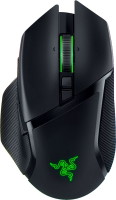
gaming mouse, radio / Bluetooth / wired, USB-A, with memory, buttons: 6, programmable, + wheel, 4D, свитчи: optical, Razer Gen-3, up to 90 mln, RGB backlight, sensor 30000 DPI, battery, up to 150 h
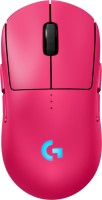
gaming mouse, radio / wired, USB-A, with memory, buttons: 6, programmable, + wheel, свитчи: optical, Logitech Lightforce, RGB backlight, sensor 32000 DPI, wireless charger, battery, up to 95 h

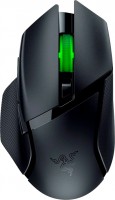
gaming mouse, Bluetooth/radio, Multi-Device, with memory, buttons: 6, programmable, + wheel, свитчи: mechanical, Razer Gen-2, up to 60 mln, RGB backlight, sensor 18000 DPI, 1xAA

gaming mouse, radio, with memory, buttons: 5, programmable, + wheel, sensor 30000 DPI, 1xAA

Bluetooth/radio, Multi-Device, buttons: quiet, 6, programmable, + wheel, sensor 8000 DPI, battery, 500 mAh, up to 70 days
gaming mouse, radio / wired, USB-A, with memory, buttons: 4, programmable, + wheel, свитчи: optical, Razer Gen-3, up to 90 mln, sensor 30000 DPI, battery, up to 90 h