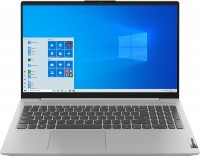
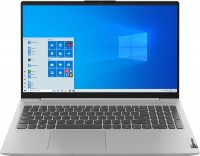
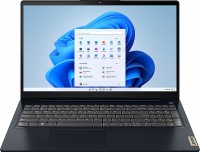
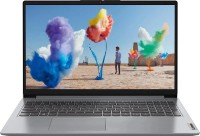
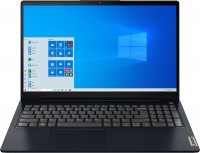
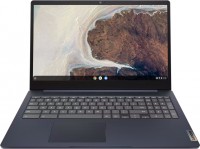
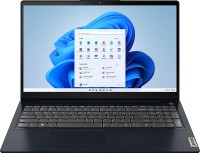
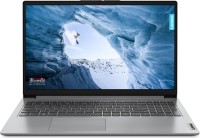
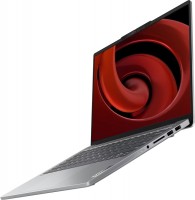
A line of multifunctional medium-format laptops with thin-bezel 15.6-inch displays based on high-quality FullHD resolution IPS matrices with wide comfortable viewing angles. The models of the line are positioned as products of the middle price category, designed to solve the widest range of tasks (from primitive household to resource-intensive professional ones). They can easily cope with any office suites, ensure the fast operation of Internet browsers and cloud service clients, and will be useful in the educational process of any level.
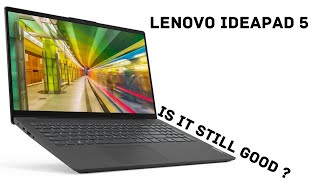
All Lenovo IdeaPad 5 15IIL05 laptops are equipped with a mechanical shutter webcam and TPM 2.0 hardware cryptographic module, which is used for strong encryption of user data and strong network authentication in a corporate environment. Impressive peak performance is provided by 10th Gen Intel Core i3/i5 2/4-core processors (Ice Lake, 10nm). They work in conjunction with 8 GB of DDR4 RAM (non-expandable) and high-speed M.2 SSDs. For organizing high-performance wireless network connections, a dual-band Wi-Fi 6 (802.11n / ac / ax) adapter is provided. A capacious battery provides up to 11 hours of battery life and supports fast charging using Power Delivery technology (80% of energy in 1 hour).
Overall, everything is good. I've been using it for almost a month. For this price, I haven't found anything better available in Ukraine at the moment. All pros and cons are listed below. I'll focus on two points...
Up/down arrows are combined. I don't understand this practice at all... If the manufacturer doesn't want to exceed the rectangular area of the keyboard (by making the left, down, right arrows below), it's better to sacrifice the long shift and zero in the numeric keypad (trim them and shift the arrows to the right). The arrows are obviously much more important! Stupidity, basically! For the browser and Word, I had to disable hardware acceleration, otherwise, the screen would flicker. I thought it was a defect, but Google says it's apparently a normal situation) I unchecked the box and everything works. I don't know whose fault it is... Lenovo, Intel, or the programs themselves.
Price/characteristics (visible), design, IPS, metal cover, ucb-c power delivery, keyboard backlight, digital unit not limited, plastic dot receiver, camera shutter.
Thin charging plug (I worry about catching it and breaking it when it’s connected), lack of LAN port (I would choose it instead of a card reader), plastic gets dirty easily and flexes (though this is noticeable only when deliberately pressed), only 2 USB ports (possibly nitpicking), combined up/down arrows, the need to disable hardware acceleration in some programs.




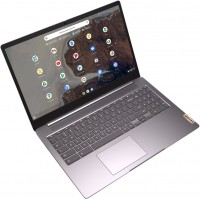





















Up/down arrows are combined. I don't understand this practice at all... If the manufacturer doesn't want to exceed the rectangular area of the keyboard (by making the left, down, right arrows below), it's better to sacrifice the long shift and zero in the numeric keypad (trim them and shift the arrows to the right). The arrows are obviously much more important! Stupidity, basically!
For the browser and Word, I had to disable hardware acceleration, otherwise, the screen would flicker. I thought it was a defect, but Google says it's apparently a normal situation) I unchecked the box and everything works. I don't know whose fault it is... Lenovo, Intel, or the programs themselves.