
Apple Magic Mouse 2 USB C (2024)
 |

Apple Magic Mouse 2 USB C (2024) | |||||||||||||||||||||||||||||||||||||||||||||||||||||||||
|
| ||||||||||||||||||||||||||||||||||||||||||||||||||||||||


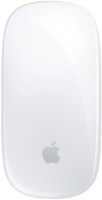
The branded Apple wireless mouse continues the concept of minimalistic design and control using gestures. The device is designed for use within the Apple product ecosystem, connecting directly to a Mac or iPad via Bluetooth. The key feature of the model is its seamless touch-sensitive surface, which replaces traditional buttons and the scroll wheel. This panel supports Multi-Touch, allowing the user to perform a variety of actions with gestures: scroll through documents and web pages in any direction, switch between desktops and full-screen apps, as well as bring up the context menu.
This provides an interaction experience similar to using a trackpad. The device uses laser tracking technology with a resolution of 1000 DPI, ensuring precise cursor positioning on various surfaces. The low-profile body of the Apple Magic Mouse 4, with a height of 22 mm, has a symmetrical shape. It is powered by a built-in battery, which provides up to 30 days of autonomy. For recharging, a USB-C port is used.

Always clarify the specifications and configuration of the product with the online store manager before purchasing.
Catalog Apple 2026 - new arrivals, bestsellers, and the most relevant models Apple.


Buy Apple Magic Mouse 2 USB C (2024)
All prices 25 →Magic Mouse: Bluetooth, rechargeable. Works with Mac or iPad; White, Multi-Touch surface (USB-C) | £64.88 |  | |||
Apple Magic Mouse (USB-C) MXK53Z/A - White | £68.10 |  | |||
Apple Magic Mouse - White Multi-Touch Surface MXK53Z/A | £69.99 |  | |||
Apple Wireless USB-C Magic Mouse with Multi-Touch Surface, White MXK53AM/A | £69.99 | | |||
| £75.98 |  | ||||













Beautiful, unusual, touch control, not as small as it may seem at first Charging port on the bottom, you have to get used to the flat shape  Oleksandra K: use Apple Magic Mouse 2 USB C (2024) few months Oleksandra K: use Apple Magic Mouse 2 USB C (2024) few months |
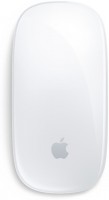







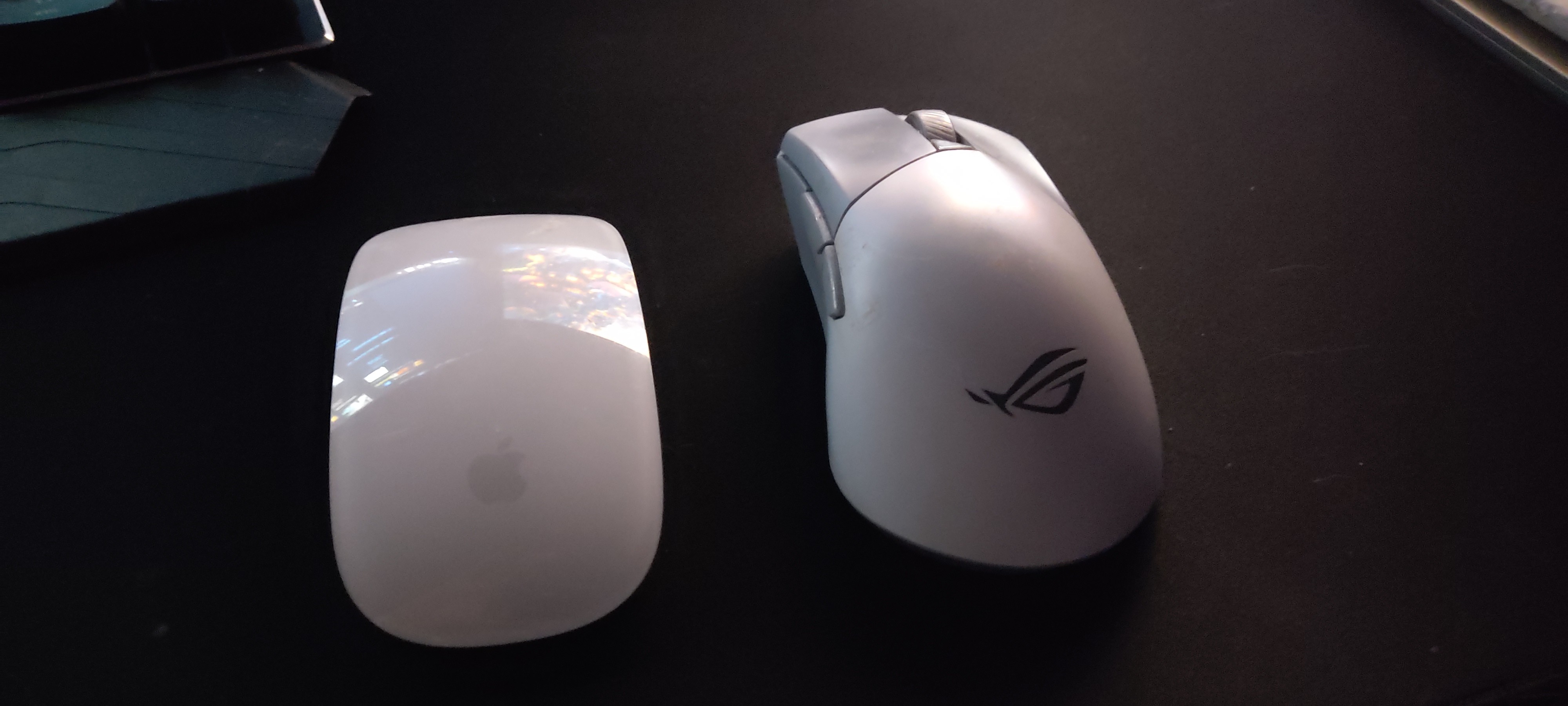
The touch panel is a story in itself. It's a bit surprising at first because there's no usual scroll wheel, but after a few days, gesture navigation seems quite logical. Scrolling is smooth, responses are precise, especially in macOS system applications. For working with documents and browsing, it's convenient, sometimes you don't even want to go back to regular mice.
The shape is specific: it’s flat, so it might not suit everyone. My hand got used to it, although for long sessions, I wish the mouse was a bit taller. However, it glides easily and quietly across surfaces, without snagging.
The battery life is also good — it lasts long, and charging is infrequent. The only aspect that sometimes really annoys is the charging port underneath. If the mouse runs out of charge, you’ll have to set it aside for a while. It’s not critical, as it happens rarely, but the fact remains.
Overall, it's a rather atypical mouse, but in a good way. It's not for everyone, but if you like this method of interacting with the system and want a neat accessory, the Magic Mouse 2 leaves a positive impression and works reliably.