
LG 47LE5300
 | Outdated Product Size ("): 47; Screen coating: anti-glare; Resolution (px): 1920x1080; Brightness (cd/m²): 500; Dynamic contrast: 3 000 000:1; Response time (ms): 2; Sound power (W): 20; Number of speakers: 2; Digital tuner: DVB-C (cable); HDMI: 4; Inputs: USB: USB-A; VGA; composite AV input; Outputs: mini-Jack (3.5 mm) headphones |


 |
LG 47LE5300
Screen:47 ", 1920x1080 px
Multimedia:no Smart TV
All specifications
Specifications 47LE5300
|
| ||||||||||||||||||||||||||||||||||||||||||||||||||||||||

The information in the model description is for reference purposes.
Always clarify the specifications and configuration of the product with the online store manager before purchasing.
Catalog LG 2026 - new arrivals, bestsellers, and the most relevant models LG.
Always clarify the specifications and configuration of the product with the online store manager before purchasing.
Catalog LG 2026 - new arrivals, bestsellers, and the most relevant models LG.
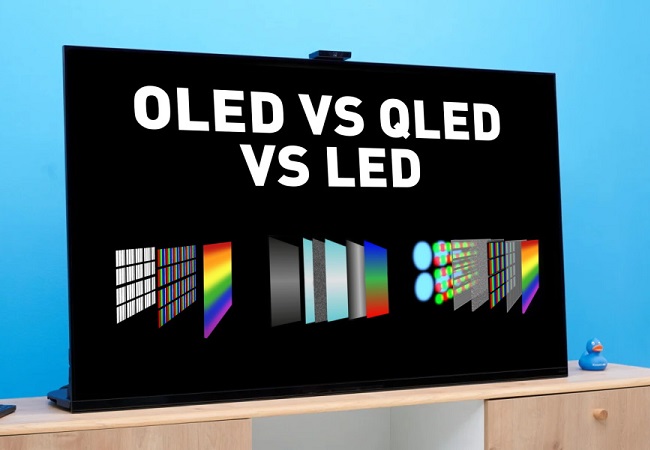
Which TV sensor is the best? And which one is optimal in terms of price and quality?We study the pros and cons of modern TV matrices
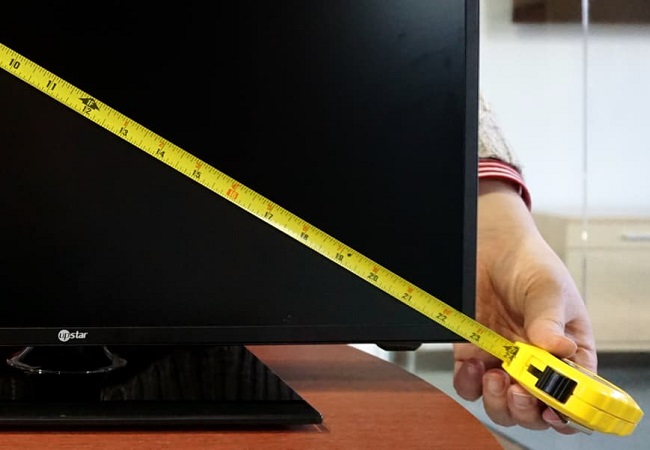
How to choose a TV diagonal and resolution for your room?Is it always worth taking a larger TV? Perhaps 55" will be too much for a small room, but 32" is a perfect option?
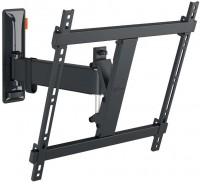
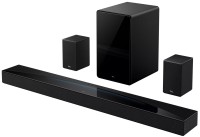
AccessoriesAll accessories for LG 47LE5300 →
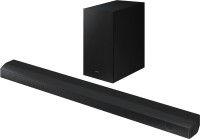


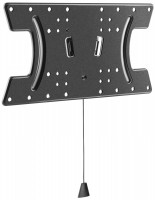
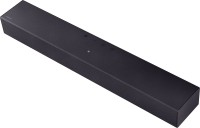
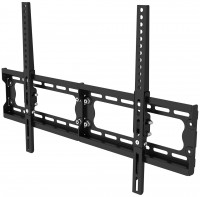
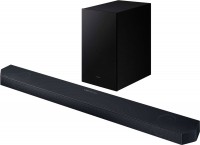

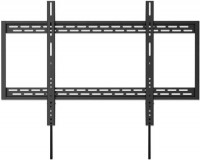
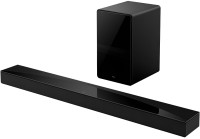
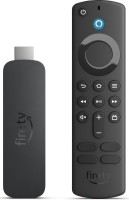
Additional features tv LG 47LE5300:
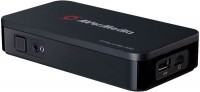
Wireless AV Link
Wireless AV Link technology allows you to get rid of the wires that are always sticking out of the TV, however, to implement it, you need to purchase a special media receiver (Wireless Media Box) and an adapter that is inserted into a special TV connector. After that, the Media Box can be installed anywhere in the room at a distance of less than 25 metres from the TV, that's all, the TV and the receiver work as one device and without wires.
Watching movies from USB media
A very useful feature called USB 2.0 Movie will allow you to insert a flash card, external hard drive, camera or camcorder into the USB port of the TV and watch the contents of this device and play it. And listening to music, viewing photos and videos on the big screen of your favorite TV, you see, is very convenient and interesting!
24p True Cinema
This mode allows you to watch movies as they were conceived by the director himself — on the big screen at 24 frames per second. Until quite recently, the movies we watched at home played faster than in theaters. Because a movie that is shown on TV or sold on DVD needs to be adjusted to fit the PAL format. The difference lies in the following — movies are shot at 24 frames per second, and the television standard is 25 frames per second.
- Light sensor
- OSD menu in Russian
- Zoom
- Sleep timer
- Child protection
- Swivel stand
- xv Colour
- 24p Real Cinema
- Clear Voice II
- Auto Volume Leveler II
- Wireless AV Link
Wireless AV Link
Wireless AV Link technology allows you to get rid of the wires that are always sticking out of the TV, however, to implement it, you need to purchase a special media receiver (Wireless Media Box) and an adapter that is inserted into a special TV connector. After that, the Media Box can be installed anywhere in the room at a distance of less than 25 metres from the TV, that's all, the TV and the receiver work as one device and without wires.
Watching movies from USB media
A very useful feature called USB 2.0 Movie will allow you to insert a flash card, external hard drive, camera or camcorder into the USB port of the TV and watch the contents of this device and play it. And listening to music, viewing photos and videos on the big screen of your favorite TV, you see, is very convenient and interesting!
24p True Cinema
This mode allows you to watch movies as they were conceived by the director himself — on the big screen at 24 frames per second. Until quite recently, the movies we watched at home played faster than in theaters. Because a movie that is shown on TV or sold on DVD needs to be adjusted to fit the PAL format. The difference lies in the following — movies are shot at 24 frames per second, and the television standard is 25 frames per second.
We recommendCompare using chart →

flagship, 55 ", 4K, 100/120 Hz, game mode 165 Hz, QLED, Mini LED, HDR10+, FreeSync, 4K upscaling, Pantone, Smart TV, Wi-Fi, Matter, AirPlay 2, LAN, subwoofer, many speakers, voice control, assistant, T2 tuner

55 ", 4K, 100/120 Hz, game mode 144 Hz, QLED, Direct LED, HDR10+, Dolby Vision, 4K upscaling, Google TV, Wi-Fi, Google Cast, LAN, subwoofer, voice control, assistant, T2 tuner

55 ", 4K, 100/120 Hz, game mode 144 Hz, QLED, Mini LED, HDR10+, Dolby Vision, FreeSync, 4K upscaling, Google TV, Wi-Fi, Google Cast, LAN, subwoofer, many speakers, voice control, assistant, T2 tuner
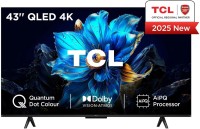
43 ", 4K, 50/60 Hz, QLED, HDR10+, Dolby Vision, 4K upscaling, Google TV, Wi-Fi, AirPlay 2, Google Cast, LAN, voice control, assistant, T2 tuner

flagship, 55 ", 4K, 100/120 Hz, game mode 165 Hz, OLED, HDR10+, FreeSync, 4K upscaling, Pantone, Smart TV, Wi-Fi, Matter, AirPlay 2, LAN, subwoofer, many speakers, voice control, assistant, T2 tuner

48 ", 4K, 100/120 Hz, game mode 144 Hz, OLED, HDR10+, FreeSync, 4K upscaling, Pantone, Smart TV, Wi-Fi, Matter, AirPlay 2, LAN, subwoofer, voice control, assistant, T2 tuner

50 ", 4K, 100/120 Hz, game mode 144 Hz, QLED, Mini LED, HDR10+, Dolby Vision, FreeSync, 4K upscaling, Google TV, Wi-Fi, AirPlay 2, LAN, voice control, assistant, T2 tuner

43 ", 4K, 50/60 Hz, QLED, Direct LED, HDR10+, Dolby Vision, 4K upscaling, Google TV, Wi-Fi, Google Cast, LAN, voice control, assistant, T2 tuner

55 ", 4K, 100/120 Hz, game mode 144 Hz, QLED, Mini LED, HDR10+, Dolby Vision, FreeSync, 4K upscaling, Google TV, Wi-Fi, LAN, subwoofer, voice control, assistant, T2 tuner
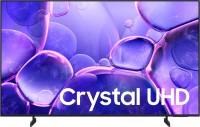
43 ", 4K, 50/60 Hz, Edge LED, HDR10+, 4K upscaling, Smart TV, Wi-Fi, AirPlay 2, LAN, voice control, assistant, T2 tuner
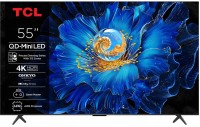
55 ", 4K, 100/120 Hz, QLED, Mini LED, HDR10+, Dolby Vision, 4K upscaling, Google TV, Wi-Fi, LAN, subwoofer, voice control, assistant, T2 tuner
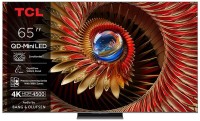
65 ", 4K, 100/120 Hz, game mode 144 Hz, QLED, Mini LED, HDR10+, Dolby Vision, FreeSync, 4K upscaling, Google TV, Wi-Fi, AirPlay 2, Google Cast, LAN, voice control, assistant, T2 tuner