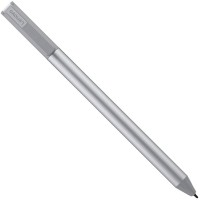
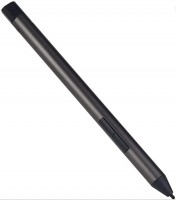
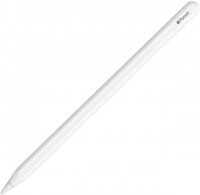
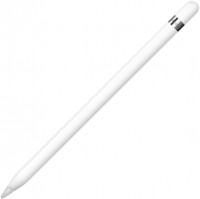
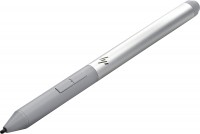
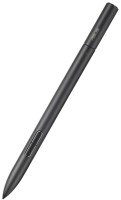
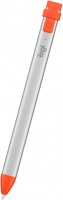
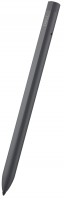
Pen for S22 S22 Ultra with Bluetooth Slim 0.7mm Tip Original Pen Replacement for Writing Drawing green
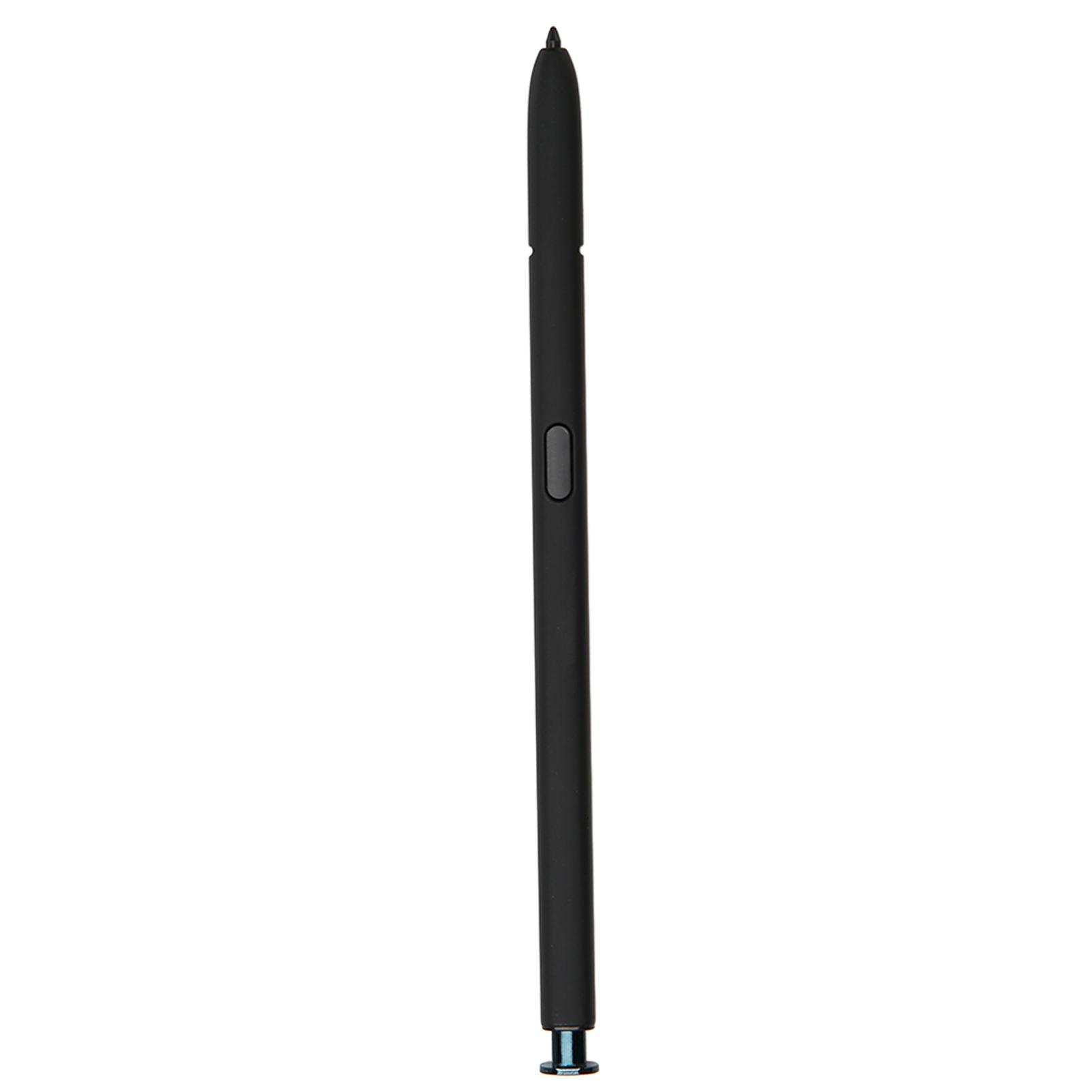 |
Buy Pen for S22 S22 Ultra with Bluetooth Slim 0.7mm Tip Original Pen Replacement for Writing Drawing green
When you make a purchase through links on our site, we may receive a affiliate commission.
Pen for S22 S22 Ultra with Bluetooth Slim 0.7mm Tip Original Pen Replacement for Writing Drawing green | £20.03 |  | |||
Feature: 1. Accurate as Your Favorite Pen: Take advantage of your phone s large screen. With a slim 0.7mm tip and 4096 pressure levels, the pen is as natural and accurate for writing and sketching as it is for putting a pen to paper. 2. Click and Wave for Control: Thanks to built in Bluetooth, the pen becomes the remote control for your apps. Taking pictures, switching between cameras, pausing or opening playlists, and more, all it takes is a quick gesture or a click of the pen button on the side. 3. Easy Access to Pen Action: Click the pen button to bring up the Air Command menu. Simply hover the pen over the screen and click the button on the side to bring up smart selection, screen writing, real time messaging and more. 4. Perfect Replac
The product description is generated based on data from online stores. Before purchasing be sure to verify all information directly with the seller.

Satellite Connectivity on a Regular Smartphone: How Direct-to-Device WorksHow a regular phone stays connected where there is no mobile network.

PC Build for Halo: Campaign EvolvedThree PCs of varying performance levels that will let you feel 100% like you’re in Master Chief’s shoes.
How to place an order?How to add store?
Remember that the online store is responsible for the accuracy of information regarding price, warranty, and delivery!
We recommendCompare using chart →