Sony PlayStation Portal
 |

Sony PlayStation Portal | |||||||||||||||||||||||||||||||||||||||
|
| ||||||||||||||||||||||||||||||||||||||

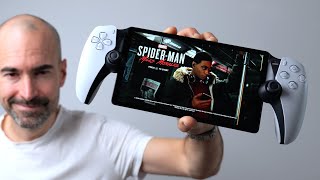
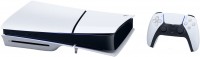
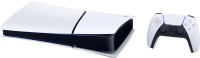
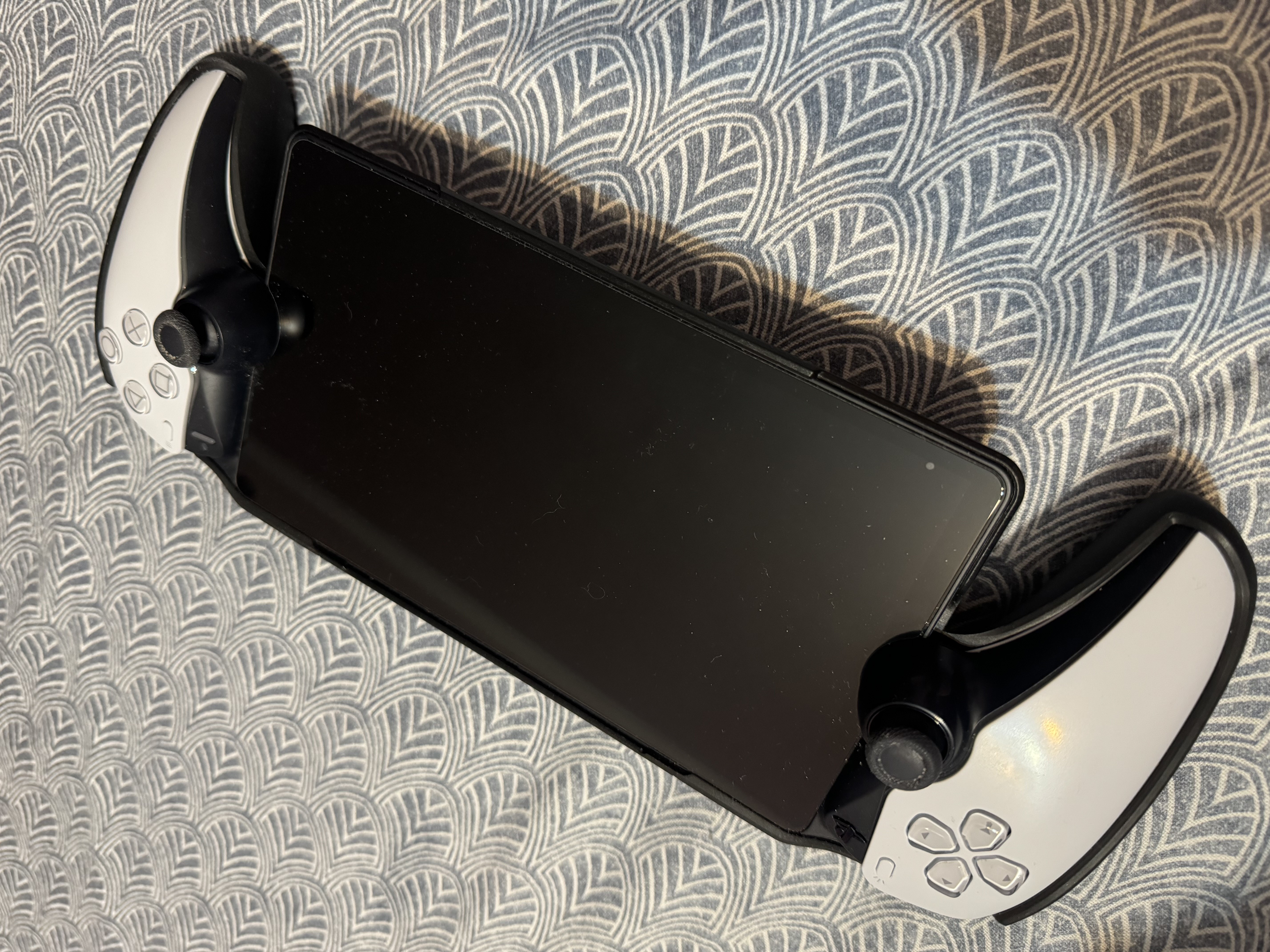
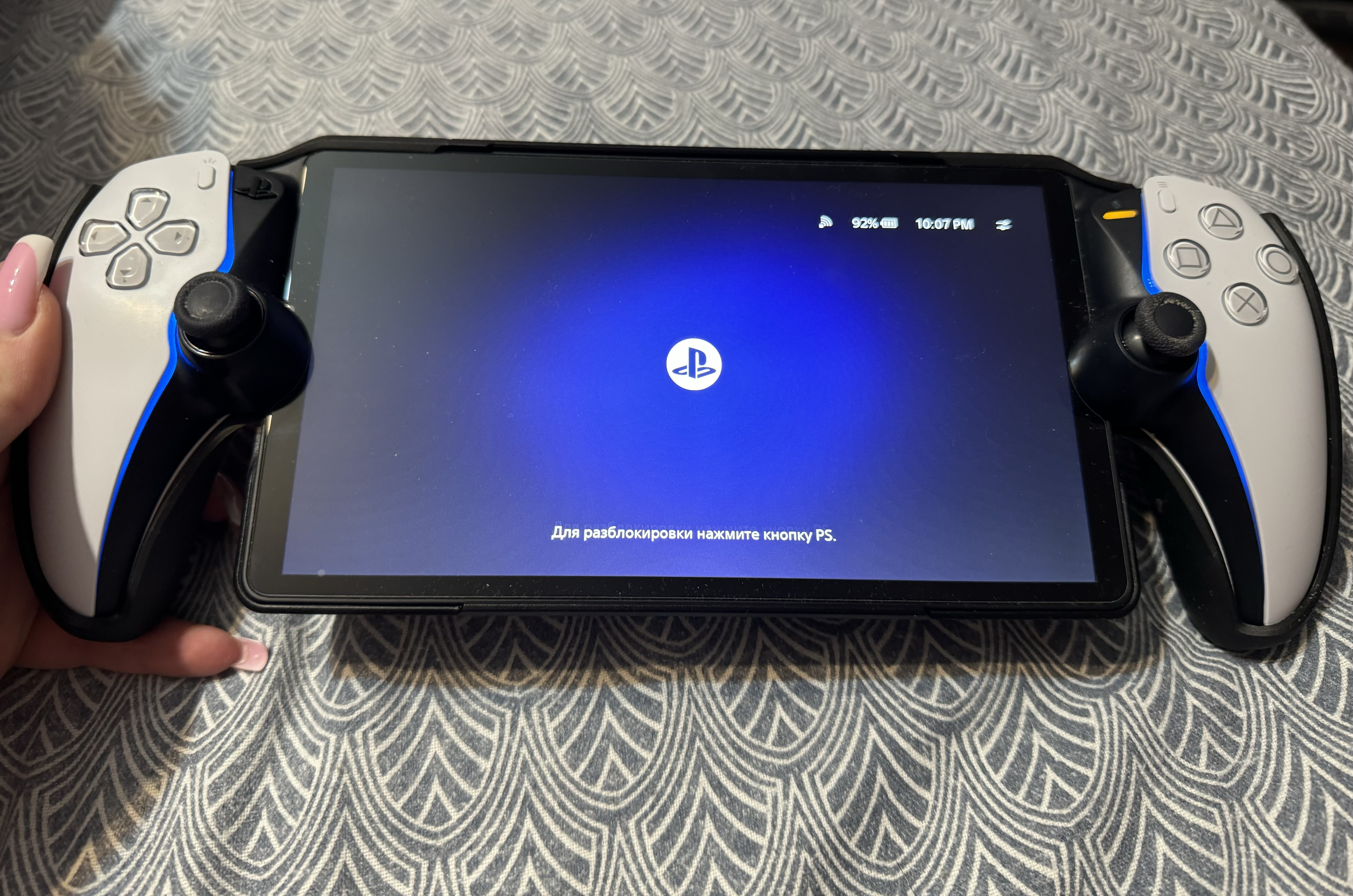
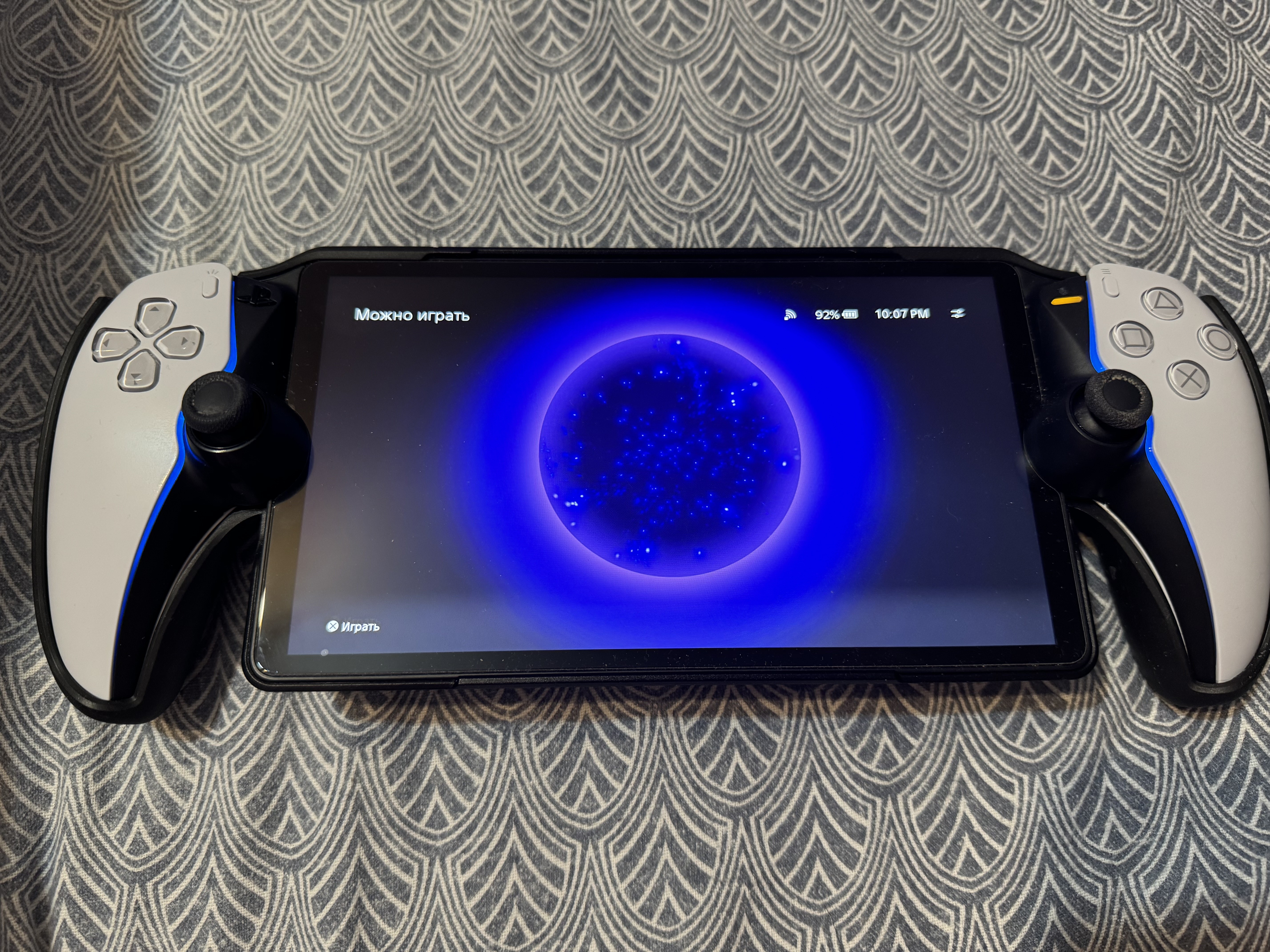
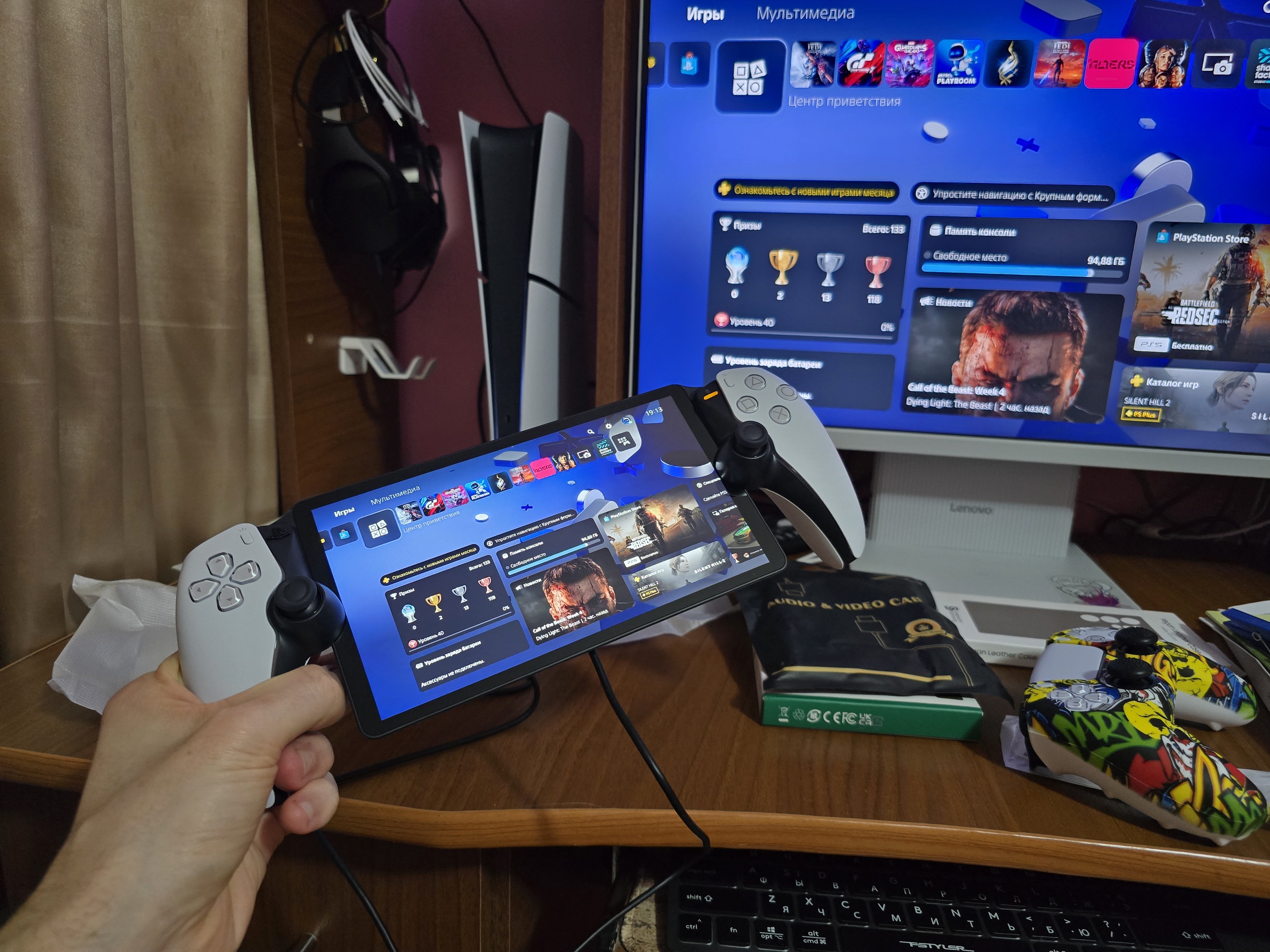
Device for remote gaming, providing access to games from the PlayStation 5 console via a home Wi-Fi network. The same buttons and controllers as the DualSense gamepad are used to control the console. Dynamic vibration responds to player actions, and dynamic resistance simulates interaction with objects in the game. Instead of a small touchpad in the center, a larger 8-inch Full HD display with excellent color reproduction, high contrast, and a solid brightness reserve is placed.
PlayStation Portal is designed for quick connection to the PS5 console: simply turn on the device, press the connection button, and quickly start playing. The player must have an active PlayStation Network account, and the console must be connected to the internet, either in rest mode or fully on. For the basic operation of the device, a Wi-Fi connection with a data transfer speed of at least 5 Mbps is required. The recommended speed is 15 Mbps, as the quality of the connection depends on the number of connected devices, the room, the distance from the Wi-Fi receiver, and other factors.

Always clarify the specifications and configuration of the product with the online store manager before purchasing.
Catalog Sony 2026 - new arrivals, bestsellers, and the most relevant models Sony.
Buy Sony PlayStation Portal
All prices 43 →| £156.70 |  | ||||
| £156.70 | | ||||
| £165.07 | | ||||
| £165.00 | | ||||
| £184.99 | | ||||















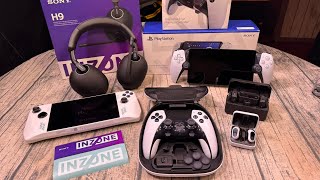
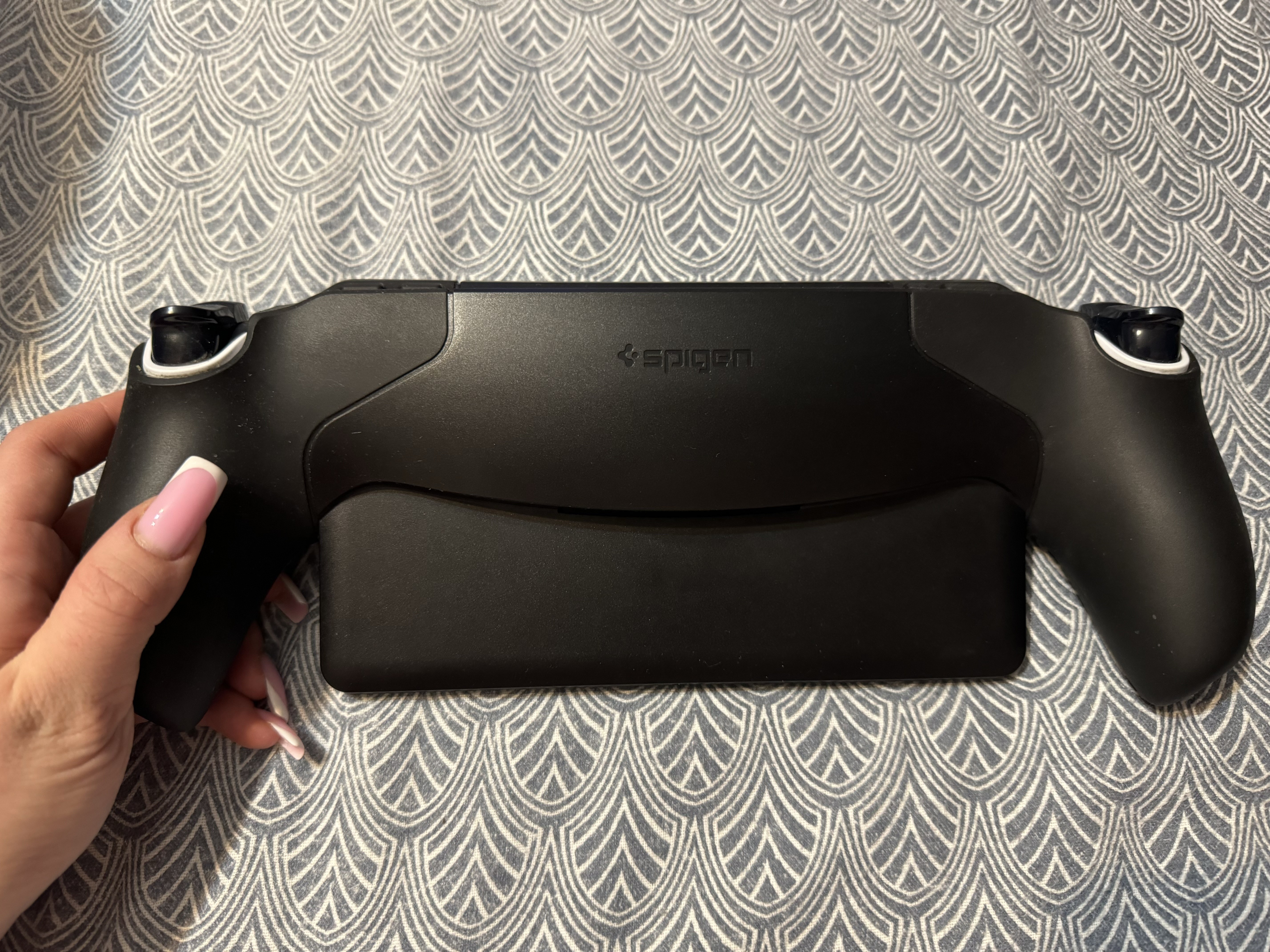
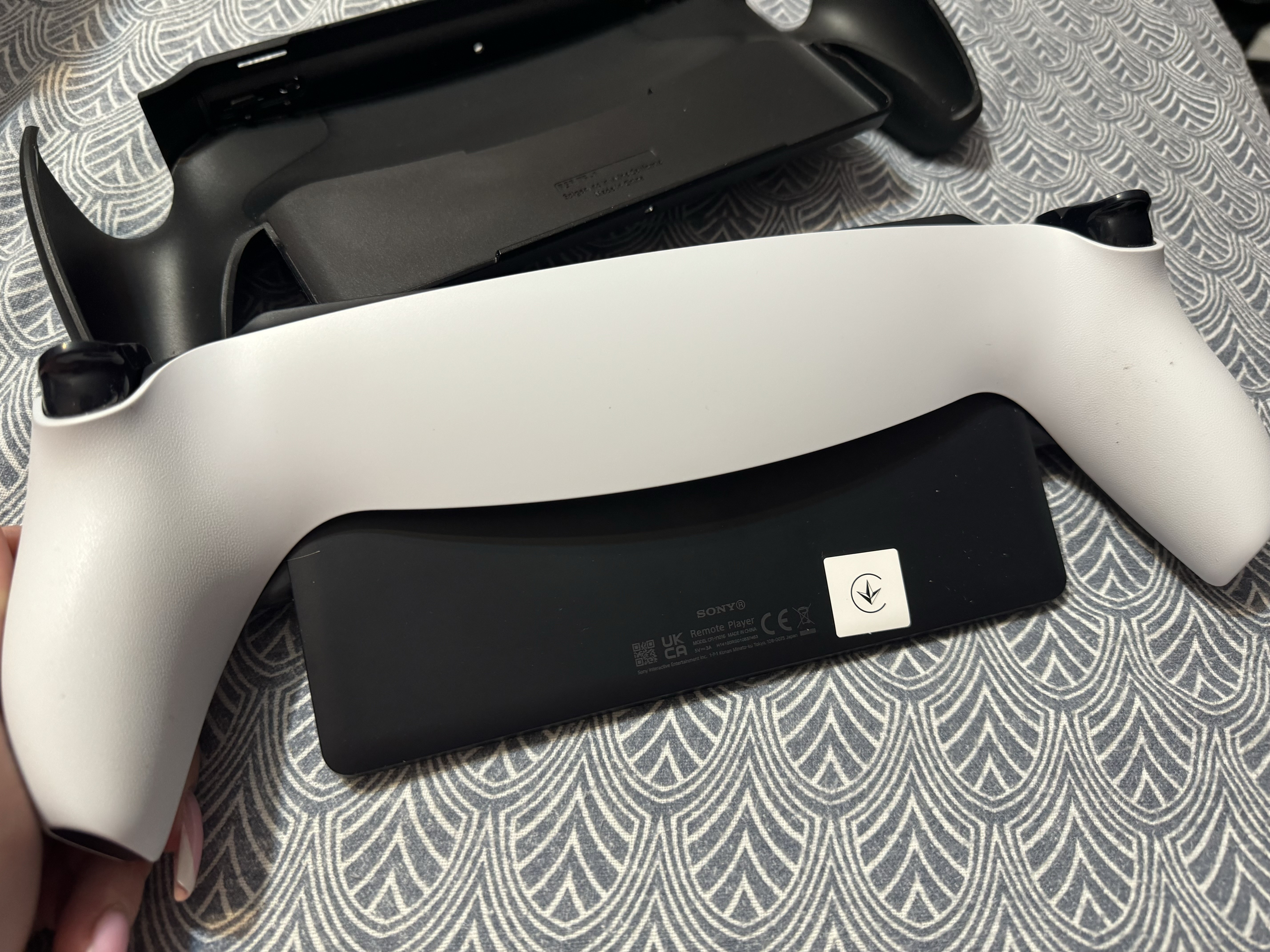
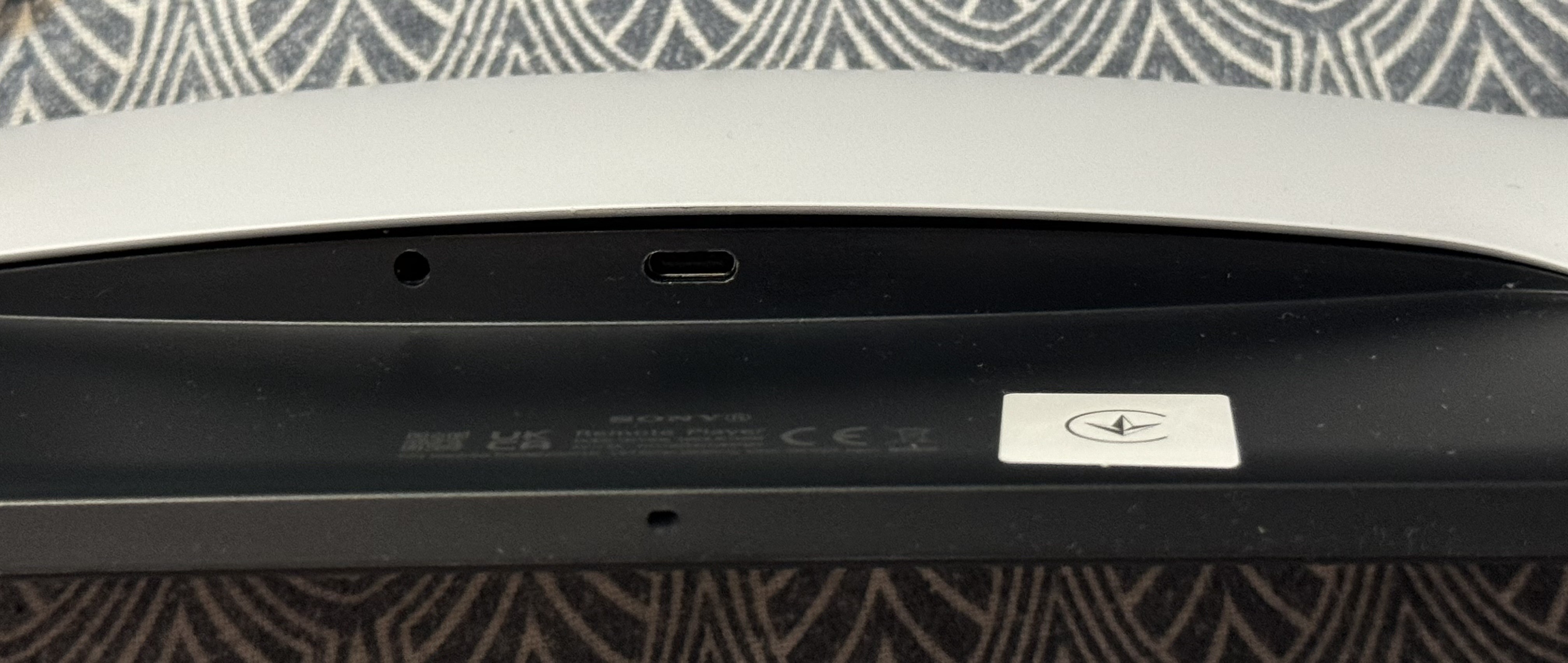
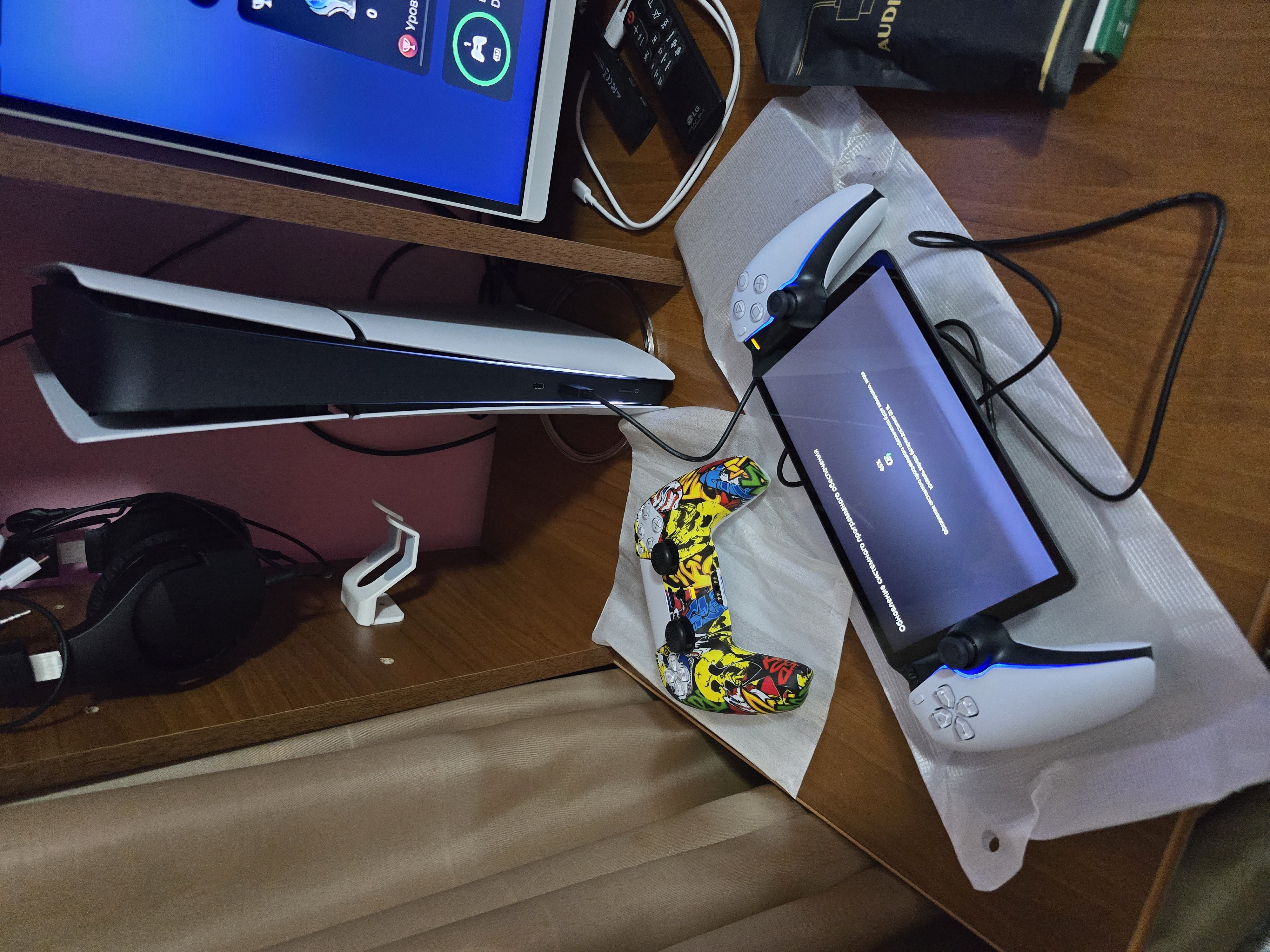
For connection, we recommend a stable Internet, and it is better to connect the PS directly with a cable, so the streaming will not be interrupted. Also, I will note the need to stick a protective glass and buy a protective cover and a case for storage / transportation. We took all the Spigen firms. We are really looking forward to when the cloud gaming function will be available in Ukraine, when the PS5 is not needed and the portal will work as a separate device like the PSP. Cool option for playing on PS5 without taking up TV. Portable, very comfortable to hold in hands. Not heavy, hands do not get tired. Good vibration at the level of the DualSense joystick. Excellent sound. Decent picture, bright and rich. Cool backlight. Everything is made in the style of PS5 and DualSense. Inconvenient location of the charging socket. It is very difficult to get to it. Minus of the whole design.  Olha Barinova: use Sony PlayStation Portal few months Olha Barinova: use Sony PlayStation Portal few months |
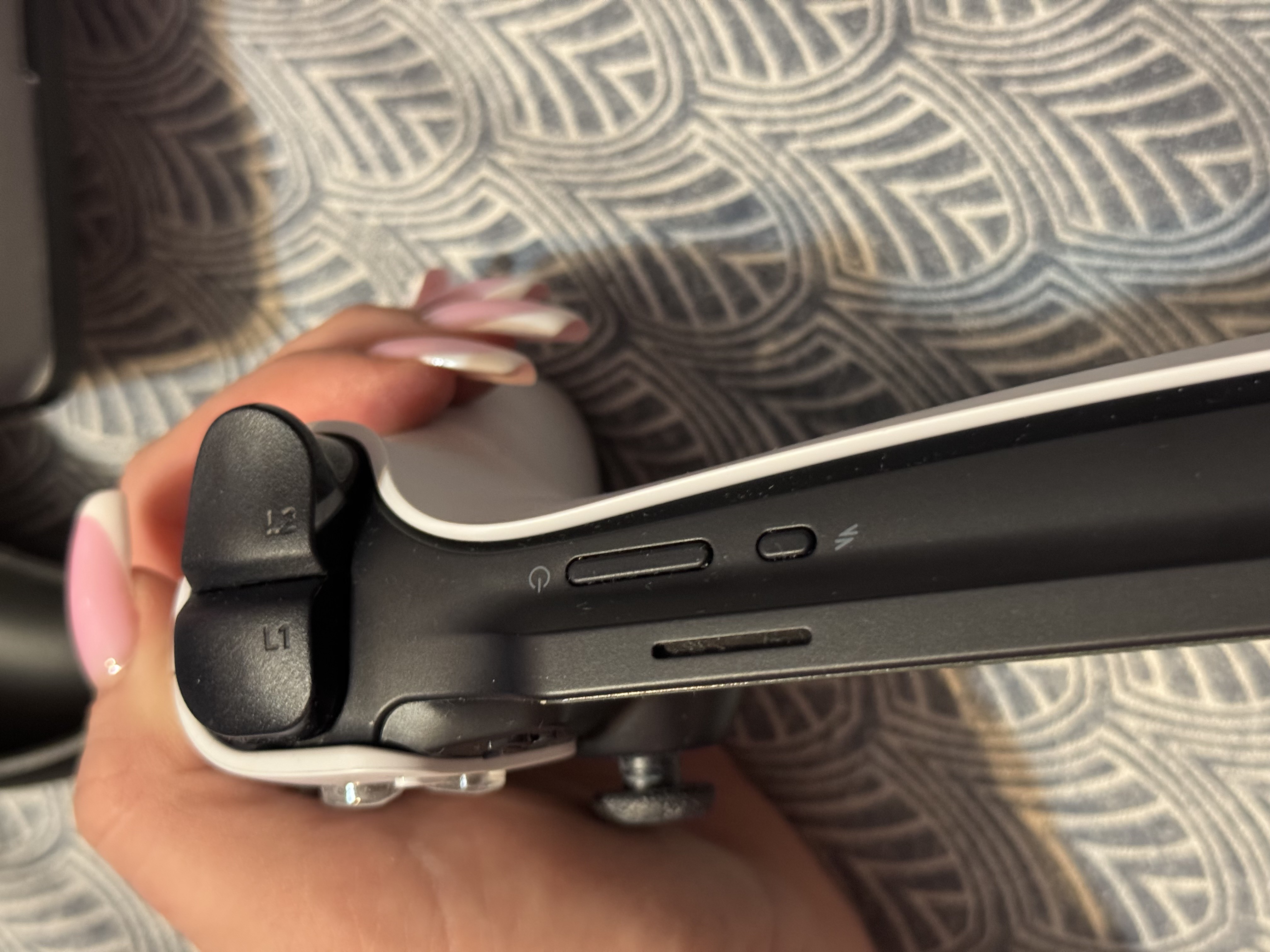
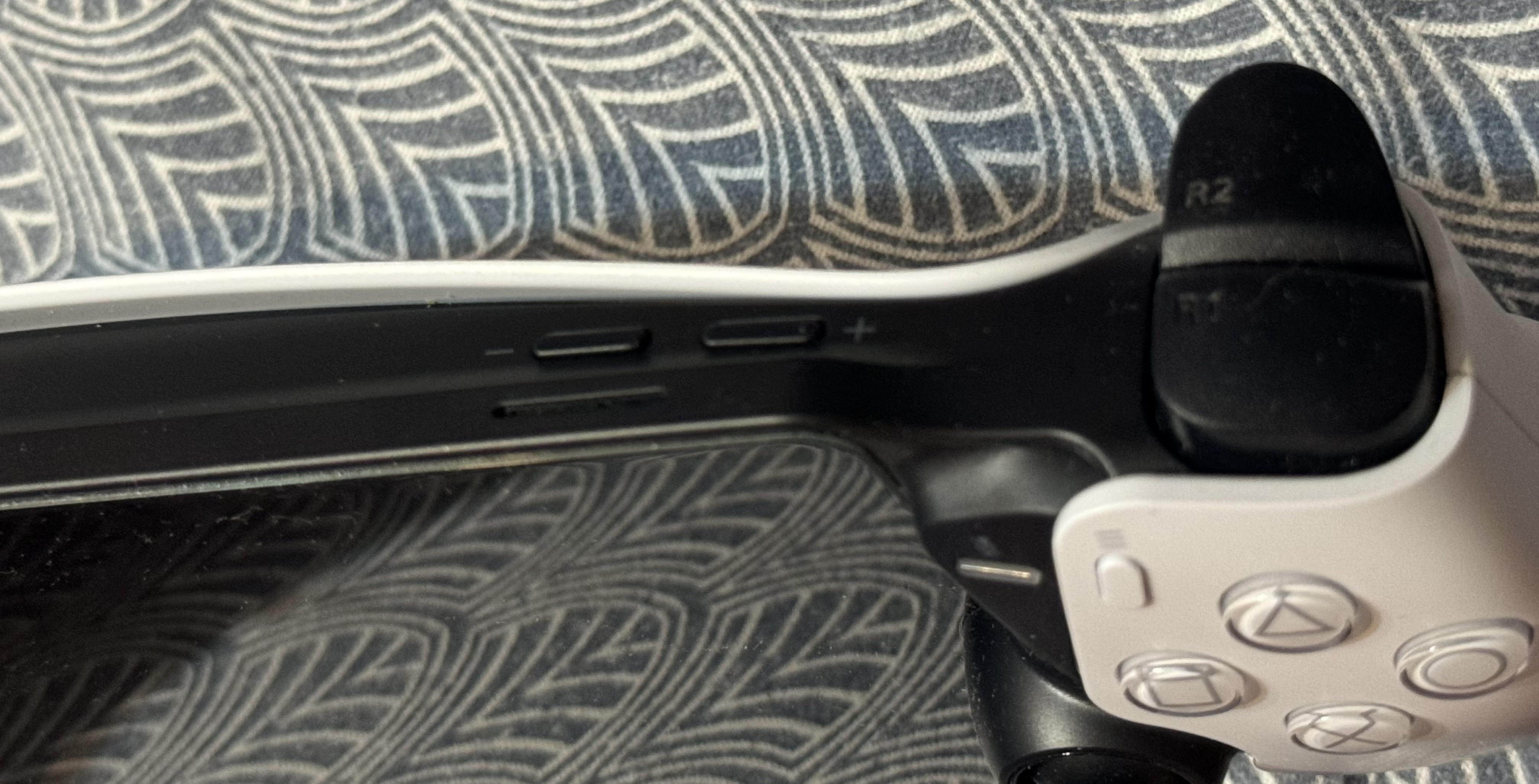
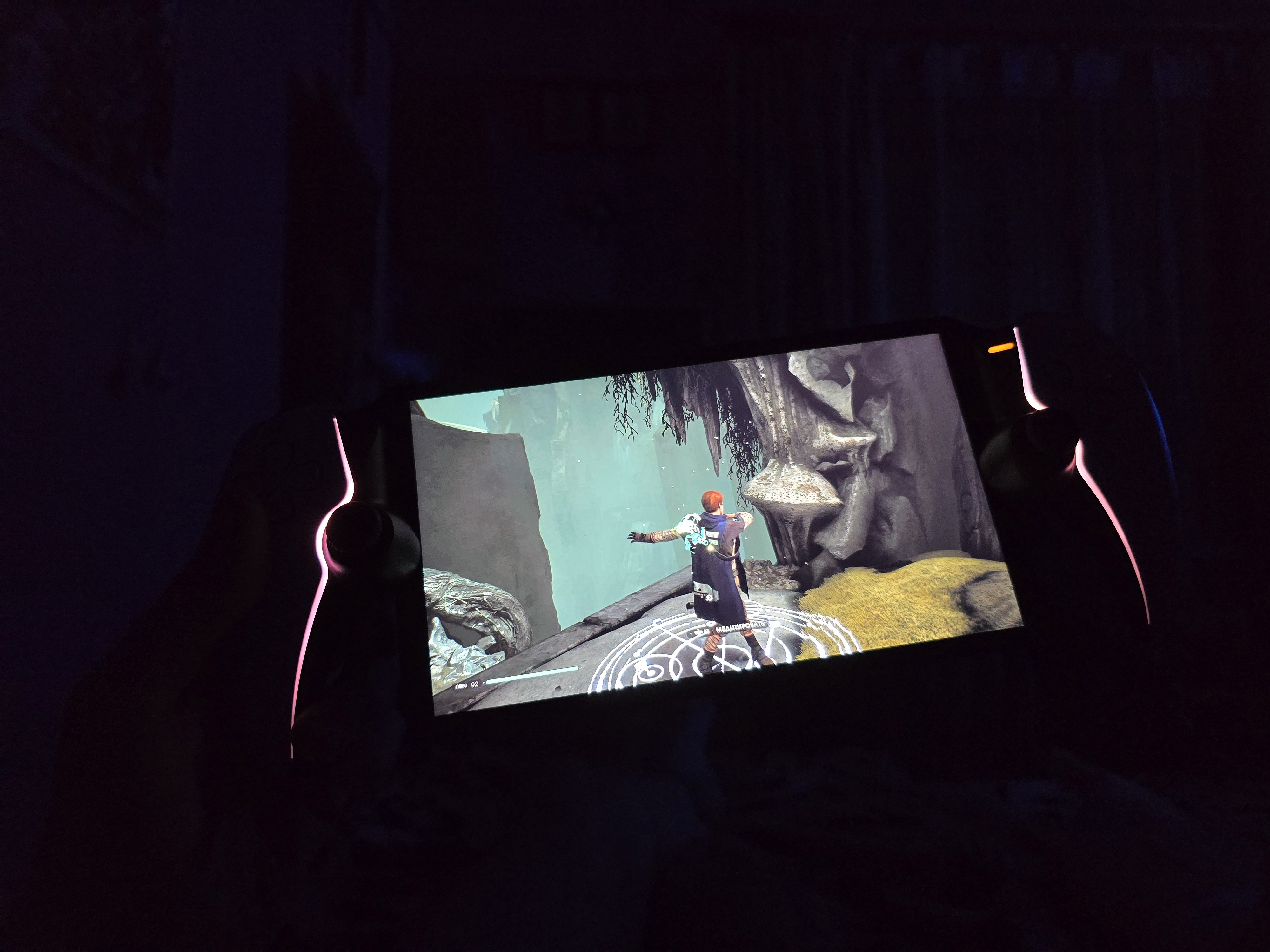
I love games but have back and leg problems, so I can't sit for long periods (especially after work) and I want to lie down and play my favorite game for an hour. Some might say, "that's what Steam Deck and similar devices are for," and they’d be partly right, but they have their quirks. My goal was simple - a PlayStation with comfort while lying down. So, we have a nice screen, all the DualSense features (adaptive triggers), full compatibility with remote play, great graphics, a battery life of about 8 hours, built-in speakers and microphone, great ergonomics, and simple and clear settings. Everything works perfectly, with the PS5 connected to gigabit WiFi, even without a cable. No drops, no lags, no delays - everything is perfect. That's it for the positives. The set is just pathetic - just a cable and that's it. How to charge this miracle and with what - figure it out yourself. It's logical that it charges fine from the PlayStation, but it would be nice to have a separate adapter. I'm charging it with a 25W Samsung adapter because the 20W Baseus wouldn't charge it. The quality of the built-in speakers is terrible, better if they weren't there at all. Plus, they are directed upwards, when logically they should point down or forward. The sticks are small, smaller than on the DualSense, so you'll need to buy grips. The body is high-quality, but not comfortable to hold for long - you need a case. There’s also no storage case included - everything separately. Want wireless sound - buy branded headphones, only three models are supported, no Bluetooth. The socket for wired headphones is at the bottom, recessed in the body, next to the charging port - you practically have to break a few fingers to insert the cables. So, I also advise buying a charging stand. Even though the screen is IPS, it’s clearly the cheapest, as it has low contrast, backlight issues, and a mere 60 Hz refresh rate. The volume and power control buttons are on top and VERY inconvenient, you literally have to see them visually and twist the portal in your hands to find them. The device takes long to turn on: you hold the power button for several seconds until the logo lights up on the screen, then wait another 40 seconds.  Olexandr Cherkashchenko: use Sony PlayStation Portal few months Olexandr Cherkashchenko: use Sony PlayStation Portal few months |