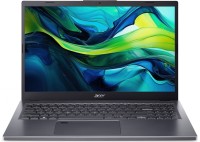
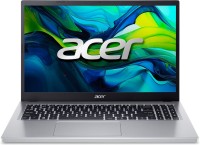
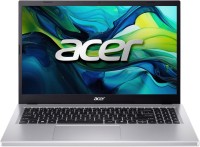
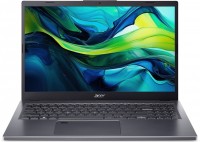
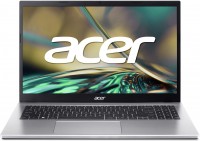
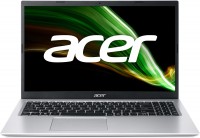
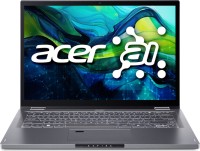
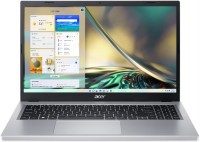
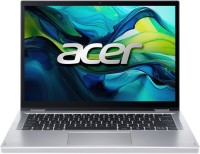
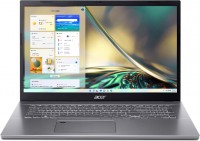
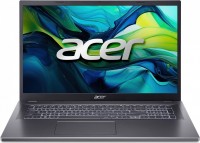
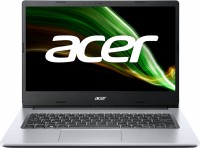
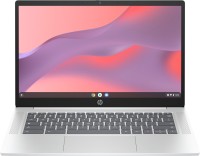
The photo of a particular group model may vary depending on the modification of a particular laptop. For example, the presence of a fingerprint scanner will minimally change the appearance of the device.
Universal laptops from Acer for tackling a wide range of tasks. Models from the Aspire 15 A15-41M line are suitable for work, study, and multimedia entertainment, and with some effort, you can play less demanding games on them. The laptops in the series are equipped with simple 15.6-inch IPS screens with a matte finish. The display resolution corresponds to the Full HD frame format (1920x1080 pixels), with a refresh rate of 60 Hz, but color reproduction is a bit lacking—about 45% of the NTSC color space.
Multithreaded processors from AMD's Hawk Point generation on the Zen 4 microarchitecture are used as the foundation for the hardware platform—these may be the 6-core Ryzen 5 8640HS or the 12-core Ryzen 7 8840HS, both with integrated Radeon 760M/780M graphics, respectively. The soldered RAM on the motherboard is presented in a size of 16 GB (DDR5-5600 standard), with one extra RAM expansion slot available to the user.
Data storage is provided by an SSD M.2 NVMe drive with a capacity ranging from 512 GB to 1 TB, depending on the chosen configuration. The claimed battery life for the Acer Aspire 15 A15-41M laptops is up to 13.5 hours without recharging, but in reality, you can expect 8 to 10 hours of screen activity under medium-low workloads. Series models include a Full HD format webcam, Thunderbolt v4 interface, wireless communications with Wi-Fi 6E and Bluetooth v5.3, a fingerprint scanner, and a "anti-theft" Kensington lock. The laptops are constructed in a "slim" casing made of matte silver plastic, 18 mm thick and weighing about 1.65 kg.
- Looks like one RAM module is soldered, and the other isn’t - Older Linux kernel versions (which can still be in stable distros like Mint) have issues with hybrid video/system memory
- Works - Low price for power
- SSD overheats in some cases (runs slower) - When OPAL is enabled (CryptSetup or BitLocker), every time before boot you need to unlock the disk from an external drive (I don’t know how to do this with Windows) and hibernation can’t be used - The built-in display’s color profile isn’t the most accurate - Not many ports (makes sense for the price), DisplayPort only via USB-C











 Oleksiy: use Acer Aspire 15 A15-41M few months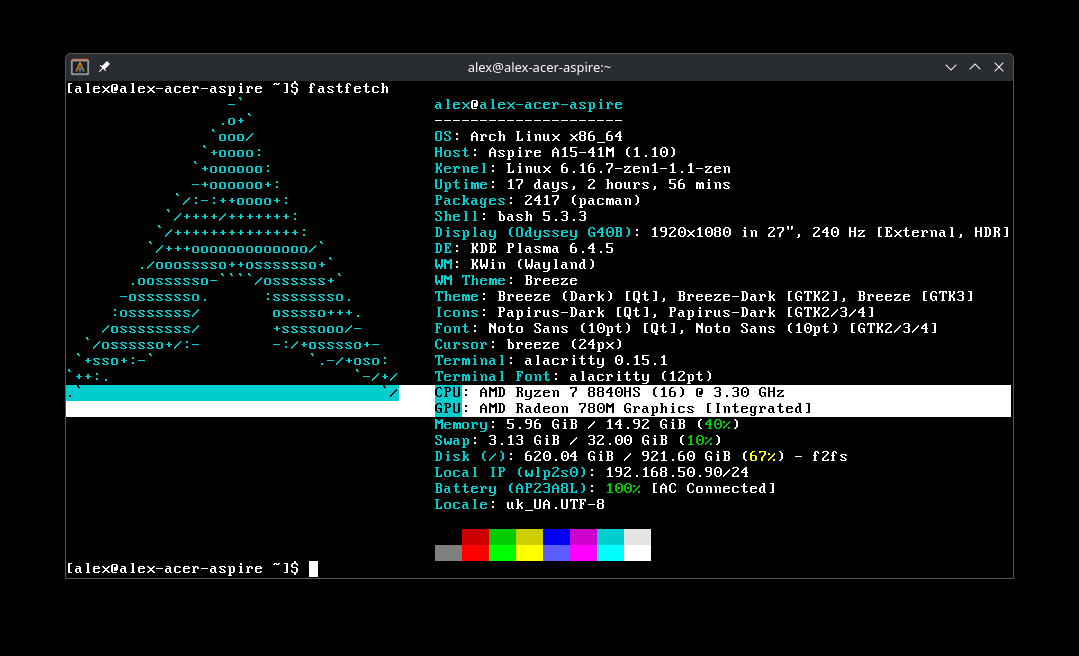




- Older Linux kernel versions (which can still be in stable distros like Mint) have issues with hybrid video/system memory