
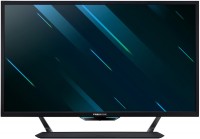
Acer Predator CG437KP 43 " black (UM.HC7EE.P01)
 | When you make a purchase through links on our site, we may receive a affiliate commission. Buy! Acer 43" 4K Ultra HD 144Hz VA HDR Open Box Gaming Monitor Open BoxScan.co.ukDelivery: to United Kingdom Report |

Acer Predator CG437KP 43 " black
Screen size:43 "
Resolution:3840x2160 (16:9)
Panel:*VA, response 4 ms
Frequency:144 Hz
Contrast:4 000:1
Brightness:1000 cd/m²
Functions:HDR, NVIDIA G-Sync Compatible, Flicker-Free
Connectors:USB-C (DP Alt Mode) • DisplayPort v1.4 • 3xHDMI v2.0
All specifications
Specifications Predator CG437KP
|
| ||||||||||||||||||||||||||||||||||||||||||||||||||||||||||||||||||||||||||


E-Catalog UK editor, Monitors
Dmytro Prokopenko, edited 19.08.2026
The information in the model description is for reference purposes.
Always clarify the specifications and configuration of the product with the online store manager before purchasing.
Catalog Acer 2026 - new arrivals, bestsellers, and the most relevant models Acer.
Always clarify the specifications and configuration of the product with the online store manager before purchasing.
Catalog Acer 2026 - new arrivals, bestsellers, and the most relevant models Acer.

Series Acer Predator (gaming)

gaming, 24.5 ", 1920x1080 (16:9), IPS, response 1 ms, 320 Hz, 8-bit (16.7M Colors), sRGB 99 %, HDMI, v 2.1, DisplayPort, speakers, AMD FreeSync Premium, HDR
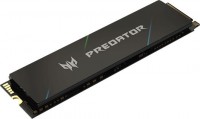
1 TB, M.2, 22x80, PCIe 4.0 4x, 3D TLC NAND, write: 6400 MB/s, read: 7400 MB/s, warranty 5 years
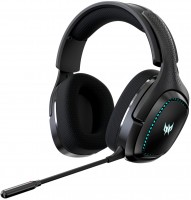
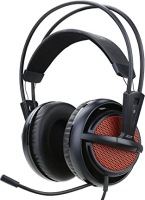
gaming, overhead, closed, wireless, Bluetooth v5.2, radio channel, 20 – 20000 Hz, 32 Ohm, battery: up to 12 h
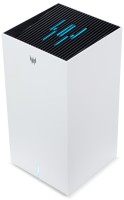
MESH system, WAN: Ethernet, connection: LAN 2 ports, 1 Gbps, Wi-Fi: Wi-Fi 7 (BE), 2.4 GHz — 574 Mbps, 5 GHz — 4324 Mbps, 6 GHz — 5764 Mbps, 240 / 320 MHz, MU-MIMO

projection: coefficient 1.22:1, rear projection, 3840x2160 px, 4K, HDR, 3D, lamp: LED, ANSI 1600 lm, 3 500 000:1, sRGB 125 %, service life 30000 h, HDMI 2, speakers

urban, on a suitcase, 30 L, for laptop, removable backpack, pockets: lower, 51x32x19 cm, weight 1000 g
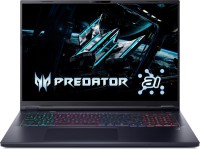
game, 18 ", 2560x1600 (16:10), IPS, 240 Hz, Core Ultra 9, 275HX, 2.1 GHz, RAM 16 GB, DDR5, RTX 5070 Ti, SSD M.2 NVMe, 2 TB, Win 11 Home, USB-A 5Gbps, USB-A 10Gbps, USB-C 10Gbps, USB-C 40G (USB4), Thunderbolt, Wi-Fi 6E, VR, 3.3 kg

gaming, 26.5 ", 2560x1440 (16:9), QD-OLED, response 0.03 ms, 240 Hz, 10-bit (1.07B Colors), DCI-P3 99 %, HDMI, v 2.1, DisplayPort, speakers, AMD FreeSync Premium, NVIDIA G-Sync Compatible, HDR

2 TB, M.2, 22x80, PCIe 4.0 4x, 3D NAND, write: 6300 MB/s, read: 7200 MB/s, warranty 5 years
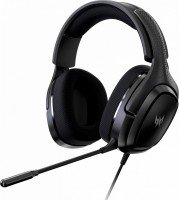
gaming, overhead, closed, wired, 3.5 mm, USB-A, 1.8 m, multichannel, 20 – 20000 Hz, 32 Ohm
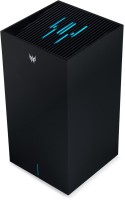
MESH system, WAN: Ethernet, SIM card, 5G, connection: LAN 2 ports, 1 Gbps, Wi-Fi: Wi-Fi 7 (BE), 2.4 GHz — 574 Mbps, 5 GHz — 4324 Mbps, 6 GHz — 5764 Mbps, 240 / 320 MHz, MU-MIMO
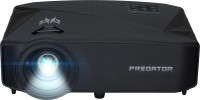
Smart TV, projection: from 1.6 m, up to 8.1 m, coefficient 1.22:1, rear projection, 3840x2160 px, 4K, HDR, 3D, lamp: LED, 4000 lm, ANSI 1450 lm, 2 000 000:1, service life 20000 h, HDMI 2, Wi-Fi, 802.11ac, speakers

urban, on a suitcase, 20 L, for laptop, reflective, pockets: front, 44x31x9 cm, weight 740 g

high performance, game, 18 ", matte, 2560x1600 (16:10), miniLED, Core Ultra 9, 275HX, 2.1 GHz, RAM 32 GB, DDR5, RTX 5080, SSD M.2 NVMe, 1 TB, Win 11 Home, USB-A 5Gbps, USB-A 10Gbps, USB-C 80G (USB4), Thunderbolt, Wi-Fi 7, VR, 3D face scanner, 3.5 kg

gaming, 26.5 ", 2560x1440 (16:9), QD-OLED, response 0.03 ms, 500 Hz, 10-bit (1.07B Colors), DCI-P3 99 %, HDMI, v 2.1, DisplayPort, USB-C (DP Alt Mode), Power Delivery, HUB: USB-A 2x5Gbps, speakers, AMD FreeSync Premium Pro, VESA Adaptive-Sync, HDR

external, 1 TB, 3D NAND, write: 2000 MB/s, read: 2000 MB/s, USB-C 20Gbps, Lighting, warranty 5 years
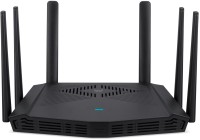
gaming router, WAN: Ethernet, connection: LAN 4 ports, 1 Gbps, Wi-Fi: Wi-Fi 6 (AX), 2.4 GHz — 600 Mbps, 5 GHz — 4804 Mbps, 160 MHz, Dual-band, MU-MIMO
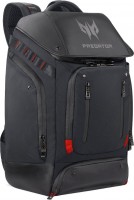

high performance, game, 16 ", matte, 2560x1600 (16:10), IPS, 240 Hz, Core Ultra 9, 275HX, 2.1 GHz, RAM 32 GB, DDR5, RTX 5070 Ti, SSD M.2 NVMe, 1 TB, Win 11 Home, USB-A 5Gbps, USB-A 10Gbps, USB-C 40G (USB4), Thunderbolt, Wi-Fi 6E, VR, 3D face scanner, 2.7 kg
AccessoriesAll accessories for Acer Predator CG437KP →





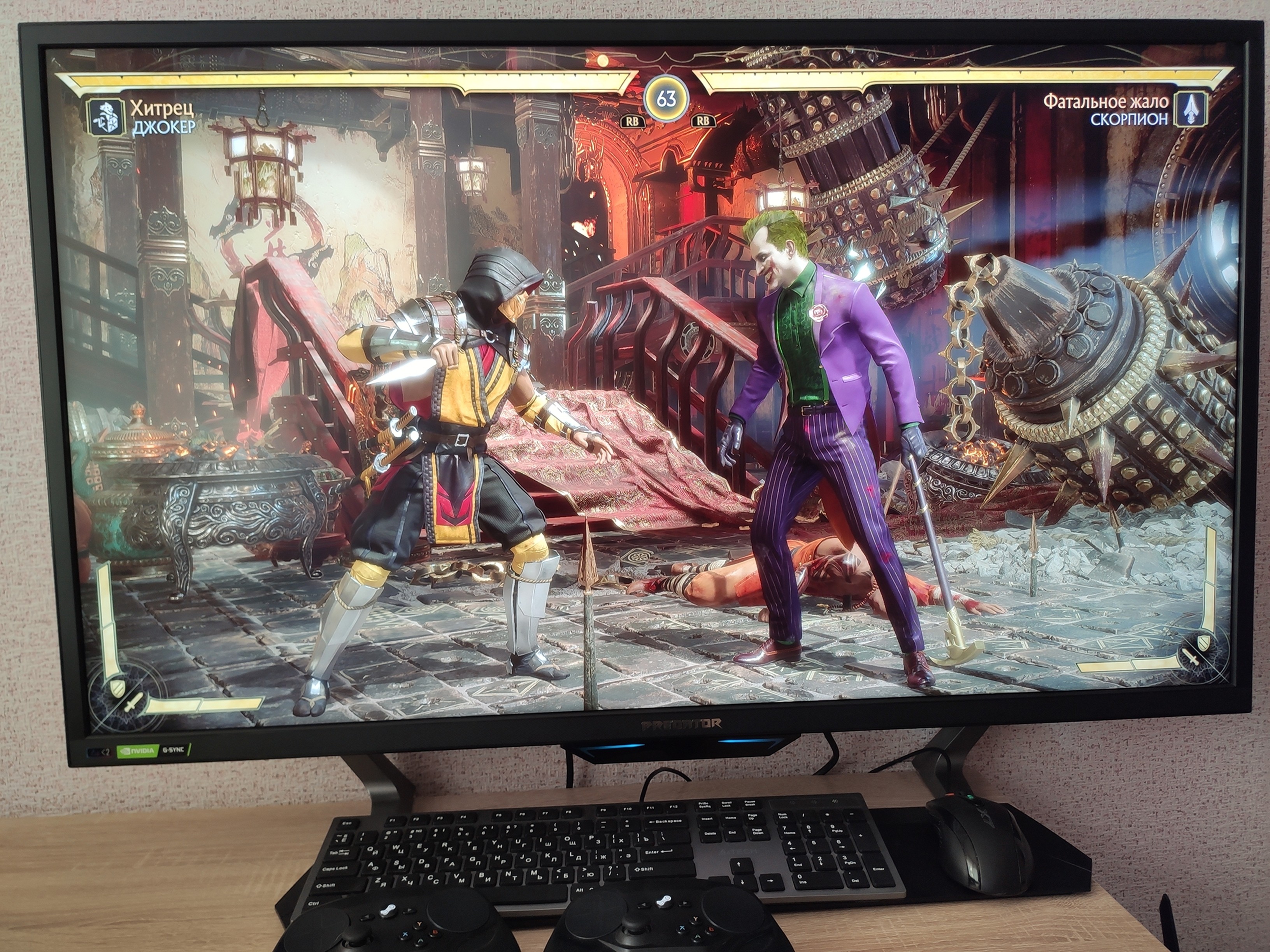
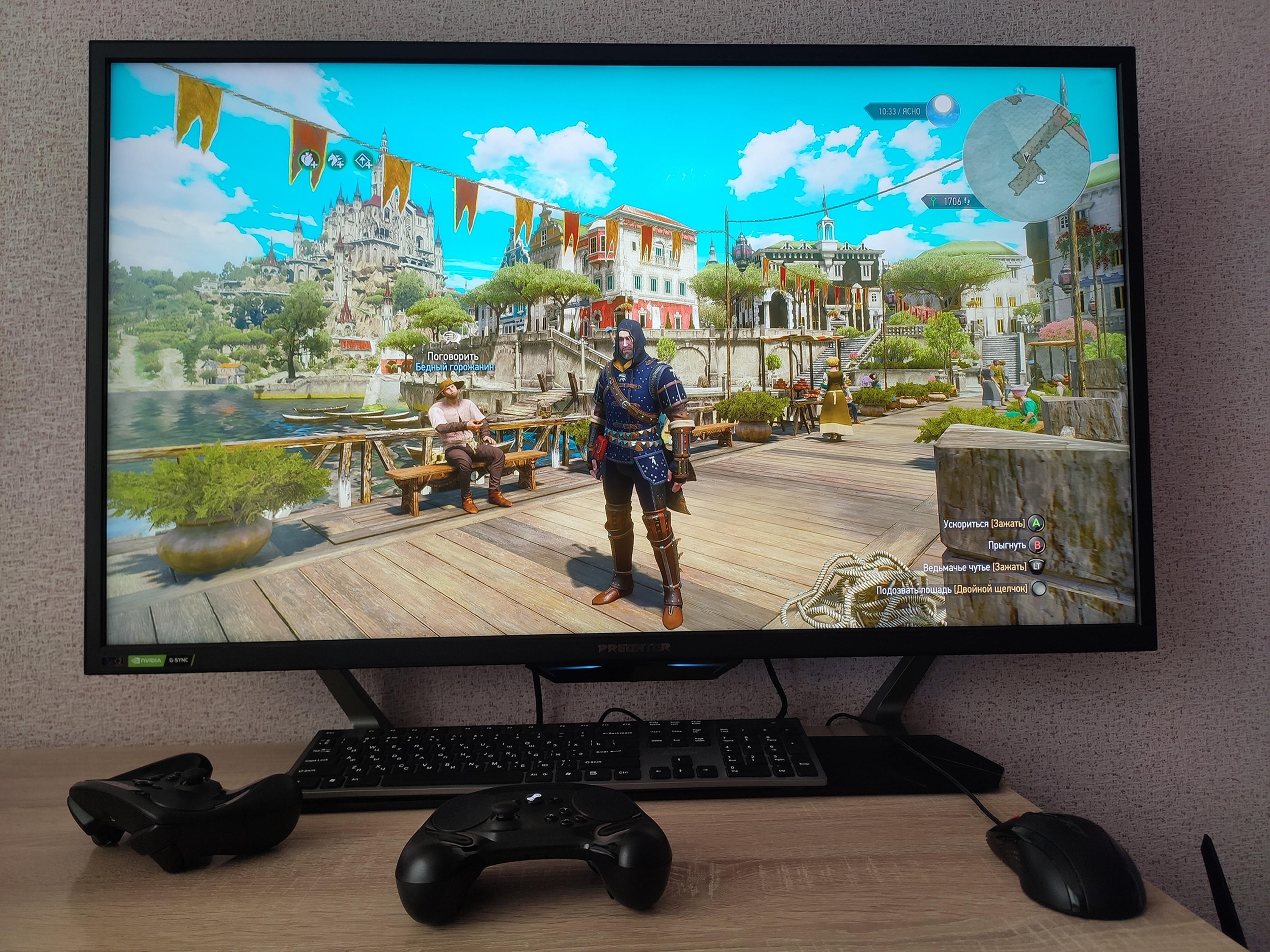
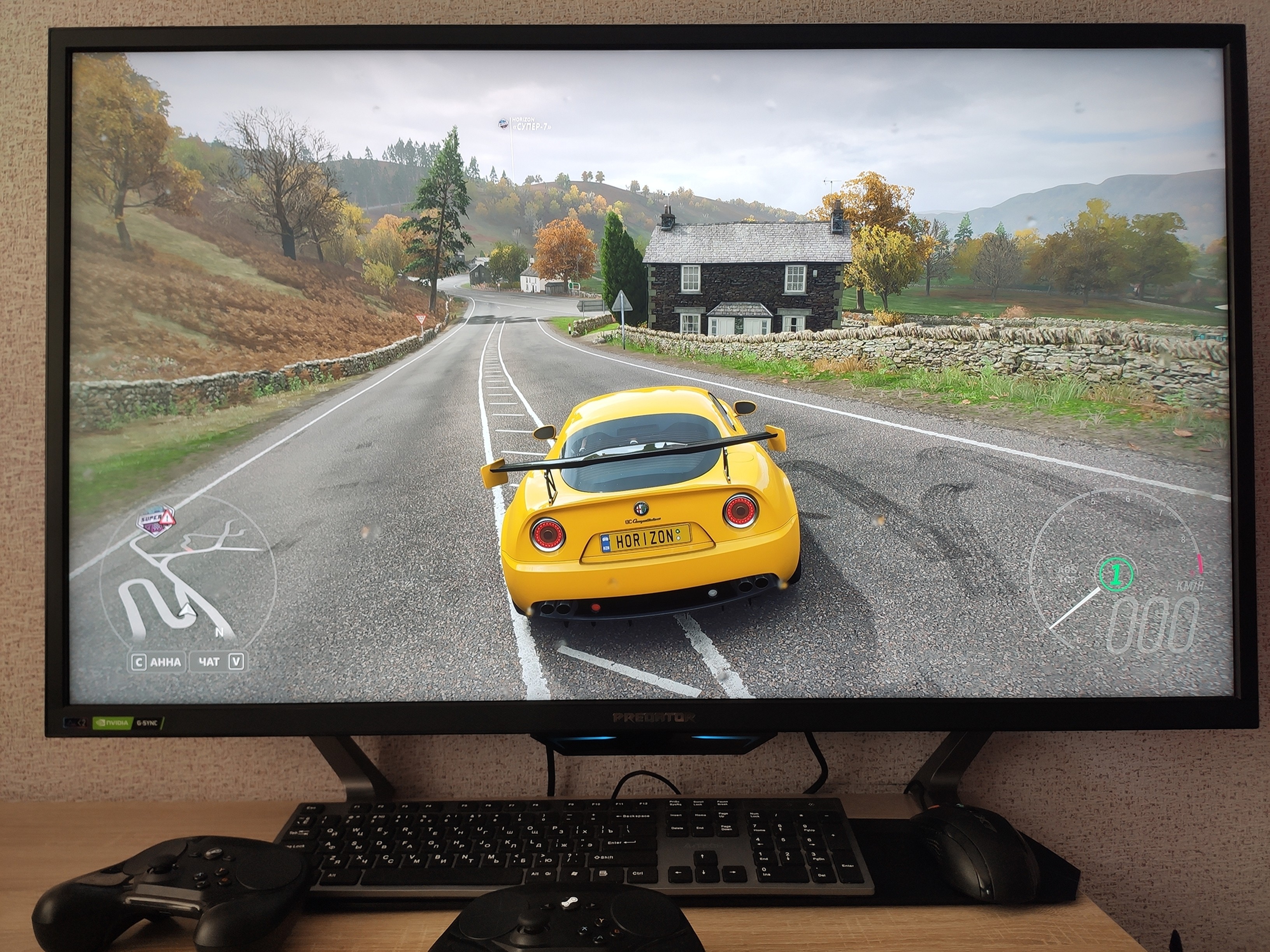
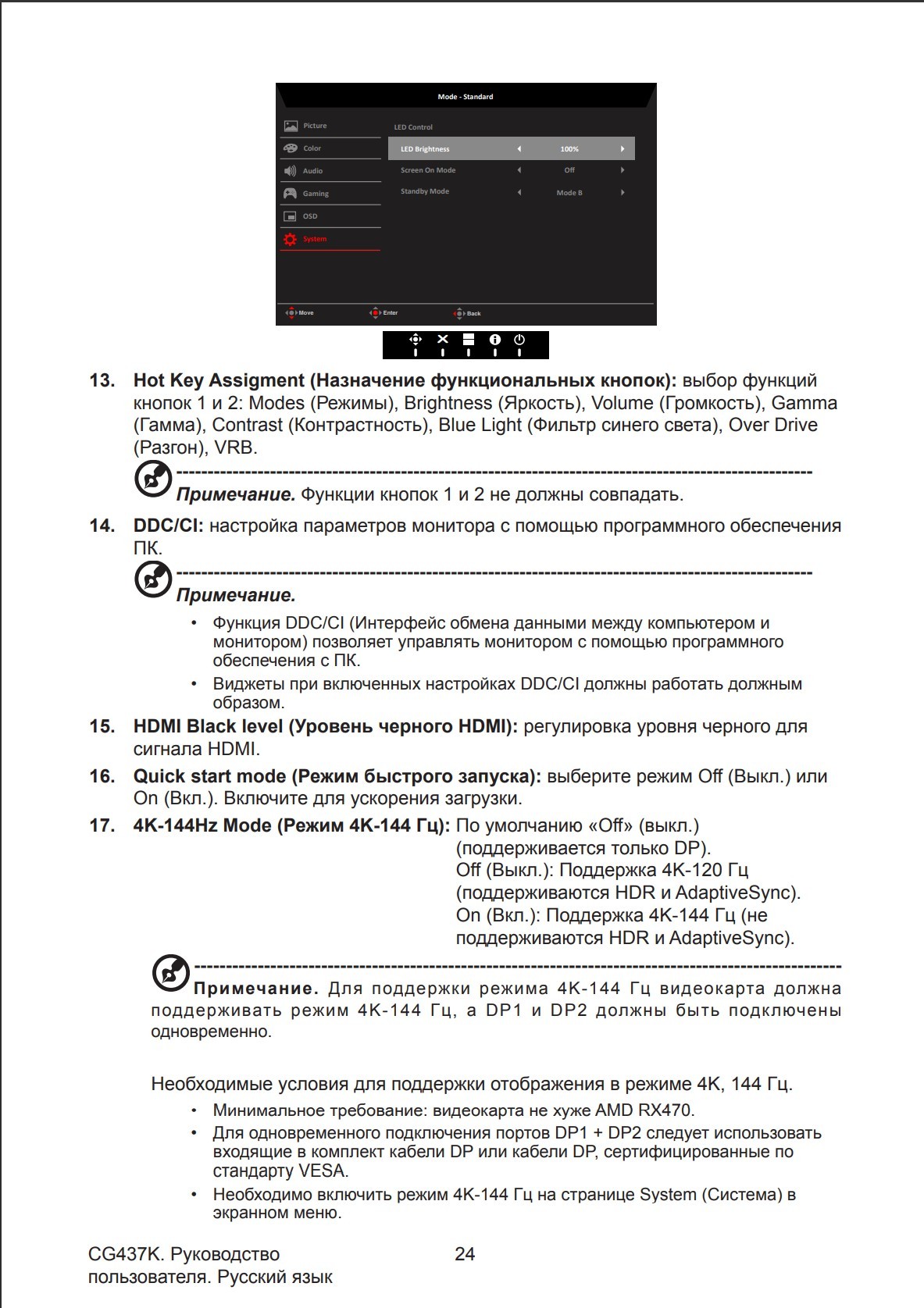
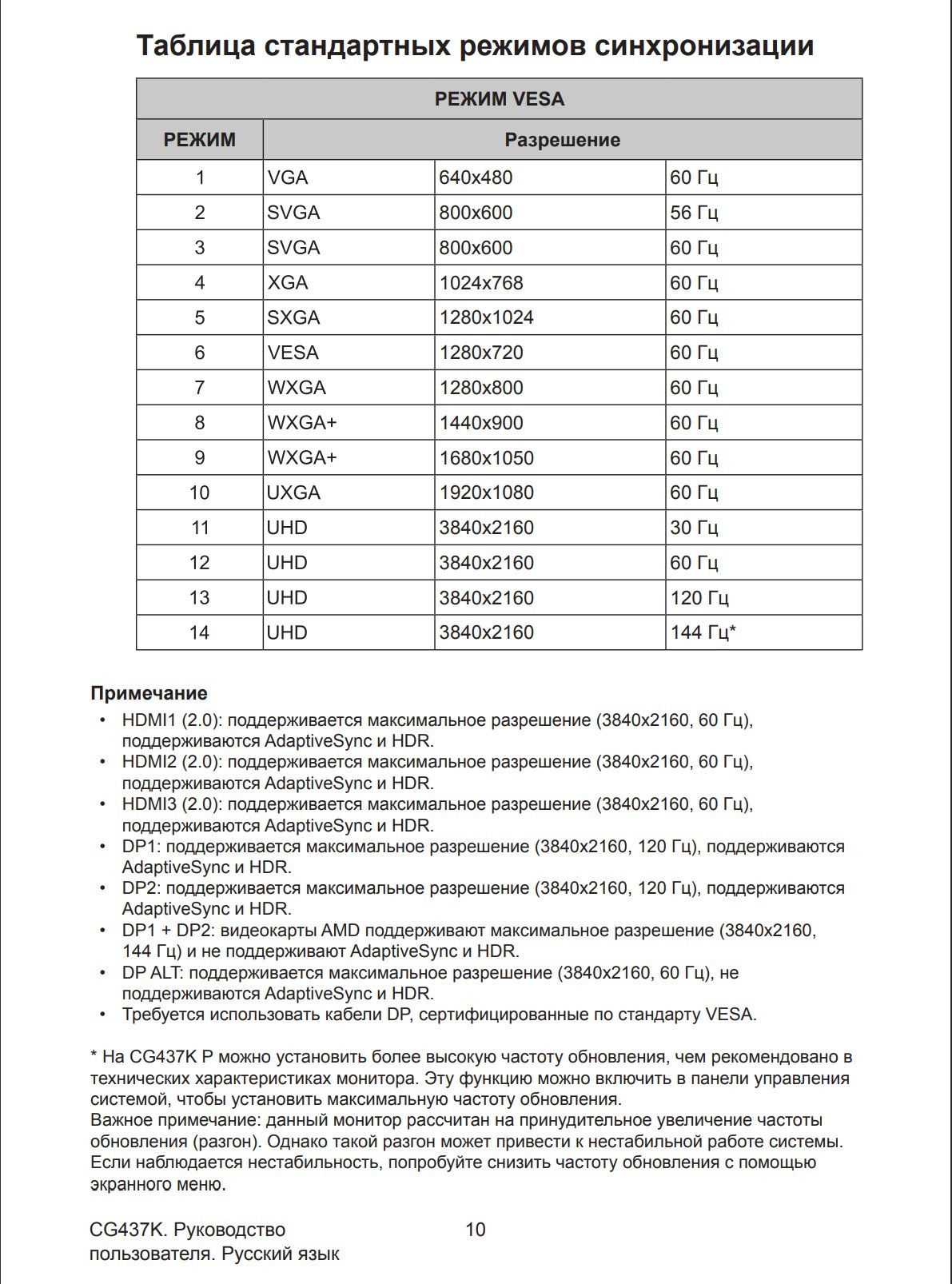
Let's start with frequency support in 4K resolution. 4K-120 Hz support only via DisplayPort v1.4 will work, both HDR and AdaptiveSync will work) 4K-144 Hz support only via DisplayPort v1.4 HDR and AdaptiveSync WILL NOT WORK To get these same 144 Hz, you need to connect 2 cables at the same time DisplayPort When connected via HDMI, you can get no more than 60Hz in 4K since we have HDMI version 2.0. The sound quality of the built-in speakers is just a shame, forget about them altogether. If you are the owner of the Nvidia 10 line, you will first have to flash the Bios of the video card in order to output the image via DisplayPort. If for some reason it was not possible to output the image via DisplayPort, there is a solution! We unplug both the monitor and the PC from the socket, yes physically, and after a few minutes we turn on the monitor, then the PC, in strict sequence. Everything will start up and you won’t need any more such manipulations. Now about brightness, the monitor can easily be used instead of a spotlight. HDR is of the highest quality. The 10-bit matrix only works in the YCbCr 422 output color format mode; in this mode, the fonts have a blue tint with stripes. This is only visible in the fonts. If you are working with text, go ahead and change the color format to RGB or YCbCr 444 and set it to 8 bits. The monitor has a sensor; if you are not behind the monitor, it goes into hibernation; if you approach it, the sensor will turn on and is adjusted to different distances. Ideal for gaming. And also for watching movies. The monitor features a VRS function, which sounds like Visual Response Boost. This algorithm allows you to eliminate blurred images. In dynamic scenes, a "black screen" momentarily appears between frames, cutting off the trailing image. The human eye doesn't notice this, but it clearly sees the result — the complete absence of "blur." Thanks to this, the response time is 1 ms, providing smooth gameplay without image blurring. This monitor has only 3 modes: 1) Off 2) Normal 3) Extreme. It sounds interesting, but when this mode is activated, G-Sync is disabled, and in Extreme mode, the brightness drops to ZERO!!! I'm not kidding; it really is like that. The menu lags. The remote died after a year. To get 144 Hz, you need to connect 2 display port cables simultaneously. The backlight on the backside is attached with tape. |

Add Review
Ask Question
Video reviews

Acer Predator CG437KP VA-Panel ghosting
26 December 20192 722 view

Acer Predator CG437KP LDZ-Test 21:9
28 December 20191 230 view

Acer Predator CG437KP VA-Panel ghosting reupload
28 December 20191 000 view
SimilarCompare using chart →
gaming, 43 ", 4K, 3840x2160 (16:9), *VA, MPRT 1 ms, 144 Hz, 10-bit (1.07B Colors), DCI-P3 95 %, HDMI, v 2.1, DisplayPort, LAN, HUB: USB-A 2x5Gbps, speakers, AMD FreeSync Premium Pro, HDR

gaming, 31.5 ", 4K, 3840x2160 (16:9), WOLED, response 0.03 ms, 165 Hz, 330 Hz (Full HD), 10-bit (1.07B Colors), DCI-P3 99 %, HDMI, v 2.1, DisplayPort, USB-C (DP Alt Mode), Power Delivery, HUB: USB-A 3x5Gbps, KVM switch, AMD FreeSync Premium Pro, NVIDIA G-Sync Compatible, HDR, TÜV Rheinland

gaming, 31.5 ", 4K, 3840x2160 (16:9), IPS, response 0.5 ms, 160 Hz, 320 Hz (Full HD), 8-bit + FRC (1.07B Colors), sRGB 131 %, DCI-P3 99 %, HDMI, v 2.1, DisplayPort, HUB: USB-A 2x2.0, VESA Adaptive-Sync, HDR, TÜV Rheinland

gaming, 24.5 ", 1920x1080 (16:9), IPS, response 1 ms, 240 Hz, 16.7M Colors, sRGB 120 %, HDMI, DisplayPort, speakers, AMD FreeSync Premium, HDR, TÜV Rheinland

gaming, 31.5 ", 4K, 3840x2160 (16:9), QD-OLED, response 0.03 ms, 240 Hz, 10-bit (1.07B Colors), DCI-P3 99 %, HDMI, v 2.1, DisplayPort, USB-C (DP Alt Mode), Power Delivery, HUB: USB-A 2x5Gbps, KVM switch, speakers, AMD FreeSync Premium Pro, NVIDIA G-Sync Compatible, HDR
gaming, 26.5 ", 2560x1440 (16:9), QD-OLED, response 0.03 ms, 240 Hz, sRGB 147.6 %, DCI-P3 99.1 %, HDMI, DisplayPort, NVIDIA G-Sync Compatible, VESA Adaptive-Sync, HDR, TÜV Rheinland

gaming, 27 ", 2560x1440 (16:9), IPS, response 1 ms, 220 Hz, 10-bit (1.07B Colors), sRGB 133 %, DCI-P3 97 %, HDMI, v 2.1, DisplayPort, USB-C (DP Alt Mode), Power Delivery, AMD FreeSync Premium, NVIDIA G-Sync Compatible, VESA Adaptive-Sync, HDR, TÜV Rheinland

gaming, 27 ", 2560x1440 (16:9), QD-IPS, response 1 ms, 200 Hz, 1.07B Colors, sRGB 150 %, DCI-P3 99 %, HDMI, DisplayPort, USB-C (DP Alt Mode), Power Delivery, HUB: USB-A 2x5Gbps, KVM switch, NVIDIA G-Sync Compatible, VESA Adaptive-Sync, HDR, TÜV Rheinland

gaming, 27 ", 4K, 3840x2160 (16:9), IPS, response 1 ms, 160 Hz, 320 Hz (Full HD), 1.07B Colors, sRGB 125 %, DCI-P3 95 %, HDMI, v 2.1, DisplayPort, USB-C (DP Alt Mode), Power Delivery, HUB: USB-A 3x5Gbps, KVM switch, speakers, AMD FreeSync Premium, NVIDIA G-Sync Compatible, VESA Adaptive-Sync, HDR, TÜV Rheinland

gaming, 27 ", 2560x1440 (16:9), WOLED, response 0.03 ms, 240 Hz, 10-bit (1.07B Colors), DCI-P3 99 %, HDMI, v 2.1, DisplayPort, USB-C (DP Alt Mode), AMD FreeSync Premium, NVIDIA G-Sync Compatible, HDR, TÜV Rheinland
gaming, 27 ", 2560x1440 (16:9), IPS, response 1 ms, 300 Hz, 1.07B Colors, sRGB 132 %, DCI-P3 95 %, HDMI, v 2.1, DisplayPort, USB-C (DP Alt Mode), Power Delivery, HUB: USB-A 2x5Gbps, KVM switch, NVIDIA G-Sync Compatible, VESA Adaptive-Sync, HDR, TÜV Rheinland

gaming, 42.5 ", 4K, 3840x2160 (16:9), *VA, MPRT 0.3 ms, 144 Hz, 8-bit + FRC (1.07B Colors), HDMI, v 2.1, DisplayPort, HUB: USB-A 4x5Gbps, speakers, VESA Adaptive-Sync, HDR