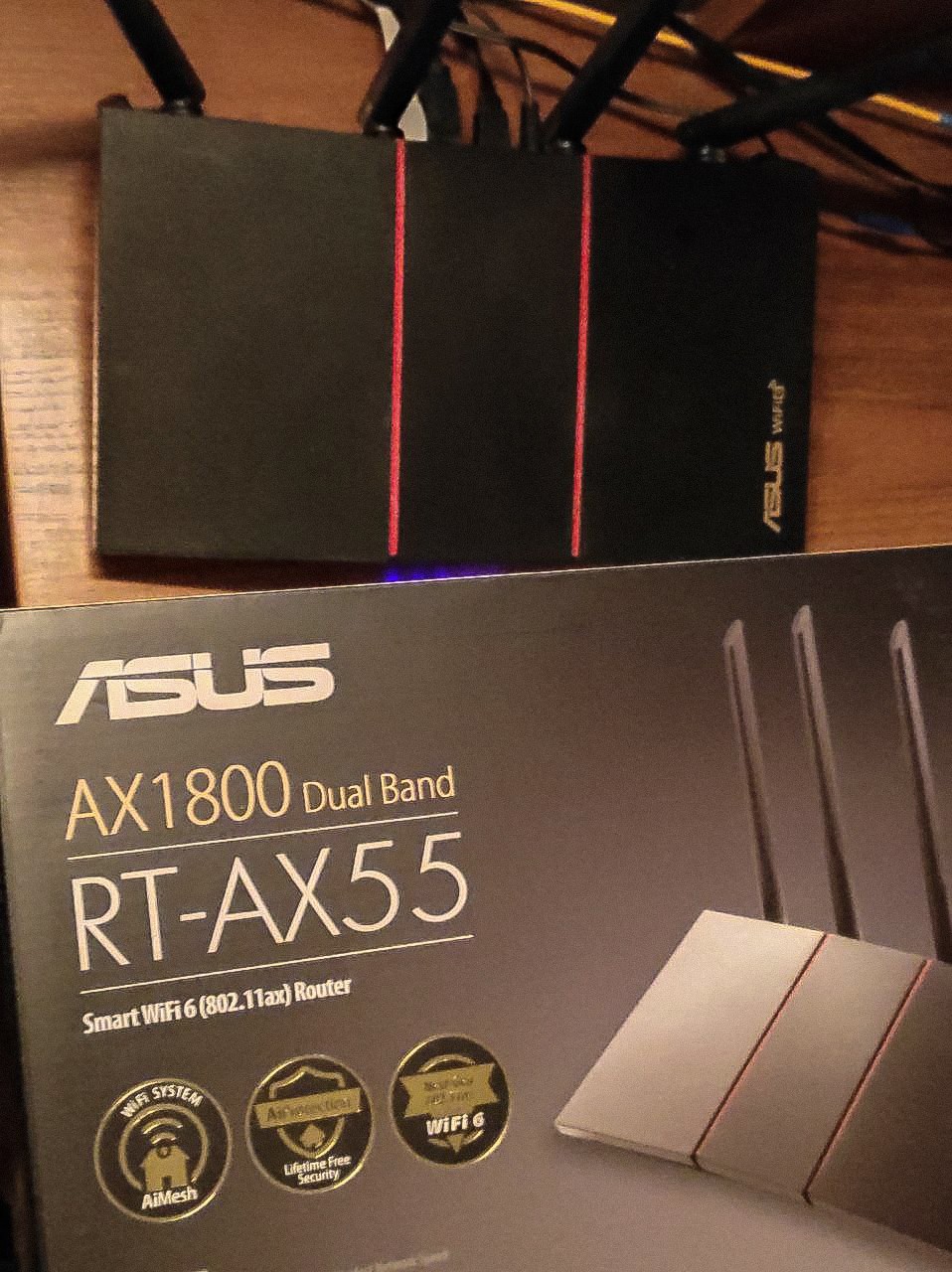
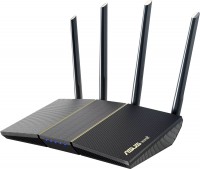
Asus RT-AX55 (90IG06C0-BO3100)
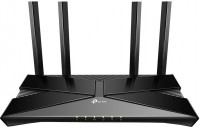
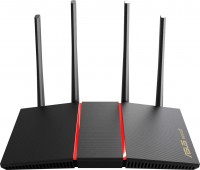 | Expecting restock High-performance dual-band router (router) Asus AX1800 class with support for MU-MIMO technology for a high-speed home or office network with numerous client devices. Positioned as the top mid-range product of 2020, fully supporting Wi-Fi 6 networks and advanced security standards (including WPA3 protocol and AiProtection Classic information security system). Provides high data transfer speeds and low latency for gaming, streaming, watching UltraHD/4K broadcasts and fast file sharing networks. The Asus RT-AX55 wireless router is equipped with four Gigabit Ethernet LAN ports and one GbE LAN port for high-speed connection to the provider's network. Using a 4-core processor coupled with 256MB of RAM and two multi-channel dual-band radios, this model has a th...eoretical throughput of up to 574 Mbps in the 2.4 GHz band and up to 1201 Mbps when using carrier frequency 5 GHz. Real high speed connections require client devices that support 1024-QAM, MU-MIMO, and OFDMA. Four external antennas, built-in signal amplifiers and Beamforming technology create an impressive area of high-quality Wi-Fi coverage. |


High-performance dual-band router (router) Asus AX1800 class with support for MU-MIMO technology for a high-speed home or office network with numerous client devices. Positioned as the top mid-range product of 2020, fully supporting Wi-Fi 6 networks and advanced security standards (including WPA3 protocol and AiProtection Classic information security system).
Provides high data transfer speeds and low latency for gaming, streaming, watching UltraHD/4K broadcasts and fast file sharing networks. The Asus RT-AX55 wireless router is equipped with four Gigabit Ethernet LAN ports and one GbE LAN port for high-speed connection to the provider's network. Using a 4-core processor coupled with 256MB of RAM and two multi-channel dual-band radios, this model has a theoretical throughput of up to 574 Mbps in the 2.4 GHz band and up to 1201 Mbps when using carrier frequency 5 GHz. Real high speed connections require client devices that support 1024-QAM, MU-MIMO, and OFDMA. Four external antennas, built-in signal amplifiers and Beamforming technology create an impressive area of high-quality Wi-Fi coverage.
|
| ||||||||||||||||||||||||||||||||||||||||||||||||||||||||||||||||||||||||||||||||||||||||||||||||


Always clarify the specifications and configuration of the product with the online store manager before purchasing.
Catalog Asus 2026 - new arrivals, bestsellers, and the most relevant models Asus.
I took it purely for Oculus Quest 2, for wireless connection to a computer, ZBS works. I really liked the opportunity to split 2.4GHz and 5GHz into two separate networks, and then select only AX mode for 5GHz, so that in which case neither the router nor the glasses would switch to a slower mode. And for all other devices 2.4 works fine. In the router settings, you can configure a lot of different whistles such as VPN, ad blocking, etc. but only if you understand something about it. Ability to separate 2.4 and 5GHz into two separate networks, stability, many settings. There are many points in the settings that you don’t understand and about which it’s not written there, but since most people don’t need them, you can just score.  KillerNuber: use Asus RT-AX55 few months KillerNuber: use Asus RT-AX55 few months |
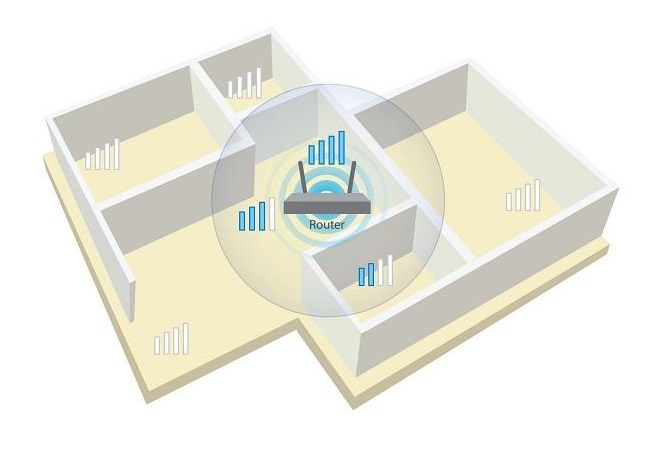
No problems have arisen. I use three out of four LAN ports, two of which are gigabit. The WAN comes from a fiber optic terminal. If placed in the right spot, it can cover almost the entire long apartment. I set up a relay for it, and everything works. During outages, I power it with 5v to 9v USB through a PowerBank. And it seems that such a diet does not harm it. I remind you, by default it is powered through a 12-volt block, consuming a maximum of 10-12 Watts per hour. Strangely, in some technical specifications, it is stated that this model's maximum WAN reception speed is 2.5 Gbps. Somewhere it says 1 Gbps. It's unclear... IMPORTANT! In the settings, try to find a frequency channel with the least number of users. Download the free WiFi Analyzer app for your smartphone for this purpose. Otherwise, the router will essentially be competing with others for dominance over a certain frequency range. I like the customization of privacy and security settings, the signal spreads well at both 2.5 GHz and 5 GHz. There are 13 other networks detected around ours, and despite this, the signal reaches almost throughout the apartment. There were no problems. Max Rockatansky: use Asus RT-AX55 more than year |
Asus makes pretty reliable routers, but in this model they used too much extra plastic. It could have been made much more compact. Speed, quality a lot of extra plastic, which does not justify the dimensions |