
Dell S3422DWG 34 " black
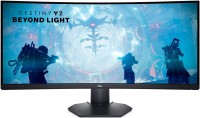 | Outdated Product Large ultra-widescreen gaming monitor with a curved 34" thin bezel screen, enhanced colour reproduction, an ergonomic multi-functional stand and built-in stereo speakers (2x5W). It features ultra-high UltraWide QHD-resolution (3440x1440, aspect ratio 21:9), extended colour gamut (90% DCI P3) and high-quality factory calibration, which allows you to use this model for editing digital media content and processing photo / video materials. It is positioned as a product of the upper price category in 2021, aimed at demanding gamers and e-sportsmen. The stylish thin-bezel Dell S3422DWG monitor is based on a full-fledged 8-bit VA matrix with a refresh rate of 144 Hz. With fast response (2ms GtG) and impressive frame rates, this model delivers crisp and smooth fast motion visuals in games of all p...opular genres. Perfect for competitive multiplayer shooters like CS:GO, Fortnite, Overwatch, PUBG, Battlefield and more. AMD FreeSync Premium technology matches the screen refresh rate with the graphics card's 3D rendering speed to eliminate lag and frame tearing. Impressive maximum brightness (400 cd/m²) and improved static contrast ratio (3000:1) with excellent viewing angles will allow you to get the most out of watching new movies in high quality. |



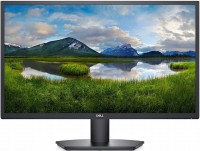
Large ultra-widescreen gaming monitor with a curved 34" thin bezel screen, enhanced colour reproduction, an ergonomic multi-functional stand and built-in stereo speakers (2x5W). It features ultra-high UltraWide QHD-resolution (3440x1440, aspect ratio 21:9), extended colour gamut (90% DCI P3) and high-quality factory calibration, which allows you to use this model for editing digital media content and processing photo / video materials.
It is positioned as a product of the upper price category in 2021, aimed at demanding gamers and e-sportsmen. The stylish thin-bezel Dell S3422DWG monitor is based on a full-fledged 8-bit VA matrix with a refresh rate of 144 Hz. With fast response (2ms GtG) and impressive frame rates, this model delivers crisp and smooth fast motion visuals in games of all popular genres. Perfect for competitive multiplayer shooters like CS:GO, Fortnite, Overwatch, PUBG, Battlefield and more. AMD FreeSync Premium technology matches the screen refresh rate with the graphics card's 3D rendering speed to eliminate lag and frame tearing. Impressive maximum brightness (400 cd/m²) and improved static contrast ratio (3000:1) with excellent viewing angles will allow you to get the most out of watching new movies in high quality.
|
| ||||||||||||||||||||||||||||||||||||||||||||||||||||||||||||||||||||||||||||||||||


Always clarify the specifications and configuration of the product with the online store manager before purchasing.
Catalog Dell 2026 - new arrivals, bestsellers, and the most relevant models Dell.














34", 2560x1080 (21:9) Matrix: IPS, response time 5 ms, 75 Hz). By 2021, it was no longer sufficient, especially in resolution! My usage mode is 70% work and 30% games. For games (Dota), it was sufficient, but after long work, the blurriness (pixelation and fuzziness) of lines and fonts was very annoying and by the end of the day my eyes were exhausted. It was all due to the rather low resolution for such a large diagonal. When I was looking for a new monitor, the main parameter was higher resolution - 3440x1440, more brightness, and a flat (NOT curved screen) because I was worried about distortion of straight lines due to curvature during work. IPS or VA didn't matter much, but there were concerns (everyone in the reviews says - you need to take IPS for work, only IPS if you work with graphics). In 2021, everyone decided that a flat screen is not needed by anyone and started releasing curved ones, and increased prices on IPS. I decided to ignore everything and risk getting a DELL (curved with VA but with the desired resolution and high brightness of 400 cd/m²) + by gaming standards, all indicators are top-notch 144 Hz, 1-2 ms response, etc. (since I occasionally play, I'd better pay the additional 3-4k for this model than for a similar one without these perks). In total: I got the monitor, set it up, and all concerns vanished! The resolution solved all my problems, VA turned out to be an excellent matrix, the brightness of 400 cd/m² + HDR is plenty, and the curvature doesn't interfere with work if it's positioned directly in line with your view. - Good resolution (clear image) - High brightness +HDR - Color gamut (DCI P3) 90% is a good indicator, monitors limited only to RGB indicators will clearly be worse - Adjustable height and tilt stand (monitor does not wobble, stands firmly) - VA matrix is enough, don't overpay chasing IPS. There are dry numbers and letters in specifications, but there are real impressions and they will be positive - There are USB ports directly on the monitor - Restrained exterior (although positioned as gaming) - No built-in speakers! E-catalog deceived in the characteristics  Slava Larionov: use Dell S3422DWG less than month Slava Larionov: use Dell S3422DWG less than month |
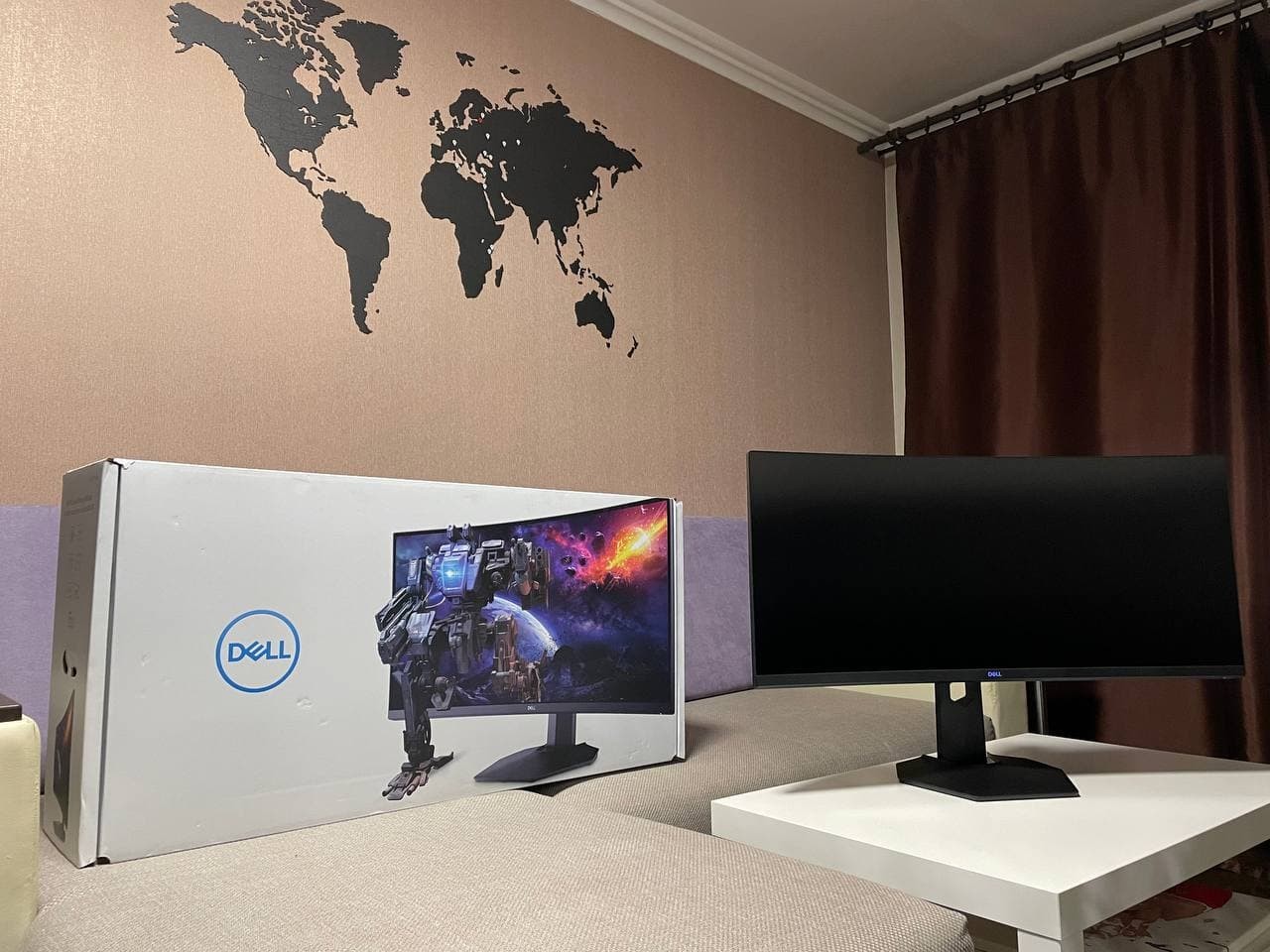
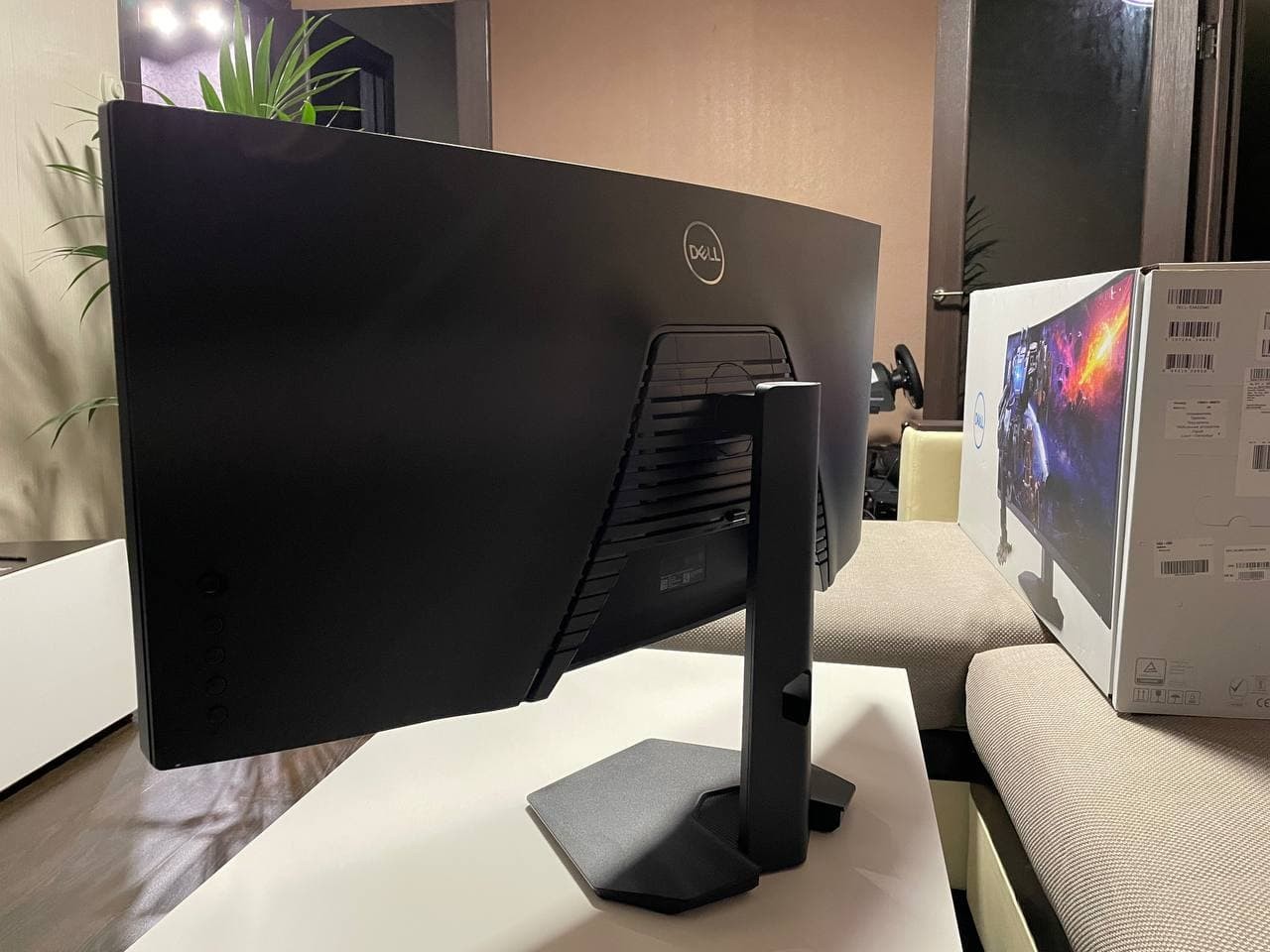
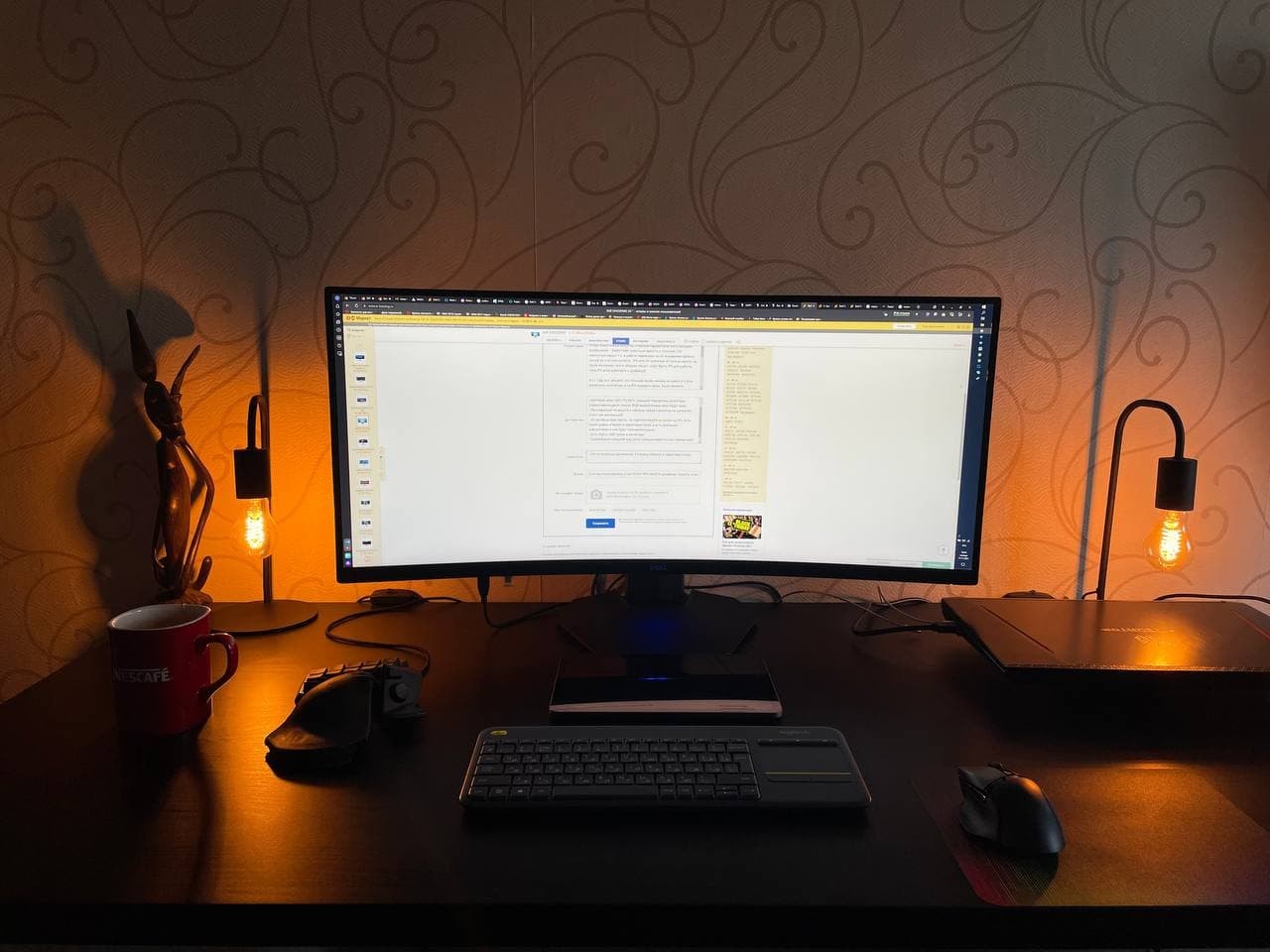
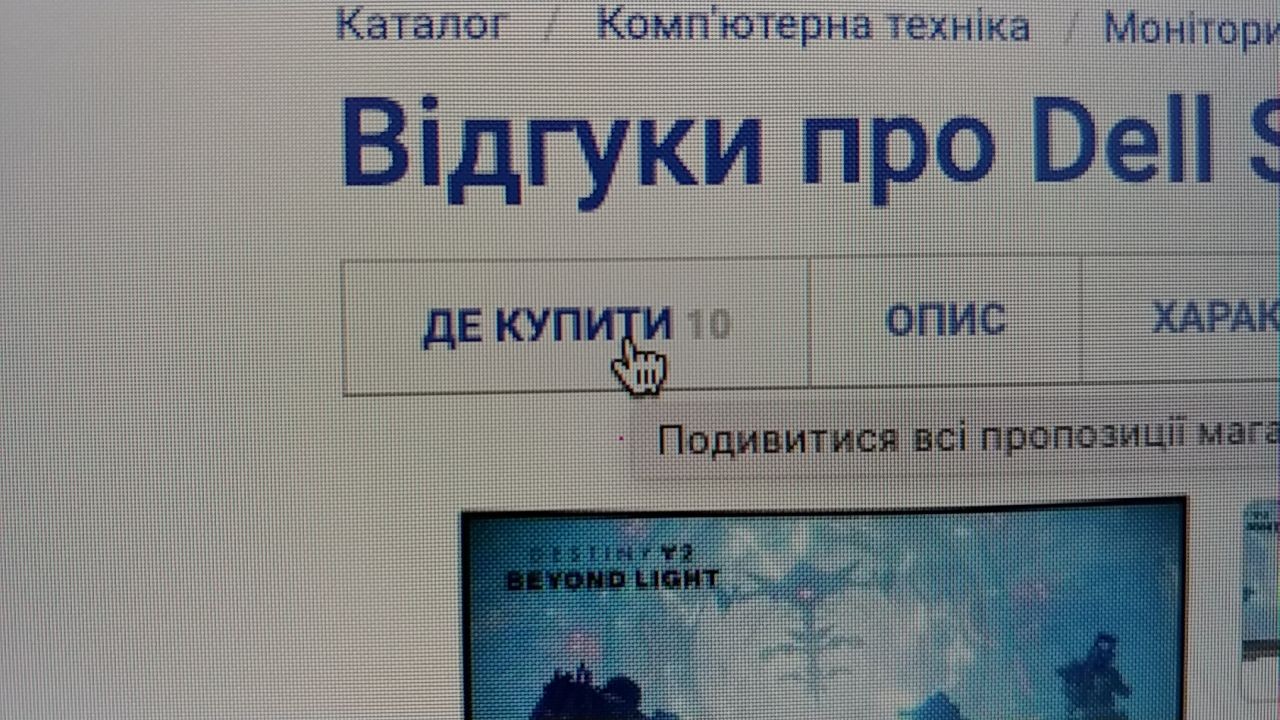
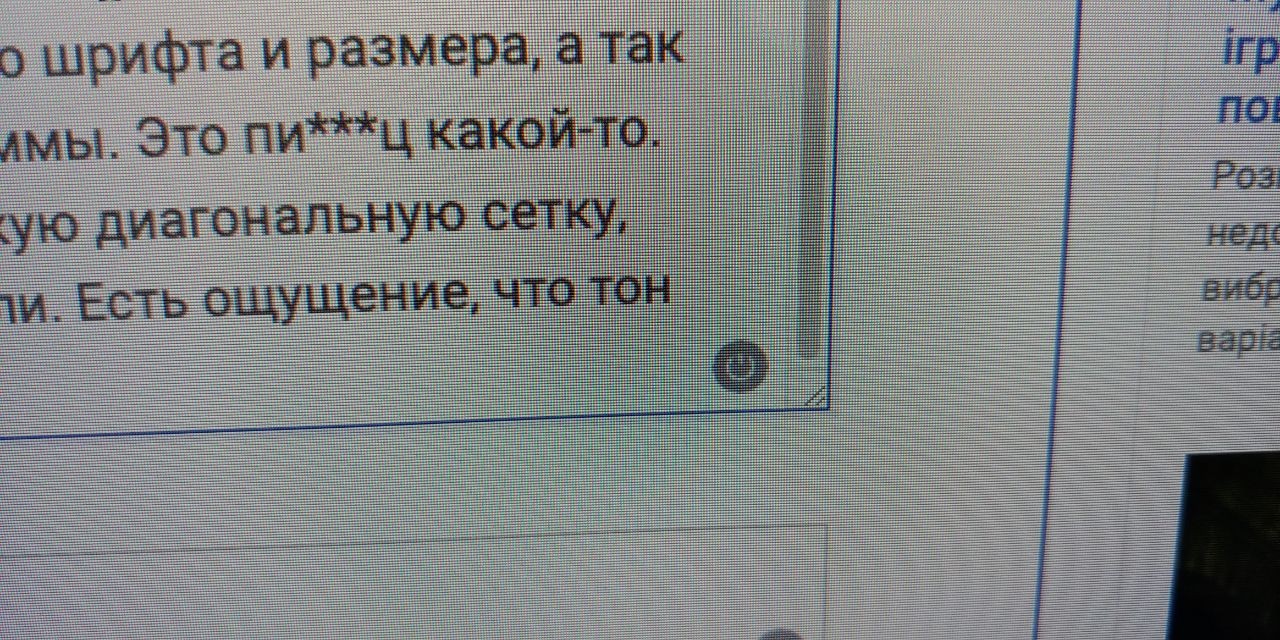
I trusted Svyatoslav's description. I had long been considering VA monitors and thought that maybe by buying IPS, I was overpaying not for quality but for marketing. Besides, even though I'm not a gamer, gamers seem to be quite particular about image quality (not just the refresh rate), and perhaps they choose VA matrices for a reason. Previously, I had LG IPS monitors with 1080p resolution. At my new job, I had Dell monitors and I noted the sharpness of their image. It seemed a bit more clear. Later on, I bought myself an IPS Dell U3421WE. Now I decided to complement it with a second monitor and followed Svyatoslav's advice, deciding to save some money too. One hour after unpacking and connecting. Even before turning it on, I noticed the cheap plastic. But those are minor details. I don't know how Svyatoslav is a designer. In my opinion, the difference in image quality is immediately noticeable. The first thing you notice is the jagged (chipped, pixelated) letters in every font and size, as well as graphics, like round icons. It's a disaster. Moreover, I constantly seem to see some sort of diagonal grid on a solid background. The next point, perhaps it would be fairer to check in the evening. It feels like the color tone changes with the viewing angle from one end of the screen to the other. The colors are not saturated, as if faded. I went into the screen settings for Brightness/Contrast and the indicator only switches to contrast, I can’t figure out how to switch to brightness. Pressed twice to the right; just pressed then left; immediately left. Only contrast is selected. I plan to return it. Price, probably response speed. Pixel fonts, graphics (I'm not sure if this will be clear from the photo). Faded colors. cheap plastic |


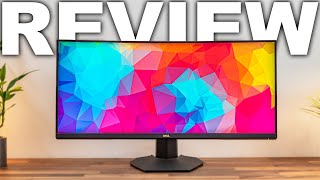


The Dell S3422DWG monitor's 21:9 widescreen display delivers crisp, smooth visuals for action-packed gaming scenes, and can be used for photo and video processing thanks to its wide colour gamut. But let's not get ahead of ourselves — let's dot the "i" in order.
Curved VA panel
The main character of the model is a curved VA-panel with a curvature radius of 1800R (1.8 m). The matrix acts as a guarantor of high-quality colour reproduction with the support of WQHD resolution — 3440x1440 pixels. Its response time is measured from 2 ms, and the refresh rate adapts to the frame rate of the video signal source in the range from 48 to 144 Hz. The condition for the adaptive sync function to work is to work with AMD video cards — the model is claimed to support AMD FreeSync Premium technology. The only complaint about the screen comes down to a slight fading of the picture when viewed from large angles.
Expanded colour gamut
The monitor is suitable for graphics processing due to the extended DCI P3 colour gamut (90%). The sRGB "triangle" is covered by 98%. Also, the model is certified for compliance with the VESA DisplayHDR 400 standard. The gaming ambitions of the monitor reveal the preset functions for displaying a frame rate counter, a timer, and highlighting dark areas of the image.
Onboard armament
Supporting "leg" Dell S3422DWG provides the ability to change the height of the screen and its angle of inclination (up to 5 ° forward and 21 ° back). Beneath the Dell logo is a touch-sensitive backlight to illuminate your workspace. . The monitor will also please with a variety of connection ports — here you have two HDMI ports, and Display Port v 1.4, and four USB 3.2. The model gives maximum pleasure in everyday use in games and at work.