
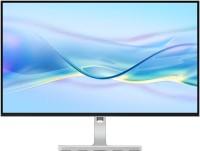
Lenovo L27h-4A 27 " white
 | Compare prices 2 → When you make a purchase through links on our site, we may receive a affiliate commission.
|

Lenovo L27h-4A 27 " white
Screen size:27 "
Resolution:2560x1440 (16:9)
Panel:IPS, response 4 ms, MPRT 1 ms
Frequency:100 Hz
Contrast:1 500:1
Brightness:350 cd/m²
Functions:HDR, Flicker-Free
Connectors:USB-C (DP Alt Mode) • DisplayPort v1.4 • 2xHDMI v2.1
All specifications
Specifications L27h-4A
|
| ||||||||||||||||||||||||||||||||||||||||||||||||||||||||||||||||||||||||||||||||||||||||||||||||||||||||


E-Catalog UK editor, Monitors
Dmytro Prokopenko, edited 19.08.2026
The information in the model description is for reference purposes.
Always clarify the specifications and configuration of the product with the online store manager before purchasing.
Catalog Lenovo 2026 - new arrivals, bestsellers, and the most relevant models Lenovo.
Always clarify the specifications and configuration of the product with the online store manager before purchasing.
Catalog Lenovo 2026 - new arrivals, bestsellers, and the most relevant models Lenovo.

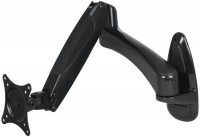
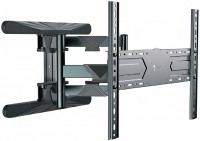
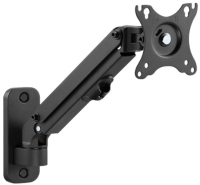
AccessoriesAll accessories for Lenovo L27h-4A →




Build quality, height and angle adjustment, convenient stand, Type-C input + USB hub, good sound Tilt adjustment "on yourself", some ports are narrowly placed  Sergiy: use Lenovo L27h-4A few months Sergiy: use Lenovo L27h-4A few months |
Add Review
SimilarCompare using chart →
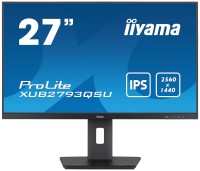
27 ", 2560x1440 (16:9), IPS, MPRT 1 ms, 100 Hz, 16.7M Colors, sRGB 96 %, HDMI, DisplayPort, HUB: USB-A 2x5Gbps, speakers, VESA Adaptive-Sync
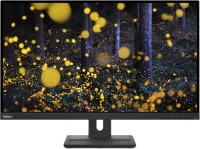
27 ", 2560x1440 (16:9), IPS, response 4 ms, 75 Hz, sRGB 99 %, HDMI, DisplayPort, speakers, TÜV Rheinland
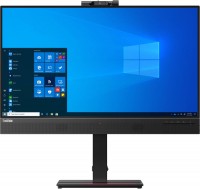
27 ", 2560x1440 (16:9), IPS, response 4 ms, 60 Hz, sRGB 99 %, HDMI, DisplayPort, USB-C (DP Alt Mode), LAN, HUB: USB-A 4x5Gbps, speakers, webcam

27 ", 2560x1440 (16:9), IPS, response 4 ms, MPRT 1 ms, 100 Hz, 8-bit + FRC (1.07B Colors), sRGB 100 %, DCI-P3 79 %, HDMI, DisplayPort, speakers, VESA Adaptive-Sync, HDR, TÜV Rheinland

27 ", 2560x1440 (16:9), IPS, response 5 ms, 100 Hz, 8-bit (16.7M Colors), HDMI, DisplayPort, speakers, TÜV Rheinland
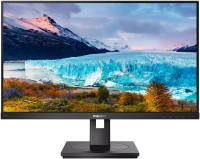
27 ", 2560x1440 (16:9), IPS, response 4 ms, 75 Hz, 8-bit (16.7M Colors), sRGB 123 %, DVI-D, HDMI, DisplayPort, speakers, AMD FreeSync, TÜV Rheinland

27 ", 2560x1440 (16:9), IPS, response 3 ms, 120 Hz, 16.7M Colors, sRGB 96 %, HDMI, DisplayPort, HUB: USB-A 2x5Gbps, speakers, VESA Adaptive-Sync

27 ", 2560x1440 (16:9), IPS, MPRT 1 ms, 75 Hz, 16.7M Colors, sRGB 100 %, HDMI, DisplayPort, HUB: USB-A 2x5Gbps, USB-C 2x5Gbps, speakers, VESA Adaptive-Sync
27 ", 2560x1440 (16:9), IPS, response 4 ms, MPRT 1 ms, 100 Hz, 8-bit (16.7M Colors), HDMI, DisplayPort, HUB: USB-A 5Gbps, speakers, AMD FreeSync, HDR

27 ", 2560x1440 (16:9), IPS, response 4 ms, 75 Hz, 16.7M Colors, sRGB 96 %, HDMI, USB-C (DP Alt Mode), Power Delivery, HUB: USB-A 1x5Gbps, USB-C 1x5Gbps, speakers

27 ", 2560x1440 (16:9), IPS, response 4 ms, 120 Hz, 16.7M Colors, sRGB 131.2 %, HDMI, DisplayPort, HUB: USB-A 3x5Gbps, USB-C 1x5Gbps, speakers, VESA Adaptive-Sync, HDR

27 ", 2560x1440 (16:9), IPS, response 4 ms, 120 Hz, 8-bit (16.7M Colors), sRGB 125 %, HDMI, DisplayPort, HUB: USB-A 4x5Gbps, speakers, VESA Adaptive-Sync
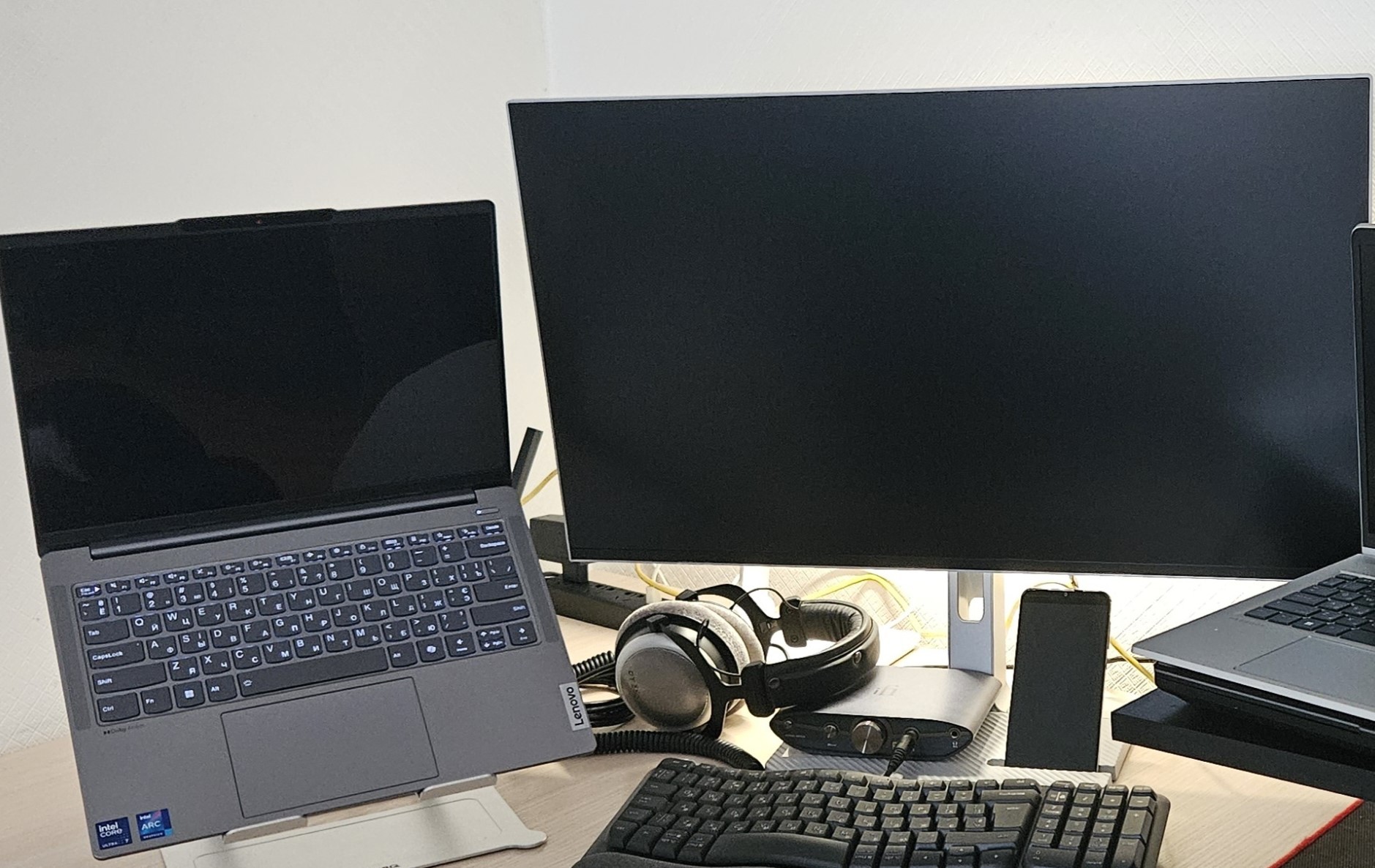
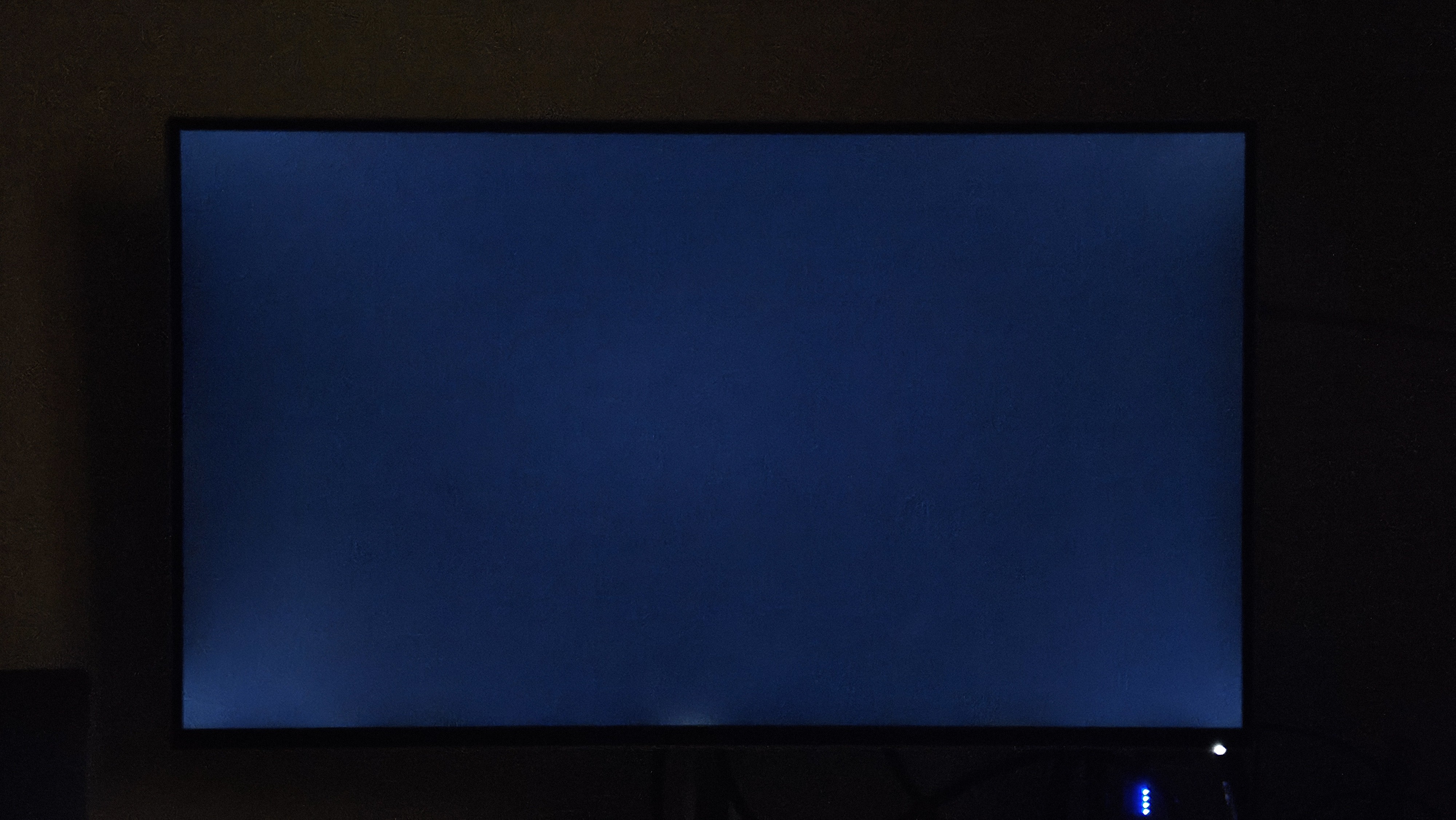
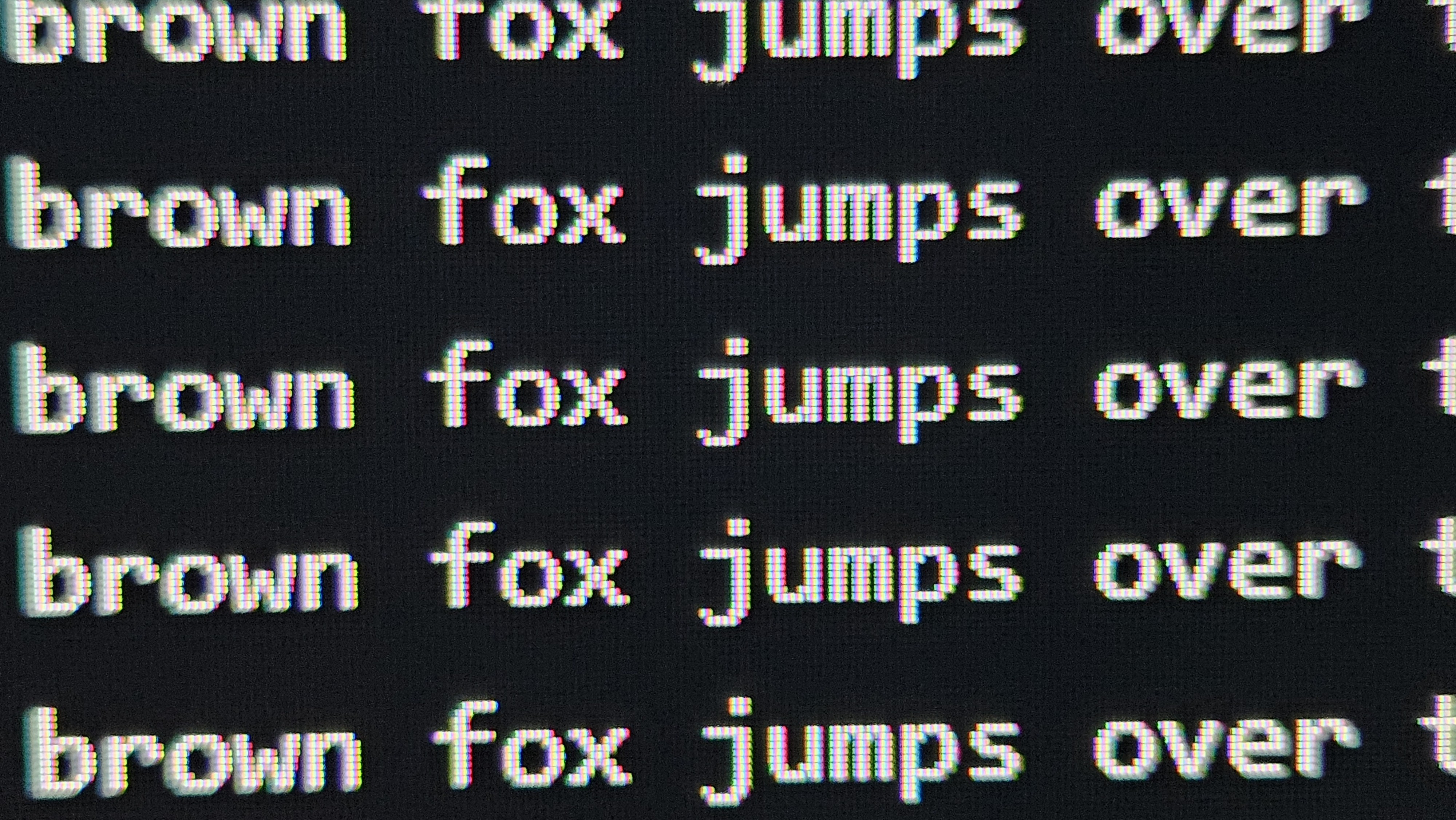
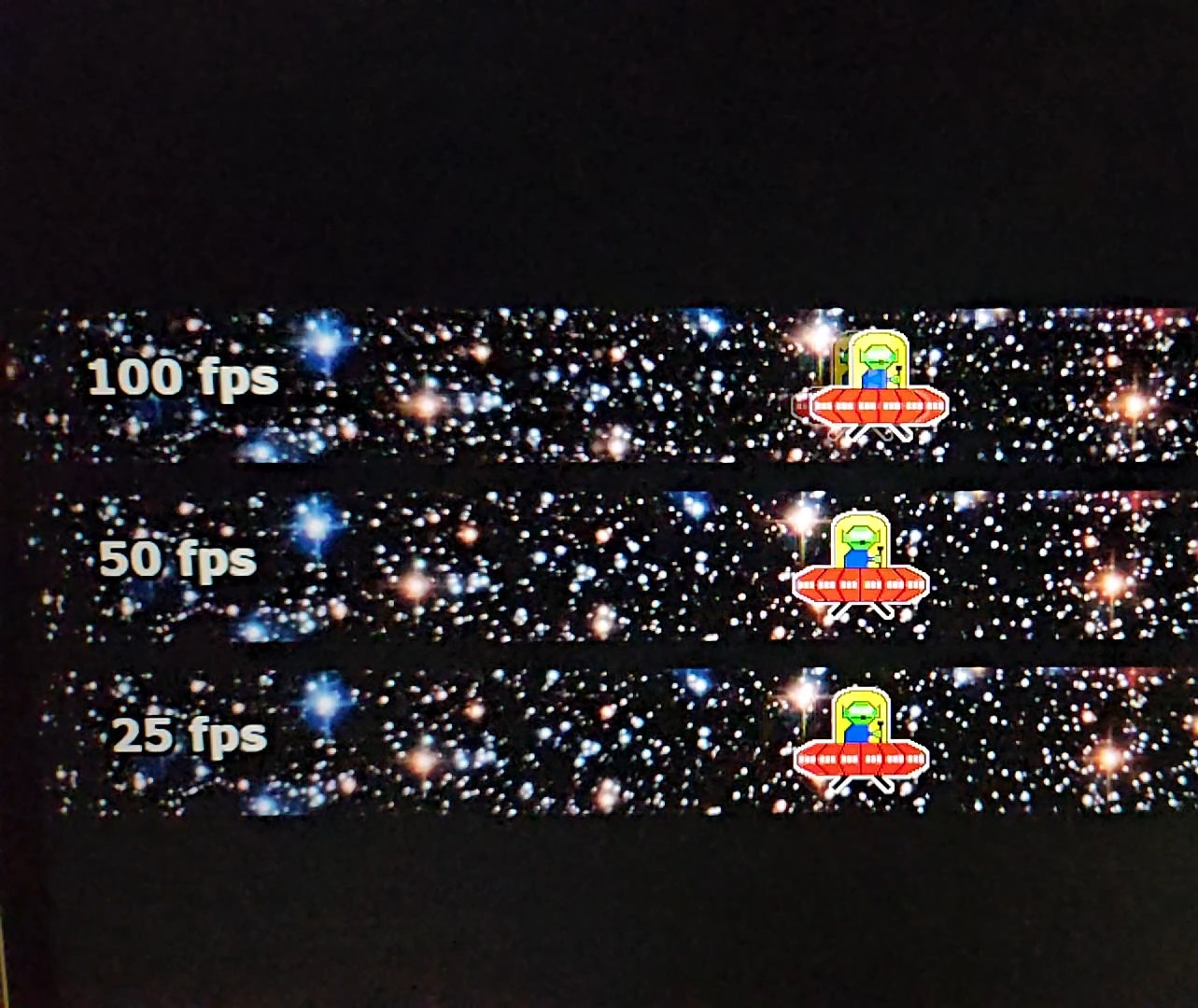
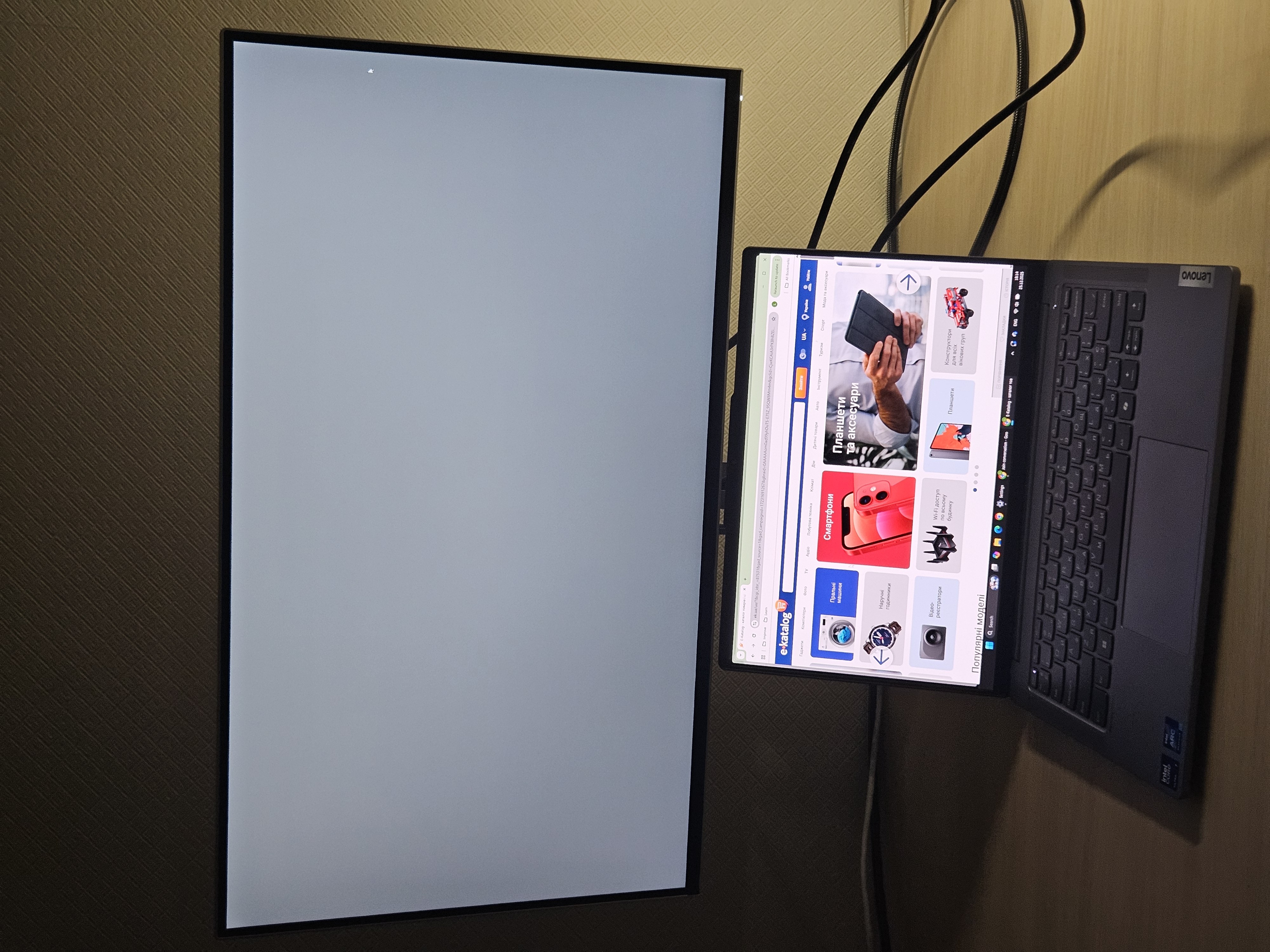
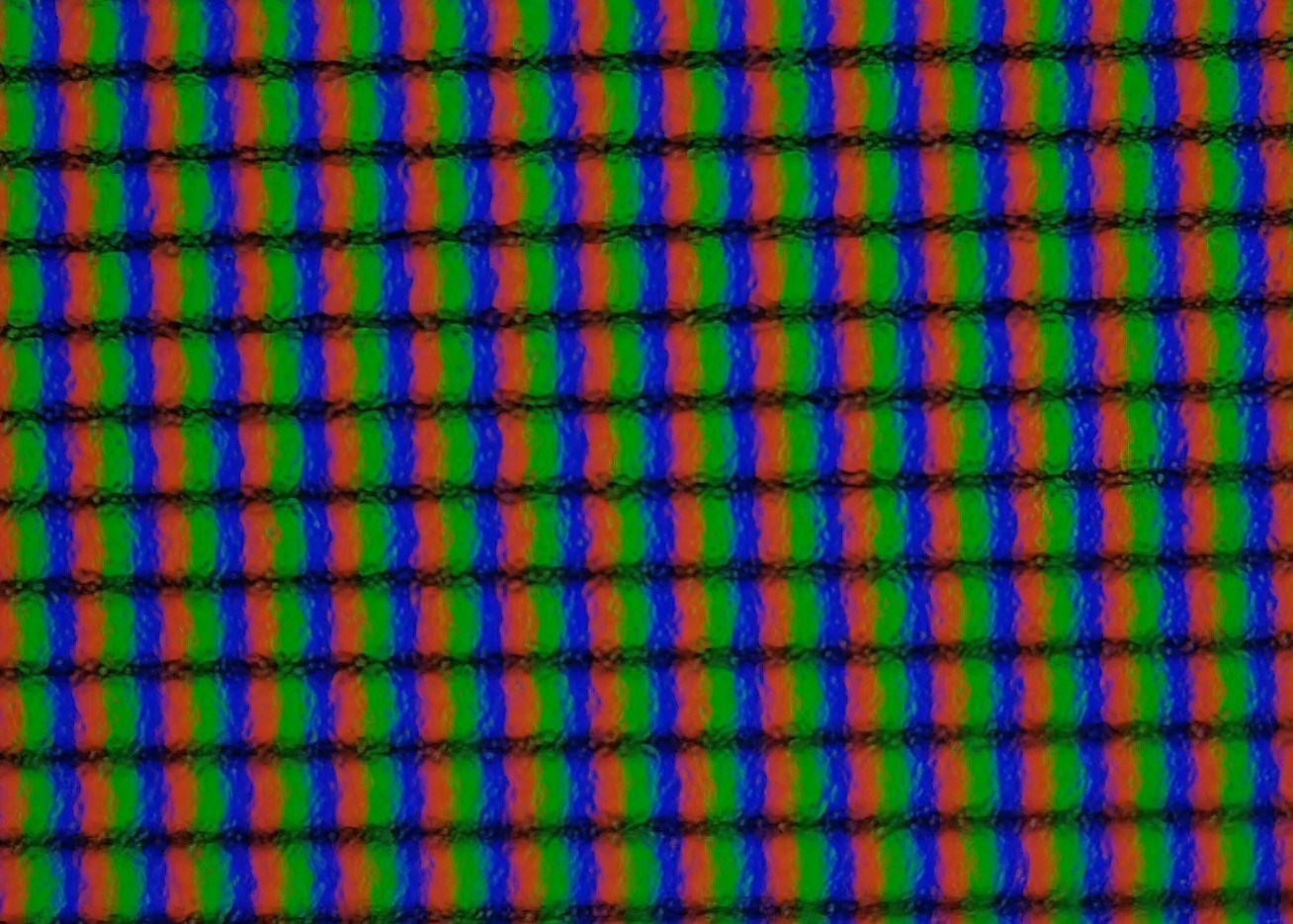
In my case, it's for work and maybe occasionally some gaming, so 100Hz as a compromise turned out to be a successful choice, synchronizing well in games. The colors are neutral; I usually use brightness at 50-80%. After 5 months of daily use, NOT a single problematic pixel, and the photos with tests are recent. The corner backlight is barely noticeable (it looks stronger in photos than to the eyes).
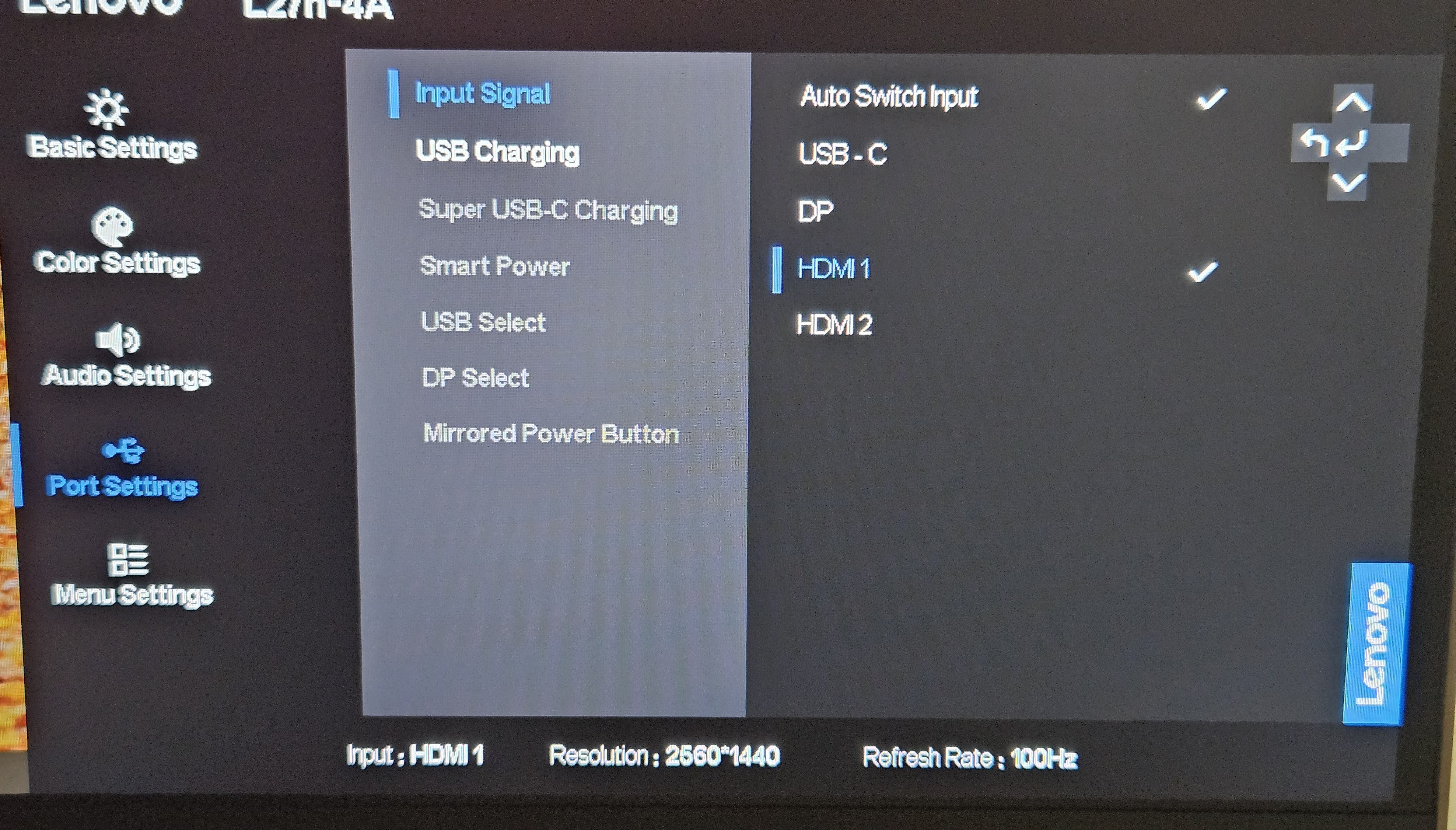
The auto-switching between signal sources works when one is turned off, which is very convenient. The menu is in Ukrainian. The sound now always comes from the monitor because the built-in speakers are quite powerful; for YouTube, I never have the volume higher than halfway.
It might be necessary to adjust the colors for certain activities, but I didn't need to; by default, they are less saturated than on laptops (Asus, Lenovo), yet more natural and calm. The stand is convenient, and the cut-out is very practical, as is the cable tunnel in the leg.
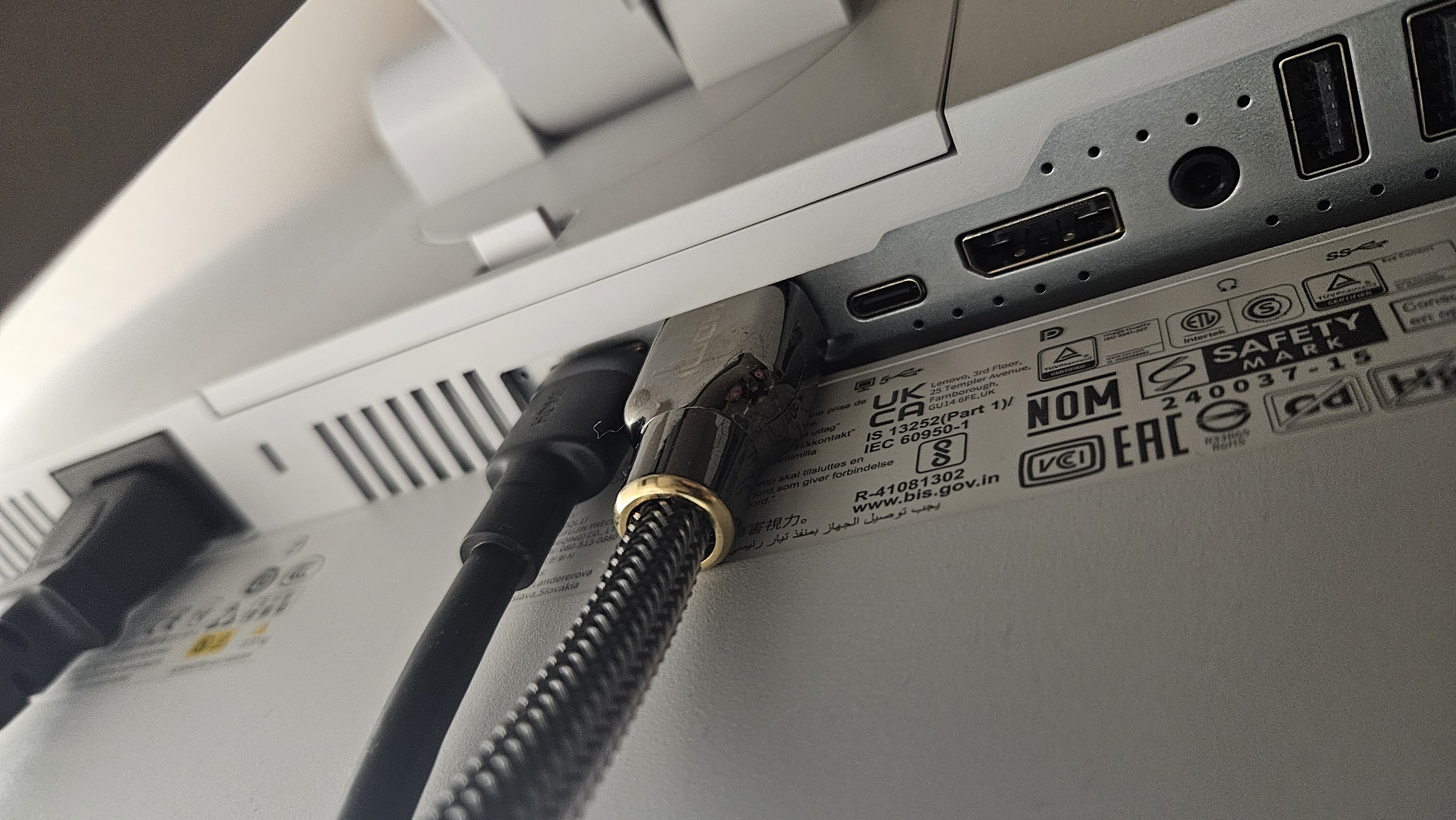
A huge HDMI plug barely fit due to the plastic cover, but that's nitpicking. The tilt adjustment "top towards you" is almost non-existent; all other turns offer total freedom, twist as you like.