Catalog   /   Computing   /   Input Devices   /   Gamepads and Controllers   /   Logitech

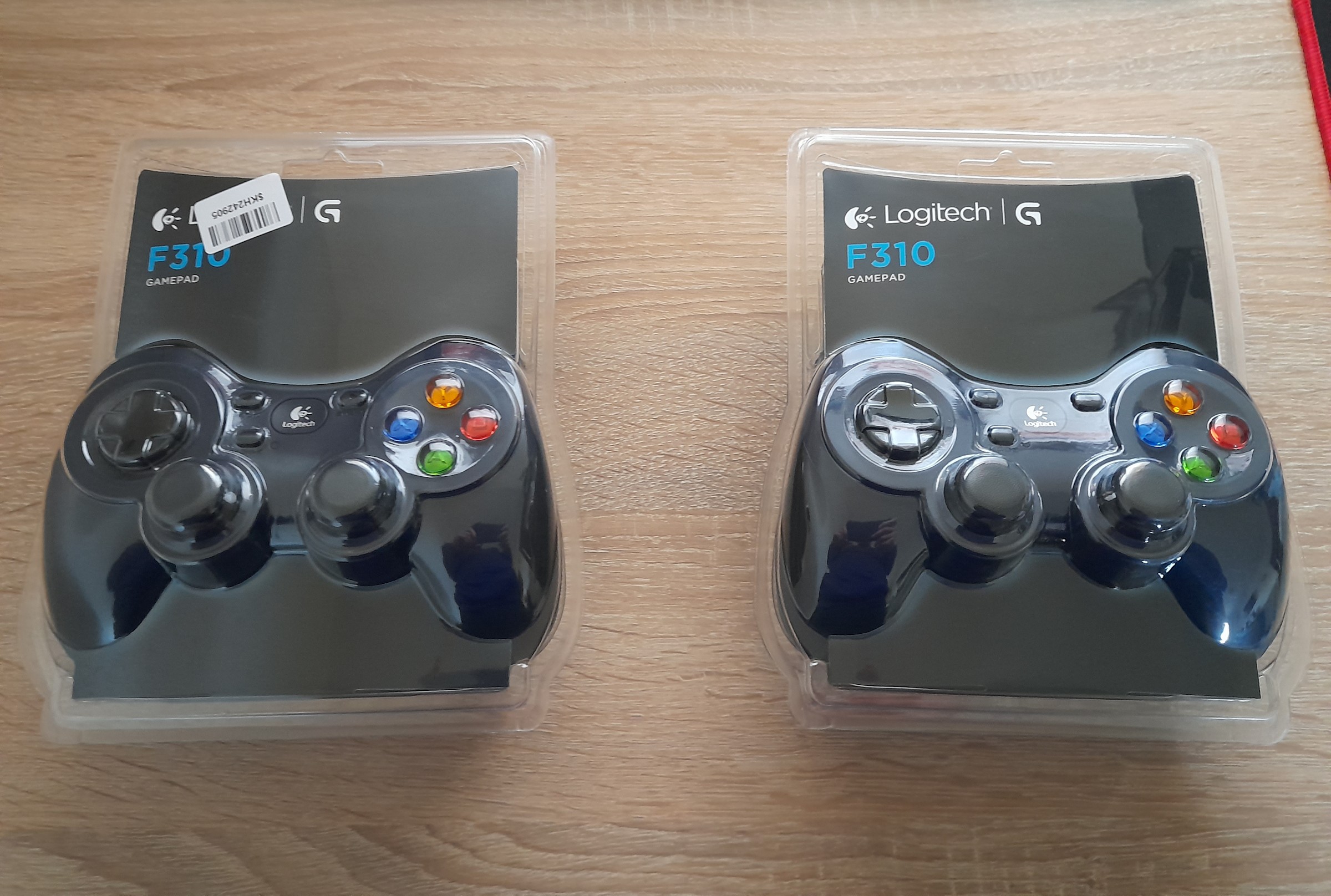
Logitech Gamepad F310
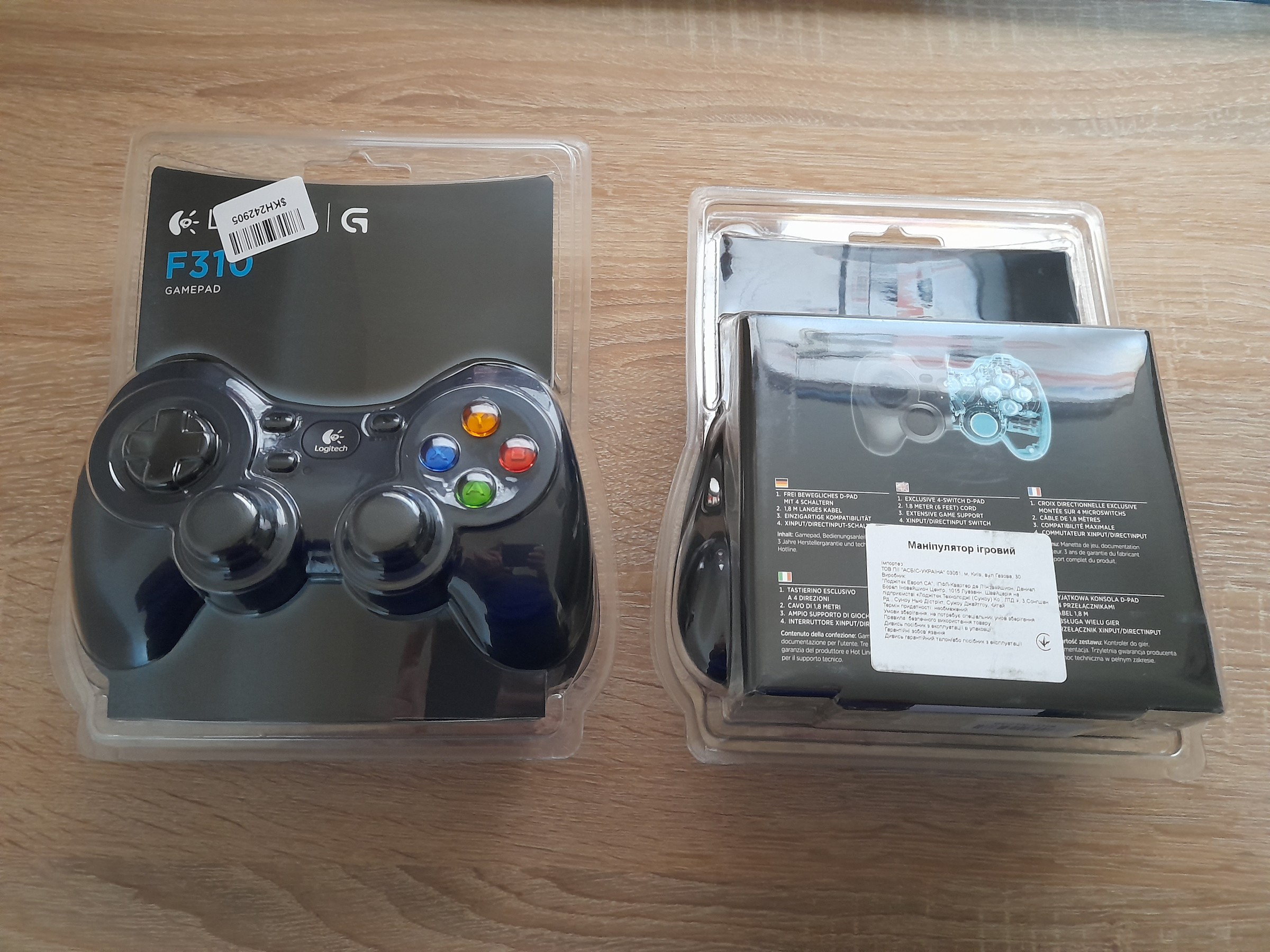
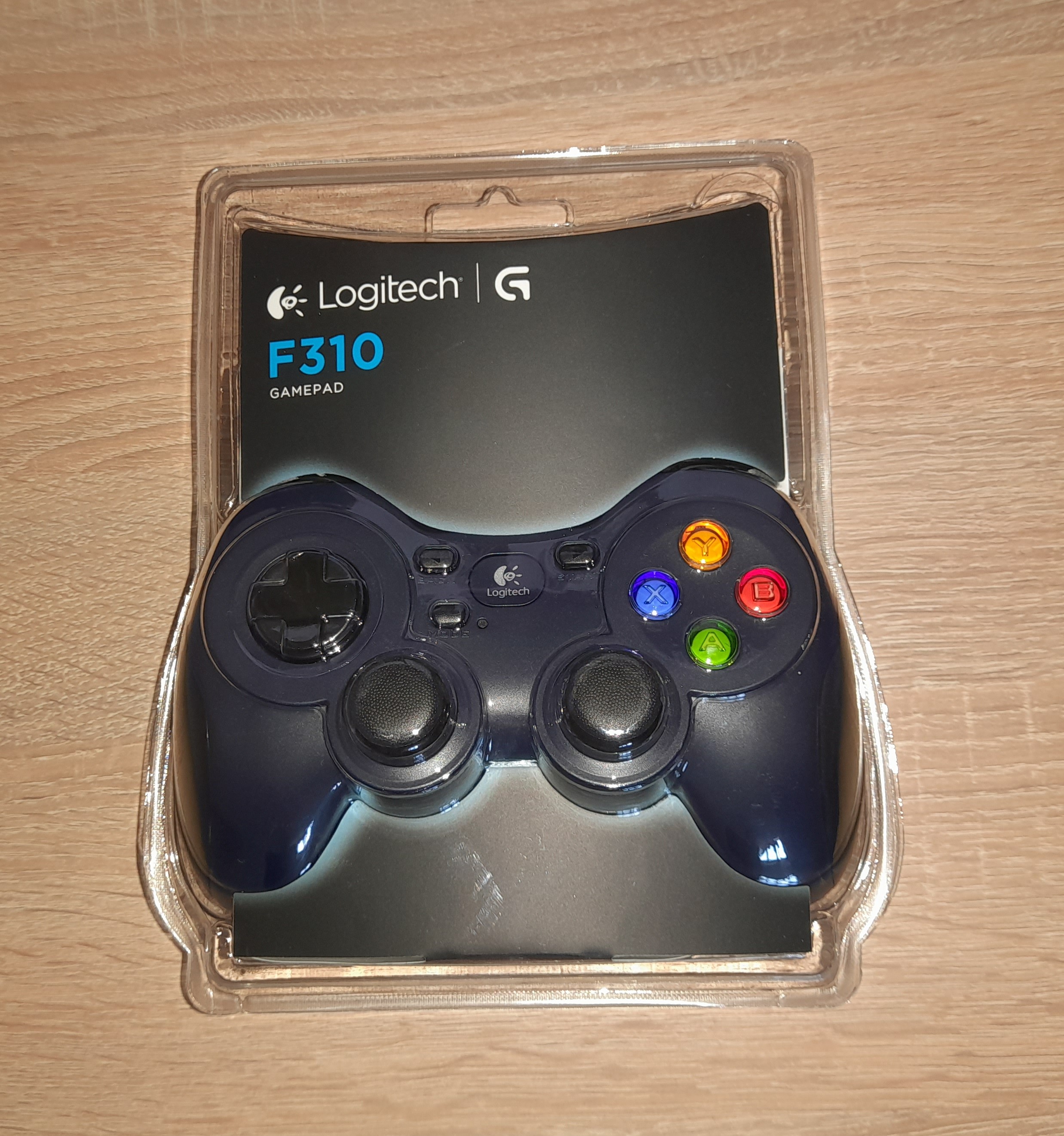
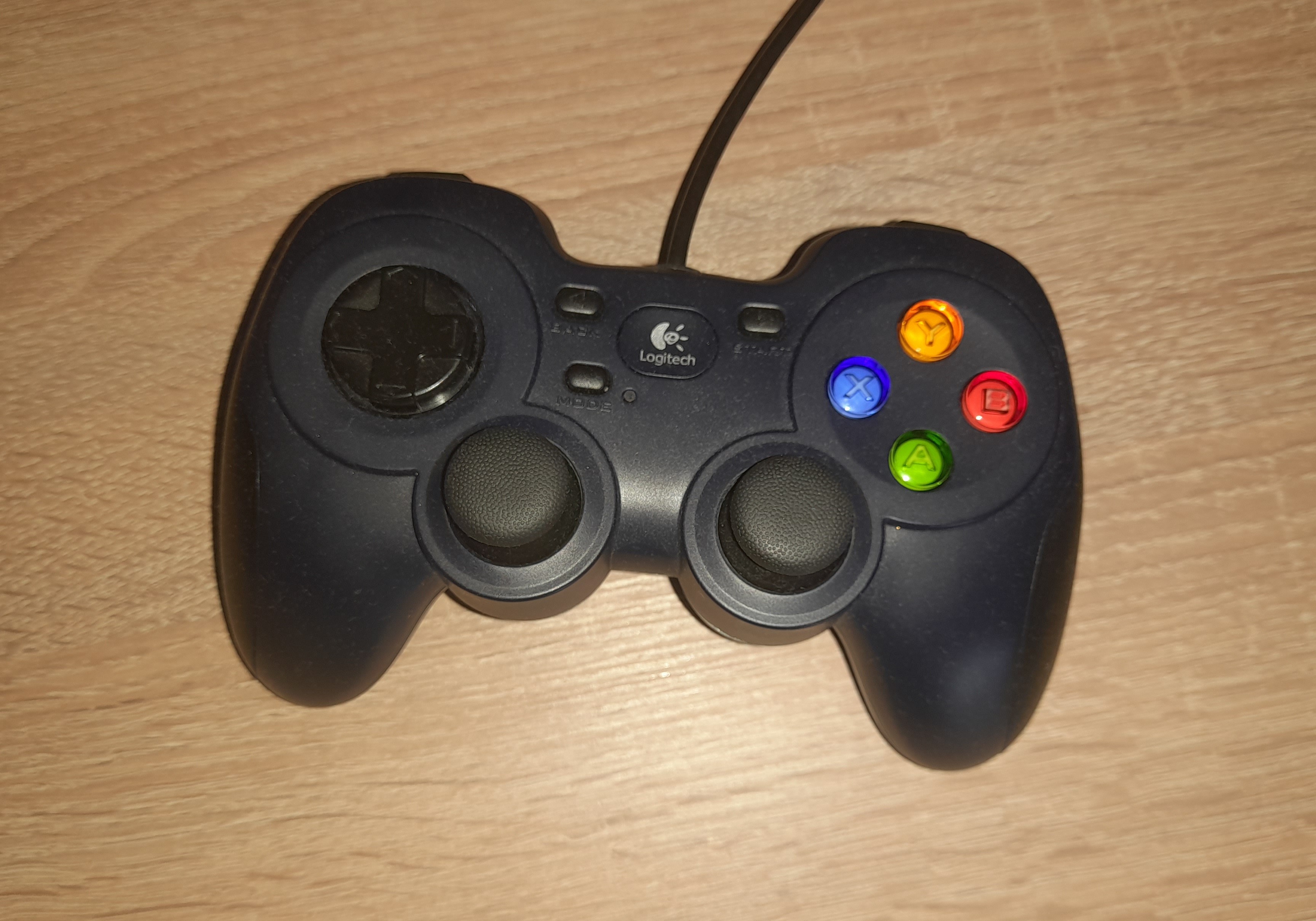
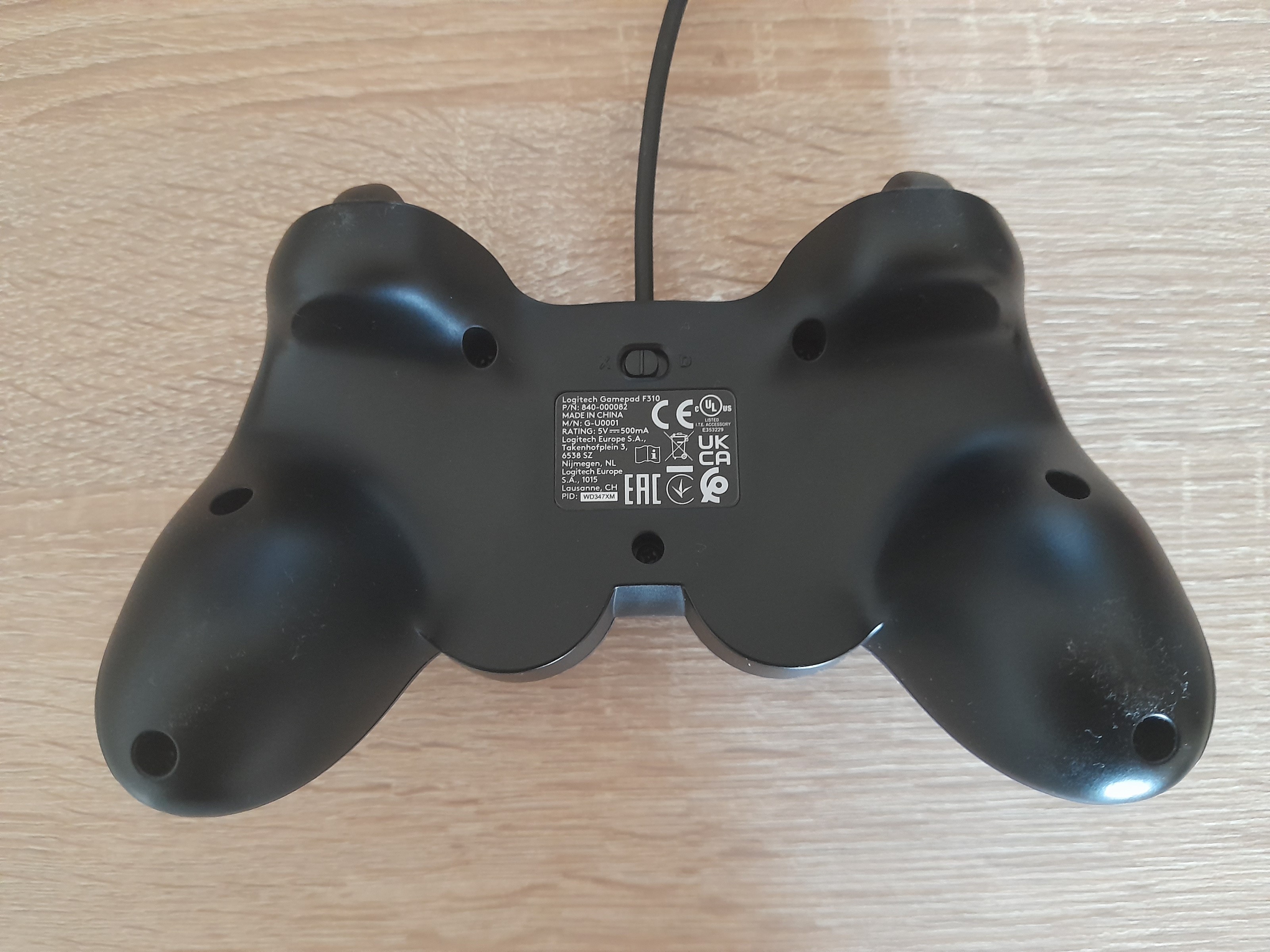
Photos - Gamepad Logitech Gamepad F310
Videos 15Photos 4
Logitech Gamepad F310
Colour
Product typegamepad
Connection
PlatformPC (Windows)
Interfacewired
Wired interfaceUSB-A
Max. polling rate250 Hz (4 ms)
Cable length1.8 m
Control
Number of buttons10 pcs
Switch typemembrane
Feedbackin absent
D-pad4 position
Sticks2
both from below
Bumpers (shifts)2 pcs
Triggers2 pcs
Power supply
Power sourceUSB port
General
Materialplastic
Official Websitelogitechg.com
Added to E-CatalogDecember 2010
P/N
940-000111

940-000135

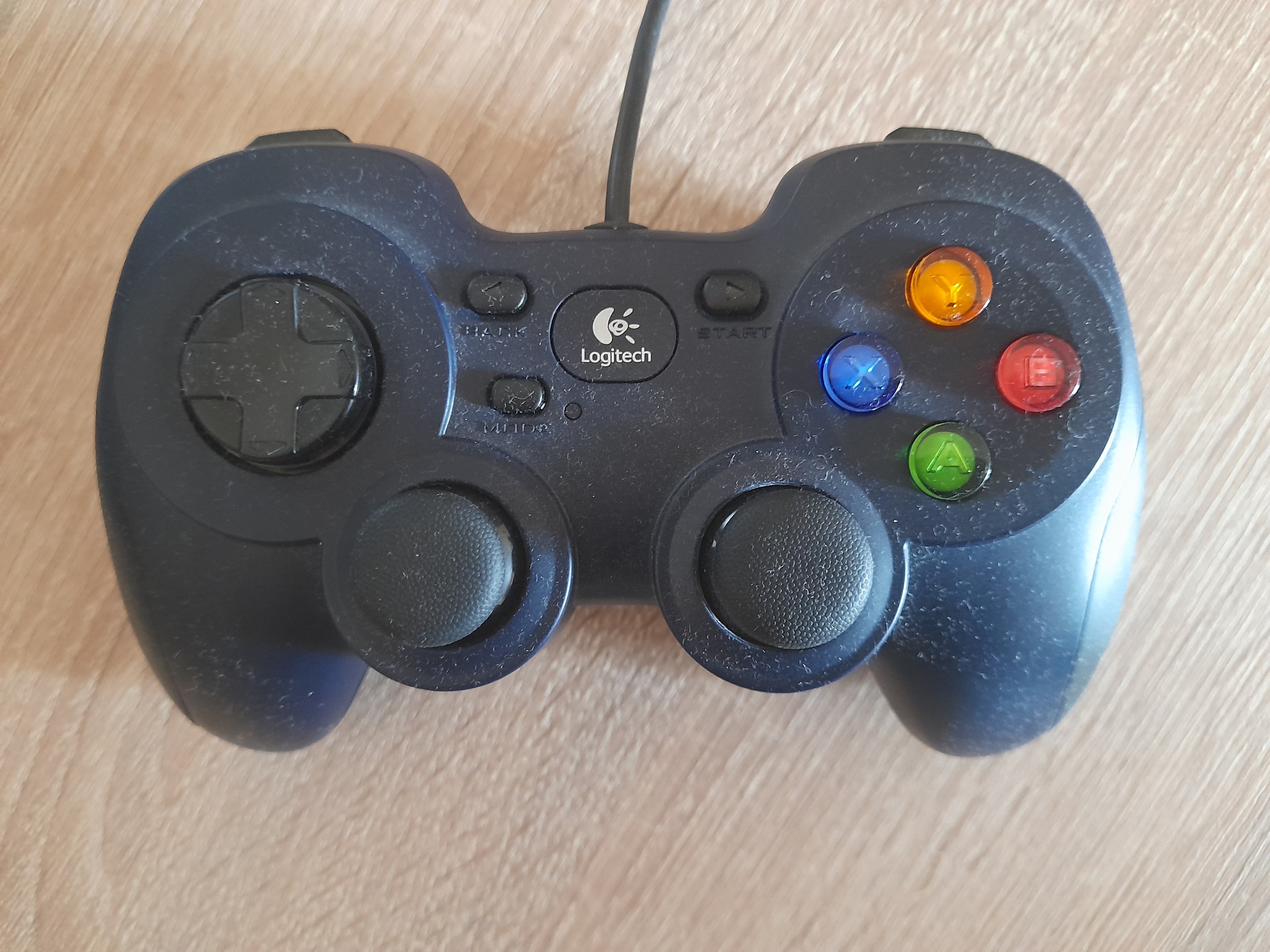
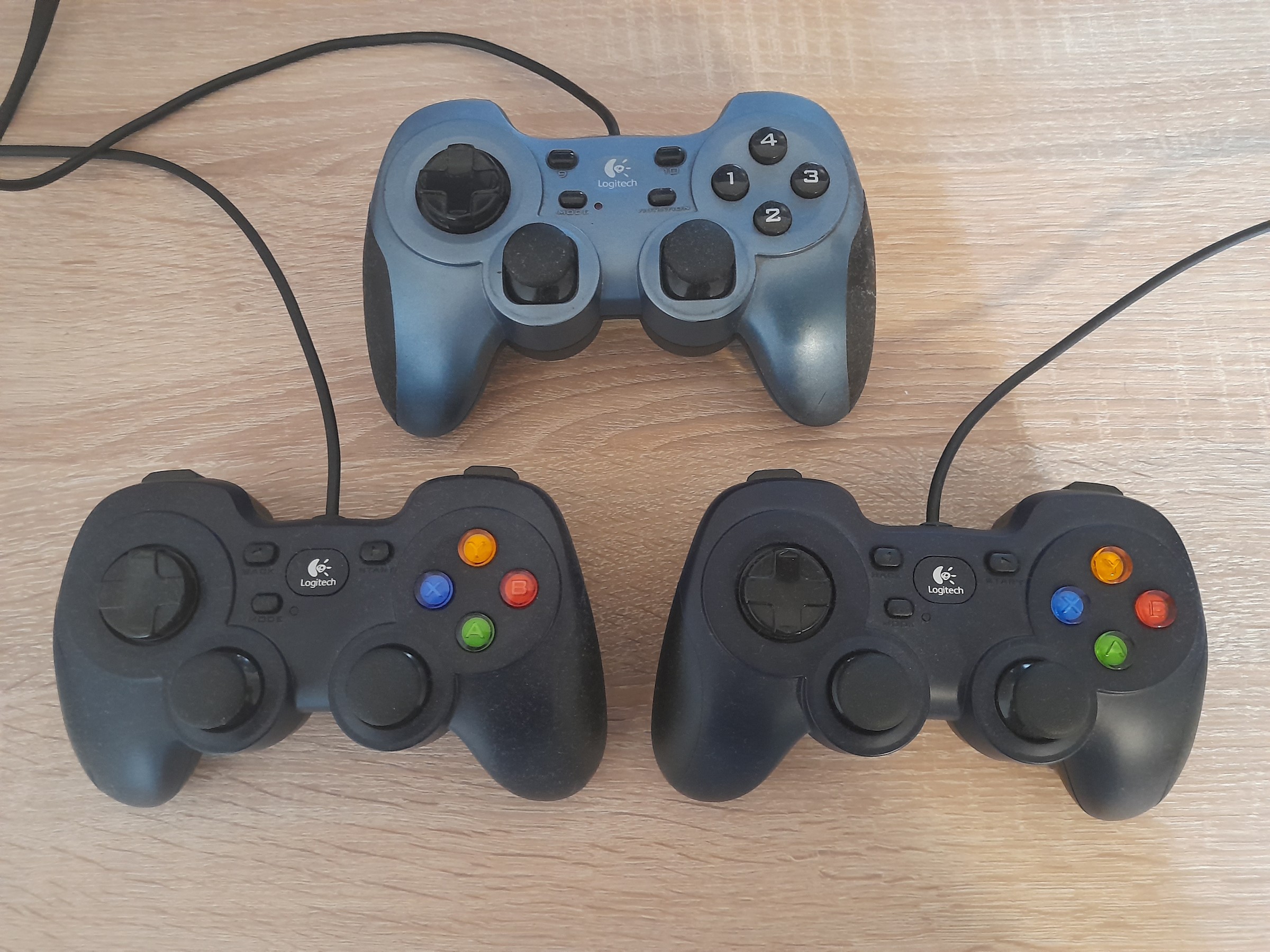
In the line of gaming joysticks from Logitech of the sample of 2011, this model is the youngest and, in comparison with the older modifications of the F510 and F710, is deprived of such amenities as wireless connection and the vibration feedback function. But at the same time, the device boasts such features of the series as a convenient ergonomic design of the body, rubberized side handles, as well as the necessary set of controls, including 10 fully programmable buttons. It is also worth noting that the device can operate in both digital and analogue modes.

E-Catalog UK editor, Gamepads and Controllers
Mykola Boberskyi, edited 14.07.2026
The information in the model description is for reference purposes.
Always clarify the specifications and configuration of the product with the online store manager before purchasing.
Catalog Logitech 2026 - new arrivals, bestsellers, and the most relevant models Logitech.
How to Choose a Gaming ControllerChoosing a gamepad is not just a purchase, but an investment in comfort and enjoyment of games.

Buy Logitech Gamepad F310

All prices 11 →
When you make a purchase through links on our site, we may receive a affiliate commission.

Logitech 2228787/940-000138

Features:EXTENSIVE GAME SUPPORT:- Play hits and classics. Play console ports with their native-style controller or adopt a mo... morere relaxed position while enjoying PC games. F310 is easy to set up and use with your favorite games thanks to XInput/DirectInput1Requires software installation for DirectInput mode. —the two most common input standards.STEAM BIG PICTURE:- Play on your TV. Pair the F310 with Big Picture and navigate Steam, surf the web, play games and more from the comfort of your couch. Bring your entire library of Steam games to the living room, grab your F310, sit back, and enjoy.FAMILIAR CONSOLE-LIKE LAYOUT:- Pick up and play. Your instincts will guide your actions over the familiar layout. You'll be off and gaming in no time. Crafted for a console-like control experience and innovated from traditional design, F310 fits like a glove.EXCLUSIVE 4-SWITCH D-PAD:- Standard D-pads rest on a single pivot point, resulting in mushy control. The D-pad glides over four individual switches for a more responsive, tactile feel.WORKS WITH ANDROID TV:- Our game controllers work well with Sony Android TV™s. With the controller switch in XID mode, our console-like layout will give you the edge as you compete. Smooth curves and contoured rubber grips provide long, comfortable play sessions. Standard Android TV controls - provided through the Logitech Logo button on the gamepad together with the Back key on the controller - allow you to navigate your Android TV seamlessly.EASY TO SET UP AND USE:- Adapt and customize. Change the standard commands or adapt F310 for play with an unsupported title, using Logitech profiler software. Buttons and controls are fully programmable and can even mimic keyboard and mouse commands.1.8 METER CORD:- Relax a comfortable distance from the monitor or do a victory dance. Preferably both.COMFORTABLE GRIP:- Enjoy long, comfortable play sessions thanks to smooth curves and contoured rubber grips.Specifications:- 1.8 METER: CORD- CONSOLE-LIKE: LAYOUT- 4 SWITCH: D-PADPACKAGE CONTENTS:- Gamepad- User documentationSYSTEM REQUIREMENTS:- Windows® 8, Windows 7, or Windows Vista®- Internet connection for optional software download2
Tradeinn.com
Delivery: in United Kingdom
Report
£21.49

Logitech 940-000135 G Gamepad F310 940-000135

Logitech G Gamepad F310. Device type: Gamepad, Gaming platforms supported: PC, Gaming control function buttons: Back button,... moreD-pad, Start button. Connectivity technology: Wired, Device interface: USB. Product colour: Black, Cable length: 1.8 m, Certification: FCC, CE. Power source: Cable. Package width: 79.5 mm, Package depth: 201 mm, Package height: 167.6 mm...
Senetic.co.uk
Delivery: to United Kingdom
Report
£22.68

Logitech 940-000135

Features:EXTENSIVE GAME SUPPORT:- Play hits and classics. Play console ports with their native-style controller or adopt a mo... morere relaxed position while enjoying PC games. F310 is easy to set up and use with your favorite games thanks to XInput/DirectInput1Requires software installation for DirectInput mode. —the two most common input standards.STEAM BIG PICTURE:- Play on your TV. Pair the F310 with Big Picture and navigate Steam, surf the web, play games and more from the comfort of your couch. Bring your entire library of Steam games to the living room, grab your F310, sit back, and enjoy.FAMILIAR CONSOLE-LIKE LAYOUT:- Pick up and play. Your instincts will guide your actions over the familiar layout. You'll be off and gaming in no time. Crafted for a console-like control experience and innovated from traditional design, F310 fits like a glove.EXCLUSIVE 4-SWITCH D-PAD:- Standard D-pads rest on a single pivot point, resulting in mushy control. The D-pad glides over four individual switches for a more responsive, tactile feel.WORKS WITH ANDROID TV:- Our game controllers work well with Sony Android TV™s. With the controller switch in XID mode, our console-like layout will give you the edge as you compete. Smooth curves and contoured rubber grips provide long, comfortable play sessions. Standard Android TV controls - provided through the Logitech Logo button on the gamepad together with the Back key on the controller - allow you to navigate your Android TV seamlessly.EASY TO SET UP AND USE:- Adapt and customize. Change the standard commands or adapt F310 for play with an unsupported title, using Logitech profiler software. Buttons and controls are fully programmable and can even mimic keyboard and mouse commands.1.8 METER CORD:- Relax a comfortable distance from the monitor or do a victory dance. Preferably both.COMFORTABLE GRIP:- Enjoy long, comfortable play sessions thanks to smooth curves and contoured rubber grips.Specifications:- 1.8 METER: CORD- CONSOLE-LIKE: LAYOUT- 4 SWITCH: D-PADPACKAGE CONTENTS:- Gamepad- User documentationSYSTEM REQUIREMENTS:- Windows® 8, Windows 7, or Windows Vista®- Internet connection for optional software download2
Tradeinn.com
Delivery: in United Kingdom
Report
£22.99

F310 game pad

F310gamepad
OnBuy.com
Delivery: in United Kingdom
Report
£28.56

Logitech F310 Gamepad PC Black, Blue, Multicolour

The Logitech F310 Gamepad is a wired USB controller designed to bring familiar console style controls to PC gaming. Its comfo... morertable, traditional layout provides intuitive control across a wide range of games, while support for both XInput and DirectInput helps ensure compatibility with many PC titles. The F310 features dual analogue sticks, analogue triggers, an 8 way D pad and familiar A, B, X and Y action buttons. Its unique floating D pad design rests on four individual switches to provide responsive directional control, while rubberised grips help provide a secure and comfortable hold during extended gaming sessions. With Logitech Profiler software, the controller can be customised for games that do not natively support gamepads, allowing buttons and controls to be programmed with keyboard and mouse commands. A 1.8 m USB cable provides a comfortable connection distance from the PC. The Logitech F310 is a practical choice for PC gaming, offering dependable wired connectivity, familiar console style controls and flexible game compatibility.
AVpartsmaster.co.uk
Delivery: in United Kingdom
Report
£30.47
6 more offer(s)
Model overview based on user reviews  
The Logitech Gamepad F310 is a budget-friendly wired gamepad designed for PC gaming, offering a comfortable grip and good ergonomics. It features 10 responsive buttons and a 4-position D-pad, with a notable XInput/DirectInput switch for compatibility with both modern and older games. Users appreciate its solid build quality and automatic game recognition, though some report issues with stiff buttons and loud RB and LB keys. The lack of vibration and a short cable length are minor drawbacks, but the gamepad is praised for its price-to-quality ratio. Some users experienced durability issues, such as stick wobbling and button malfunctions, but overall, it is considered a reliable choice for those on a budget.
Pros

Cons

3
0
9
6
A very good ratio of quality, reliability and price. Probably top for this money.
31 May 2024 
Bought two gamepads for the kids to play Paw Patrol, but age took its toll and now I'm replaying games I used to complete with a keyboard and mouse. If you're an "old man" seeking comfort, then a gamepad is your choice)))
Very durable plastic, high-quality assembly, precise button operation. There is also a very similar RumblePad 2 in use for over ten years, and it is still intact and operates smoothly.
A big advantage is the support for XInput and DirectInput (thanks to DirectInput and some tweaks, I managed to connect three gamepads simultaneously in Rayman Origins, which wasn't possible through XInput. And at the same time, XInput excels in other games).
In both gamepads, after a few days, the left stick, which is more heavily used, started to wobble (rotate) around its axis. This does not affect anything; the wobble is small and does not increase further. Just compare it to a similar RumblePad 2 that is fifteen years old, and its sticks show no signs of such wobble. Additionally, the sticks have a noticeable hardware dead zone, which cannot be adjusted by settings. This is also not critical but sometimes a higher sensitivity is desired.
good model, liked it
28 June 2021 
Due to awkward settings on XP, I deducted one point because the advantages outweighed it. At one time, it had a good "price-quality" ratio, but now I would refrain from buying such a gamepad. It's better to add 1500 RUB and buy an Xbox controller. Strictly my personal opinion.
1. Convenience.
2. Cost (at that time). There was already one review about the year 2013. I agree.
Setting up a gamepad on XP (at that time this was the OS I was running) - it's a hemorrhoid! Connect, disconnect, install the driver, turn on again, restart the computer - this is something!
I definitely recommend it!
24 July 2020 
Guys, I bought 2 joysticks for 980 rubles (490 rubles each) in 2013, played with friends for days on end, now it’s 2020 and you know, both joysticks work, don’t glitch, the buttons don’t press themselves, and other nonsense as written here in the comments , does not happen to them!
Eternity!
No!
Alekseyuse Logitech Gamepad F310 more than year
3 out of 18 user review(s) shown
10 more user review(s)
Ask Question
Video reviews

The gamepad from the Swiss company Logitech is a low-cost alternative to the solution from Microsoft with its Xbox 360.

Compatibility

The main advantages of the joystick with the F310 index are the price and compatibility with most modern games without dancing with a tambourine around its settings. With older games, it will also work without problems. To switch from the new to the old fret on the back of the gadget, they were not too lazy to make a separate “xinput / directinput” mode switch. This decision is good, since most gamepads do not have such a mechanical switch.

Governing bodies

Laudatory reviews from the owners of the gadget also apply to other controls : both triggers have an elastic and predictable course, the buttons are responsive and additionally rubberized so as not to accidentally slip out of your hands at the most crucial moment of the game. Only the crosspiece causes criticism — its faces look too fused and are located on the same axis, i.e. you can accidentally click in the wrong place.

Feedback

Minor disadvantages include the lack of feedback (the gamepad cannot vibrate) and the overly loud RB and LB keys, sharpened for pressing with the index fingers. Well, the presence of a wire — the joystick is connected to the PC via a USB cable. The other side of the coin is that the gamepad has a very fast response and does not need to be charged. That's just the length of the wire is not enough to comfortably play from your favorite sofa.

For gamers

The gadget will definitely appeal to gamers. No matter what they like to play. Whether you're an Assassin's Creed fan or a Doom3 aficionado, the gamepad will handle any of these games just as well.

Help. Xinput is an input standard developed by Microsoft for the Xbox series devices. Most modern games work in this standard and all gamepad functions are automatically recognized by them. Directinput is an input standard in which gamepad controls are manually configured for each individual game. Allows you to configure the gadget for its compatibility with older games.

Additional features gamepad Logitech Gamepad F310:
  • Rubber grips