
Samsung SL-M2070W (SS298B)
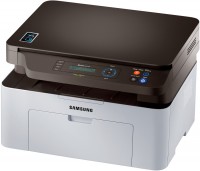 | When you make a purchase through links on our site, we may receive a affiliate commission. Buy! Samsung SL M 2070 W Multifunction Printer White and Black SL-M2070W/SEEAmazon.co.ukDelivery: in United Kingdom Report |

Samsung SL-M2070W
Type:monochrome, laser
Format:A4
Connection:USB B, NFC, Wi-Fi 4 (802.11n)
Print Resolution:1200х1200 dpi
Scanning:4800х4800 dpi
B/W printing:20 ppm
Number of cartridges:1 pcs
A relatively inexpensive MFP that at the same time boasts a stylish design, high performance and an advanced integrated scanner. So, the model is monochrome, but at the same time the print / copy speed is 20 ppm, and the cartridge resource is 1500 pages. easy connection to the technology of a smartphone or tablet computer. A flatbed scanner with a maximum scanning resolution of 4800 by 4800 pixels deserves special attention — a very high figure for this type of equipment. The Samsung SL-M2070W control panel has an LCD screen and easy-to-use keys that allow you to set the number of copies and other important parameters.
All specifications
Specifications SL-M2070W
|
| ||||||||||||||||||||||||||||||||||||||||||||||||||||||||||||||||||||||||||||||||||


E-Catalog UK editor, All-in-One Printers
Mykola Boberskyi, edited 16.07.2025
The information in the model description is for reference purposes.
Always clarify the specifications and configuration of the product with the online store manager before purchasing.
Catalog Samsung 2026 - new arrivals, bestsellers, and the most relevant models Samsung.
Always clarify the specifications and configuration of the product with the online store manager before purchasing.
Catalog Samsung 2026 - new arrivals, bestsellers, and the most relevant models Samsung.
Series Samsung SL
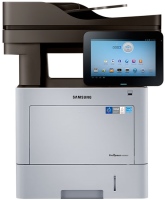
monochrome, laser, A4, printing 1200х1200 dpi, 2-side print, scanning 600х600 dpi, 2-side scanning, autoscan, RAM 1024 MB, fast CPU, LAN, fax machine, hDD, 320 GB
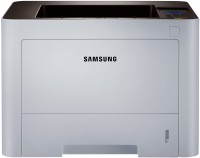
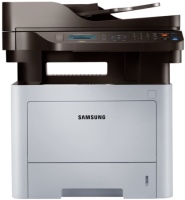
monochrome, laser, A4, printing 1200х1200 dpi, 2-side print, scanning 1200х1200 dpi, autoscan, RAM 256 MB, LAN, fax machine
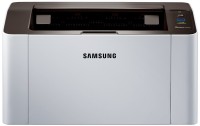
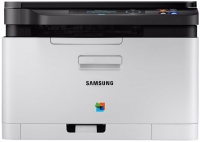
colour, flowers 4, laser, A4, printing 2400х600 dpi, scanning 4800х4800 dpi, RAM 128 MB, LAN
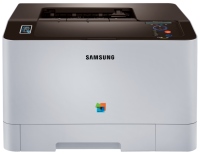
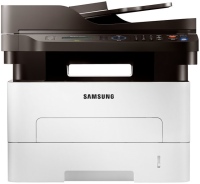
monochrome, laser, A4, printing 4800x600 dpi, scanning 1200х1200 dpi, autoscan, RAM 128 MB, LAN, fax machine
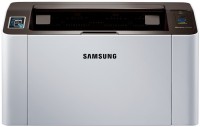
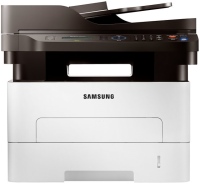
monochrome, laser, A4, printing 4800x600 dpi, 2-side print, scanning 1200х1200 dpi, autoscan, RAM 128 MB, LAN, fax machine
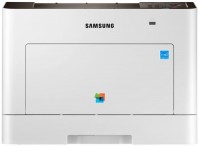
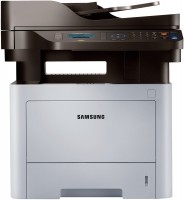
monochrome, laser, A4, printing 1200х1200 dpi, 2-side print, scanning 1200х1200 dpi, autoscan, RAM 256 MB, LAN, fax machine
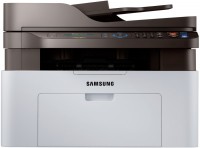
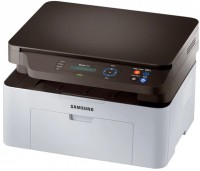
monochrome, laser, A4, printing 1200х1200 dpi, scanning 4800х4800 dpi, autoscan, RAM 128 MB, LAN, AirPrint, NFC, fax machine
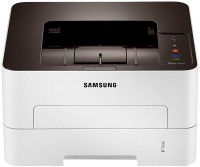
monochrome, laser, A4, printing 1200х1200 dpi, scanning 4800х4800 dpi, RAM 128 MB, Wi-Fi Direct, AirPrint, NFC
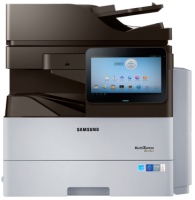
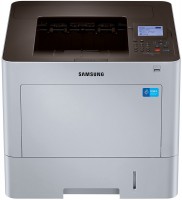
monochrome, laser, A4, printing 1200х1200 dpi, 2-side print, scanning 600х600 dpi, 2-side scanning, autoscan, RAM 2048 MB, fast CPU, LAN, fax machine, hDD, 320 GB
AccessoriesAll accessories for Samsung SL-M2070W →
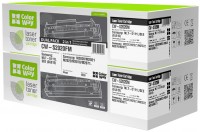
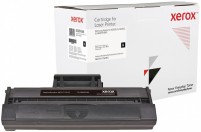
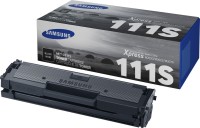
MFP super Encountered such a problem: when scanning text, I print it out and get darkened pages. Although 2 weeks ago I printed and everything was "ok". I don't even know what to do use Samsung SL-M2070W month or more |
A good printer. Bought for children for school. Everything works printer, scanner, copier, The toner ran out quickly. I took it to the SC there, everything works. Now just refuel and that's it. set up wifi. In fact, everything is simple. Whoever has problems setting up wifi, you need to enter the settings in wifi direkt, go to the modem website, go to the settings and restart the modem. Sometimes it chews sheets - but very rarely liked wifi - downloaded photos via smartphone I had to flash for a certain amount use Samsung SL-M2070W few months |
Add Review
We recommendCompare using chart →
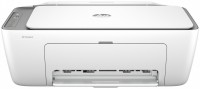
colour, flowers 4, inkjet, A4, printing 4800x1200 dpi, photo print, scanning 1200х1200 dpi, RAM 64 MB, fast CPU, Wi-Fi Direct, AirPrint
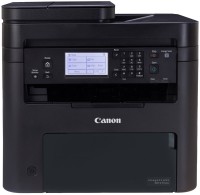
monochrome, laser, A4, printing 2400х600 dpi, 2-side print, scanning 600х600 dpi, autoscan, RAM 256 MB, LAN, Wi-Fi Direct, AirPrint, fax machine

colour, flowers 4, laser, A4, printing 1200х1200 dpi, 2-side print, scanning 9600х9600 dpi, 2-side scanning, autoscan, RAM 1024 MB, fast CPU, LAN, Wi-Fi Direct, AirPrint, fax machine, hDD, 4 GB
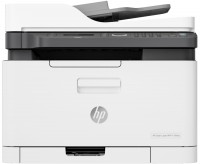
colour, flowers 4, laser, A4, printing 600х600 dpi, scanning 600х600 dpi, autoscan, RAM 128 MB, LAN, Wi-Fi Direct, AirPrint, fax machine
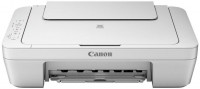
colour, flowers 4, inkjet, A4, printing 4800x600 dpi, photo print, scanning 600х1200 dpi, no display
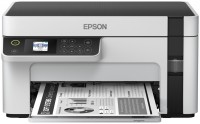
monochrome, inkjet, CISS, A4, printing 1440x720 dpi, scanning 1200х2400 dpi, Wi-Fi Direct
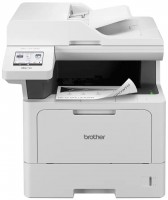
monochrome, laser, A4, printing 1200х1200 dpi, 2-side print, scanning 1200х1200 dpi, autoscan, RAM 512 MB, LAN, Wi-Fi Direct, AirPrint, fax machine
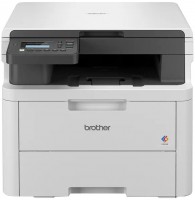
colour, flowers 4, LED, A4, printing 2400х600 dpi, 2-side print, scanning 1200х1200 dpi, RAM 512 MB, Wi-Fi Direct

colour, flowers 4, laser, A4, printing 1200х1200 dpi, 2-side print, scanning 9600х9600 dpi, autoscan, RAM 1024 MB, fast CPU, LAN, Wi-Fi Direct, AirPrint, hDD, 4 GB
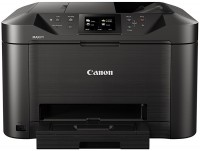
colour, flowers 4, inkjet, A4, printing 1200х600 dpi, 2-side print, scanning 1200х1200 dpi, 2-side scanning, autoscan, LAN, AirPrint, fax machine
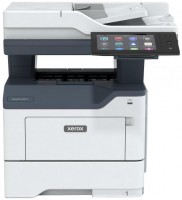
monochrome, laser, A4, printing 1200х1200 dpi, 2-side print, scanning 1200х1200 dpi, 2-side scanning, autoscan, RAM 2048 MB, fast CPU, LAN, NFC, fax machine, hDD, 32 GB
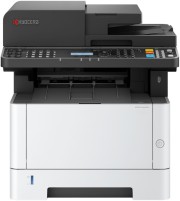
monochrome, laser, A4, printing 1200х1200 dpi, 2-side print, scanning 600х600 dpi, 2-side scanning, autoscan, RAM 1024 MB, fast CPU, LAN, AirPrint, fax machine