
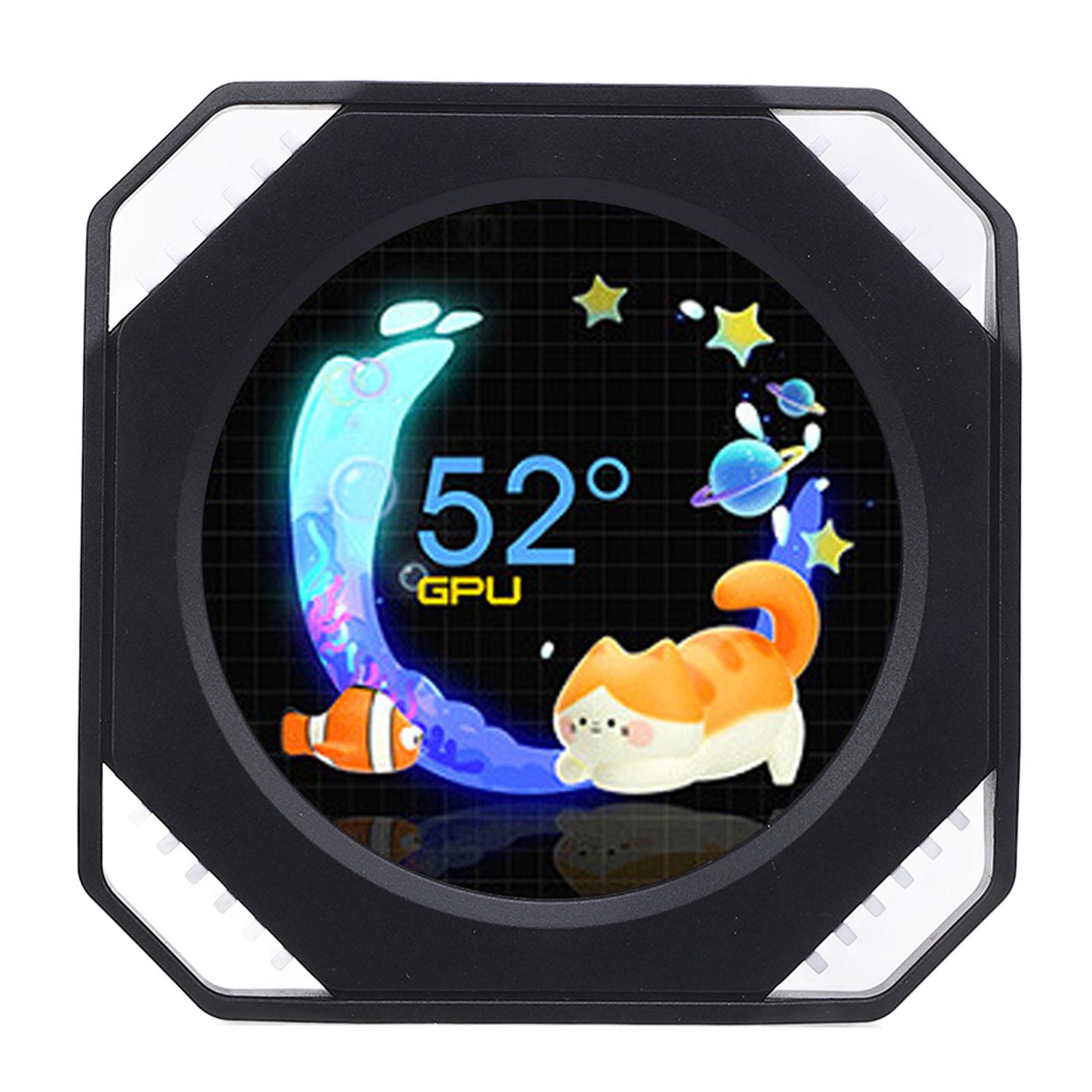
2.1 Inch Computer Secondary Screen DIY Dynamic Theme Water Cooler Screen USB RGB GPU CPU black
 |
Buy 2.1 Inch Computer Secondary Screen DIY Dynamic Theme Water Cooler Screen USB RGB GPU CPU black
When you make a purchase through links on our site, we may receive a affiliate commission.
2.1 Inch Computer Secondary Screen DIY Dynamic Theme Water Cooler Screen USB RGB GPU CPU black | £42.00 |  | |||
Feature: 1. SUPPORTS ONE CLICK CONTROL: USB PC temperature display sub screen is easy to use, adopts clear UI interface and supports light and dark color theme switching. 2. USES VERY LITTLE GPU RESOURCES: PC sub screen has no effect on computer performance. The software we provide also uses only very little GPU resources, no impact on computer running. The water cooler screen will be recognized as a USB device, so the mouse will not move to this screen. 3. VARIOUS REAL TIME DATA: The water cooler screen supports real time monitoring, including, CPU usage, model, temperature, voltage, frequency, fan; video card usage, power consumption, model, fan frequency, temperature, pump fan; It also displays RAM, hard disk drive, network, weather, date, volume, and more. 4. MULTIPLE THEMES DIY, DYNAMIC THEME EDITOR: Provides software that is easy to use and supports visual editing and real time preview; Other themes support video settings, image settings, clock settings, text settings, round prgBar settings, HOR prgBar settings, sound arc settings, music spectrum and dynamic theme editor. 5. WIDE APPLICATION: Used as an extra portable LCD display for PCs, laptops, computer DIY projects. Suitable for DIY universal computer case sub display. Specification: Item Type: Computer Temp Display Material: ABS Applicable Range: Computer GPU CPU Temperature Display: Supported Programmable: Supported RGB: Supported Screen Size: 2.1 inches . Package List: 1 x RGB Screen 1 x USB Cable 1 x Connection Cable 1 x User Manual 1 x Magnet
The product description is generated based on data from online stores. Before purchasing be sure to verify all information directly with the seller.
How to choose a water cooling systemBasic criteria for choosing a water cooling system for stable and safe operation of gaming PCs
How to properly build a PC yourself?Quick course on building computers of varying levels of complexity for beginners and amateurs
How to place an order?How to add store?
Remember that the online store is responsible for the accuracy of information regarding price, warranty, and delivery!
We recommendCompare using chart →
liquid cooling, per processor, AMD: AM4, AM5, Intel: 1700 1851, fan: 3, 120 mm, depth 25 mm, backlight, UV glow, backplate mount

liquid cooling, per processor, AMD: AM4, AM5, Intel: 1700 1851, fan: 3, 120 mm, depth 25 mm, 3000 rpm, UV glow, backplate mount
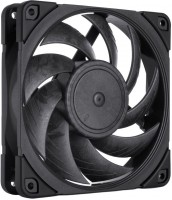
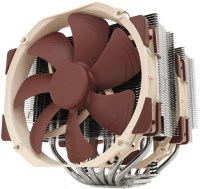
air cooler, per processor, AMD: AM2/AM3/FM1/FM2, AM4, Intel: 775, 1150, 1155/1156, 2011 v3, 2066, 1151/1151 v2, 1200, fan: 2, 140 mm, 1500 rpm, maximum TDP 220 W, height: 165 mm, magnetic bearing, UV glow, backplate mount
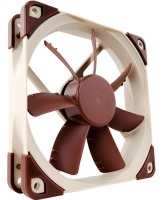
fan, on body, fan: 1, 120 mm, depth 25 mm, 1200 rpm, quiet (<20 dB), magnetic bearing, UV glow
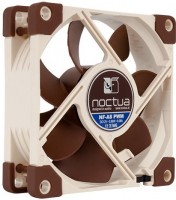
fan, on body, fan: 1, 80 mm, depth 25 mm, 2200 rpm, quiet (<20 dB), magnetic bearing, UV glow
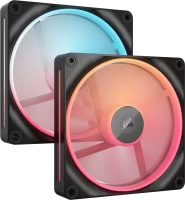
reversible fan, on body, fan: 2, 140 mm, depth 25 mm, 2000 rpm, magnetic bearing, backlight, UV glow, хаб в комплекте
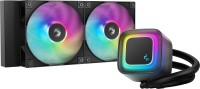
liquid cooling, per processor, AMD: AM4, AM5, Intel: 1150, 1155/1156, 1151/1151 v2, 1200, 1700 1851, fan: 2, 120 mm, depth 25 mm, 2100 rpm, backlight, UV glow, backplate mount
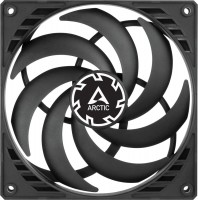

reversible fan, on body, fan: 3, 120 mm, depth 27 mm, 3000 rpm, backlight, UV glow, daisy-chaining

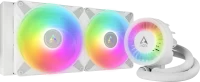
liquid cooling, per processor, AMD: AM4, AM5, Intel: 1700 1851, fan: 2, 140 mm, depth 25 mm, 1900 rpm, backlight, UV glow, backplate mount