
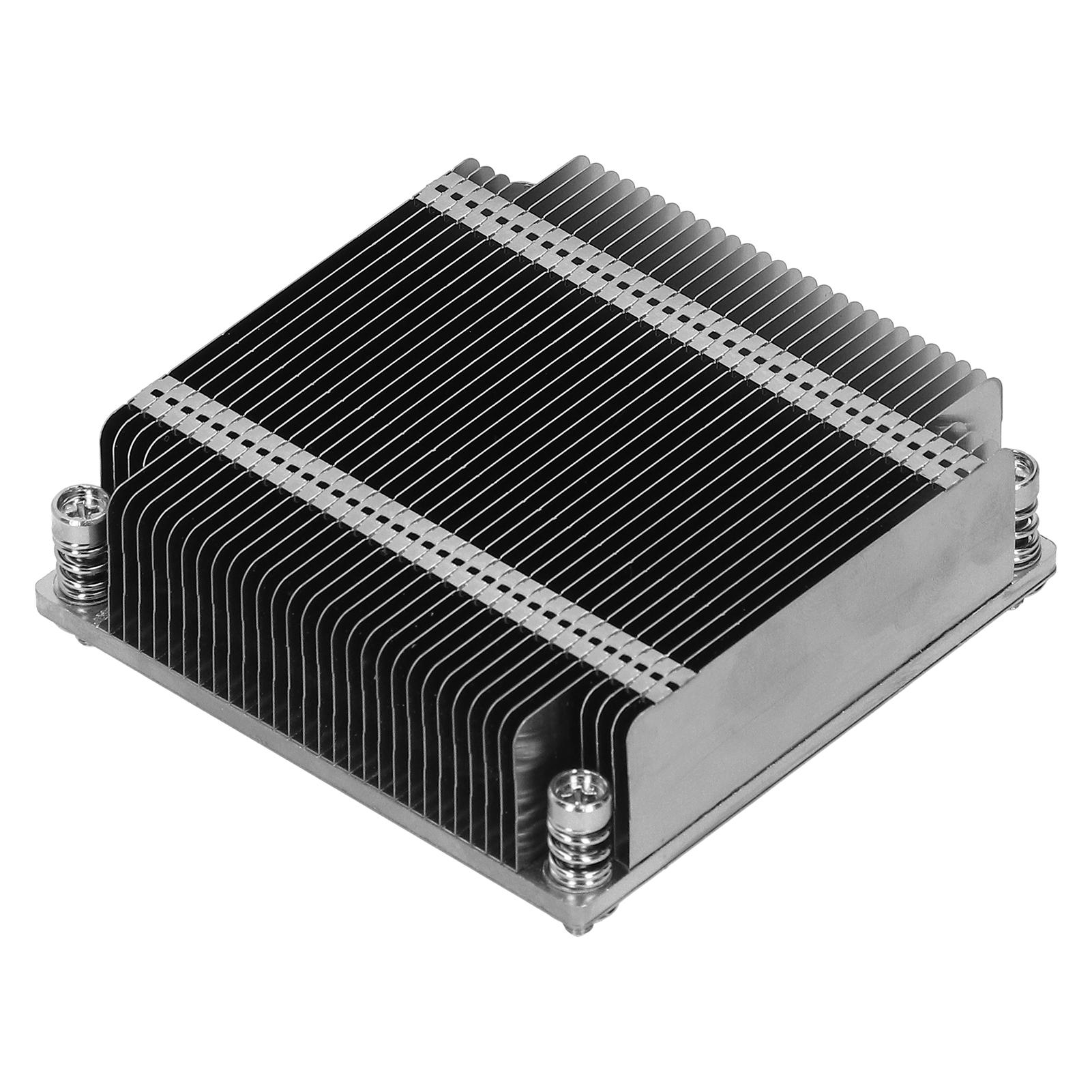
SNK-P0047P 1U Passive CPU Heat Sink LGA2011 HeatDissipating Parts for Supermicro X9X10 1U UP and
 |
Buy SNK-P0047P 1U Passive CPU Heat Sink LGA2011 HeatDissipating Parts for Supermicro X9X10 1U UP and
When you make a purchase through links on our site, we may receive a affiliate commission.
SNK-P0047P 1U Passive CPU Heat Sink LGA2011 HeatDissipating Parts for Supermicro X9X10 1U UP and | £25.00 |  | |||
Feature: 1. Compatible for Supermicro X9 X10 generation 1U UP and DP servers. 2. The CPU heat sink can effectively reduce the temperature generated when the CPU is running after use. 3. The supported processor socket is LGA 2011 (socket R), with simple installation. 4. Made of high-quality metal materials, strong and durable, not easy to break, and long service life. 5. Professional manufacturing, superb craftsmanship and high accuracy help to provide the best performance. Specification: Item Type: CPU Heat Sink Material: Metal Model: SNK-P0047P Application: Processor Supported Processor Socket: LGA 2011 (Socket R) Compatible Processor Series: For Intel Xeon Compatibility: For Supermicro X9 X10 generation 1U UP and DP servers How to Use: 1. Place the heat sink directly on the top of the CPU so that the heat sink screws are aligned with the mounting holes on the back panel. 2. Ensure that the torque setting of the screwdriver does not exceed 5.0 kgf-cm (4.3 lbf-in), and keep the direction of the heat sink screw vertical. 3. Tighten the two diagonal screws to make them close (do not tighten them completely). Then, do the same with the remaining two diagonal screws. 4. Finally, tighten all screws completely. . Package List: 1 x Heat Sink
The product description is generated based on data from online stores. Before purchasing be sure to verify all information directly with the seller.
How to choose a water cooling systemBasic criteria for choosing a water cooling system for stable and safe operation of gaming PCs
How to properly build a PC yourself?Quick course on building computers of varying levels of complexity for beginners and amateurs
How to place an order?How to add store?
Remember that the online store is responsible for the accuracy of information regarding price, warranty, and delivery!
We recommendCompare using chart →

liquid cooling, per processor, AMD: AM4, AM5, Intel: 1700 1851, fan: 3, 120 mm, depth 25 mm, backlight, UV glow, backplate mount

liquid cooling, per processor, AMD: AM4, AM5, Intel: 1700 1851, fan: 3, 120 mm, depth 25 mm, 3000 rpm, UV glow, backplate mount
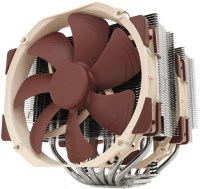
air cooler, per processor, AMD: AM2/AM3/FM1/FM2, AM4, Intel: 775, 1150, 1155/1156, 2011 v3, 2066, 1151/1151 v2, 1200, fan: 2, 140 mm, 1500 rpm, maximum TDP 220 W, height: 165 mm, magnetic bearing, UV glow, backplate mount
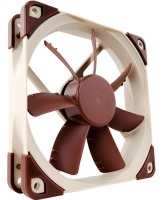
fan, on body, fan: 1, 120 mm, depth 25 mm, 1200 rpm, quiet (<20 dB), magnetic bearing, UV glow
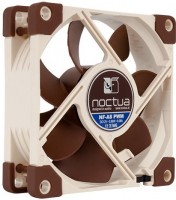
fan, on body, fan: 1, 80 mm, depth 25 mm, 2200 rpm, quiet (<20 dB), magnetic bearing, UV glow
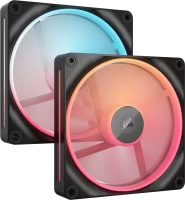
reversible fan, on body, fan: 2, 140 mm, depth 25 mm, 2000 rpm, magnetic bearing, backlight, UV glow, хаб в комплекте
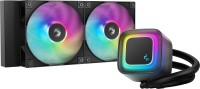
liquid cooling, per processor, AMD: AM4, AM5, Intel: 1150, 1155/1156, 1151/1151 v2, 1200, 1700 1851, fan: 2, 120 mm, depth 25 mm, 2100 rpm, backlight, UV glow, backplate mount
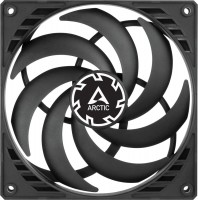

reversible fan, on body, fan: 3, 120 mm, depth 27 mm, 3000 rpm, backlight, UV glow, daisy-chaining

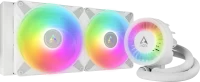
liquid cooling, per processor, AMD: AM4, AM5, Intel: 1700 1851, fan: 2, 140 mm, depth 25 mm, 1900 rpm, backlight, UV glow, backplate mount