
Stylus Pens
prices on 3020 modelsWhen you make a purchase through links on our site, we may receive a affiliate commission.
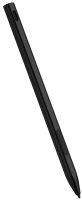
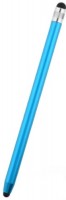
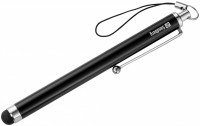 |
A universal tool for interacting with devices equipped with touch control. The device is designed for everyday use with smartphones, tablets, and other gadgets with a touchscreen. The main feature is full compatibility more→— the device works with various types of capacitive displays. The rubber tip provides more precise positioning when tapping compared to using a finger, which is especially noticeable when working with small interface elements, typing on a virtual keyboard, or drawing. The Sandberg Touchscreen Stylus Pen Saver is made with a metal body, ensuring durability with a minimal weight of only 12 grams. The practical advantage of the accessory is evident in situations whe…
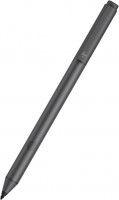 |
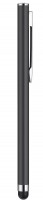
A pen for Windows laptops with support for the Microsoft Pen Protocol (MPP 2.0) — some laptop touch screens have this. The protocol provides minimal latency, smoother color transitions, and high respo more→nse on touch devices. The stylus is characterized by pixel precision, and for drawing and writing with it, it is enough to apply a pressing force of 9 g. The model comes with two replaceable tips — they are supposed to be changed depending on your needs and tasks. HP Tilt is equipped with two reassignable buttons that are configured through the proprietary HP Pen Control application. In standby mode, the digital pen can stay “afloat” for up to 30 days without the need to recharge the battery. Th…
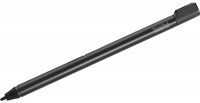
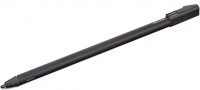
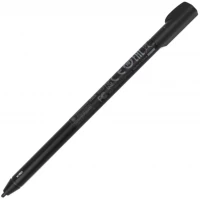
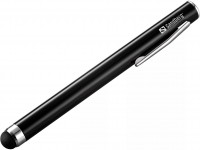
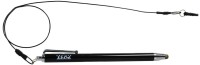
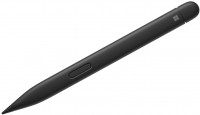
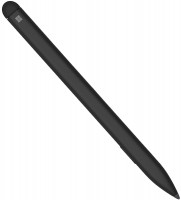
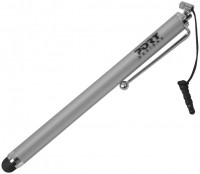
 |
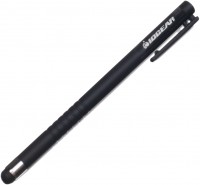
An inexpensive pen with a passive operating principle — the model is equipped with a soft rubber tip, which affects any touch screens of smartphones and tablets. Accordingly, there is no need to conne more→ct and charge the stylus (the design simply does not provide a battery). Its tip literally replaces finger touches on the display, without leaving greasy marks. The stylus is suitable for drawing, writing, processing graphic materials, etc. — the areas of its use are limited only by your imagination. The model is assembled in a durable and lightweight aluminum case — 113 mm in length and 9 mm in diameter. Well, the Trust Stylus Pen weighs only 10 g. With prolonged use of the stylus, there is not…
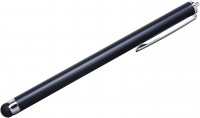 |
The device is a classic solution for everyday interaction with a wide range of modern gadgets. The model is focused on maximum simplicity and reliability, as it works on a capacitive principle, requir more→ing no installation of specialized software, complex setup, or Bluetooth pairing. The main functional feature of the device is a tip made of soft and durable rubber, which ensures smooth gliding across display surfaces, preventing scratches and fingerprint marks on the protective glass. The Targus Stylus for Tablets and Smartphones significantly enhances typing accuracy on virtual keyboards, making quick sketches, or navigating interfaces with small control elements where finger use might be inc…
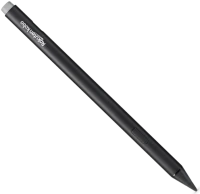 |
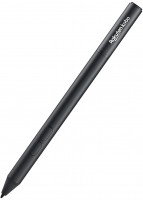
An accessory for Kobo e-reader owners, designed for working with notes and annotations in digital documents. The device is compatible with four e-reader models — Kobo Libra Color, Kobo Sage, Kobo Elipsa, and Kobo Elipsa 2E more→, allowing owners of different generations of this brand's e-readers to use it. The main purpose of the accessory is the ability to make handwritten notes directly on e-book pages and PDF files, highlight important fragments, and create personal entries in notebook mode. The Kobo Stylus 2 features 4096 levels of pressure sensitivity
 |
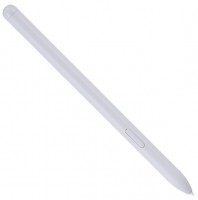
A branded pen from Samsung for use with the Tab S9 FE and Tab S9 FE+ tablets. The model is intended for drawing, creating various graphic sketches, and handwriting directly on the touch screen. The ti more→p of the digital "pencil" is sensitive to pressure and tilt, thereby providing a convenient change in line thickness literally on the fly. Among the controls in the Samsung S Pen for Tab S9 FE/FE+ case, there is a programmable button - you can personalize the actions by pressing it in the associated Air Command application. The stylus is attached to the tablet using magnets and immediately charges (regardless of the "up-down" orientation). The functions include quick screenshot creation, switchi…
24 more item(s)