Catalog   /   Computing   /   Input Devices   /   Graphics Tablets   /   Wacom

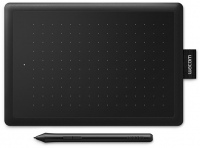
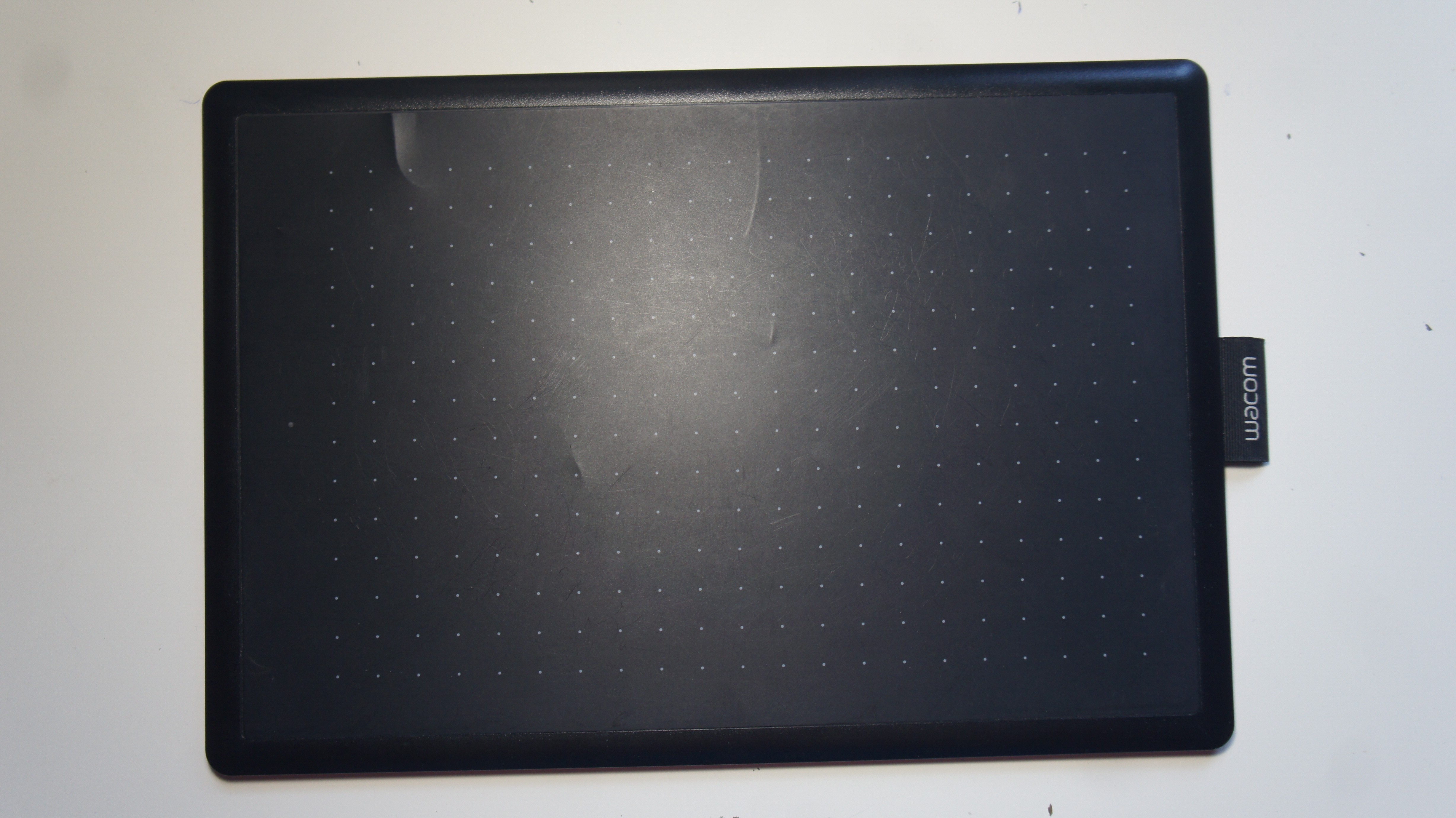
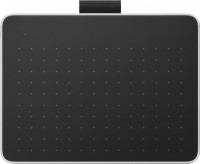
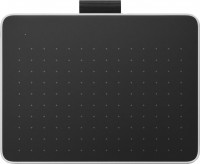
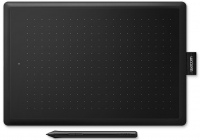
Wacom One Medium (CTL-672)
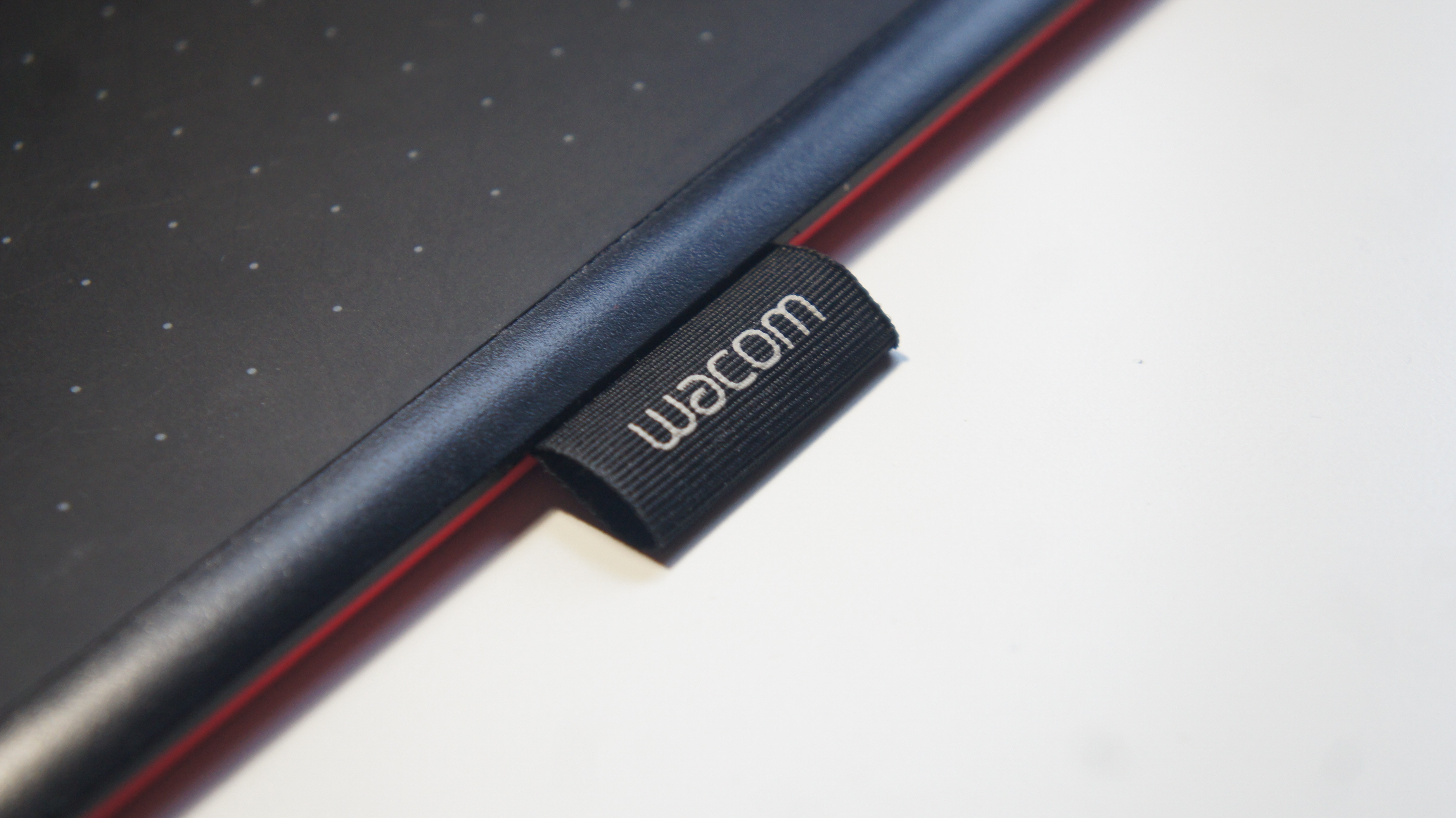
Photos - Graphics Tablet Wacom One Medium
Videos 17Photos 6
Wacom One Medium
Main
Product typegraphics Tablet
FormatA5
Workspace216x135 mm
Aspect ratio16:10
Connection
Connection typewired
Connector on devicemicroUSB
CompatibilityWindows
MacOS
Pen
Pen modelLP-190K
Pen power sourceno battery (passive)
Max. reading height7 mm
Pressure levels2048
Resolution2540 lpi
Control keys2
Pen weight9 g
General
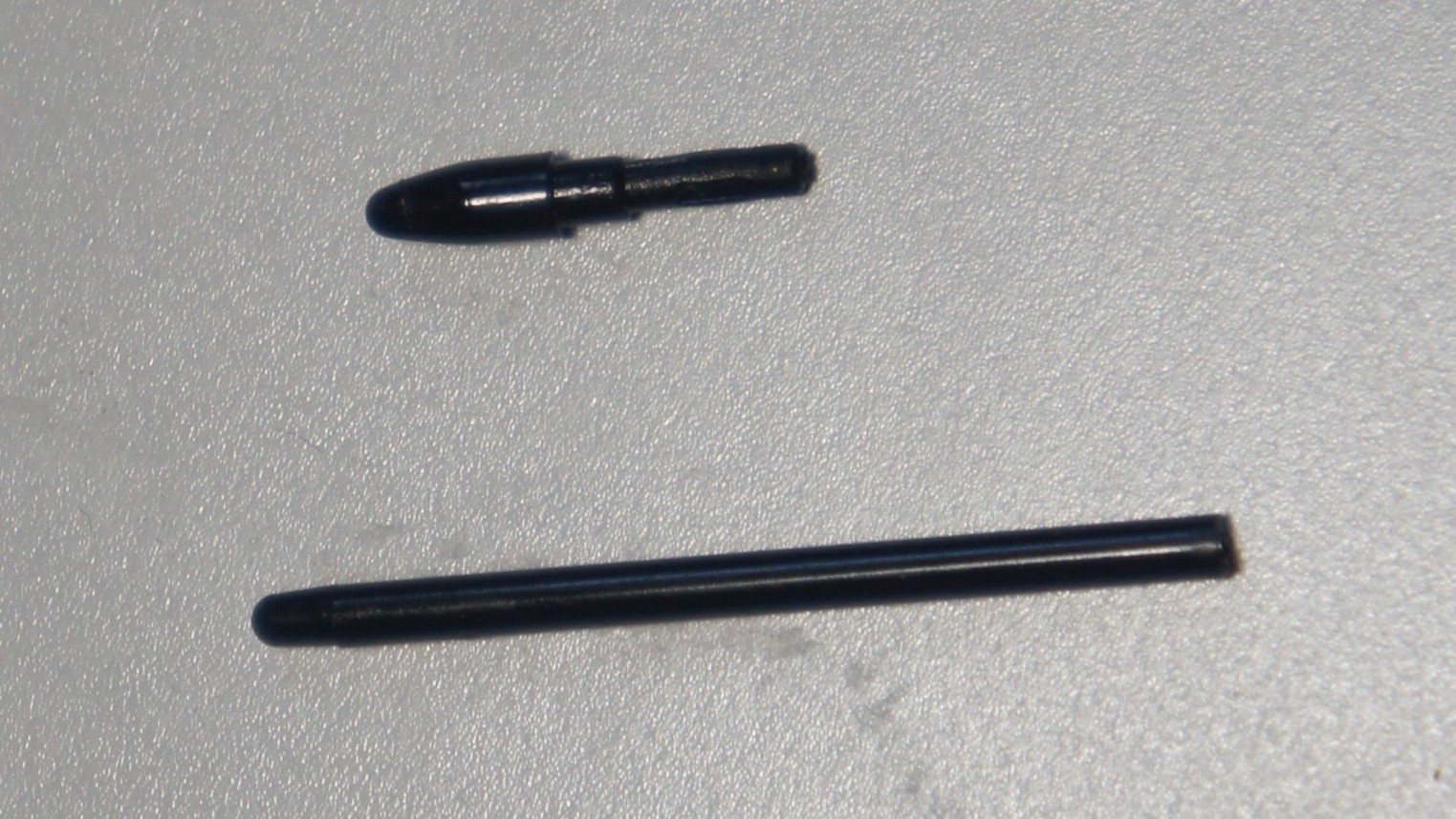
In boxreplacement pen nibs
pen holder
Power sourceUSB port
Size277x189 mm
Tablet weight0.44 kg
Added to E-CatalogApril 2018
P/N
CTL-672

The Wacom One Medium graphics tablet has a 13.3-inch diagonal active area, which provides plenty of space for creativity and editing of advanced projects. The size is optimal for clear elaboration of even the smallest details. The device resolution is 2540 lpi (lines per inch), which ensures high detail of transferred images and reproduction accuracy. The tablet is well suited for transportation and use in various conditions and places, the weight of the device is 432 grams. The kit includes a stylus for operation that does not require batteries. The pen's pressure sensitivity is 2048 levels, which allows you to create soft transitions and fine lines when drawing, but is far from a professional level. The device synchronizes with all types of operating systems on Windows 7 and higher and Mac OS from update 10.10.

The information in the model description is for reference purposes.
Always clarify the specifications and configuration of the product with the online store manager before purchasing.
Catalog Wacom 2026 - new arrivals, bestsellers, and the most relevant models Wacom.

Buy Wacom One Medium

All prices 18 →
When you make a purchase through links on our site, we may receive a affiliate commission.

Wacom One by Medium graphic tablet Black Red 2540 lpi 216 x 135 mm USB CTL-672-N

You and your computer in creative harmony. Sketch draw and edit photos with the natural-feel pen. This tablet has everything... moreyou need so its easy to get started on your next project. Just connect the USB cable to your Mac or PC download and install the driver and youre ready to go. It couldnt be easier. Digital creativity made easy You and your computer in creative harmony. Sketch draw and edit photos with a simply natural pen experience. It couldnt be easier. The natural pen experience A responsive ergonomic pressure-sensitive pen gives you a natural way to sketch draw paint or edit photos. The pen doesnt need batteries so it's lightweight perfectly balanced and comfortable enough to use as long as you like. The drawing experience immediately feels familiar like pen on paper. Take your creativity to a new level Sketch and paint with more precision. Our advanced electro-magnetic pen technology gives you excellent control and accuracy. One by Wacom helps your art projects come out the way youve always wanted by perfectly matching the movement of your pen. Editing photos? Everything from complicated cut-outs to delicate color adjustments are so much easier. Get ready for a load more Likes. Your choice of versatile digital canvas Choose the size to suit you. Small takes up a tiny amount of your desk but still gives enough workspace to create. Medium offers a larger area for broader strokes of the pen and more room to express yourself. Both are compact enough to fit easily into your laptop bag too. So simple to set up Whatever you want to create its easy with One by Wacom. The tablet has everything you need and nothing that you dont so its easy to get started on your next project. Just connect the USB cable to your Mac or PC download and install the driver and youre ready to go. Starting on that project really is that simple.
Quzo.co.uk
Delivery: to United Kingdom
Report
£61.55

Wacom CTL-672-N

EU Plug.You and your computer in creative harmony.Sketch, draw and edit photos with a simply natural pen experience.It also g... moreives teachers and students the freedom to write, annotate, collaborate, thus recreating the classroom experience wherever they are.It couldn´t be easier.Feature:The natural pen experience:- A responsive, ergonomic, pressure-sensitive pen gives you a natural way to sketch, draw, paint, edit photos or annotate PDFs.The pen doesn´t need batteries, so it´s lightweight, perfectly balanced and comfortable enough to use as long as you like.The drawing experience immediately feels familiar - like pen on paper.Your choice of versatile digital canvas:- One by Wacom can be used with most pen-enabled creative software as well as many online learning applications and platforms on PC, Mac and Chromebook.Choose the size to suit you.Small takes up a tiny amount of your desk, but still gives enough workspace to create and annotate.Medium offers a larger area for broader strokes of the pen - and more room to express yourself.Both are compact enough to fit easily into your laptop bag too.Take your creativity to a new level:- Sketch and paint with more precision.Our advanced electro-magnetic pen technology gives you excellent control and accuracy.One by Wacom helps your art projects come out the way you´ve always wanted, by perfectly matching the movement of your pen.Editing photos? Everything from complicated cut-outs to delicate color adjustments are so much easier.Get ready for a load more 'Likes´.Specifications:- Connection:USB.- Compatibility:Chrome OS Windows MacOS.
Tradeinn.com
Delivery: in United Kingdom
Report
£66.49

Wacom One graphic tablet Black. Red 2540 lpi 216 x 135 mm USB CTL-672

Digital creativity made easyYou and your computer in creative harmony. Sketch. draw and edit photos with a simply natural pen... moreexperience. It couldn’t be easier.The natural pen experienceA responsive. ergonomic. pressure-sensitive pen gives you a natural way to sketch. draw. paint or edit photos. The pen doesn’t need batteries. so it's lightweight. perfectly balanced and comfortable enough to use as long as you like. The drawing experience immediately feels familiar – like pen on paper.Take your creativity to a new levelSketch and paint with more precision. Our advanced electro-magnetic pen technology gives you excellent control and accuracy. One by Wacom helps your art projects come out the way you’ve always wanted. by perfectly matching the movement of your pen. Editing photos? Everything from complicated cut-outs to delicate color adjustments are so much easier. Get ready for a load more ‘Likes’.Your choice of versatile digital canvasChoose the size to suit you. Small takes up a tiny amount of your desk. but still gives enough workspace to create. Medium offers a larger area for broader strokes of the pen – and more room to express yourself. Both are compact enough to fit easily into your laptop bag too.So simple to set upWhatever you want to create. it’s easy with One by Wacom. The tablet has everything you need. and nothing that you don’t. so it’s easy to get started on your next project. Just connect the USB cable to your Mac or PC. download and install the driver and you’re ready to go. Starting on that project really is that simple. Wacom One graphic tablet Black. Red 2540 lpi 216 x 135 mm USB
Gamingkit.co.uk
Delivery: in United Kingdom
Report
£85.66

Wacom One by Medium graphic tablet Black. Red 2540 lpi 216 x 135 mm US CTL-672-N

You and your computer in creative harmony. Sketch. draw and edit photos with the natural-feel pen. This tablet has everything... moreyou need. so it’s easy to get started on your next project. Just connect the USB cable to your Mac or PC. download and install the driver and you’re ready to go. It couldn’t be easier.Digital creativity made easyYou and your computer in creative harmony. Sketch. draw and edit photos with a simply natural pen experience. It couldn’t be easier.The natural pen experienceA responsive. ergonomic. pressure-sensitive pen gives you a natural way to sketch. draw. paint or edit photos. The pen doesn’t need batteries. so it's lightweight. perfectly balanced and comfortable enough to use as long as you like. The drawing experience immediately feels familiar – like pen on paper.Take your creativity to a new levelSketch and paint with more precision. Our advanced electro-magnetic pen technology gives you excellent control and accuracy. One by Wacom helps your art projects come out the way you’ve always wanted. by perfectly matching the movement of your pen. Editing photos? Everything from complicated cut-outs to delicate color adjustments are so much easier. Get ready for a load more ‘Likes’.Your choice of versatile digital canvasChoose the size to suit you. Small takes up a tiny amount of your desk. but still gives enough workspace to create. Medium offers a larger area for broader strokes of the pen – and more room to express yourself. Both are compact enough to fit easily into your laptop bag too.So simple to set upWhatever you want to create. it’s easy with One by Wacom. The tablet has everything you need. and nothing that you don’t. so it’s easy to get started on your next project. Just connect the USB cable to your Mac or PC. download and install the driver and you’re ready to go. Starting on that project really is that simple. Wacom One by Medium graphic tablet Black. Red 2540 lpi 216 x 135 mm USB
Gamingkit.co.uk
Delivery: in United Kingdom
Report
£86.99

Wacom One by Medium graphic tablet Black. Red 2540 lpi 216 x 135 mm US CTL-672-N

Wacom One by Medium graphic tablet Black. Red 2540 lpi 216 x 135 mm USB
LaptopHub.uk
Delivery: in United Kingdom
Report
£90.49
13 more offer(s)
Model overview based on user reviews  
The Wacom One Medium graphics tablet is highly regarded for its smooth performance and excellent build quality, making it an ideal choice for beginners and those involved in photo retouching. Users appreciate its compact and lightweight design, along with the convenient and battery-free stylus that offers adjustable pressure sensitivity. While the tablet is praised for its affordable price and ease of setup, some users note the short length of the power cable and the lack of tilt sensitivity as minor drawbacks. Overall, it is a great entry-level option for novice artists and those looking to enhance their digital art skills.
Pros

Cons

0
0
1
4
great model, love it
11 July 2021 
I'm not a professional when it comes to graphic tablets, but this one, for a beginner like me, surprised me. It's simple, there is an eraser, no batteries or charging needed. The only thing is, I didn't even know it was red at first, but that doesn't really bother me ¯\_(ツ)_/¯
Convenient, beautiful, easy to set up, price is satisfactory
Have not found yet
use Wacom One Medium less than month
I recommend the tablet for purchase.
17 January 2021 
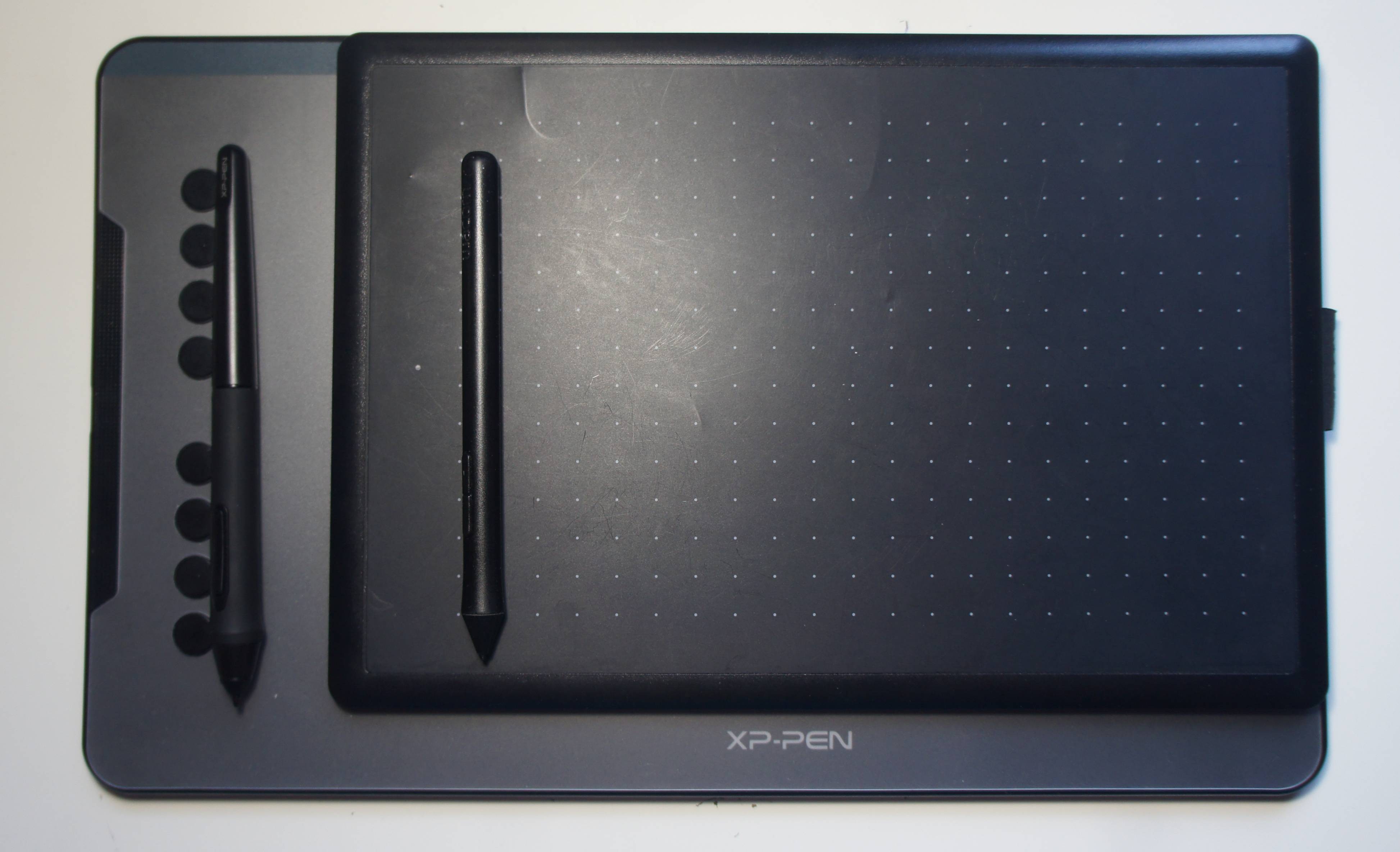
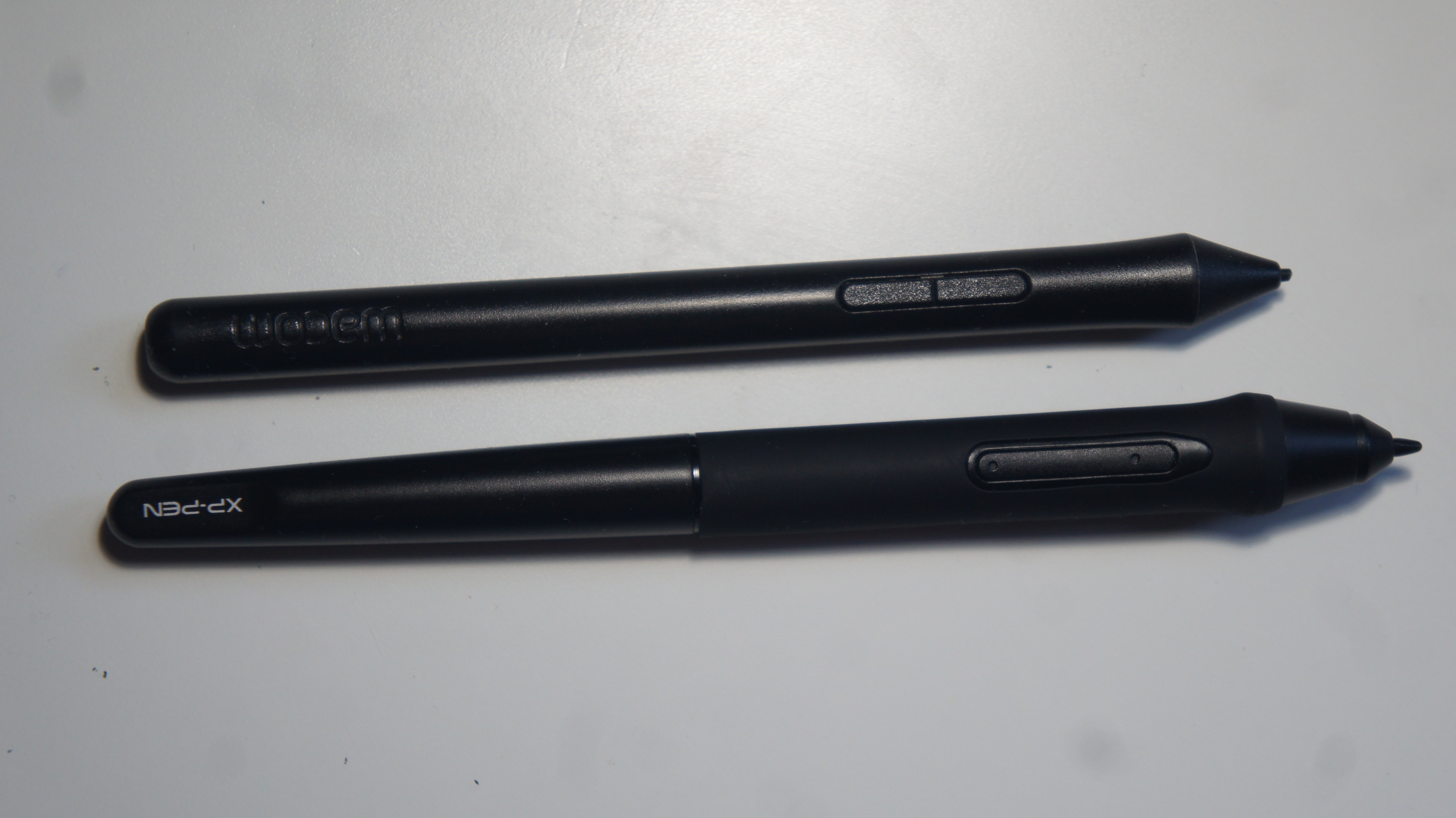
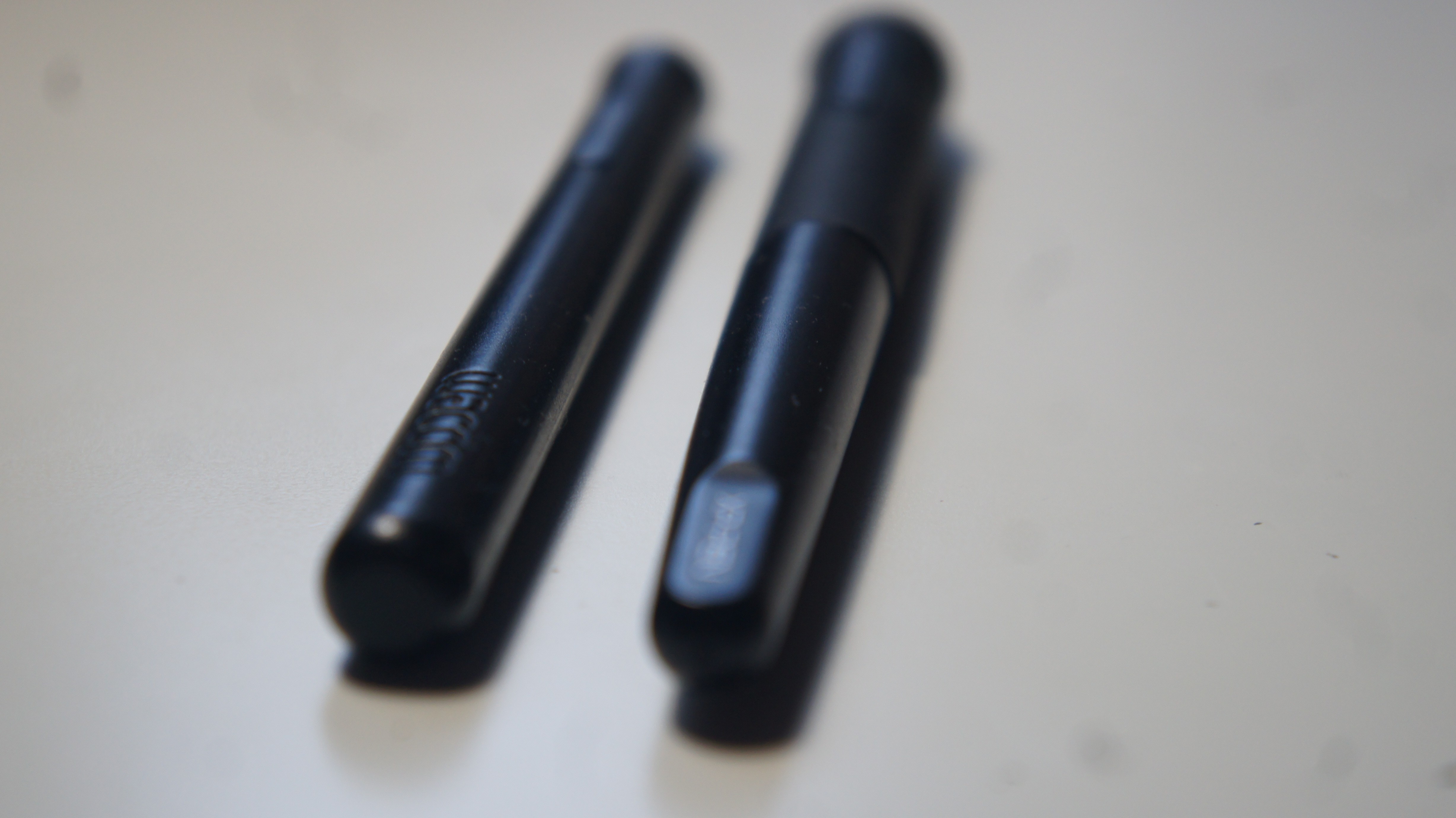
Great purchase for a first graphics tablet. Thank you Wacom for releasing models for beginners. I recommend it to novice artists and tutors. My review-comparison with the XP-PEN Deco 01v2 https://clck.ru/SqHJQ
Renowned brand.
High-quality components.
Suitable for artists, as the pen detects pressure.
Does not work out of the box. Requires setup.
Inconvenient buttons on the pen.
No buttons on the tablet.
Vladimir Malkouse Wacom One Medium few months
An excellent graphics tablet for a beginner
25 November 2019 
I bought a tablet for work on my old MacBook Pro 2009. Connecting it took some time, as I had to download older drivers from the website, but in the end, it works smoothly, both on the laptop screen and the monitor. There are no glitches, no slowdowns, and no lags when using it. The tablet is beautifully made, the pen is large enough and convenient for work. It’s not heavy, compact, and not expensive, exactly what I was looking for. I use it for retouching photos, removing dust, scratches, unwanted arrows, text, etc. When you pick up the stylus from the surface and put it back down, it moves to the corresponding part of the screen, rather than staying in one place like a mouse does. Beginners need some time to get used to this, but after a couple of weeks of practice, I got the hang of it, and then my productivity improved by 50%. Now it takes me much less time than I used to spend when retouching with a mouse or trackpad.

You can adjust the pen pressure and transfer hotkeys from applications. The downsides are the insensitivity to tilt and the power cable sticks out from the left side, when it would be better positioned on the long top side of the tablet.
The tablet doesn't glitch, slow down, or lag. It is beautifully made, and the stylus is large enough and convenient for work. It is not heavy, compact, and not expensive. An ideal option for photo retouching, removing dust, scratches, and unwanted marks, text, etc. You can adjust the stylus pressure and transfer hotkeys from applications.
Insensitive to tilt and the power cable sticks out on the left side when it would be better located on the long top side of the tablet.
Yuliyause Wacom One Medium few months
3 out of 5 user review(s) shown
2 more user review(s)
Video reviews