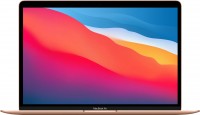
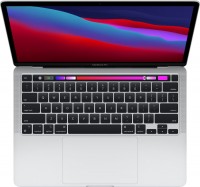
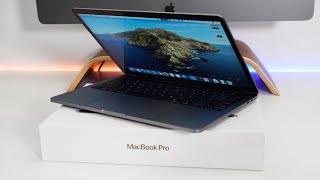
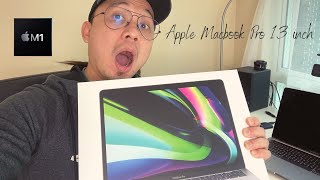
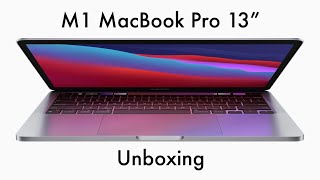
Apple MacBook Pro 13 2020 M1
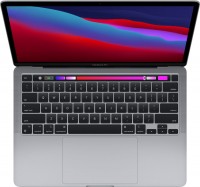 | Display:13.3 ", 2560x1600 (16:10) CPU:Apple M1, 3.2 GHz Graphics card:M1 8-Core RAM:8 GB Storage:SSD, 256 GB / 512 GB Laptop weight:1.4 kg |

| MYD82 | Apple M1 | 8 GB | M1 8-Core | 256 GB | MacOS | £419.00 .. £785.00 | Compare prices 4 | |||
| MYD92 | Apple M1 | 8 GB | M1 8-Core | 512 GB | MacOS | £580.00 | BackMarket.co.uk | |||
| MYDC2 | Apple M1 | 8 GB | M1 8-Core | 512 GB | MacOS | £600.00 .. £1,300.00 | Compare prices 4 | |||
| MYDA2 | Apple M1 | 8 GB | M1 8-Core | 256 GB | MacOS | £695.00 | BackMarket.co.uk |
The impressively powerful and lightweight ultrabooks from the Apple MacBook Pro 13 family feature innovative 8-core Apple M1 processors, which use ARM architecture and advanced technology with 5nm process standards. The main feature of the models in this lineup is their high computational and graphic performance, successfully combined with impressive battery life.
Any of the models in the family provides up to 17 hours of autonomous web surfing or up to 20 hours of video playback from the Apple TV app, which significantly exceeds the specifications of all previous MacBook Pro models based on Intel processors. The Apple MacBook Pro 13 (2020) M1 laptops will be an excellent choice for creative users involved in graphic design, programming, and the professional processing of high and ultra-high resolution photo/video materials.
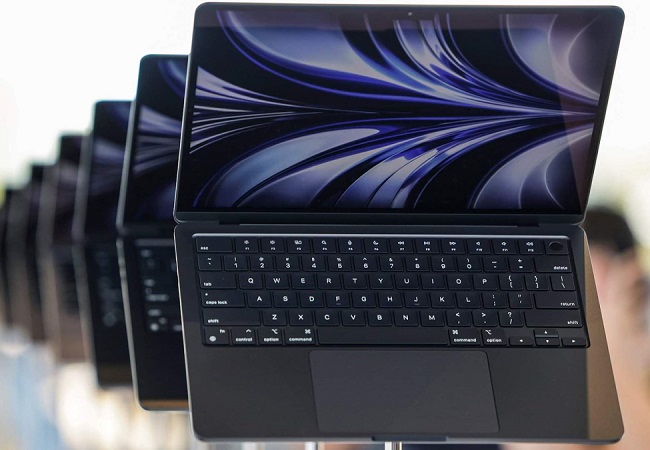
The MacOS Big Sur operating system guarantees a high level of security, which is important for the confidentiality of personal data and business-oriented tasks. All models are equipped with 13.3-inch IPS screens Retina Display with a light sensor, True Tone function, and flawless color accuracy (Pantone certified). Thanks to the modest dimensions of the aluminum body, 16 mm thick, and lightweight (1.4 kg), these laptops are ideal for frequent carrying and will not be a burden on a trip, travel, or business trip.



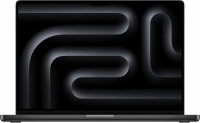

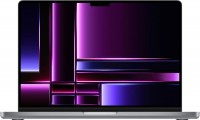












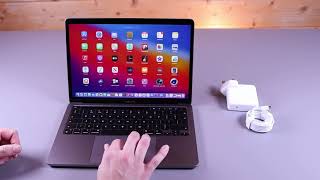


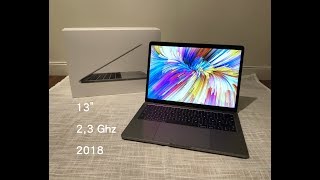




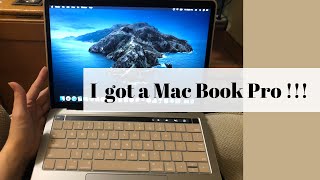











0 1 1 6 |
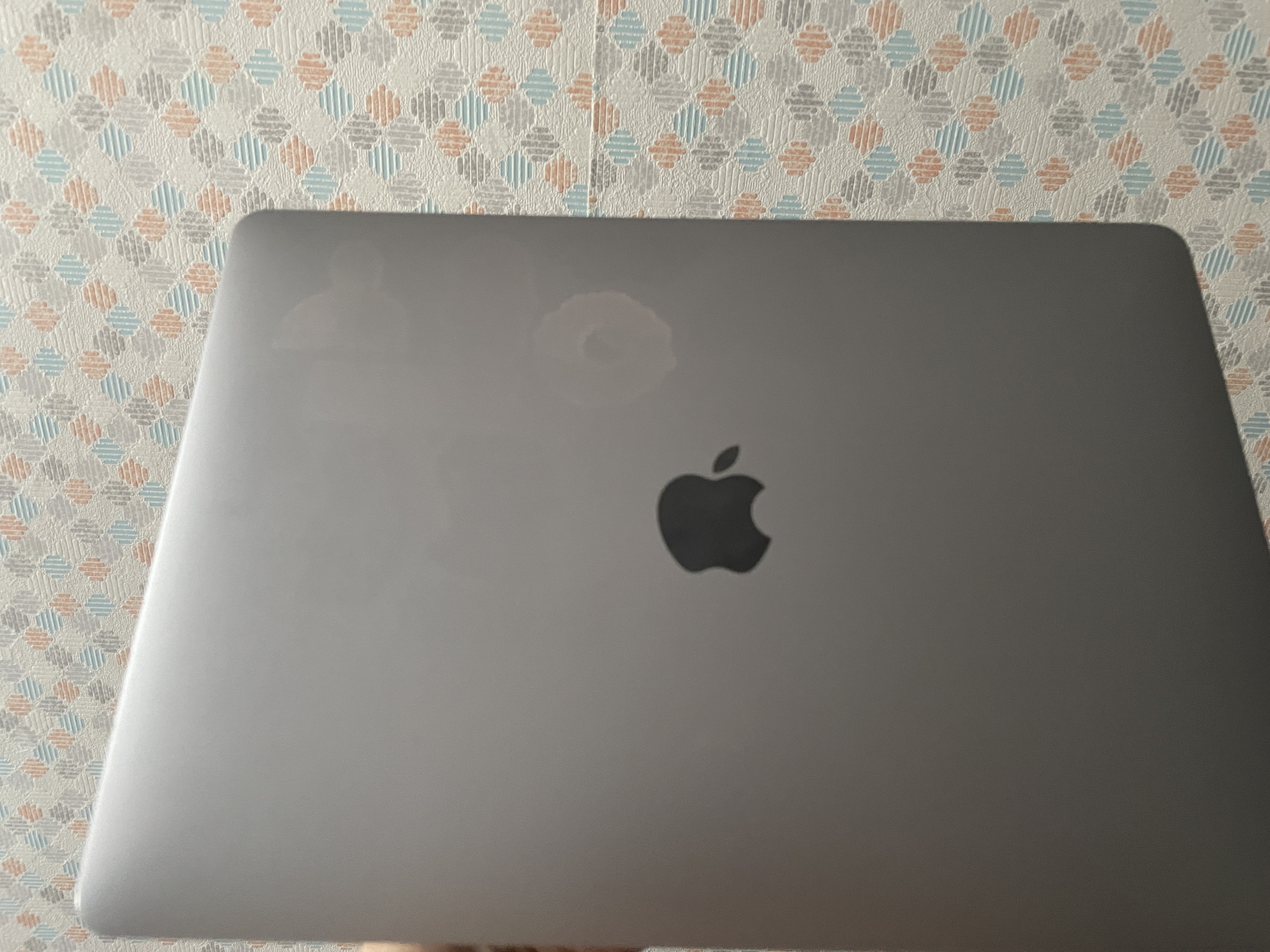
This is my first experience using anything other than Windows, so I'm writing a review based on my initial impressions after using this device, to be at least a little objective, as first impressions often overlook all the downsides. I got it for studying and light work (editing, Photoshop, document work), but after a week of use, I can only say that my plans changed because this, and I'm not afraid to call it a machine, handles even more complex tasks than my desktop PC (although they are roughly the same age), so this Mac became my main workhorse, especially with the frequent power outages in my city; its battery life never seemed more necessary. For future buyers, I'd like to note that if your tasks surpass basic video editing or light Photoshop, I highly recommend getting the version with 16GB of RAM, as 8GB is sometimes critically low. I was also worried about the size when choosing the laptop, but 13 inches is more than enough for comfortable work. First of all, the first impression is made by the design and its execution, no matter what anyone says. However, after gaming laptops with RGB lighting on almost every part of the body, made of plastic, the size of a concrete slab, and weighing about the same, the Mac feels like a feather. Its lightness and compactness make it very easy and extremely comfortable to transport in a small backpack when traveling. I also liked the keyboard and screen; it's very pleasant to write texts on it (although the arrangement of some keys and combinations is sometimes terrible, but this can be changed in the settings), and watching movies and working with colors is quite pleasant, even though it is not OLED. Also, the gestures are simply incredibly implemented, after Windows laptops, it's just something unreal. Overall, the system is quite convenient in certain aspects, although I still cannot get used to the file system. However, I got used to everything else in just a few hours of use. So I think there's no need to worry about switching to a new system, the difference is not that big. The camera is more or less acceptable, suitable for ZOOM, and a pretty good microphone. The sound is quite good for its price, although once the speaker crackled, but after restarting it didn't happen again. I can also attribute the "Apple ecosystem" to the advantages; however, I only actually use the shared photo library and AirDrop. I'm somewhat disappointed by the small number of ports. I think it would be much better if they added another Type-C next to the headphone jack, or at least replaced it. It's really inconvenient when the cord bends during simultaneous working and charging. I'm also concerned about the screen and what might happen to it if it gets wet, but if you use the Mac carefully, I think it won't be an issue (at least I hope so). Personally, I find the absence of function keys inconvenient, even though you can make them permanent on the Touch Bar. It's really inconvenient not feeling them physically, so using them is practically unrealistic. Also, I don't know if it's just me, or if it works this way for everyone, but under load, the Touch Bar operates at 5 frames per second. An unpleasant experience. Also, never even consider putting stickers on it; you can see in pictures how much the spot contrasts after it's removed and how much it ruins the look.  Maksim Yepur: use Apple MacBook Pro 13 (2020) M1 few months Maksim Yepur: use Apple MacBook Pro 13 (2020) M1 few months |

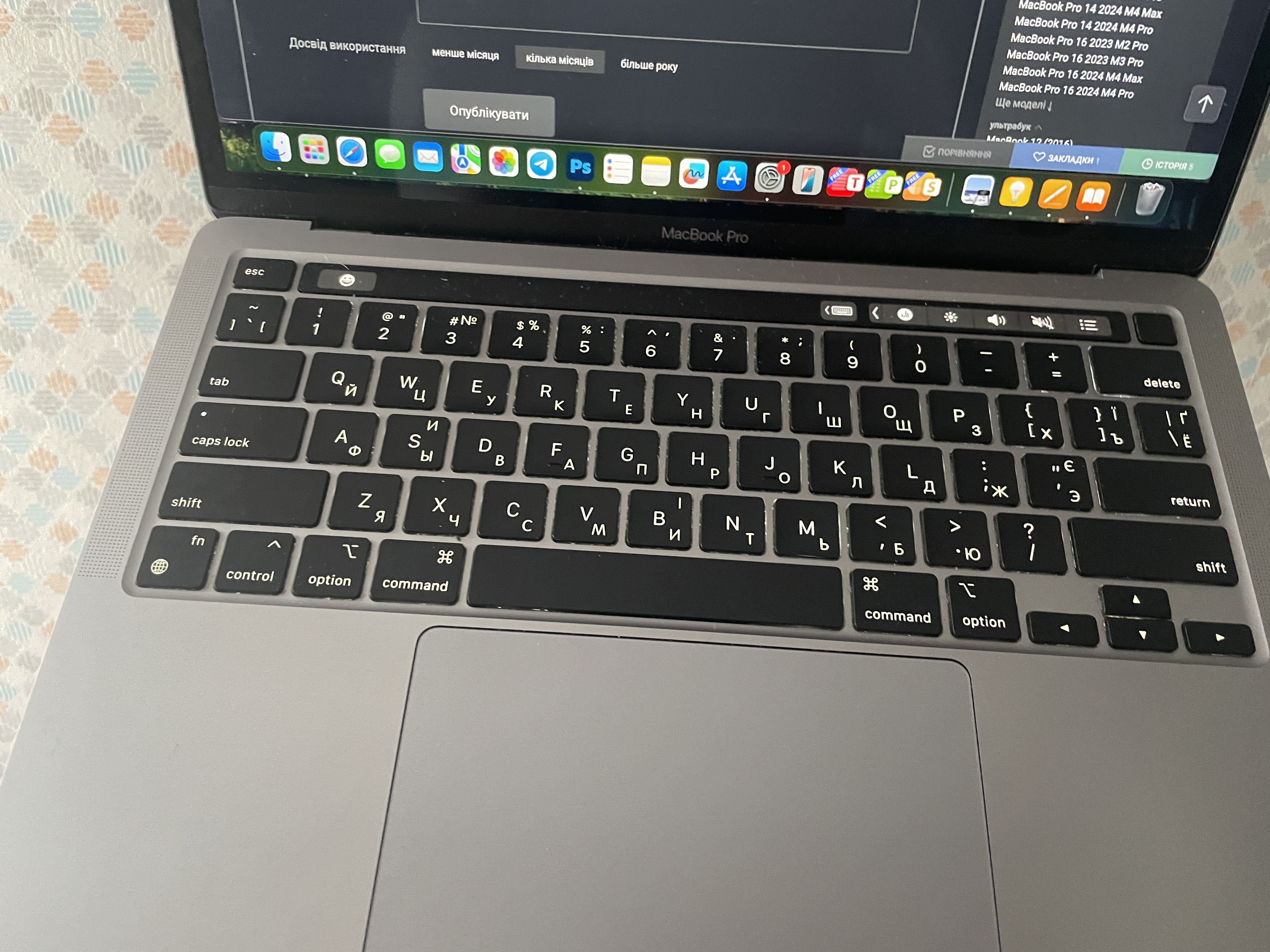
Personally, I'm not a fan of Apple products due to their inflated prices, but I'm 100% satisfied with this purchase. I have experience using iPhone, Apple Watch, and Pro model headphones, but there was always a feeling of a huge overpayment for the brand without valid justification. Regarding the laptop - there was no such feeling at all. I bought this laptop because I need to work constantly on a laptop due to my job, and charging Windows laptops every 2 hours during productive use is not an option when the power goes out. Currently, I'm using several laptops simultaneously, and here's what I can say: - Windows laptops are far from autonomous usage! On Windows, you inevitably want to connect a mouse for comfortable use and plug it in to get maximum power. (Dell, HP – top office laptops of 2022). Using a Mac is much more convenient autonomously due to the excellent touchpad with great integration in macOS. - Macs before M1 – aren't worth considering at all. I'm also using a MacBook Pro 2019 15' with an i7 processor. The battery life is similar to Windows laptops, lasting about 1.5-2.5 hours in my usage mode. However, the advantage is that the 15' has louder speakers and ports on both sides (which is convenient if you're working from different places and don't need to rotate the laptop for the charging cable to reach the port). - Macs with M1 and newer. The combination of runtime and power is an advantage that's hard to overshadow. In my working mode, the laptop lasts for 8-12 hours on a single charge. - Touch Bar - Type C ports are only on one side, while in the 15' model, ports are on both sides, allowing convenient charging from different sides - The speakers are quieter than on the 15' Serhiy SS: use Apple MacBook Pro 13 (2020) M1 more than year |
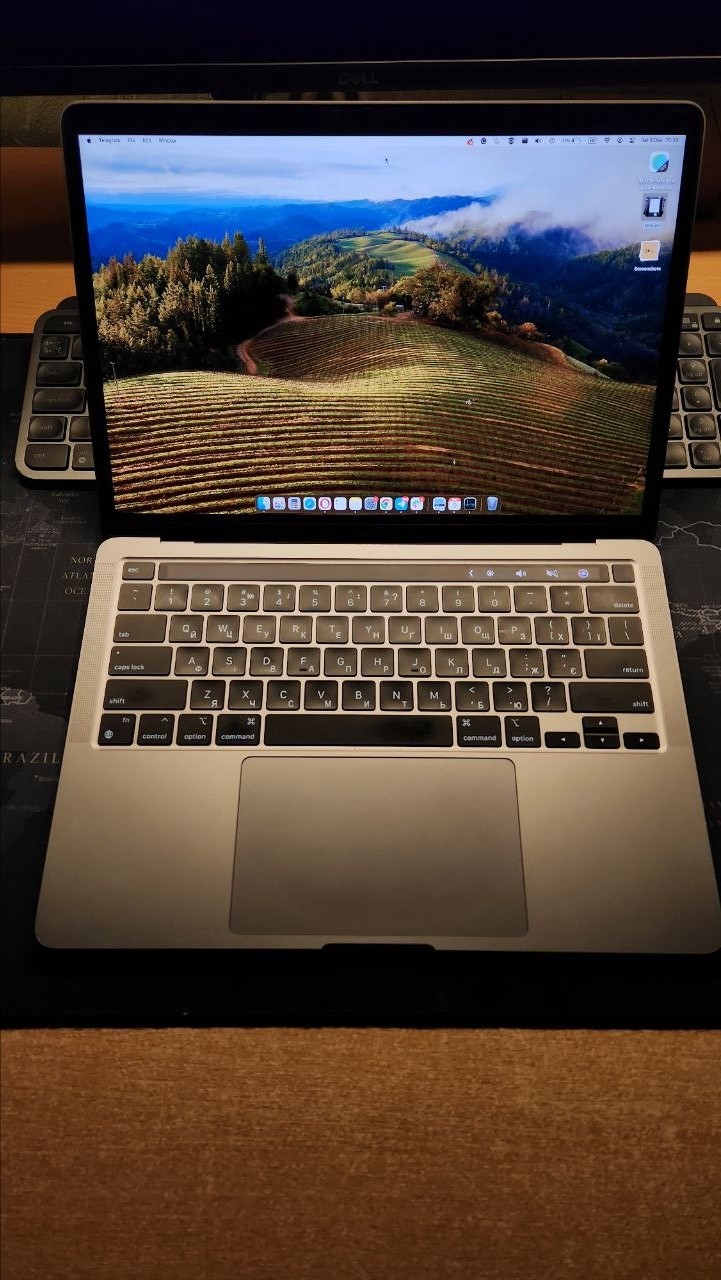
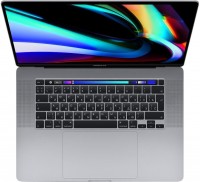
So, this is the first laptop from Apple that I've used, before this I only used a Windows computer. The battery life is really long, I was browsing, watching videos, recording the screen for over 90 minutes, playing games from the App Store for a few hours, attended a Zoom conference, and the laptop lasted about 15 hours! During surfing, watching videos, and coding, it lasts about a day. The result is impressive! I have the 8/256 version and it's enough for me with all the installed games and software. I liked the laptop because it is sturdy, has powerful sound, an amazing display, and wide viewing angles, with enough brightness to work on a sunny day. The keyboard is almost perfect, with low and quiet key travel, pleasant backlighting, but after keyboards for Windows PCs, you have to get used to the new key layout. The power button also has a built-in TouchID fingerprint scanner. Above the keyboard, functional keys are replaced by a touch bar, which can perform their role and also system, application, etc. management functions. The laptop has a large trackpad - it's convenient and supports many gestures. The laptop has powerful sound with quite loud speakers. The microphones (there are 3 of them) are studio quality and sound good. The camera is well-suited for conferences and calls, you could even run a podcast or stream. The laptop is silent, I haven't had to run the cooler even once. I was doing web development and played a few games (Dota, CS GO, Tanks), the laptop handles Dota and Tanks smoothly, but with CS it was a bit laggy, perhaps due to the internet, or maybe it's the old CS engine's fault. A major drawback is the bug with the "Globe" (on new MacBooks with the M1 processor, Google "globe key issue"), the problem is that about 20 minutes after turning on the MacBook, you lose the ability to switch languages with the globe key. In such cases, you can use the Control+Space shortcut. Another downside is the new keyboard layout, with some keys swapped, which is inconvenient after using a Windows keyboard. The placement of the two USB4/Thunderbolt3 ports on the left is also a downside. They could have placed one on the left and one on the right, or added another one on the right side near the 3.5 Jack port. It's impossible to simultaneously record sound from the microphone and desktop; you have to install third-party software. I encountered an issue where files disappeared from the downloads and one program, VS Code, self-destructed. When closing programs with the cross button, data might not be saved, so you need to close them using Command+Q.  F: use Apple MacBook Pro 13 (2020) M1 less than month F: use Apple MacBook Pro 13 (2020) M1 less than month |