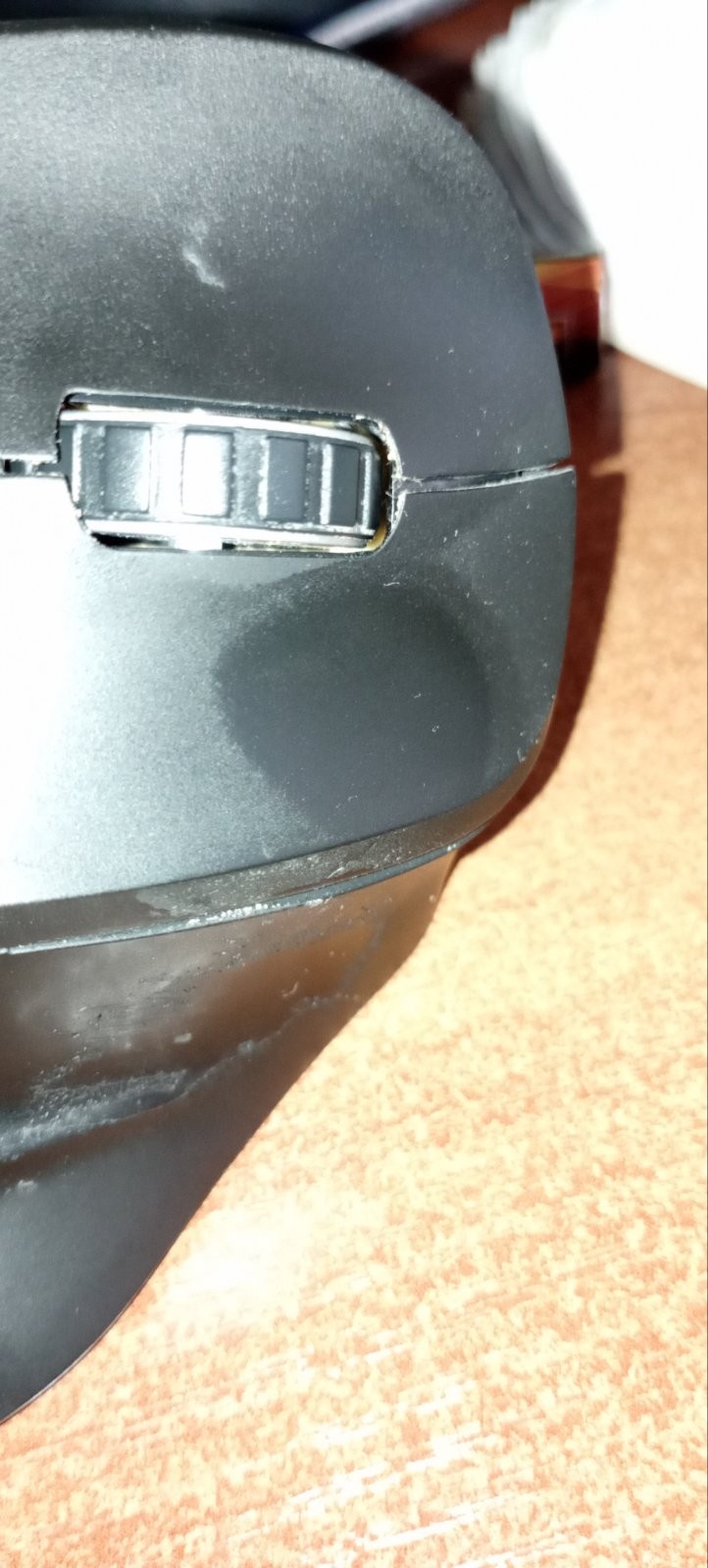
Canyon MW-16
 | When you make a purchase through links on our site, we may receive a affiliate commission. Buy! Canyon CNS-CMSW16B mouse Office Ambidextrous RF Wireless Optical 1600Pcnova.co.ukDelivery: in United Kingdom Report |

Canyon MW-16 | |||||||||||||||||||||||||||||||||||||||||||||||
|
| ||||||||||||||||||||||||||||||||||||||||||||||


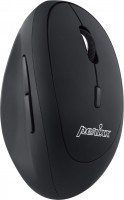
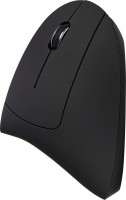
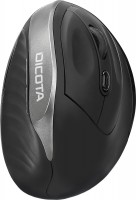
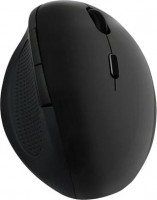
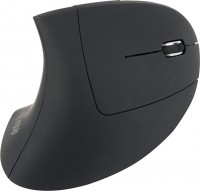
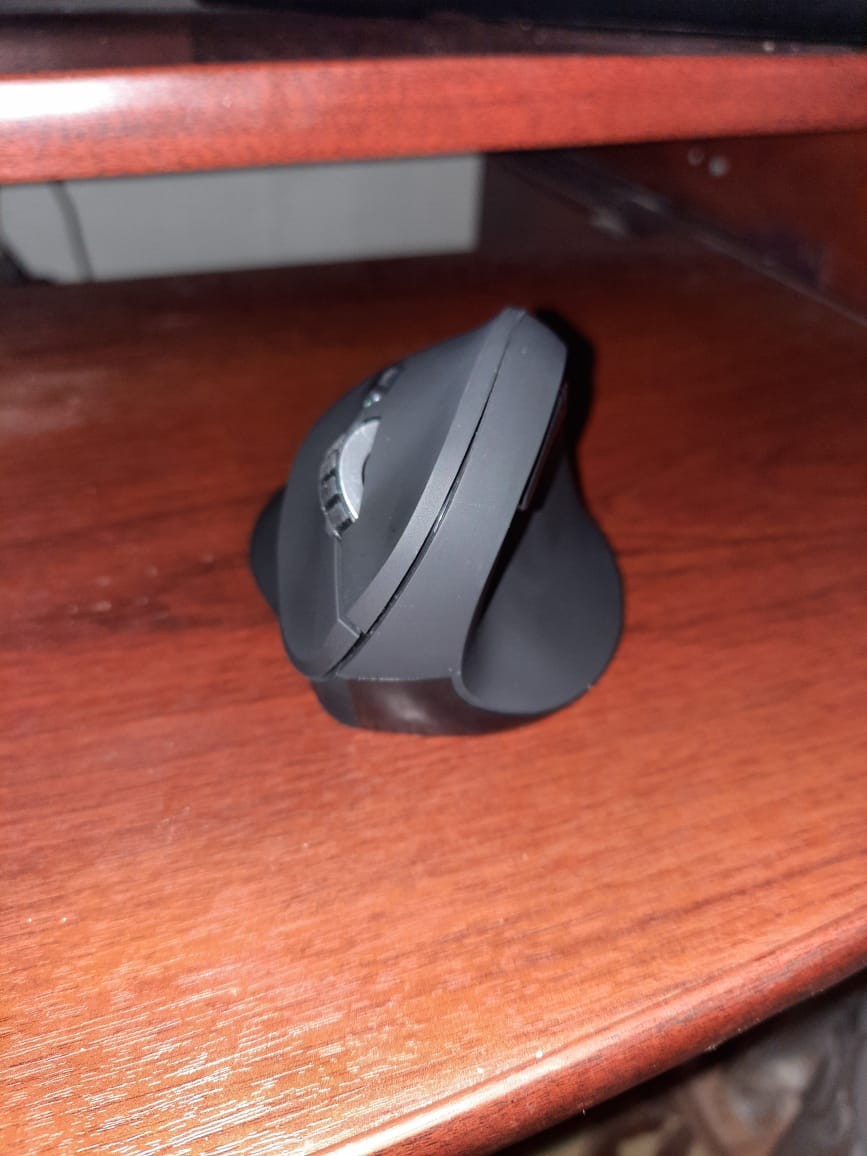
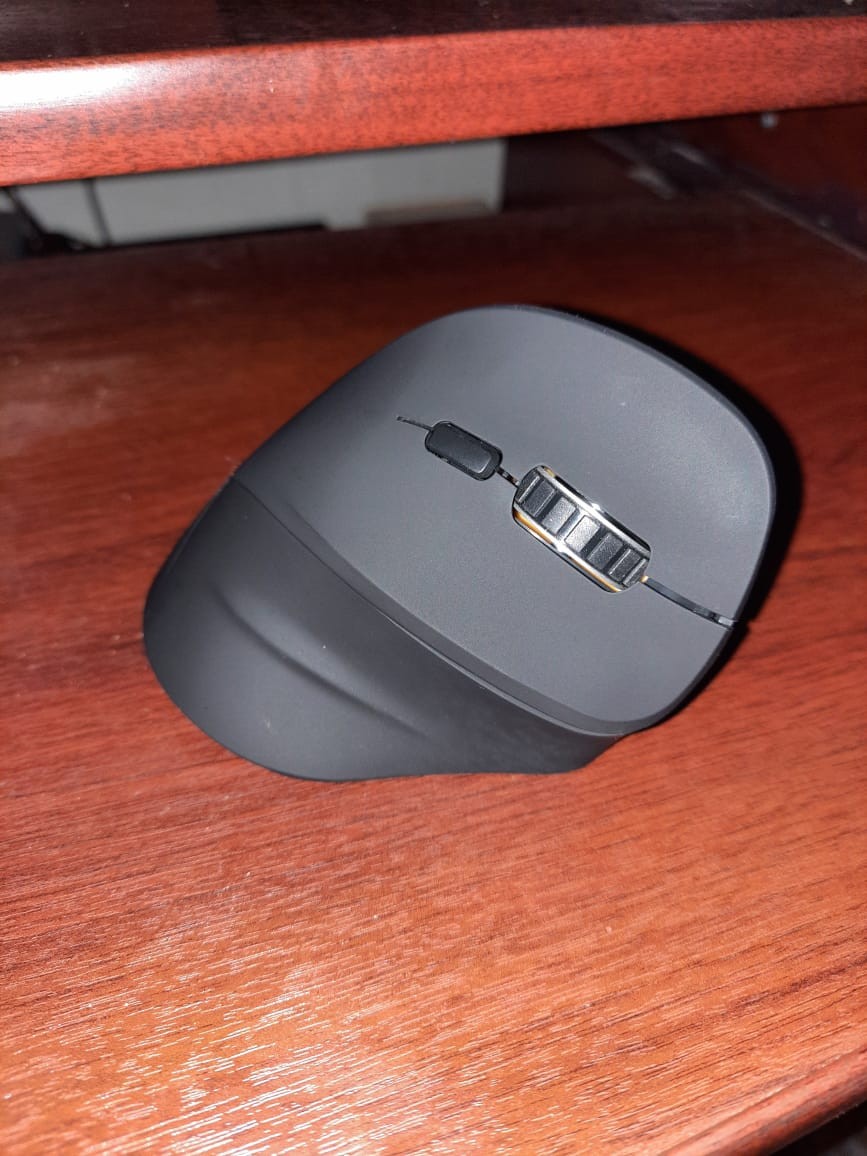
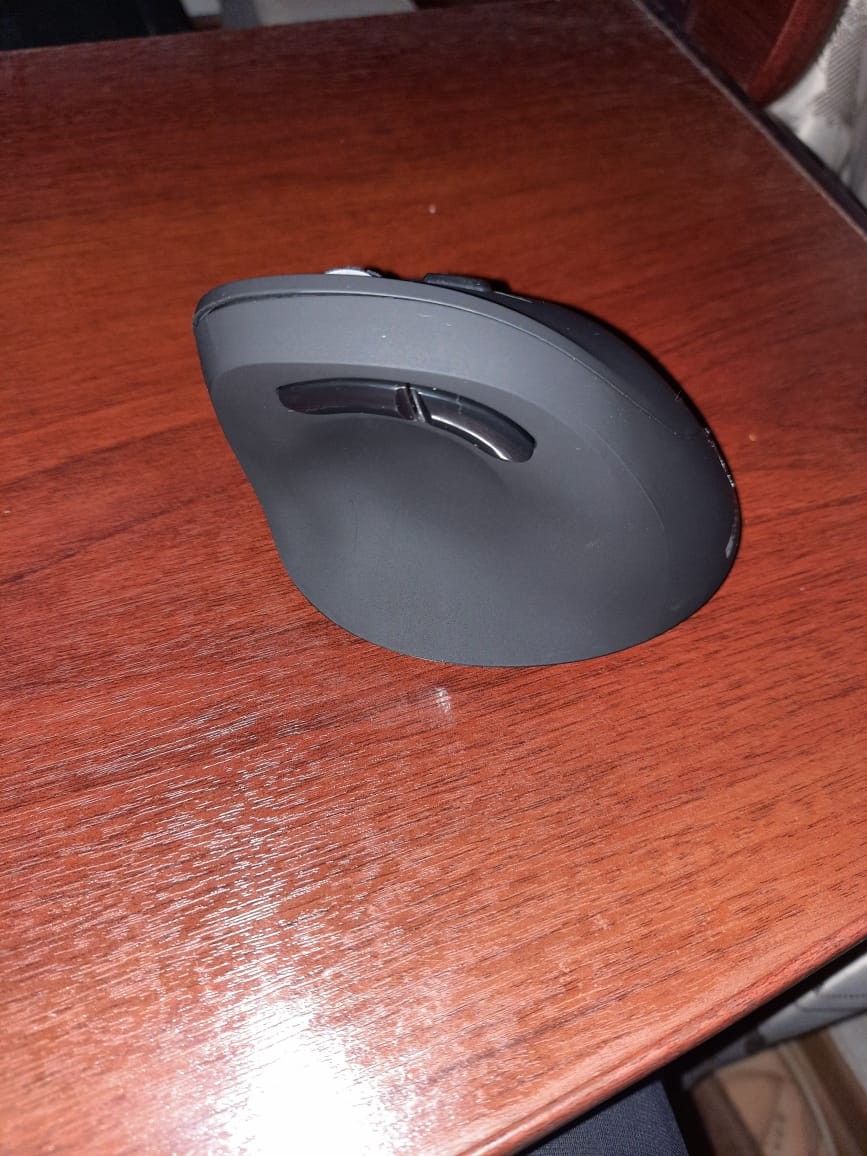
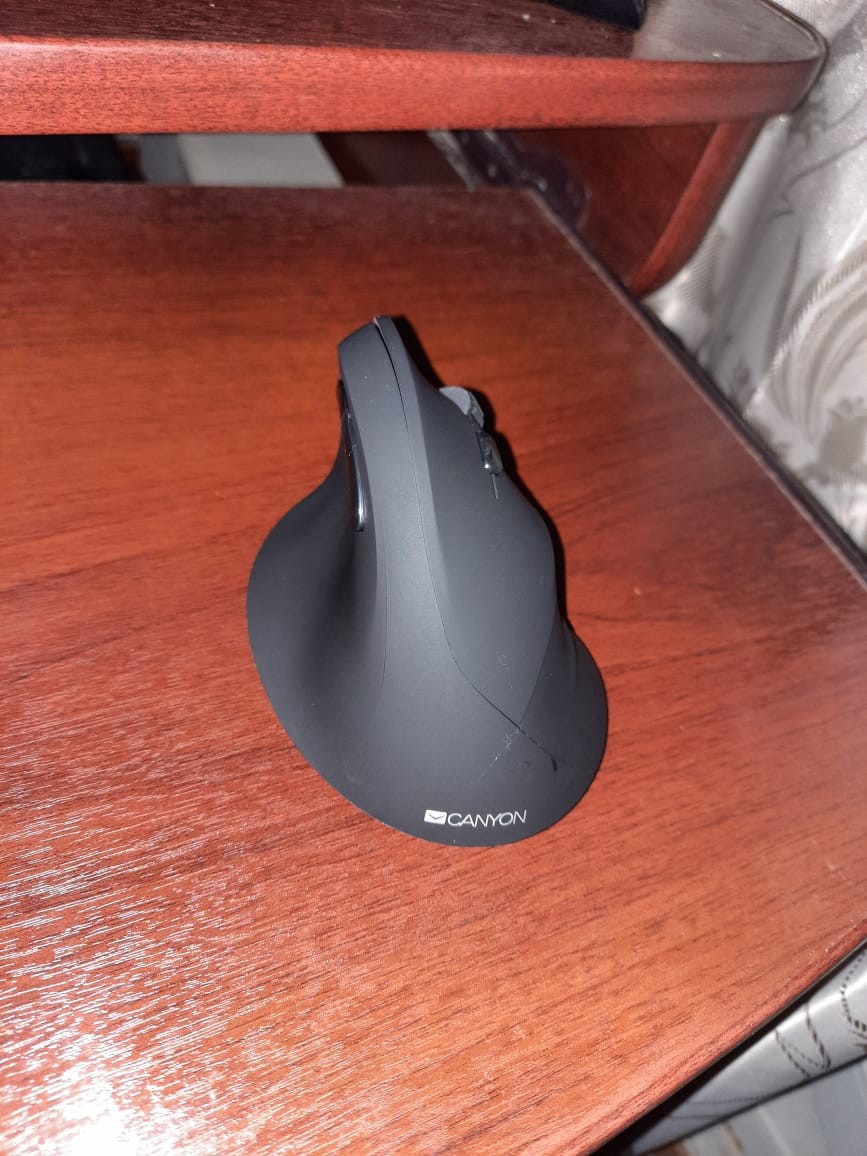
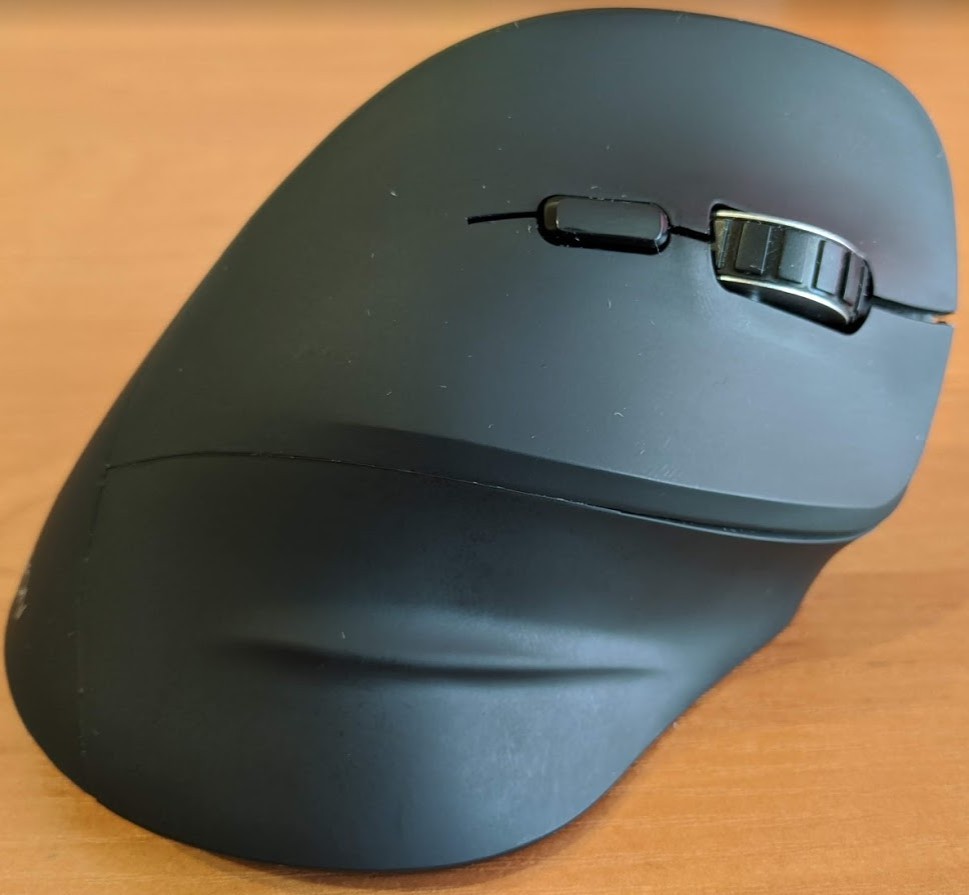
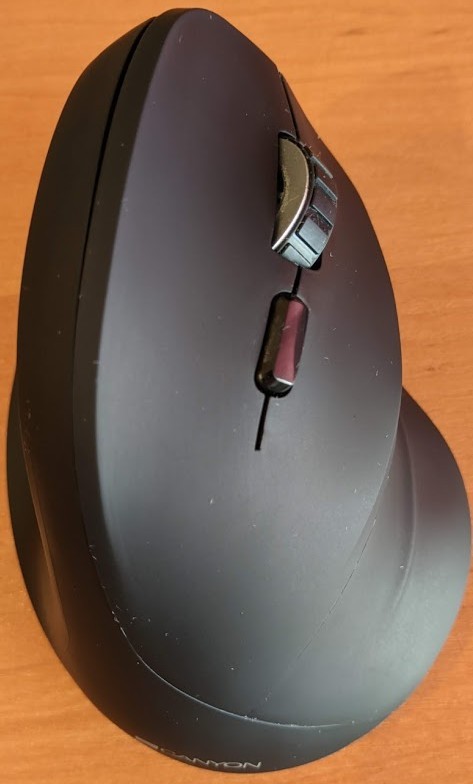
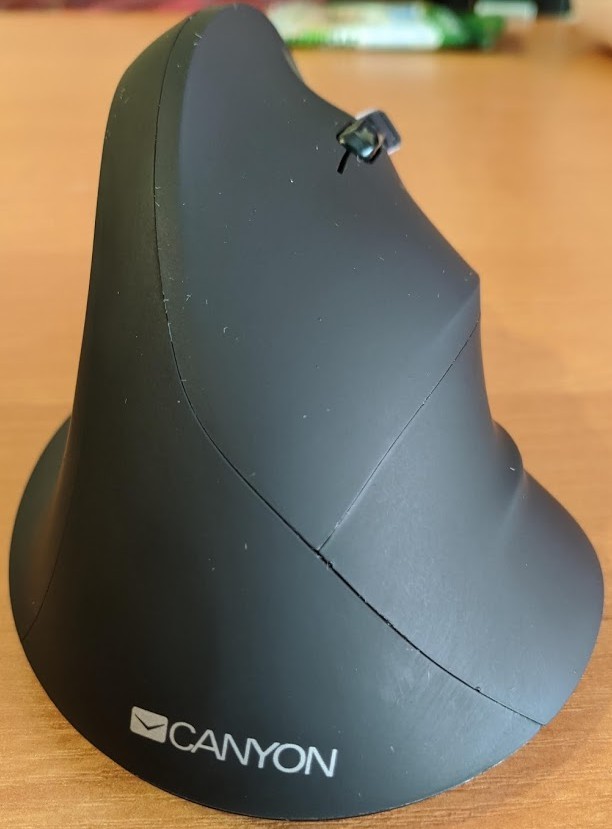
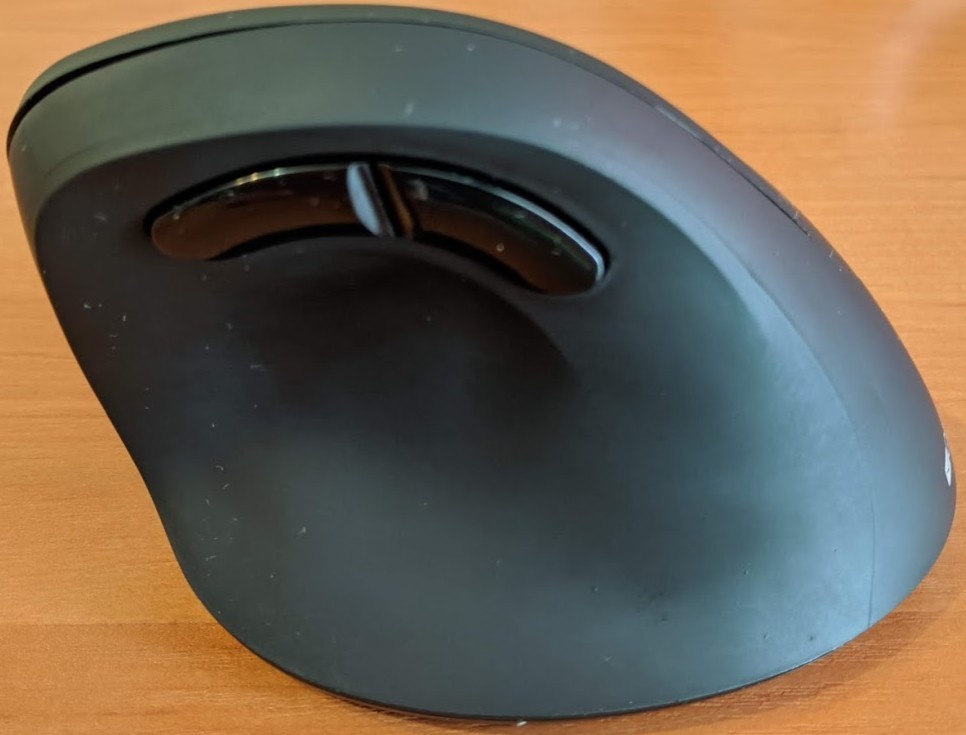
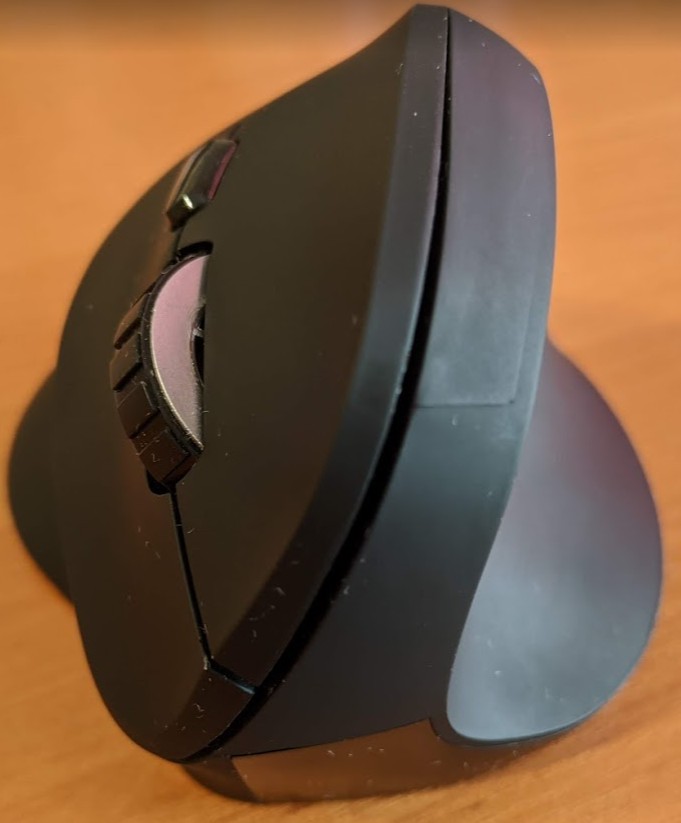
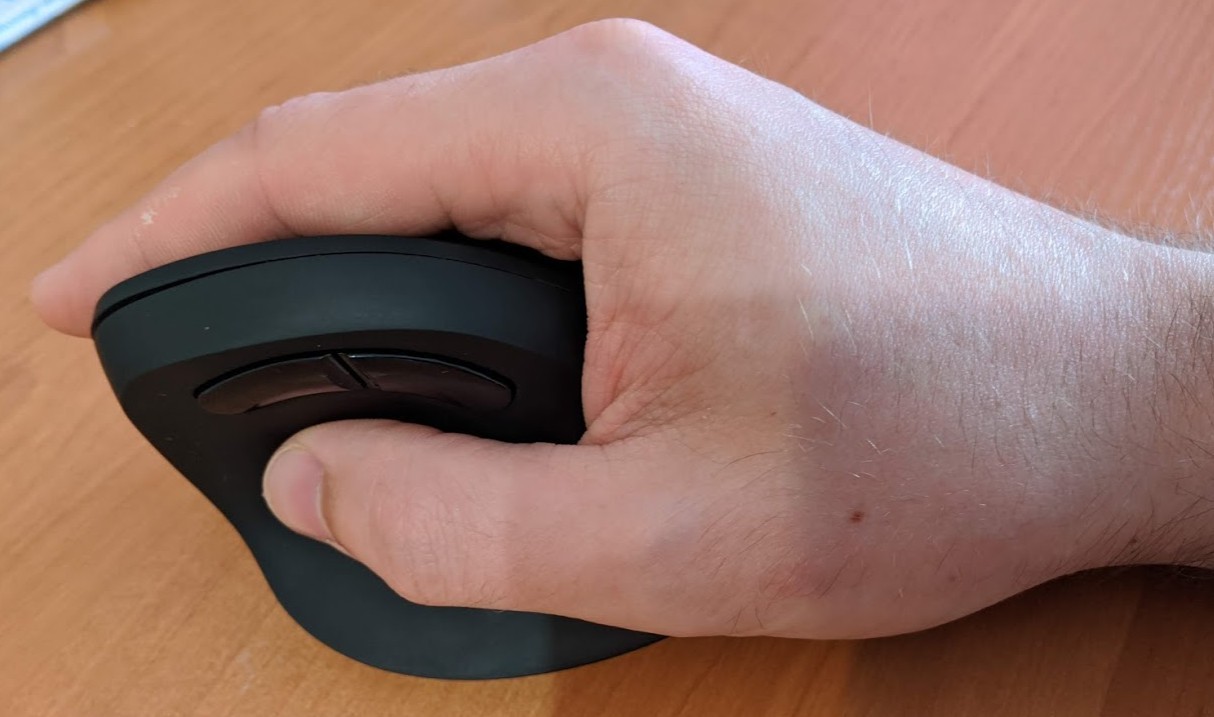
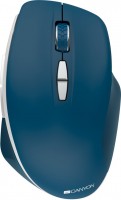
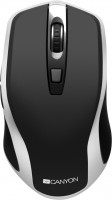
Stylish and highly ergonomic 5-button universal mouse with original external design and wireless connection. The high body of a special form provides an inclined position of a hand. This position of the hand is considered as natural as possible and avoids a common painful syndrome (carpal tunnel syndrome, manifested by numbness of the fingertips and pain in the wrist). I must add that such a grip for most users may seem unusual, and it will take some time to get used to its effective use.
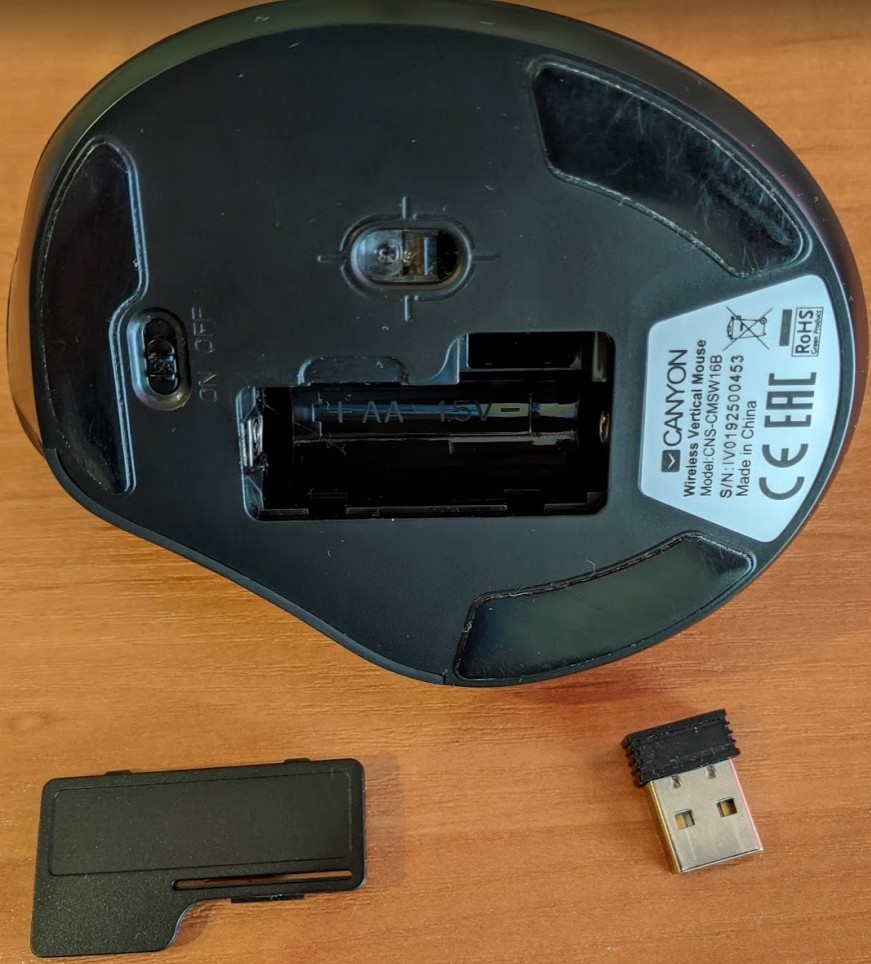
This is due to the fact that the palm rests on the surface of the body and to move the Canyon CNS-CMSW16 mouse, you have to move the entire wrist, and not just rotate the brush. The shape of the body of this model provides a comfortable thumb rest and a tactilely pleasant rubberized coating improves grip. The two buttons on the left are for forward and backward navigation. On the bottom surface of the mouse are small Teflon gliders, a power switch and a compartment for an AA battery. This model is suitable for any office work and comfortable surfing. Thanks to the ability to adjust the sensitivity of the PixArt 3212 optical sensor (800/1200/1600 dpi), the mouse allows you to work effectively in serious professional applications for creating and processing digital content.
Always clarify the specifications and configuration of the product with the online store manager before purchasing.
Catalog Canyon 2026 - new arrivals, bestsellers, and the most relevant models Canyon.

















2 0 1 1 |
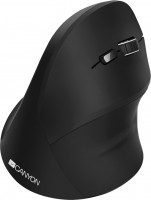
The description of the Canyon CNS-CMSW16B on the manufacturer’s website states that it has a rubberized coating. It is not true. There is a very slippery soft touch plastic. The mouse is really convenient, but it takes some getting used to. Slippery in a dry hand. When lifted, it tends to slip out, and the shape contributes to this.  Evgeniy: use Canyon MW-16 less than month Evgeniy: use Canyon MW-16 less than month |
This is my first vertical mouse, the work is such that I sit at the computer for many hours and actively work with the mouse, over time, working with a regular mouse, I got the feeling that I was twisting my arm. I decided to buy this one and never regretted it, I did not expect such quality for this price. I thought that I would get used to it for a very long time, but no, after a day of work I had to get used to a regular mouse. When using, the elbow should lie on the table or armrest, otherwise it will not work the hand, but the forearm and this is stressful. You can also put your hand on the mouse in different ways, you can put it so that the brush does not touch the mat at all, but it’s more convenient for me when part of the hand still lies on the table. Very precise sensor movement; I can compare it to a gaming mouse with a 3200 DPI sensor, and this sensor is very close. High-quality soft-touch coating, and after sitting at the computer all day, my hand doesn’t sweat. The main advantage is, of course, the ergonomic tilt. No strange jumps, all clicks are precise, and I also liked how the mouse "dies" if the battery is drained; it just stops working instantly and doesn’t start glitching. It works on different surfaces and doesn't require a mouse pad, but it works better with one. It won’t work for lefties, the charge from one 2000 mAh battery lasts 2 months, it’s not critical, but I wanted it to last longer.  Bogdan K: use Canyon MW-16 few months Bogdan K: use Canyon MW-16 few months |
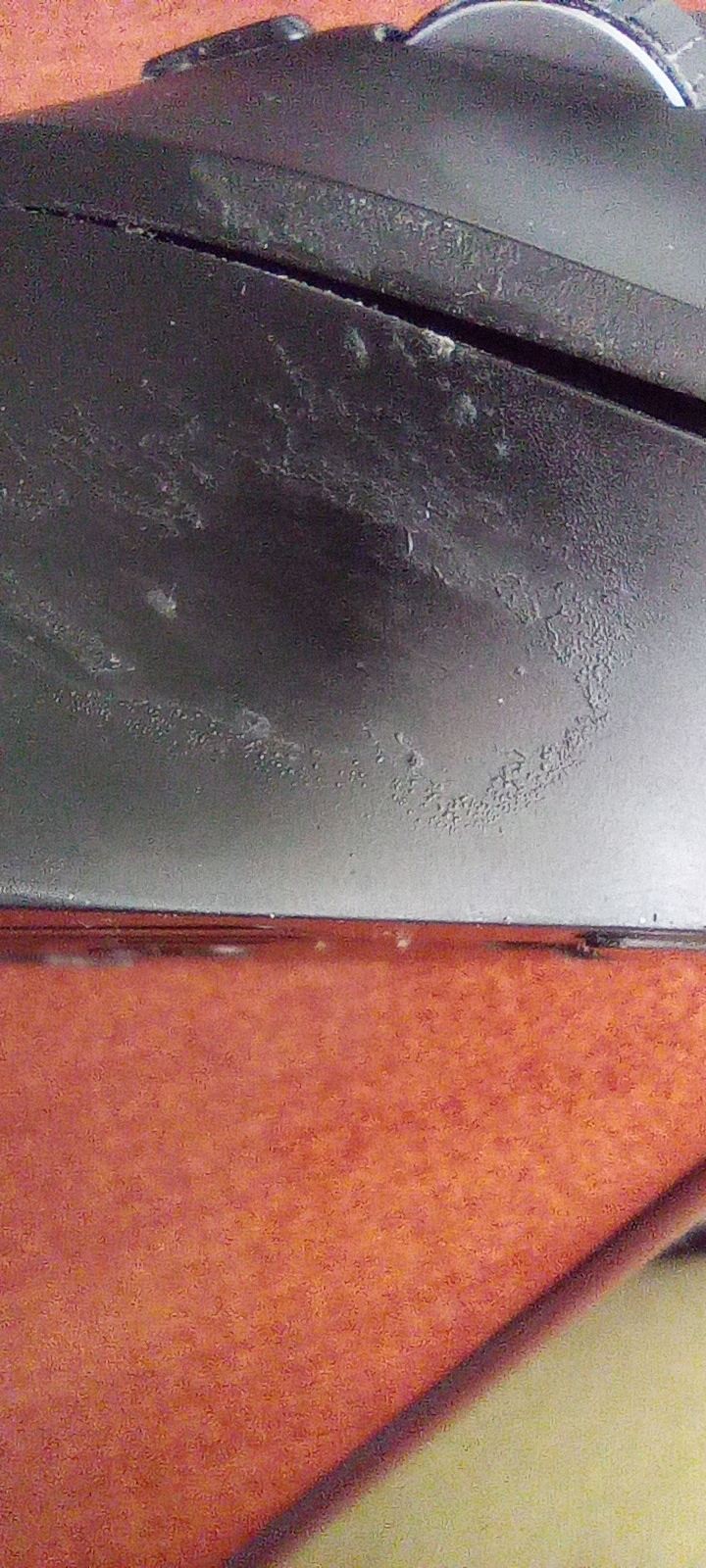
I've been using it for about half a year. The product's form factor is good, it's convenient to use, better than traditional mice. comfort while working all day, the hand does not hurt The coating under the fingers wears down to the plastic. The coating on the buttons gets polished over time. The scroll wheel is in a dire state – when you want to scroll up, it goes down, and vice versa. Scrolling down makes it jump up, and vice versa. |