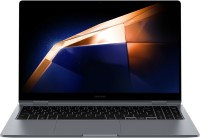
HP 15-fd1000
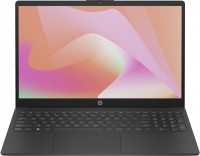 | Display:15.6 ", 1366x768 (16:9) CPU:Core 5, 120U, 0.9 GHz Graphics card:Iris Xe Graphics G7 80EUs RAM:8 / 16 GB Storage:SSD M.2 NVMe, 256 GB / 512 GB Laptop weight:1.59 kg |

| 15-fd1001nax | Core 5 | 120U | 8 GB | Iris Xe Graphics G7 80EUs | 256 GB | Win 11 Home | £817.04 | Quzo.co.uk | ||
| 15-fd1009nax | Core 5 | 120U | 8 GB | Iris Xe Graphics G7 80EUs | 512 GB | Win 11 Home | £856.13 .. £883.00 | Compare prices 4 | ||
| 15-fd1010nax | Core 5 | 120U | 16 GB | Iris Xe Graphics G7 80EUs | 512 GB | Win 11 Home | £1,065.83 .. £1,103.00 | Compare prices 4 |
Simple and unpretentious laptops in a strict office guise. The models in this family are suitable as "typewriters," for study and simple tasks, viewing multimedia content, and making video calls. That’s all they need to do. The display in the HP 15-fd1000 models consists of 15.6-inch diagonal IPS panels. The image is in Full HD resolution (1920x1080 pixels), with a standard refresh rate (60 Hz) and a quite acceptable color gamut (around 63% of the sRGB space).
The laptops work on entry-level Intel Raptor Lake-U processors — a 6-core and 8-thread Core 3 100U, a 10-core and 12-thread Core 5 120U, a 10-core and 12-thread Core 7 150U. The graphics are integrated, and the RAM ranges from 8 to 16 GB (DDR4-3200 standard). Data storage is provided by an SSD M.2 NVMe with a capacity ranging from 512 GB to 1 TB (depending on the chosen configuration).
Battery life for the family models is supported by a 41 Wh battery with HP Fast Charge function (from zero to 50% in approximately 45 minutes). The laptops have the necessary minimum of connection interfaces: a couple of full-sized USBs, one USB type C, one HDMI, and a 3.5 mm audio jack. The laptops have a mobile design measuring 19 mm thick and weighing about 1.6 kg.
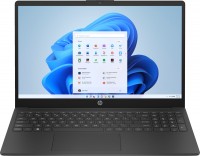
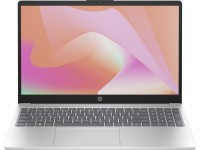
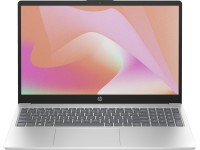
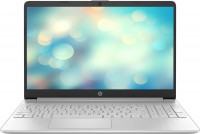
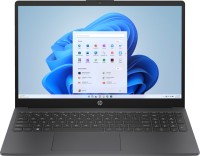
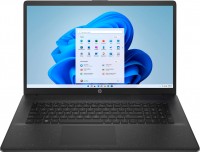


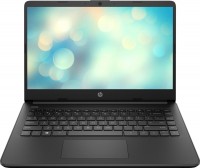
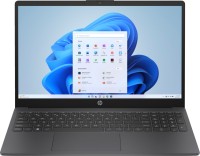


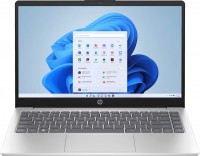






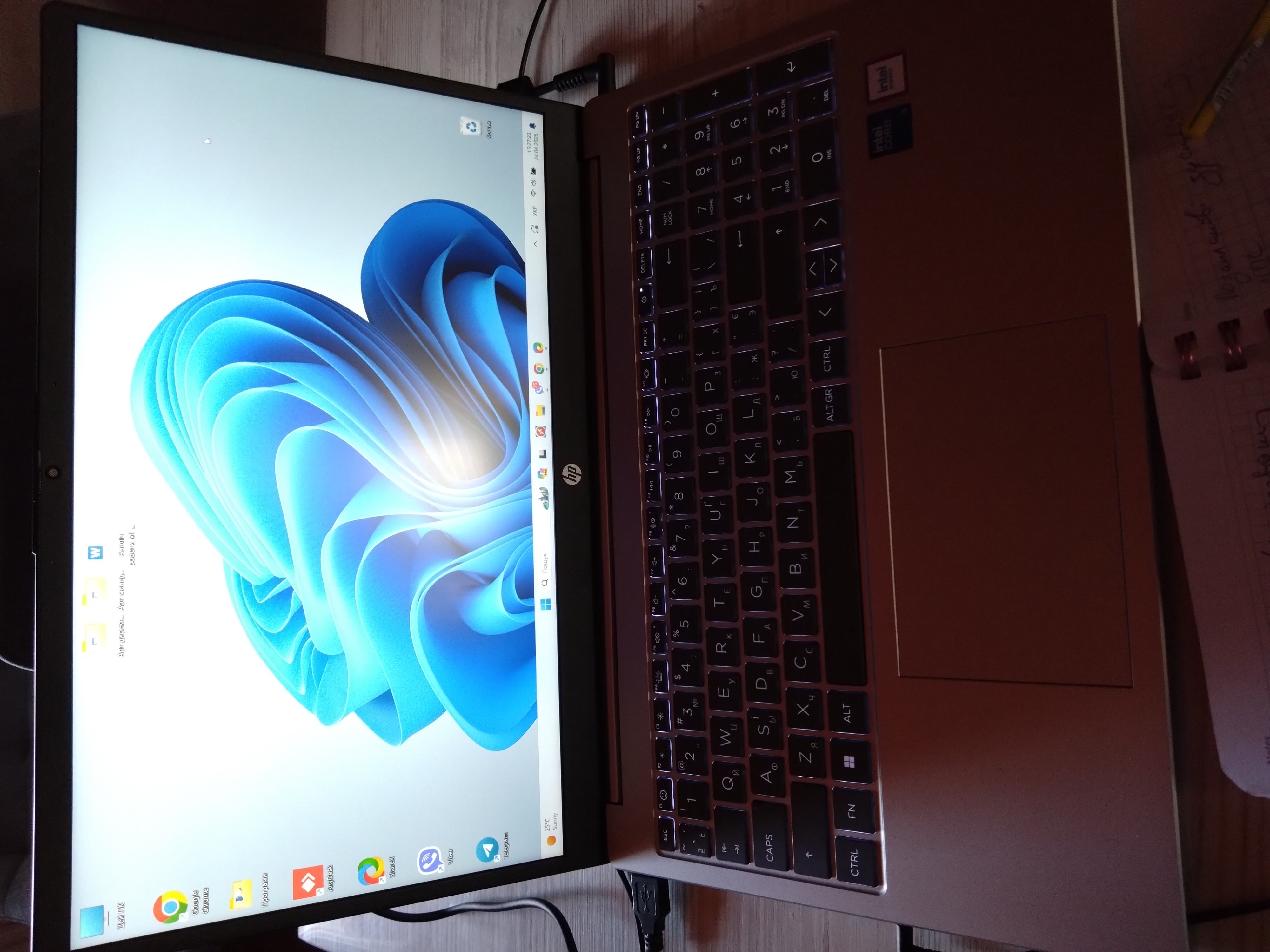
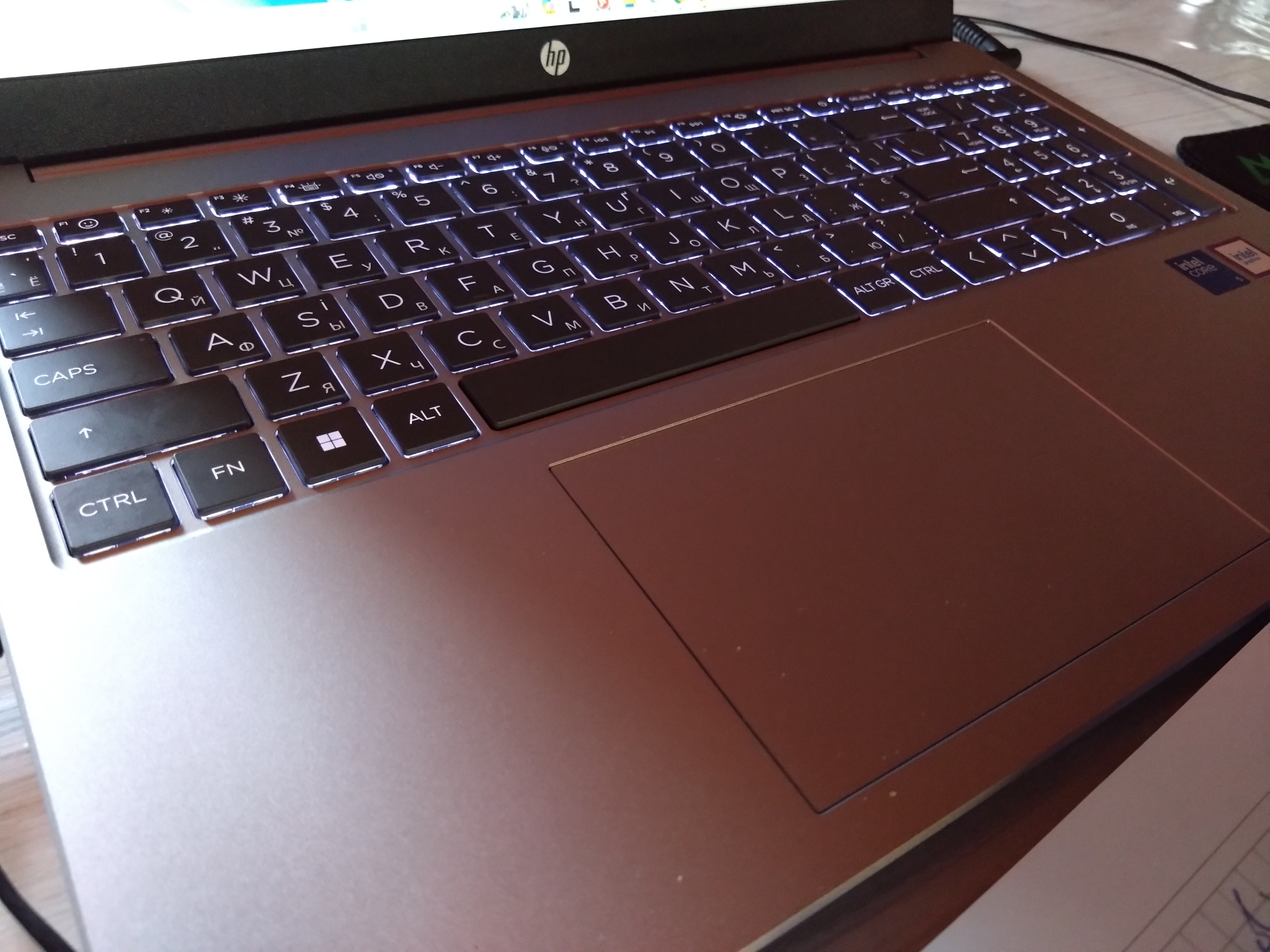
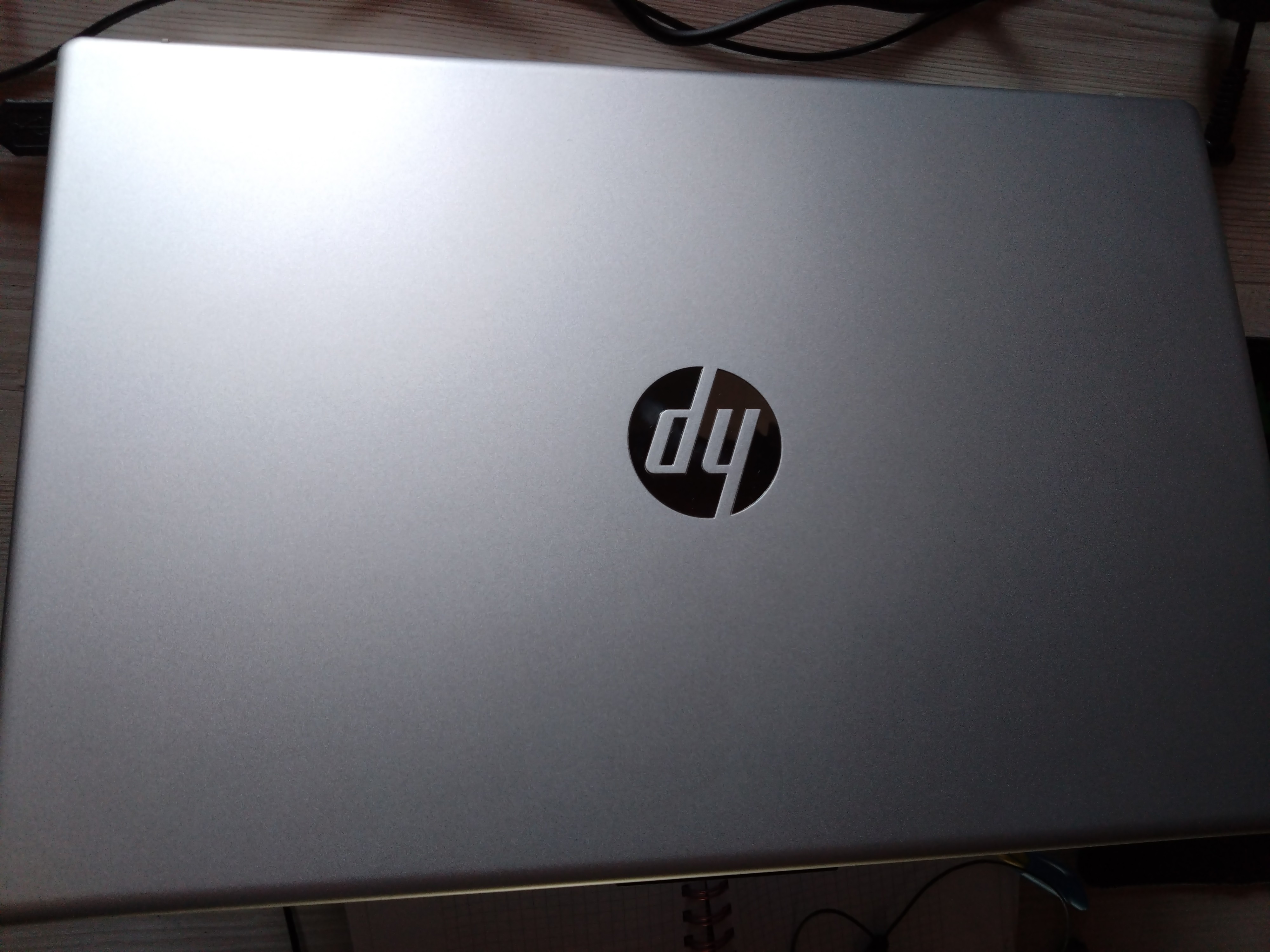
I was selecting a laptop for my wife to replace her old Lenovo. I chose this model for its price/quality/performance ratio. Overall, I liked the laptop. It has a great look, design, colors, and materials. The touchpad is large, and the keyboard is bigger than on my Asus. There's a shutter on the camera, and it's light and compact. Powerful, it handles all regular office/work tasks. The sound is very loud for such a small device. The image is high quality, with no dead pixels. Thin bezels around the screen. My wife really liked it. The drawbacks include rather high keys that are relatively loud when pressed and have significant key travel. The power button is located almost in the center of the top row of keys (not very convenient, in my opinion). The biggest frustration was with installing Windows. I already had experience installing Windows on various devices, but here I had to go through quite the ordeal. The USB drive didn't want to boot (even though I had set it as the first boot option), and then when I installed Windows 10, it wouldn't start, showing only some corrupted Linux. After some effort, I managed to get it going, but the laptop couldn't see Wi-Fi, so I decided to download drivers on my own laptop to transfer to the HP. But it turned out the drivers were only available for Windows 11. I removed Windows 10 and installed Windows 11. Went through the same hellish process. Everything fell into place after I downloaded and installed drivers for Wi-Fi, the processor, and BIOS from the USB drive; the laptop recognized the internet and took care of the rest of the settings/updates itself. After three BIOS updates, Windows started booting properly. So with both Windows 10 and 11, it booted poorly until the BIOS was updated. I don't know if it's my lack of skill, a BIOS issue, or something else entirely—no idea.  Vladyslav Medvedskiy: use HP 15-fd1000 less than month Vladyslav Medvedskiy: use HP 15-fd1000 less than month |