
Keychron K3 Max White Backlit Red Switch (K3M-A1)
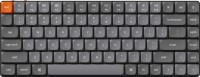 | Outdated Product Connection: Bluetooth / radio / wired; Bluetooth version: v5.1; Multi-Device; Type: for game; Form factor: 75% (compact TKL, without Num-block); Layout: ANSI; Key profile: low; Switch technology: mechanical; Switches: Gateron Red (Linear); PBT keycaps; Anti-Ghosting; #KRO: N-KRO; Fn key |


We recommend products in stockKeyboards Keychron →

play (for kids), mechanical, 75% (compact TKL, without Num-block), Bluetooth / radio / wired, backlight, RGB backlight, battery, 4000 mAh, up to 200 h
play (for kids), mechanical, 75% (compact TKL, without Num-block), Bluetooth / radio / wired, BT v 5, backlight, RGB backlight, battery, 3000 mAh

play (for kids), mechanical, 75% (compact TKL, without Num-block), Bluetooth / radio / wired, backlight, RGB backlight, battery, 4000 mAh, up to 600 h
play (for kids), mechanical, 75% (compact TKL, without Num-block), Bluetooth / radio / wired, BT v 5, backlight, RGB backlight, battery, 2500 mAh, up to 30 days

play (for kids), mechanical, 75% (compact TKL, without Num-block), Bluetooth / radio / wired, BT v 5, backlight, screen, RGB backlight
play (for kids), mechanical, 75% (compact TKL, without Num-block), Bluetooth / radio / wired, BT v 5, backlight, RGB backlight, battery
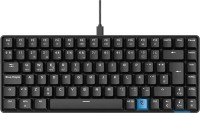
play (for kids), mechanical, 75% (compact TKL, without Num-block), Bluetooth / radio / wired, BT v 5, backlight, RGB backlight, battery, 2500 mAh, up to 30 days

play (for kids), mechanical, 75% (compact TKL, without Num-block), Bluetooth / radio / wired, backlight, screen, RGB backlight, battery, 4000 mAh

play (for kids), mechanical, 75% (compact TKL, without Num-block), Bluetooth / radio / wired, BT v 5, backlight, RGB backlight, battery, up to 308 h
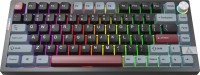
play (for kids), mechanical, 75% (compact TKL, without Num-block), Bluetooth / radio / wired, BT v 5, backlight, RGB backlight, battery, up to 308 h

play (for kids), mechanical, 75% (compact TKL, without Num-block), Bluetooth / radio / wired, BT v 5, backlight, screen, RGB backlight, battery, 4000 mAh
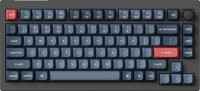
play (for kids), mechanical, 75% (compact TKL, without Num-block), Bluetooth / radio / wired, backlight, scroll wheel, RGB backlight, battery
play (for kids), mechanical, 75% (compact TKL, without Num-block), Bluetooth / radio / wired, backlight, scroll wheel, RGB backlight, battery
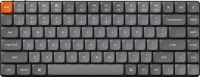
play (for kids), mechanical, 75% (compact TKL, without Num-block), Bluetooth / radio / wired, BT v 5, backlight, RGB backlight, battery, 1550 mAh, up to 73 h
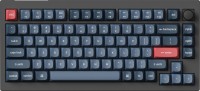
play (for kids), mechanical, 75% (compact TKL, without Num-block), Bluetooth / radio / wired, backlight, scroll wheel, RGB backlight, battery
Keychron K3 Max White Backlit Red Switch | |||||||||||||||||||||||||||||||||||||||||||||||||||||||||||||||||||||||||||||||||||||
|
| ||||||||||||||||||||||||||||||||||||||||||||||||||||||||||||||||||||||||||||||||||||


The information in the model description is for reference purposes.
Always clarify the specifications and configuration of the product with the online store manager before purchasing.
Catalog Keychron 2026 - new arrivals, bestsellers, and the most relevant models Keychron.
Always clarify the specifications and configuration of the product with the online store manager before purchasing.
Catalog Keychron 2026 - new arrivals, bestsellers, and the most relevant models Keychron.

How to choose a gaming keyboardLet's look at the differences between the types of switches and additional equipment for gaming keyboards

Differences between different types of keyboards, their sizes and types of layoutsUnderstanding how a full-sized keyboard differs from TKL and what is the difference between layouts




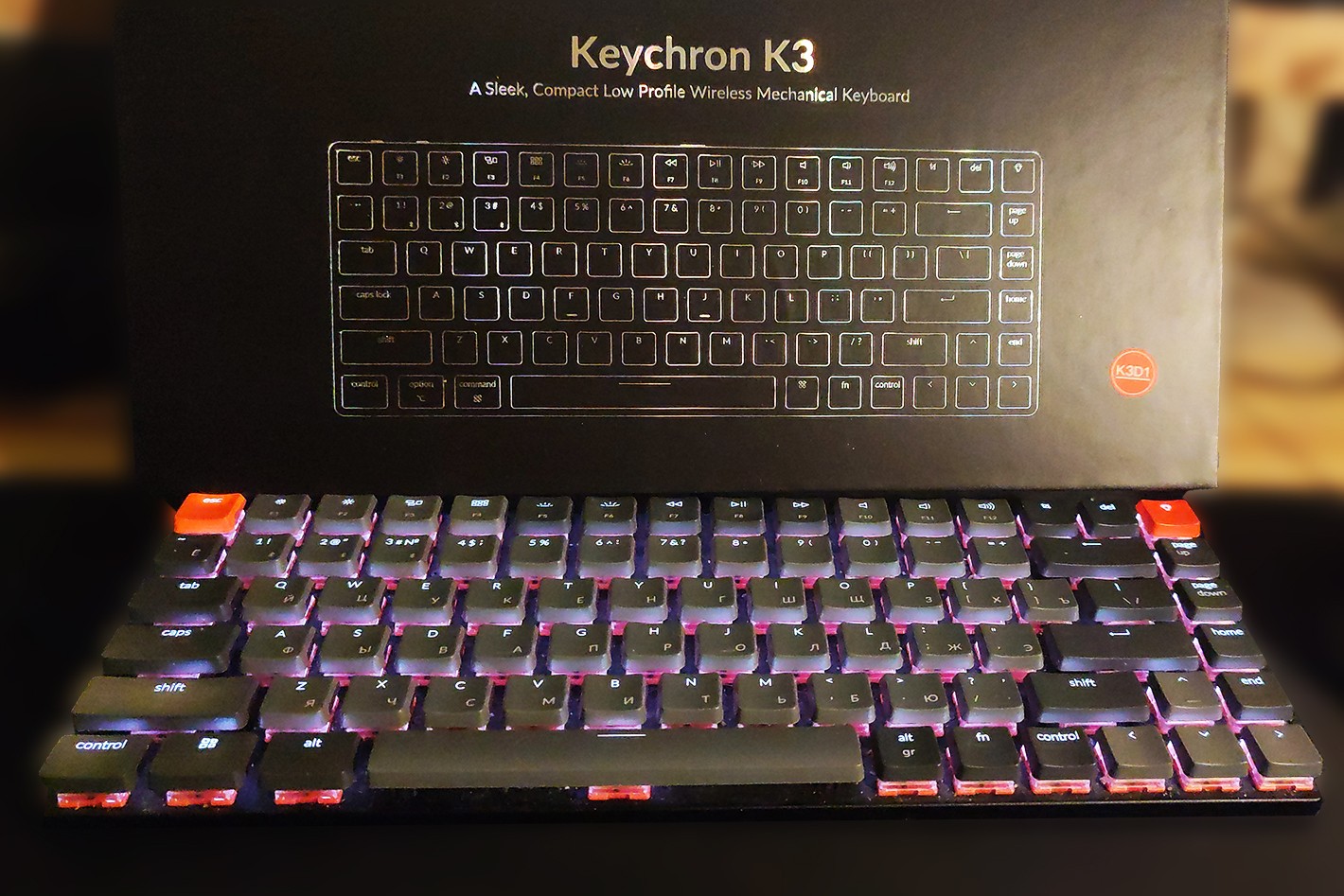
low profile. Quiet. Beautiful, even illumination. subjective cons that I described above, namely the absence of a NumPad and the overly "soft" red switches to press.  Roman: use Keychron K3 Max White Backlit Red Switch more than year Roman: use Keychron K3 Max White Backlit Red Switch more than year |
Add Review
Let's start with the pros — it's quiet. The red switches are very "soft" and almost silent. But this also turned into a con for me — they are too easy to press. Under the weight of fingers not engaged in typing, accidental presses often occur. Just a slight breath on the key and it registers as a press. Another plus — it's compact. But this is immediately a con for me personally, because as it turned out, I reeeeeeally often type passwords on the NumPad. So, I had to get used to it, which unfortunately impacted my typing speed.
Also, I often remove the backlight button (top right corner) because quite often when reaching for DEL, I accidentally press it, which starts a carousel of a dozen modes until I return to my usual backlighting mode.