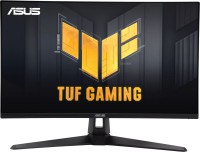
Asus TUF Gaming VG249Q 24 " black (90LM05E0-B01170)
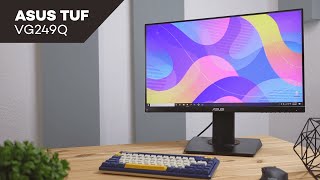
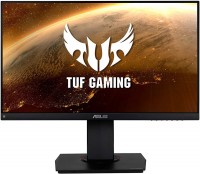 | Expecting restock Full HD monitor from the gaming guard, armed with a 24-inch IPS panel with a frame rate of 144 Hz and a fast response time of 1 ms. Also, in the list of advantages of the screen, it is necessary to write adaptive frame rate synchronization AMD FreeSync, due to which it is possible to avoid image tearing and dropping frames when transmitting a signal from the source to the monitor, ELMB Sync (Extreme Low Motion Blur Sync) technology, which allows you to reduce motion blur, and Flicker-Free backlight flicker minimization. Among other gaming gadgets Asus TUF Gaming VG249Q stand out options for highlighting dark areas of Shadow Boost, displaying fps, timer and crosshairs. Video signal sources are connected to the monitor via VGA, H...DMI v 1.4 or DisplayPort v 1.2 interfaces. Also in the on-board equipment of the model there are speakers of the format 2 x 2 W. The supporting "leg" of the monitor makes it possible to adjust the angles of inclination and rotation of the screen, change the height in relation to the table surface. Instead, users have the right to resort to the services of a VESA 100x100 mm wall bracket. |


Full HD monitor from the gaming guard, armed with a 24-inch IPS panel with a frame rate of 144 Hz and a fast response time of 1 ms. Also, in the list of advantages of the screen, it is necessary to write adaptive frame rate synchronization AMD FreeSync, due to which it is possible to avoid image tearing and dropping frames when transmitting a signal from the source to the monitor, ELMB Sync (Extreme Low Motion Blur Sync) technology, which allows you to reduce motion blur, and Flicker-Free backlight flicker minimization.
Among other gaming gadgets Asus TUF Gaming VG249Q stand out options for highlighting dark areas of Shadow Boost, displaying fps, timer and crosshairs. Video signal sources are connected to the monitor via VGA, HDMI v 1.4 or DisplayPort v 1.2 interfaces. Also in the on-board equipment of the model there are speakers of the format 2 x 2 W. The supporting "leg" of the monitor makes it possible to adjust the angles of inclination and rotation of the screen, change the height in relation to the table surface. Instead, users have the right to resort to the services of a VESA 100x100 mm wall bracket.
|
| ||||||||||||||||||||||||||||||||||||||||||||||||||||||||||||||||||||||||||||||||||||


Always clarify the specifications and configuration of the product with the online store manager before purchasing.
Catalog Asus 2026 - new arrivals, bestsellers, and the most relevant models Asus.















1 1 1 6 |
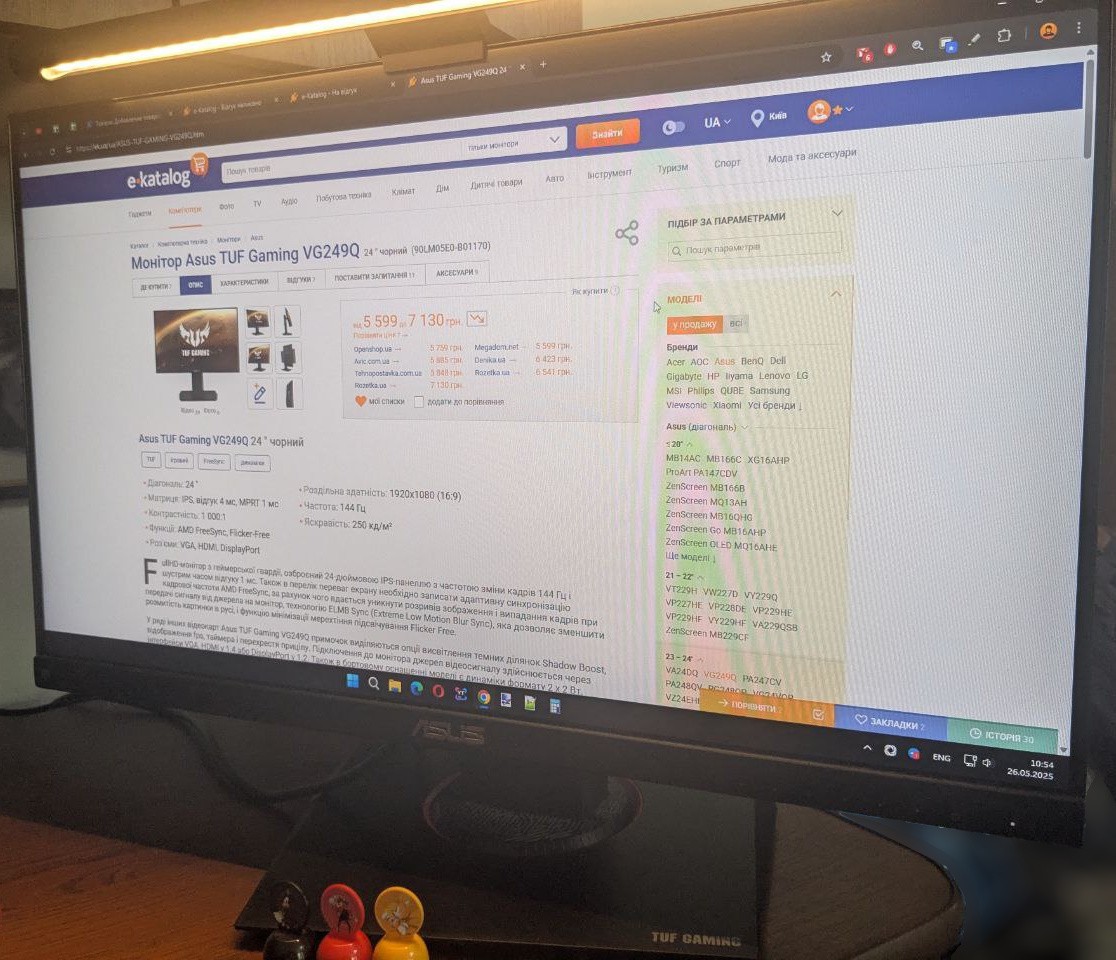
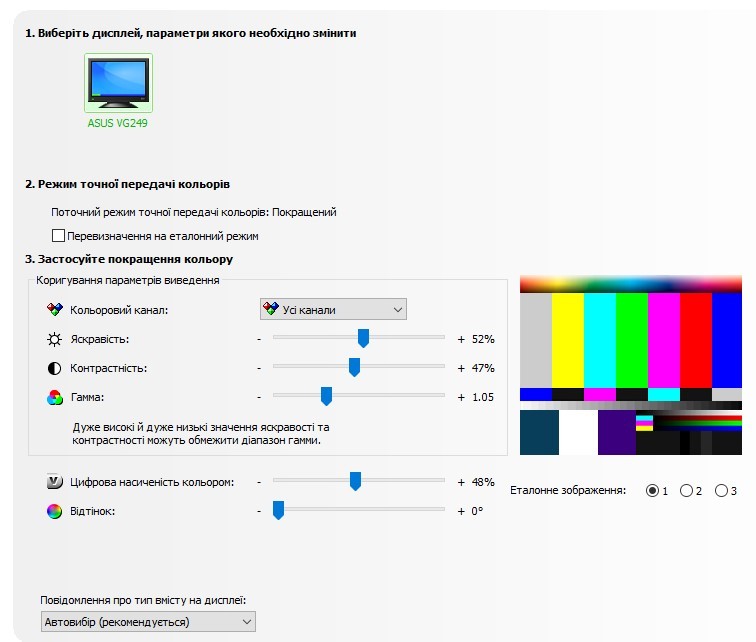
I've been using the monitor for about a year and a half. I switched from 60 Hz - the 144 Hz effect is very noticeable during work and "surfing", not always in games (depends on the title), but overall the upgrade is worth it. It took quite a while to adjust it to my liking, and I eventually settled on "Racing Mode", brightness 35, contrast 80, color temperature: R 99, G 100, B 93, and NVIDIA settings, as shown in the attached screenshot. - good, even image without glare or other "issues" - 144 Hz - height and axis adjustment (for my needs - a very significant plus) - good-looking (gaming design, but not over-the-top) - The base near the leg gets clogged with dust, it's hard to clean - The menu navigation isn't the most convenient (a joystick would be nice), but you only need it once, so it's not critical - The built-in speakers sound mediocre, if that matters to someone  Mykola Boberskyi: use Asus TUF Gaming VG249Q more than year Mykola Boberskyi: use Asus TUF Gaming VG249Q more than year |
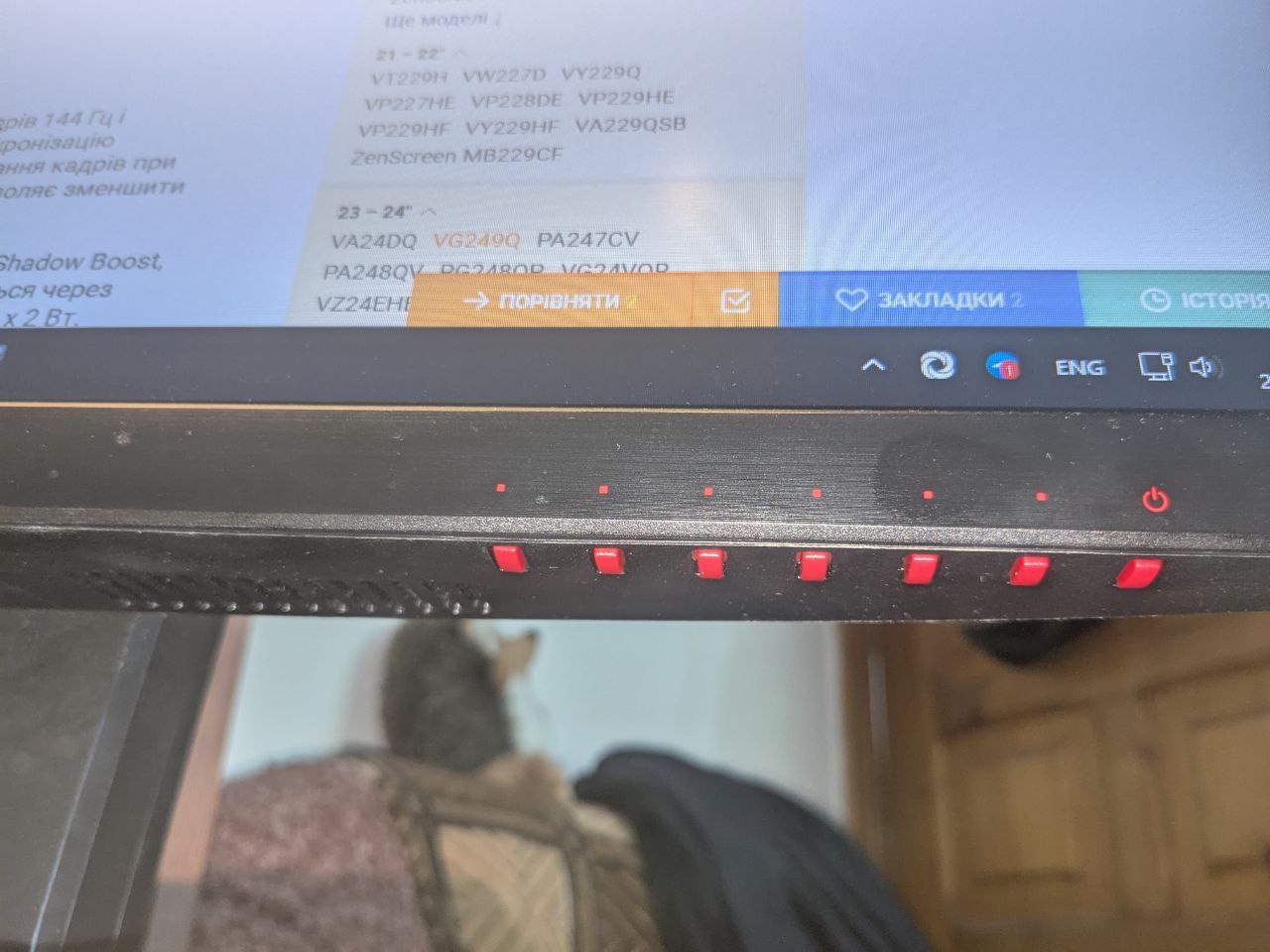
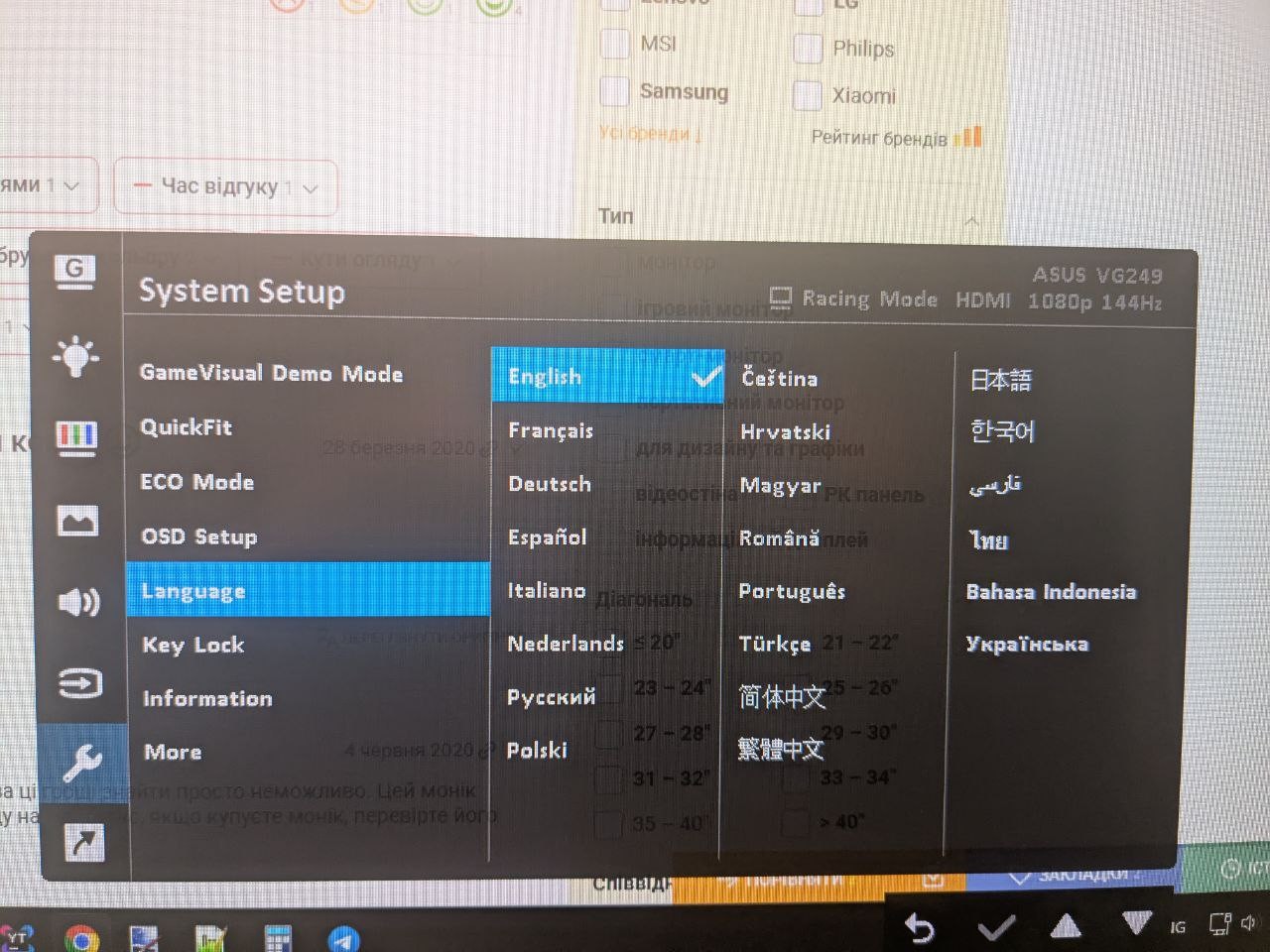
Cool monitor! A small response, a good picture, it will look great! It is simply impossible to find better for this money. This Monica is 100% better than the well-known analogue Benq zowie xl2411p. I advise everyone to take it. BUT. I give advice for the future: if you buy a Monica, check it for dead pixels. NECESSARILY! Monique advises ordering a 4k monitor. EVERYTHING'S SUPER Are you kidding? use Asus TUF Gaming VG249Q less than month |
I don’t recommend this monitor for games where every second is needed (like Fortnite), the 5ms response is very noticeable 144 Hz 5ms response use Asus TUF Gaming VG249Q less than month |