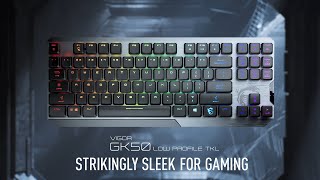
MSI Vigor GK50 Low Profile
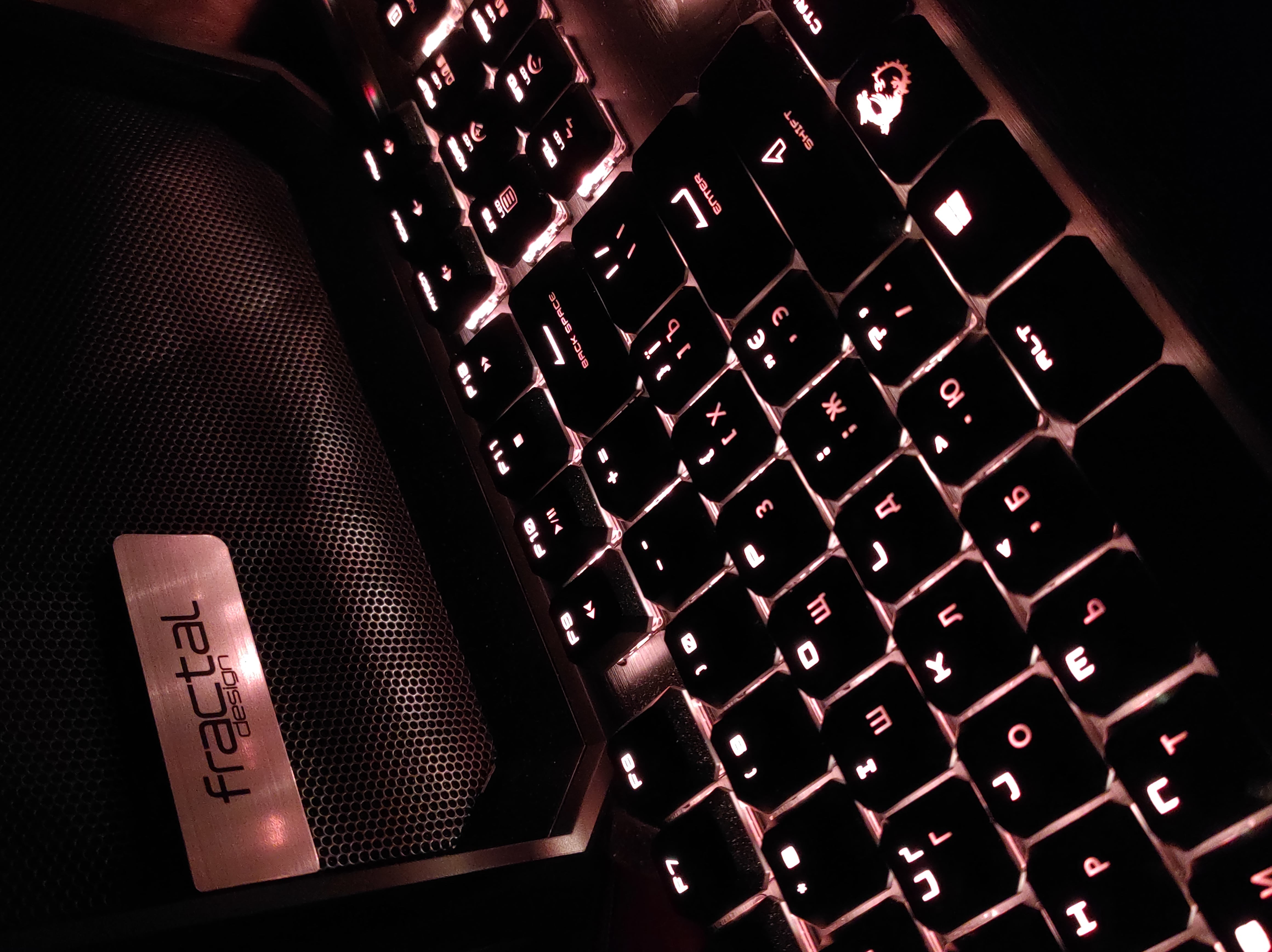
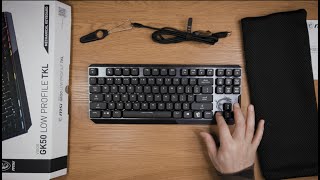
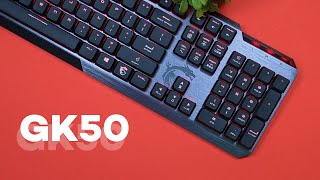
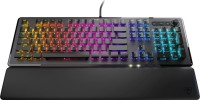
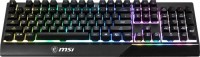
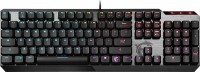 | Outdated Product Full-size professional gaming keyboard with low-profile mechanical switches, rugged Skeleton metal housing, custom RGB LED backlighting and Full Keys Anti-Ghosting N-key roll over. It is positioned as a product of the upper price category, aimed at hardcore gamers and beginners/experienced e-sports players. High-quality Kailh Low Profile mechanical switches provide ultra-fast response with minimal latency (3mm full travel, 1.5mm short), amazing durability (at least 50 million clicks), and a balanced actuation force of 50g. a distinct click, the MSI Vigor GK50 Low Profile keyboard is also suitable for fast and comfortable typing. To configure the device, the proprietary MSI Dragon Centre utility is used, which allows you to create up to three custom key settings profiles, record macros, fle...xibly customize the backlight behavior and update the keyboard firmware when updates are released. It comes with a key for removing keycaps and two spare buttons (left Ctrl and Alt). |




MSI Vigor GK50 Low Profile | |||||||||||||||||||||||||||||||||||||||||||||||||||||||||||||||||||||||||
|
| ||||||||||||||||||||||||||||||||||||||||||||||||||||||||||||||||||||||||


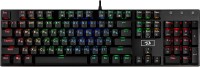
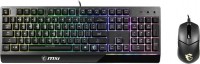
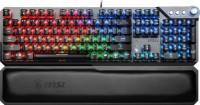
Full-size professional gaming keyboard with low-profile mechanical switches, rugged Skeleton metal housing, custom RGB LED backlighting and Full Keys Anti-Ghosting N-key roll over. It is positioned as a product of the upper price category, aimed at hardcore gamers and beginners/experienced e-sports players. High-quality Kailh Low Profile mechanical switches provide ultra-fast response with minimal latency (3mm full travel, 1.5mm short), amazing durability (at least 50 million clicks), and a balanced actuation force of 50g.
a distinct click, the MSI Vigor GK50 Low Profile keyboard is also suitable for fast and comfortable typing. To configure the device, the proprietary MSI Dragon Centre utility is used, which allows you to create up to three custom key settings profiles, record macros, flexibly customize the backlight behavior and update the keyboard firmware when updates are released. It comes with a key for removing keycaps and two spare buttons (left Ctrl and Alt).
Always clarify the specifications and configuration of the product with the online store manager before purchasing.
Catalog MSI 2026 - new arrivals, bestsellers, and the most relevant models MSI.



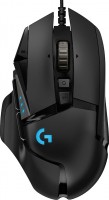
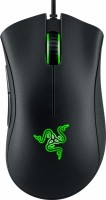

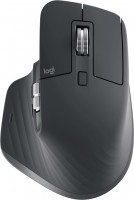

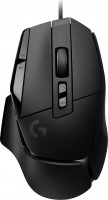


Very happy with the purchase of this device. It looks very cool, the software is convenient, I have nothing but respect for the MSI brand for such a product. The low profile is just the bomb, cool backlight, design, cool quality cable, feedback. Over time, several keycaps broke, and I had to order them (they are not available everywhere).  Andriy: use MSI Vigor GK50 Low Profile more than year Andriy: use MSI Vigor GK50 Low Profile more than year |
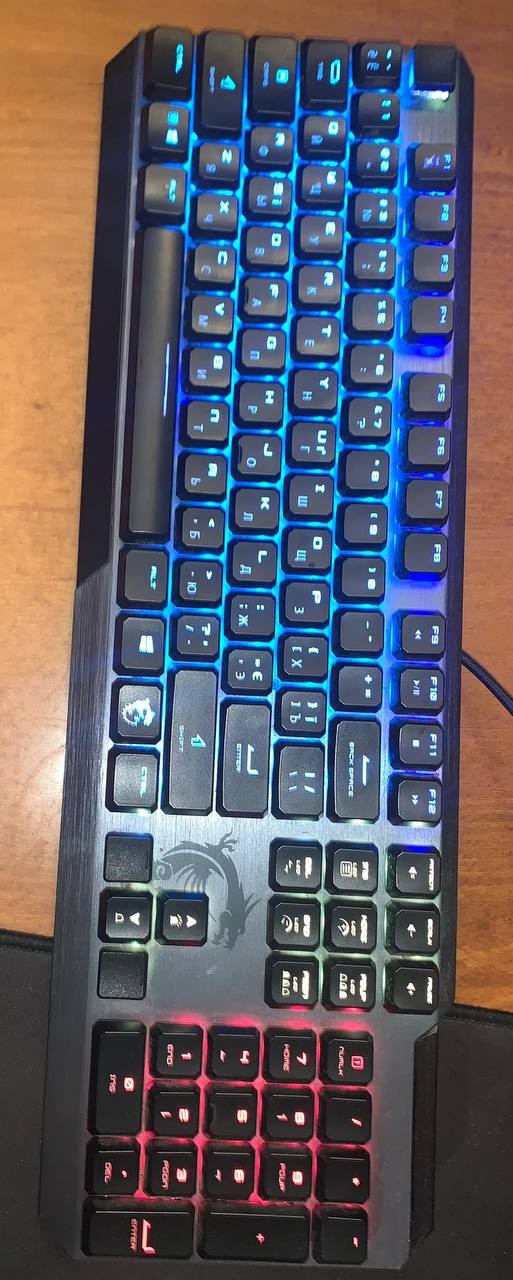
The backlighting is stylish, but not very practical because too much light shines through between the keys. There are no questions about the backlighting of the keys themselves, although the backlighting technology here is budget — RGBW diodes. The colors are not the purest. And regarding cleanliness, the keyboard is very easy and pleasant to clean, everything is included for this! Nothing wears off the keys when using alcohol, which I used as a last resort. Stylish font Low profile is convenient I like the backlight modes Response time is very good The font is not identified very quickly. The LCtrl attachment came off, I had to use glue.  Max Rockatansky: use MSI Vigor GK50 Low Profile more than year Max Rockatansky: use MSI Vigor GK50 Low Profile more than year |