
TVs BenQ
prices on 20 modelsWhen you make a purchase through links on our site, we may receive a affiliate commission.
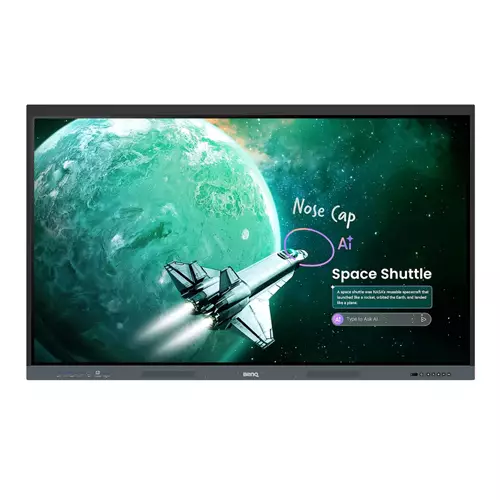 | Core Plus Education Solution BenQ Board Essential RE05 Interactive Display Advanced on-device AI and tier-leading specs at a great value. For everyday classroom use and streamlined device management. Simplified secure device and account management Skip manual account setup with directory sync and manage users from Google Microsoft ClassLink Clever and other identity providers. Enable single sign-on with existing credentials for fast secure device access. Personalized workspace in every classroom you teach Log in with single sign-on (SSO) to access your personal workspace safely complete with app shortcuts wallpapers and cloud storage. Remote device control centralized Device app | Price from £1,573.42 up to £1,624.99 Compare prices and buy BenQ RE6505E 165.1 cm 3840 x 2160 pixels Touchscreen Black USB 9H.FCRTK.DE2 (65")
|
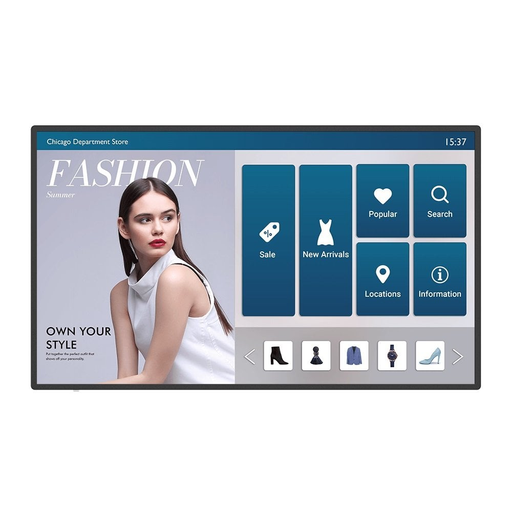 | 55 SMART INTERACTIVE SIGNAGE IL5501 ENGAGE ALL YOUR USERS SAFELY Safe interactions with germ resistant screen 4K UHD anti glare display for vivid images Display content in portrait or landscape mode All in one signage running on Android OS INTERACTIVE SIGNAGE THAT MAKES A DIFFERENCE Impress shoppers with stunning digital signage that is both interactive and informative. While most displays look blurry from up close, the 4K UHD resolution of the IL01 Series will always show your content in fine detail. PROTECT USERS AT EVERY TOUCH POINT A SAFER WAY TO ENGAGE The IL01 Series displays come with germ resistant screens coated with a proprietary nano ionic silver formula that ensures long lasting … |  |
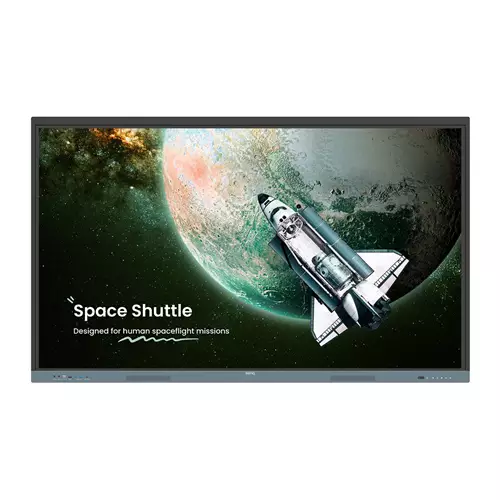 | BenQ Board Essential The essence of education Have all the essential tools you need for effective interactive lessons. Harness the power of Google The EDLA-certified BenQ Board combines Google services with ever-reliable BenQ hardware and software. Expansive app library Install education apps directly from Google Play for more interactive lessons. Go-to Google services Access essential Google Core Services such as Google Drive and Meet. Google Docs editors Quickly open lesson files with any Google app on a large touchscreen display. Direct file access Google Drive integration lets you access and save files to your cloud storage directly from the board. Built-in | Price from £2,249.02 up to £2,279.37 Compare prices and buy BenQ 9H.F9FTK.DE8 Signage Display Interactive flat panel 190.5 cm 450 cd/m 4K Ultra HD Black Grey Touchscreen Bui (75")
|
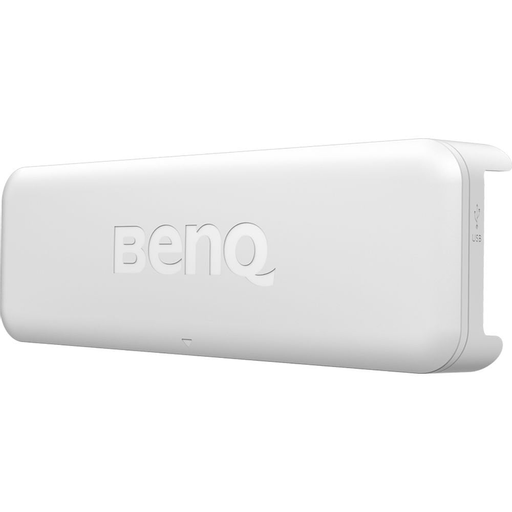 | BenQ Touch Module PT20 Projector touchscreen receiver | |
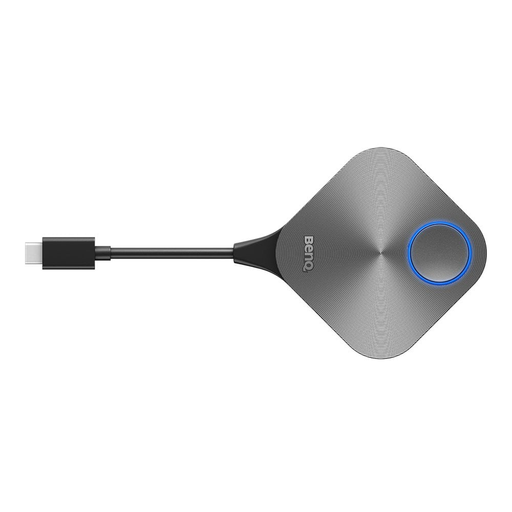 | BENQ TWY31 INSTASHARE BUTTON One click wireless presentation for BenQ displays Plug and click to instantly share your screen Side by side view of multiple shared screens Broadcast large display to connected devices Designed for notebooks with USB C No additional software required SHARE YOUR SCREEN WITH A SINGLE CLICK ON BENQ DISPLAYS Sharing content without limits while sitting anywhere in the room is only a click away. Designed to enable wireless screen sharing without the need to download software on your notebook, the InstaShare Button eliminates the fuss of passing around cables, so everyone can fully focus on the discussion. SEAMLESS CONTENT SHARING FOR ALL NOTEBOOKS Wirelessly share | |
You may be interested in
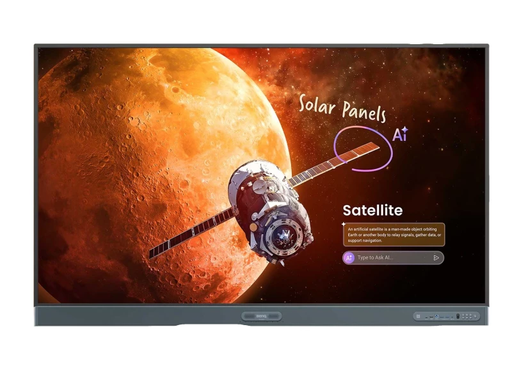 | BenQ Board Pro RP05 RP8605 86” Interactive Touchscreen Display featuring Android 15 EDLA, Built-in AI Features and Eyesafe 3.0 The BenQ Board Pro RP05 RP8605 is the newest Premium Education Solution E | |
| BenQ Board Pro RP05 RP7505 75” Interactive Touchscreen Display featuring Android 15 EDLA, Built-in AI Features and Eyesafe 3.0 The BenQ Board Pro RP05 RP7505 is the newest Premium Education Solution E | |
| This product is the direct replacements for the BenQ 65” RP6501K / RP6501 / RP6502 / RP6503 / RP6504 Interactive Touchscreens BenQ Board Pro RP05 RP6505 65” Interactive Touchscreen Display featuring A | |
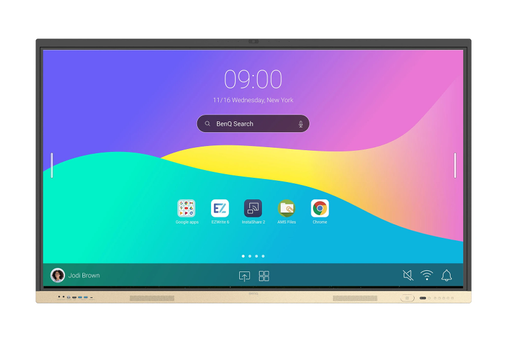 | BenQ Board Essential RE9804FV The RE04FV is an all-in-one interactive display designed for engaging presentations, meetings, and video conferencing. Interactive presentations and workflows AI-enhanced | |
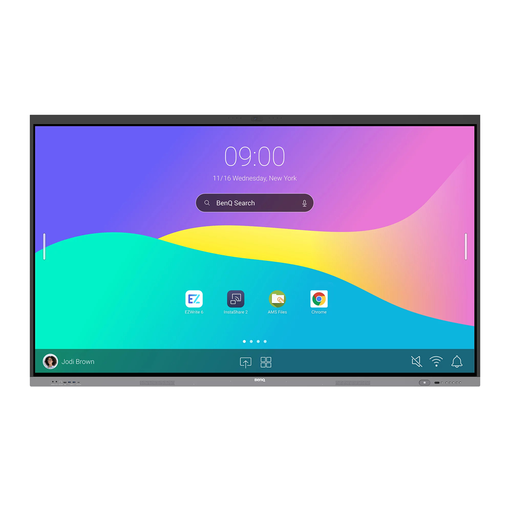 | BenQ Board RE9804FV2 The ultimate collaboration solution The BenQ Board RE9804FV2 streamlines your meeting spaces by combining all the presentation and collaboration tools you need into one powerful s | |
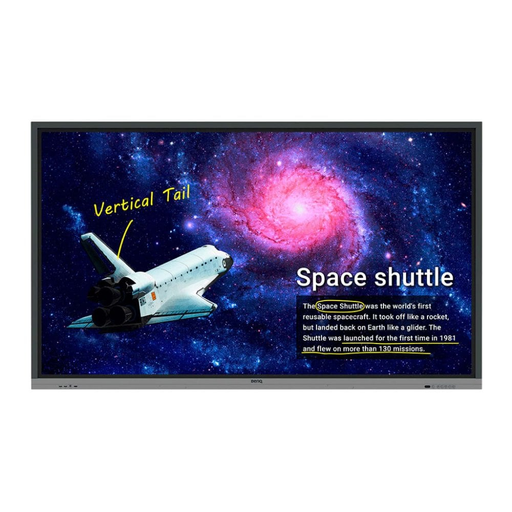 | RE9801 98 INTERACTIVE SMART BOARD FOR EDUCATION Create healthy and engaging learning spaces with the RE9801, BenQ's interactive display with healthcare features and innovative tools for active learning. Protect students' health with the germ resistant screen Engage students better through a variety of interactive tools Enjoy easy wireless screen sharing with InstaShare Push timely announcements using X Sign Broadcast Manage remotely for convenient maintenance ANNOTATE AND COLLABORATE EVERYWHERE WITH THE CLOUD With cloud features, EZWrite 5 streamlines classroom discussions by making it smoother than ever for teachers and students to share ideas, notes, and opinions as if they are annotating … | |
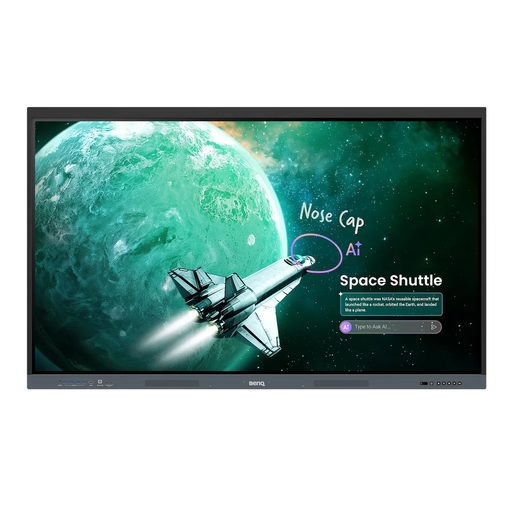 | BenQ RE05E Essential Series interactive display with 4K UHD, Google EDLA certification, AI-powered teaching tools, multi-touch collaboration and eye-care technology for modern classrooms. | |
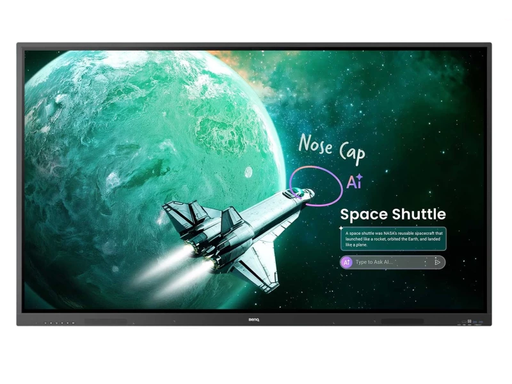 | BenQ RE05A Essential Series interactive display with 4K UHD resolution, Google EDLA certification, AI-powered teaching tools, and up to 50-point multi-touch collaboration. | |
| BenQ RE05E Essential Series interactive display with 4K UHD, Google EDLA certification, AI-powered teaching tools, multi-touch collaboration and eye-care technology for modern classrooms. | |
| BenQ RE05A Essential Series interactive display with 4K UHD resolution, Google EDLA certification, AI-powered teaching tools, and up to 50-point multi-touch collaboration. | |
| BenQ RE05A Essential Series interactive display with 4K UHD resolution, Google EDLA certification, AI-powered teaching tools, and up to 50-point multi-touch collaboration. | |
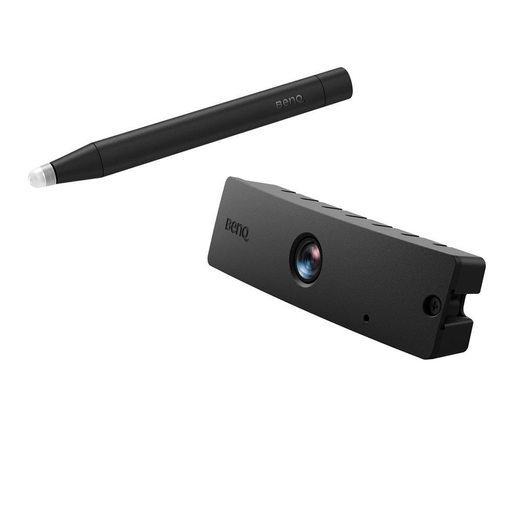 | DESCRIPTION DUAL SCREEN WITH MULTIPLE TOUCH CAPABILITIES BenQ s dual screen feature allows teachers to create immersive learning experiences by seamlessly connecting two screens. In addition, you can use PointWrite infrared pen or pair the system with PointWrite Touch to equip a fully scalable and forward thinking classroom. The multi touch capabilities, which support Windows7 or above and future applications, are enabled by QWrite which supports multi touch capabilities up to 10 points to encourage students to collaborate and create ideas together using one big screen. Students can now watch videos and take notes simultaneously using easy and intuitive technology. Dual Screen need the | |
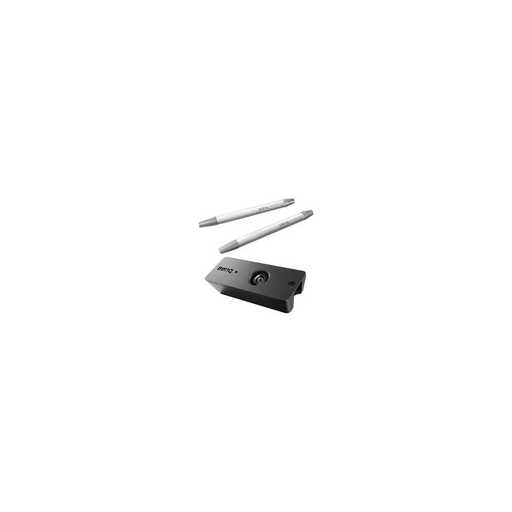 | INTERACTIVE LEARNING WITH BENQ'S LEADING TECHNOLOGY FOSTER ACTIVE LEARNING THROUGH POINTWRITE INTERACTIVITY AND CLASSROOM COLLABORATION Keeping students involved and engaged is a central practice in the BenQ Smart Classroom concept simply integrating MW853UST or the MX852UST with latest PointWrite technology is a great way to let multiple students contribute at once. BenQ brings interactive innovation and touch solutions to a new level of simplicity, ease and control, supporting flipped learning and engaging students like never before. Teachers now can turn any space into an interactive whiteboard and get up to 4 students to collaborate simutaneously with PointWrite pens or simply with fingers.… | |
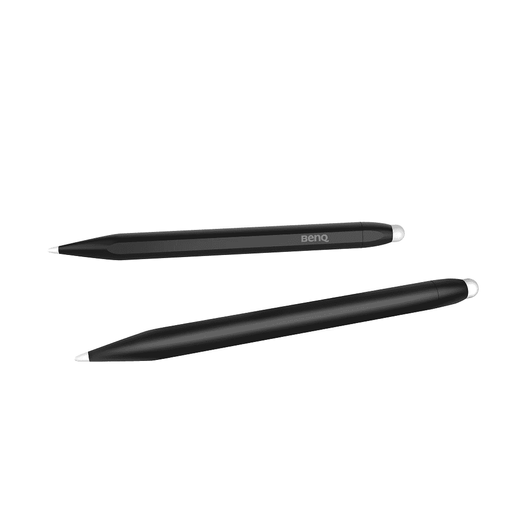 | Touch pens 2pk. Compatible with RE01 RE04 | |
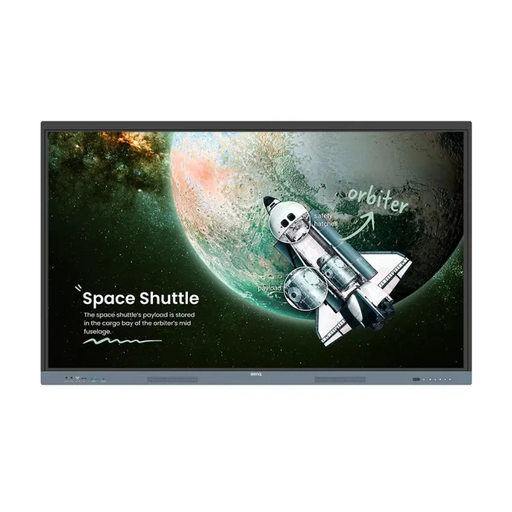 | BenQ RE8604 86 inch 4K Android EDLA Certified Interactive Touchscreen Display with EzWrite 6, InstaShare 2, and Energy Star® Certified Introducing the BenQ RE8604 Interactive Board, your ultimate tool | |
