
Asus TUF Gaming VG289Q 28 " black (90LM05B0-B01170)
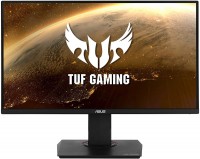 | Outdated Product Highly detailed 28" 4K gaming monitor with enhanced colour reproduction, High Dynamic Range (HDR) support, ergonomic stand and built-in stereo speakers (2x2W). Focused on demanding users and novice cybersportsmen. The Asus TUF Gaming VG289Q monitor is based on a 10-bit (8-bit + FRC) Innolux IPS-matrix with a resolution of 3840x2160 and backlighting on white LEDs without an unpleasant high-frequency flicker effect. Such a matrix guarantees excellent viewing angles, good colour reproduction (90% DCI P3) and a moderate response time of 5 ms GtG. The impressively high detail (157 ppi) of the Asus TUF Gaming VG289Q monitor screen provides a smooth picture without pixelation and characteristic “ladders” on slanted lines. With support for HDR technology and proprietary Shadow Boost mode, it can e...ffectively improve image detail in deep shadows. Convenient for multitasking in several windows, good for processing / editing photo / video content and working with vector / raster graphics. It connects to a computer via digital interfaces HDMI 2.0 or Display Port 1.2. |


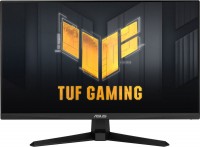
Highly detailed 28" 4K gaming monitor with enhanced colour reproduction, High Dynamic Range (HDR) support, ergonomic stand and built-in stereo speakers (2x2W). Focused on demanding users and novice cybersportsmen. The Asus TUF Gaming VG289Q monitor is based on a 10-bit (8-bit + FRC) Innolux IPS-matrix with a resolution of 3840x2160 and backlighting on white LEDs without an unpleasant high-frequency flicker effect.
Such a matrix guarantees excellent viewing angles, good colour reproduction (90% DCI P3) and a moderate response time of 5 ms GtG. The impressively high detail (157 ppi) of the Asus TUF Gaming VG289Q monitor screen provides a smooth picture without pixelation and characteristic “ladders” on slanted lines. With support for HDR technology and proprietary Shadow Boost mode, it can effectively improve image detail in deep shadows. Convenient for multitasking in several windows, good for processing / editing photo / video content and working with vector / raster graphics. It connects to a computer via digital interfaces HDMI 2.0 or Display Port 1.2.
|
| ||||||||||||||||||||||||||||||||||||||||||||||||||||||||||||||||||||||||||||||||||||||


Always clarify the specifications and configuration of the product with the online store manager before purchasing.
Catalog Asus 2026 - new arrivals, bestsellers, and the most relevant models Asus.



















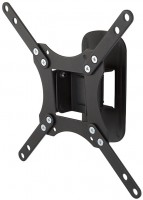
- support for VESA 100x100 brackets - it would be better if they didn't add speakers (they are very quiet)  Alexander Gorbunov: use Asus TUF Gaming VG289Q less than month Alexander Gorbunov: use Asus TUF Gaming VG289Q less than month |
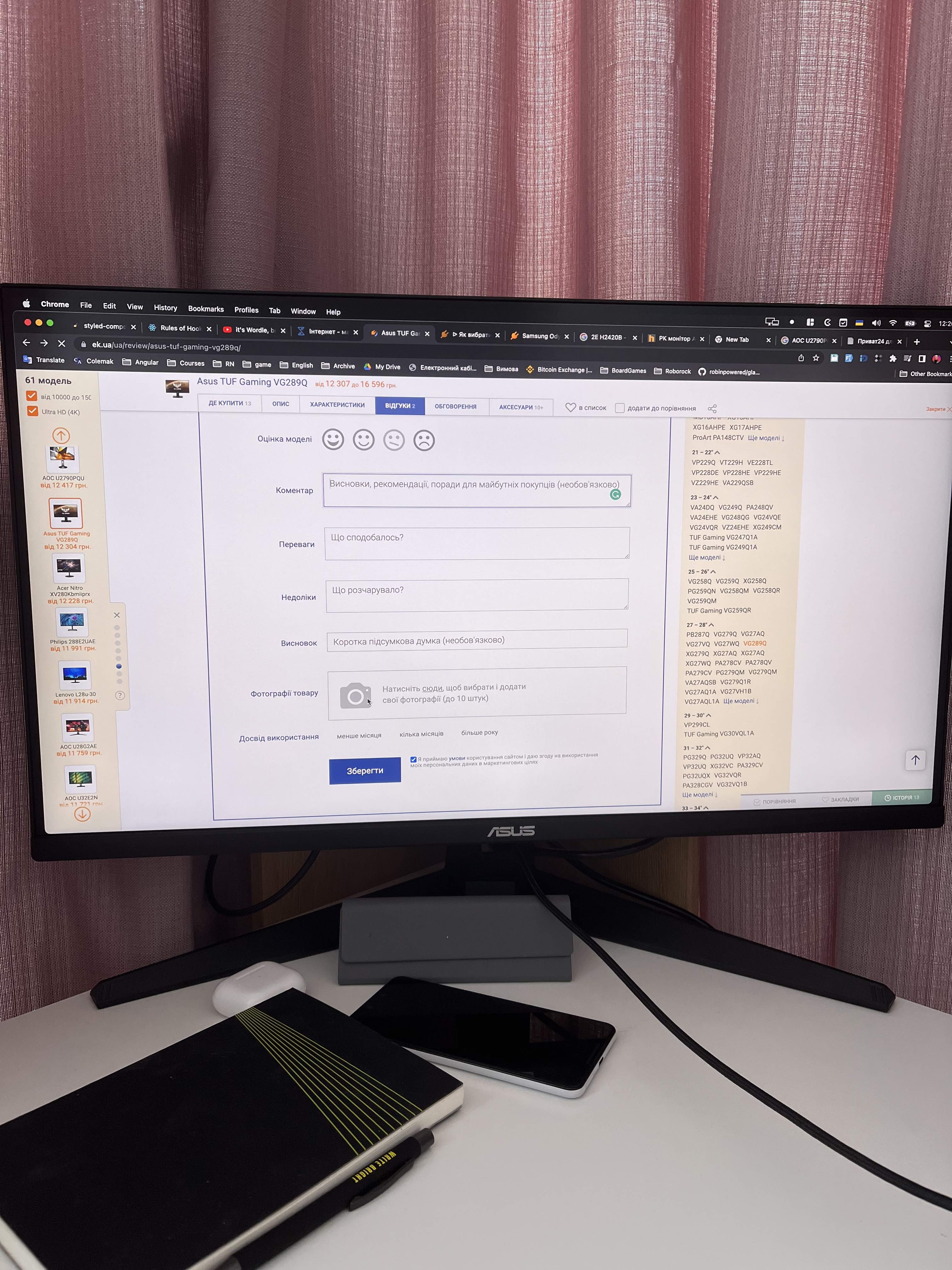

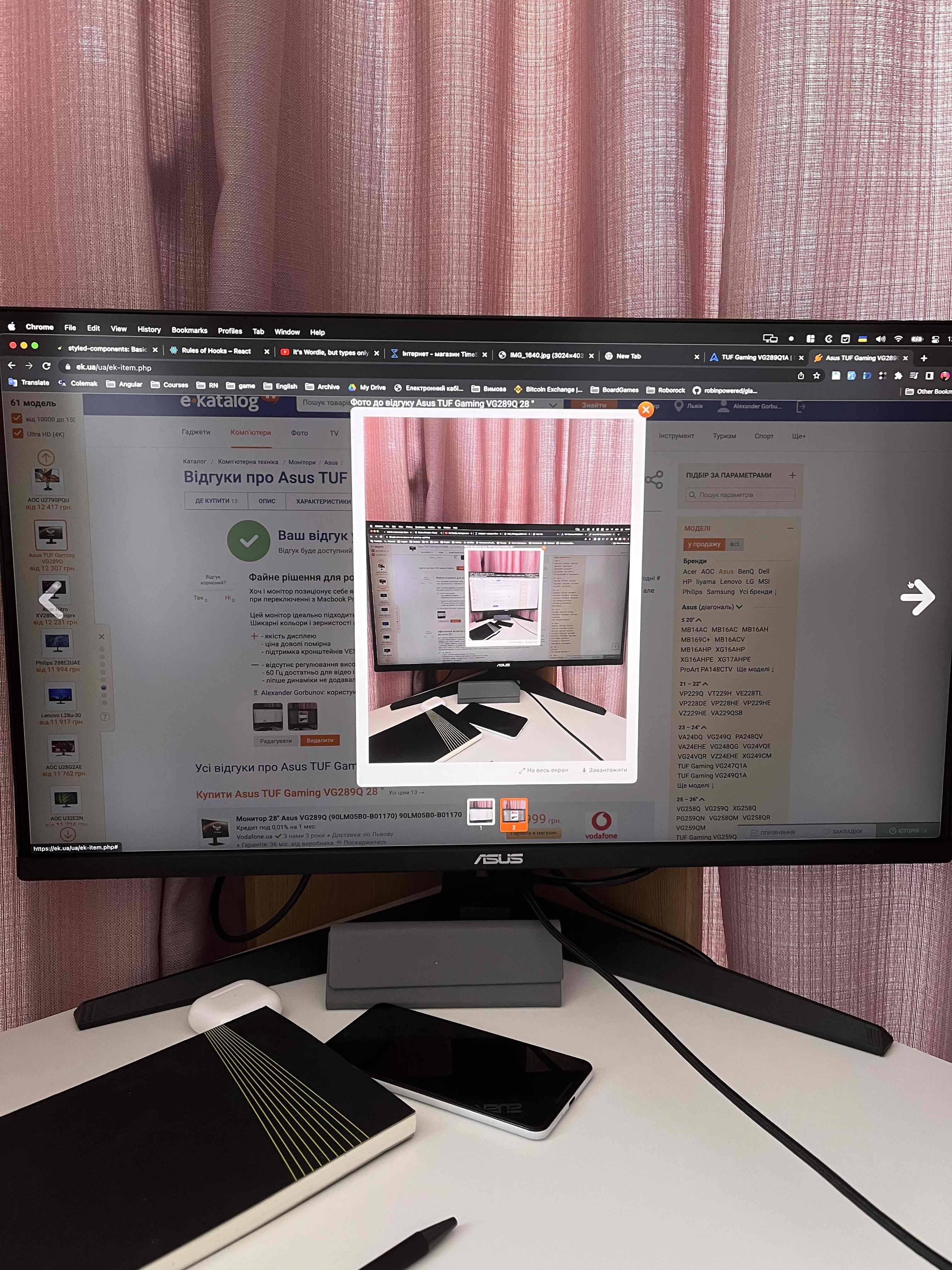
there’s no point in getting 2K for 28 inches, only 4K. You also need to change the scale in Windows, set it to 200%+. I really see no reason to switch from 1K to 2K, but 4K was very pleasing. The first few days after my old TN monitor I experienced dizziness and had trouble sleeping due to the extreme brightness, then I lowered the brightness and contrast, and it got better. Now I work/play in bright mode, and everything is great, seems like I got used to it. I’ve also gotten used to the 28-inch screen size. If the desk is small, the viewing angle can become the main problem. 4K is definitely worth it, and with the 3080 Ti, the experience became superb. I also tested it without the NVIDIA driver and had a problem with frame switching while watching video. Overall, I recommend it if you have a large desk and don’t have a budget 2-3 times larger for 144Hz. - 4k ultra hd - very thin bezels on the top and sides - universal mount (can be hung on the wall) - too bright (took some time to get used to) - beautiful and solid - works as both a TV and a monitor (now enjoying series with my girlfriend) - height, angle, and full swivel adjustment (can be set vertically - great, not sure why other manufacturers don't offer such adjustment) - colors are simply out of this world - starting from 1080p, the picture is very sharp (1080p ultra looks like 2k) - many settings - its own sound (if you adjust the volume in settings, you can watch a movie) - stable quality stand (yes, it's not small for 28 inches) - has many features for games, especially shooters (crosshairs, fps, etc.) - 60 Hz (144 Hz would definitely be better, but only real ones, not just on paper), but this is not entirely a downside considering the price - black colors in movies almost glow (350 cd is still too low for IPS, more is needed) - anything less than 1080p looks blurry, but from a distance, 720p is generally fine, anything lower is unwatchable - setup is not entirely simple, but once you figure it out, everything else will be easy (I recommend checking the button instructions right away) - HDR is complete trash (only on paper, I knew this when purchasing from reviews at DNS) LETS DO SMTH: use Asus TUF Gaming VG289Q less than month |
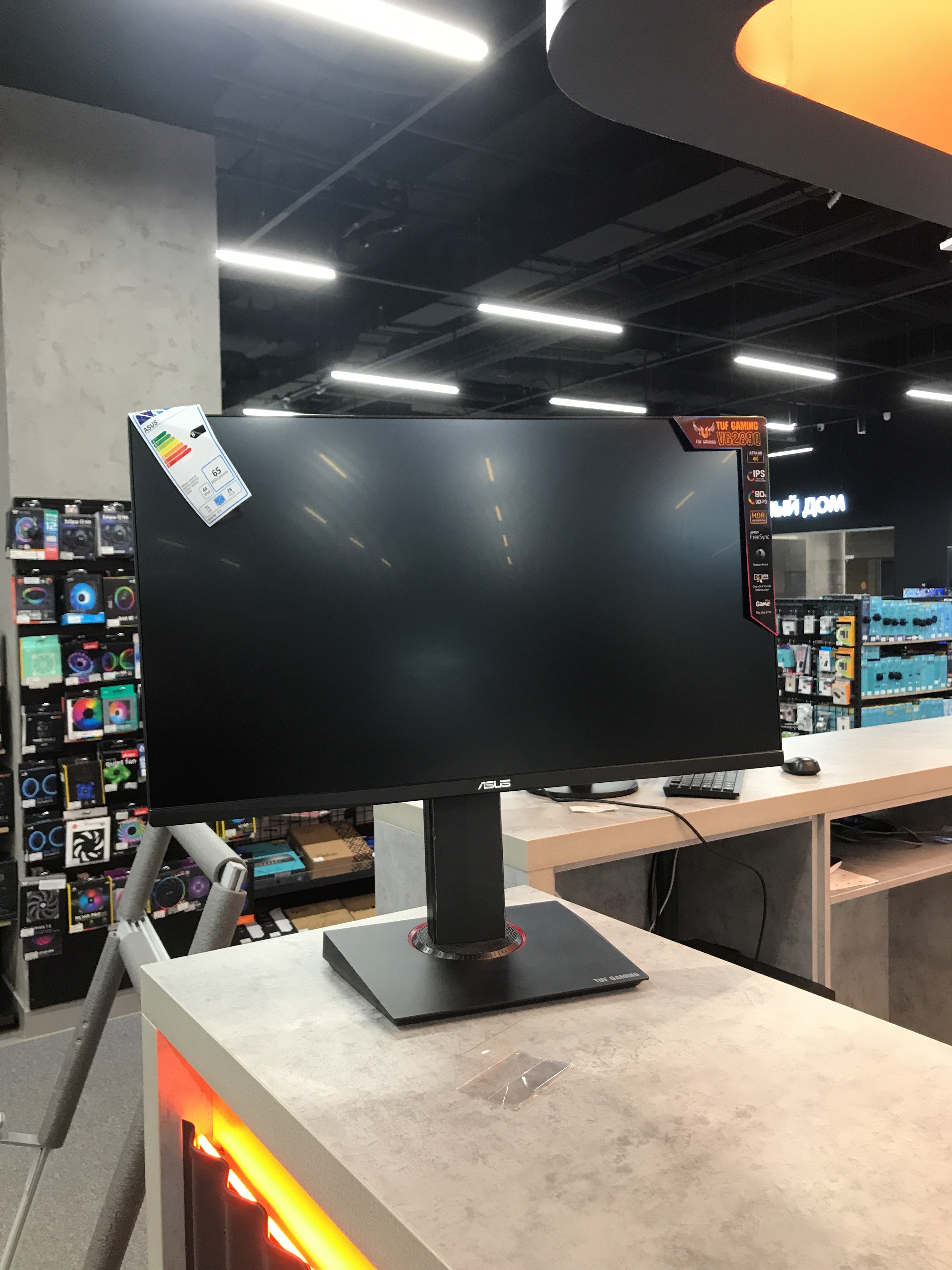
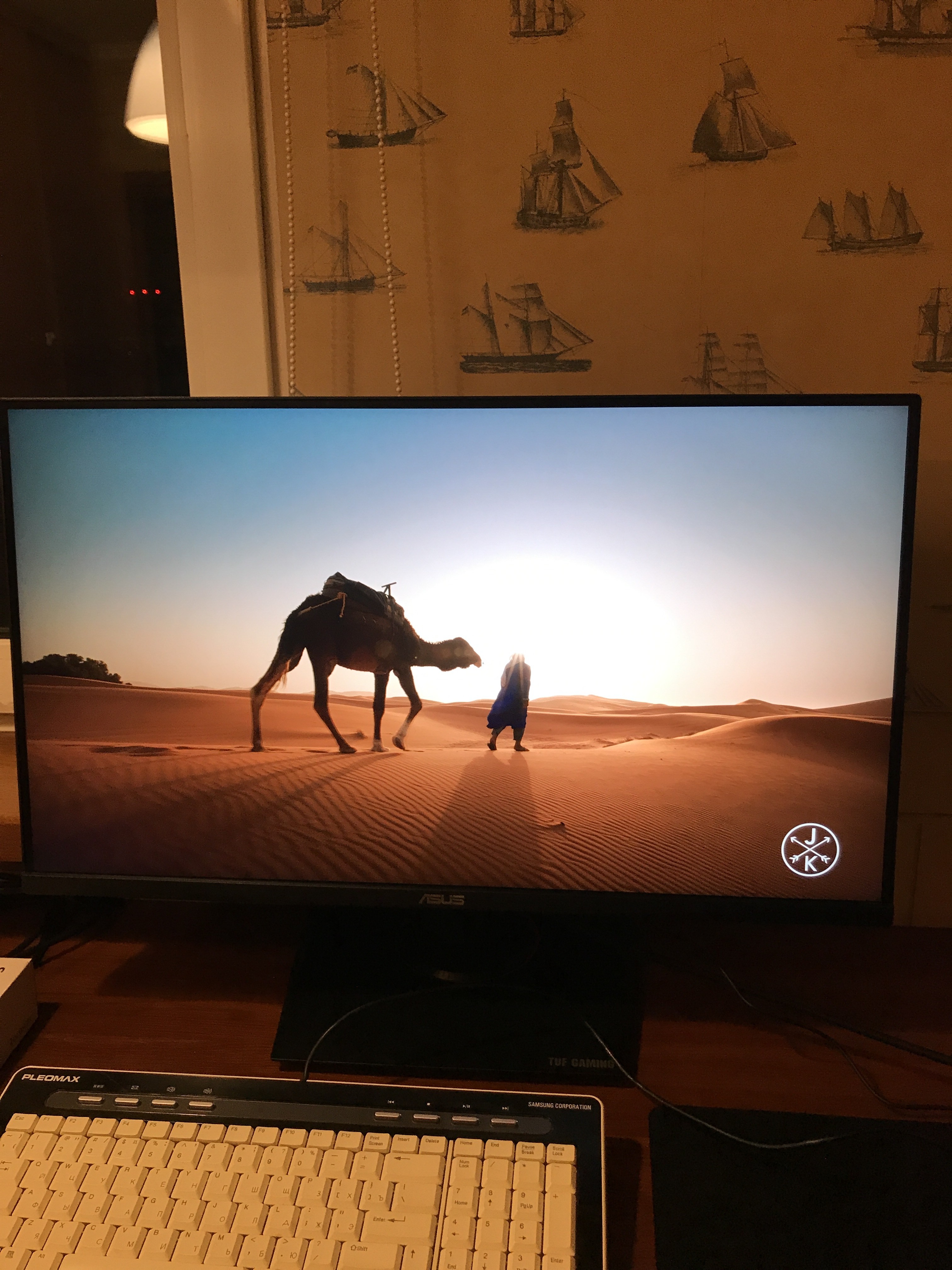
A good monitor, thin frames, many outputs, i.e. you can connect a curling iron as well as a monitor. There is a mini joystick to adjust the settings, which is very convenient. Thin frames, outputs, design, no backlight, many picture settings, maximum brightness is simply prohibitive, and the resolution itself is 4k the stand is large, but this is doubtful - Mihail Kataev: use Asus TUF Gaming VG289Q less than month |


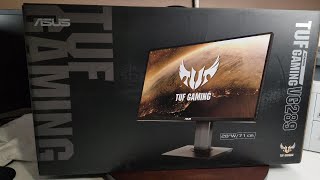


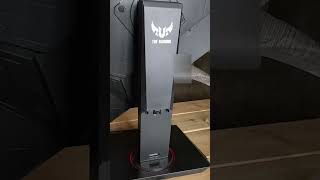








This monitor is perfect for working with Mac OS. The colors are gorgeous, and the graininess is not visible even when viewed up close.