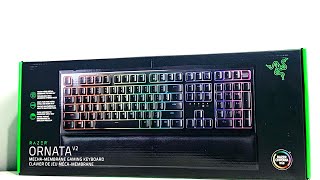
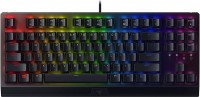
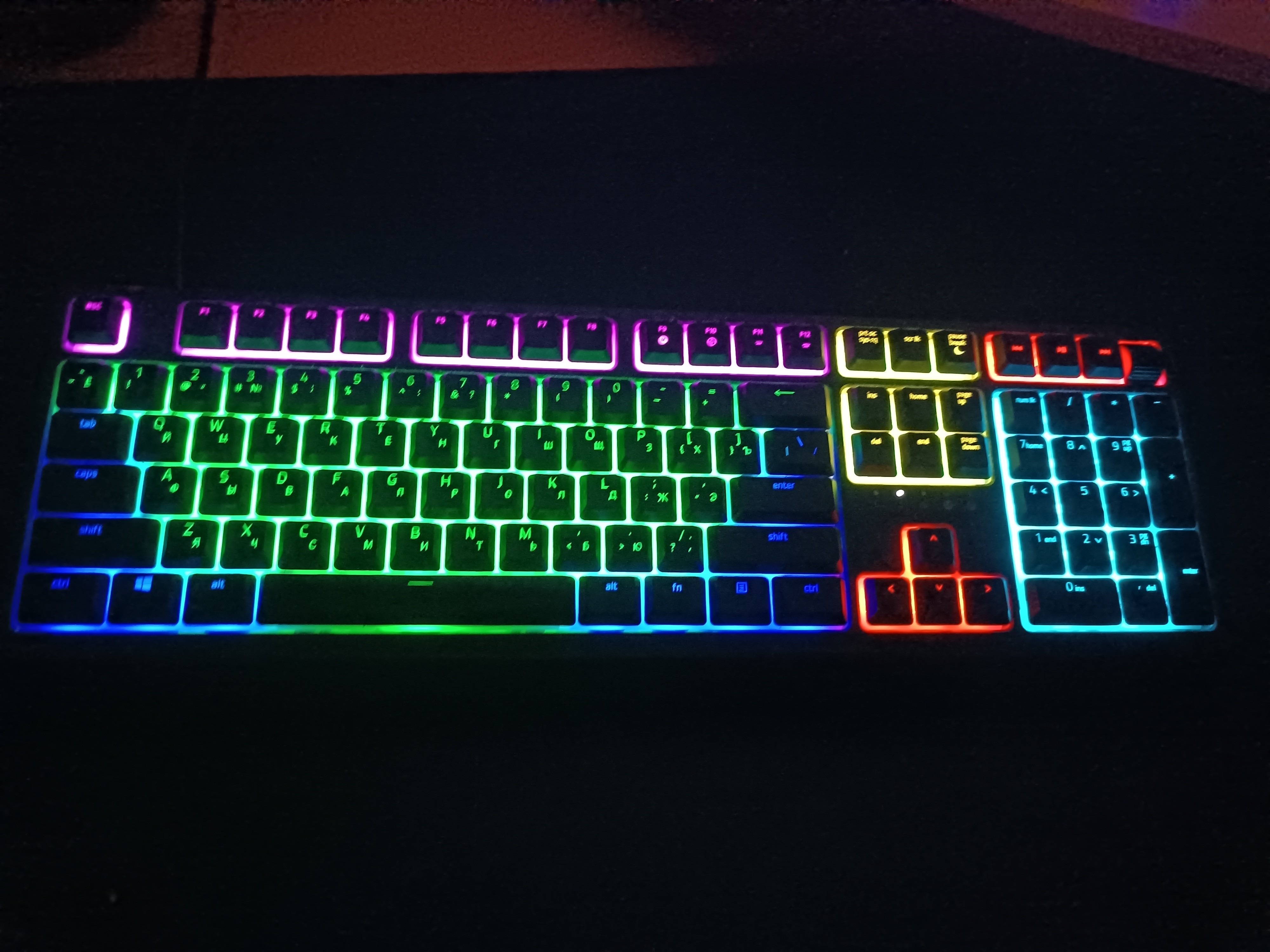
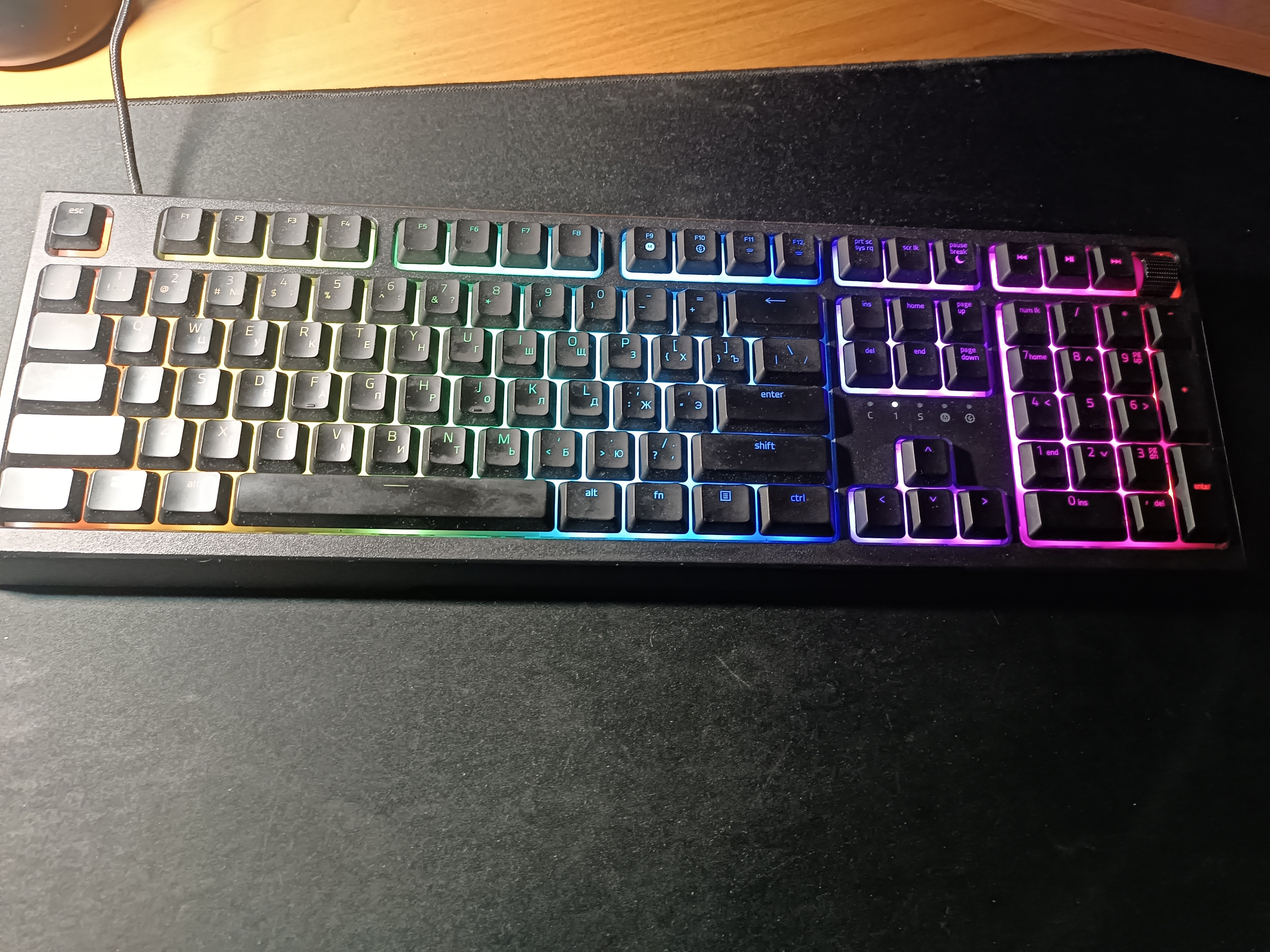
Razer Ornata V2 (RZ03-03380700-R3R1)
 |


Razer Ornata V2 | |||||||||||||||||||||||||||||||||||||||||||||||||||||||||||||||||||
|
| ||||||||||||||||||||||||||||||||||||||||||||||||||||||||||||||||||


Full-size gaming keyboard featuring a hybrid mechanical-membrane switch design controlled by Razer Chroma RGB LEDs and N-key rollover technology. The manufacturer is positioned as a model of the middle price category, aimed at beginners and experienced gamers who want to purchase a high-speed keyboard with individual backlit keys. This model can be a welcome gift for a child, youth or young person who spends a lot of time in virtual game worlds.
Razer's signature Mecha-Membrane combines the best of both mechanical and membrane switches to deliver a comfortable touch experience and crisp tactile feedback. The keyboard of the Razer Ornata V2 has high key travel and supports gaming mode (selectively disable Windows buttons, Alt+Tab, Alt+F4). Innovative switch design and high-quality materials provide an impressive resource. Proprietary Ultrapolling technology guarantees a high polling rate (1000 Hz) for minimal delays. Equipped with a multifunctional scroll wheel and three additional buttons to control the playback of media content. Using the Razer Synapse 3 software, you can change key functions, create macros for them, and save your own custom profiles, including lighting settings.
Always clarify the specifications and configuration of the product with the online store manager before purchasing.
Catalog Razer 2026 - new arrivals, bestsellers, and the most relevant models Razer.


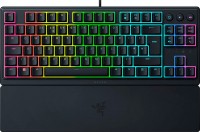

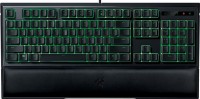
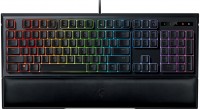






Special part is just the lighting, with software Backlight 1. Loud, really loud. When you need to get something done at night, it's very noisy. 2. I don't know about others, but for me, it causes the PC to shut down with a BIOS error code of 6 beeps (which means a keyboard module error).  Zhzh: use Razer Ornata V2 more than year Zhzh: use Razer Ornata V2 more than year |
I bought the Razer Ornata V2 more than half a year ago, and here are my impressions after extended use. The keyboard really looks cool. The backlighting makes it seem like the keycaps are floating in the air.
As for advantages, I should also note the very convenient multimedia block and the volume control wheel. However, in my opinion, one of the main drawbacks is the high price for a membrane keyboard. Despite some mechanical elements, it is still a membrane with wobbly keycaps. Regarding the Razer Synapse software, it is indeed very convenient for setting up lighting and macros, which I use every day. In this program, you can even reprogram keys, so you can set the "ins" key, which no one needs, to mute the microphone across the system, for example. However, this software also requires being always open to fully utilize all settings, which can be a bit inconvenient. Meaning, for your backlighting, macros, and key settings to work, you must always have this program open on your computer. External appearance and functionality Price, program Yaroslav Velichko: use Razer Ornata V2 few months |
Stinks Good backlight. The buttons stagger, the whole apartment stinks of chemical plastic, like Hator, just tin. I didn’t feel it in the store, but when I brought it home, it’s trash. Evgeniy Venegrad: use Razer Ornata V2 less than month |